


Fighter Merge
BlueStacksを使ってPCでプレイ - 5憶以上のユーザーが愛用している高機能Androidゲーミングプラットフォーム

Play Fighter Merge on PC or Mac
Bring your A-game to Fighter Merge, the Arcade game sensation from Anloft. Give your gameplay the much-needed boost with precise game controls, high FPS graphics, and top-tier features on your PC or Mac with BlueStacks.
About the Game
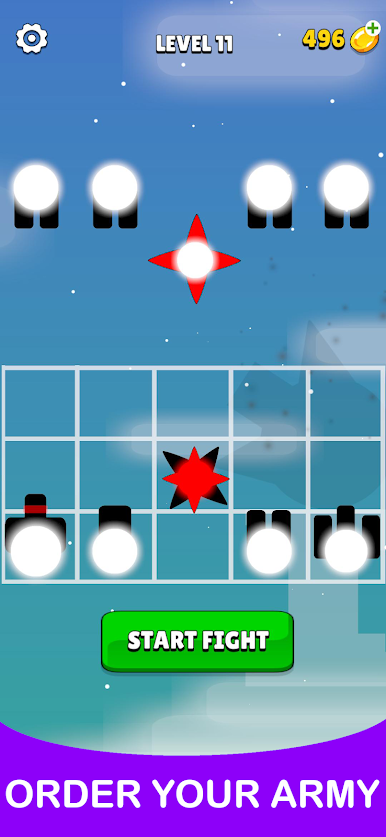
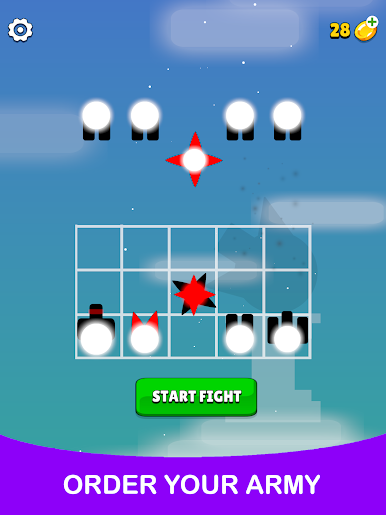
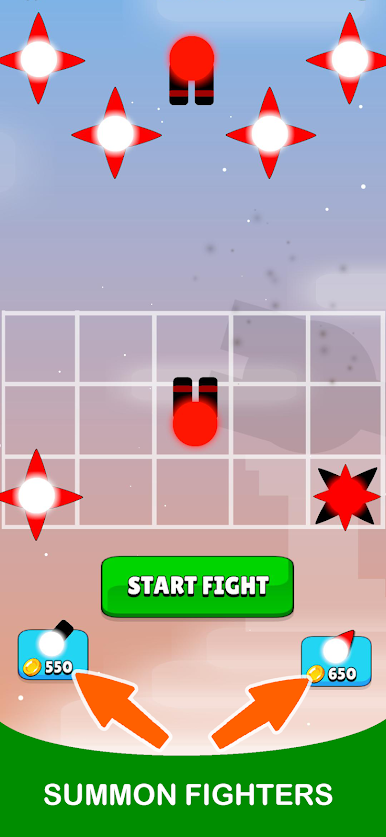
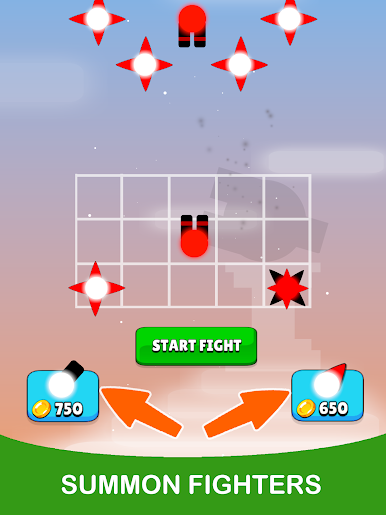
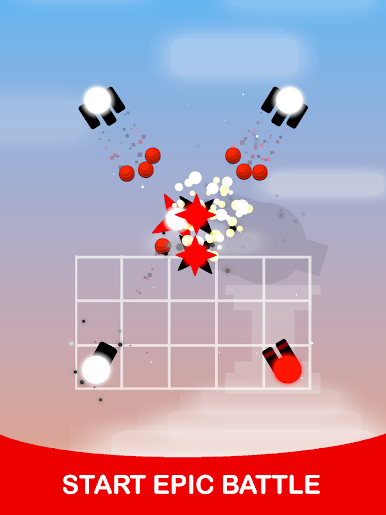
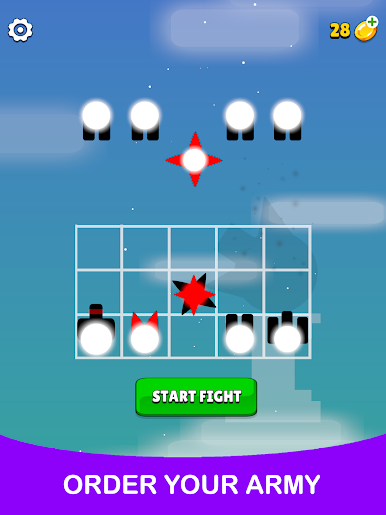
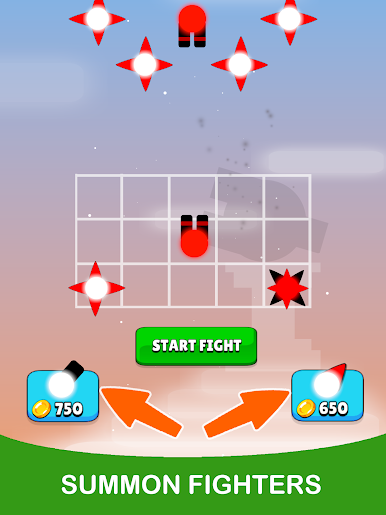
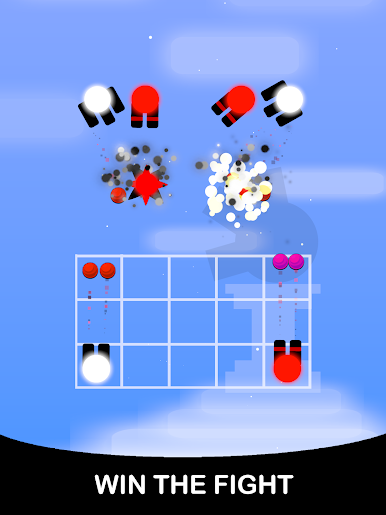
Fighter Merge from Anloft is a quirky, fast-paced arcade game where a bit of strategy goes a long way. You’ll find yourself constantly piecing together new fighters, seeing what wild combos you can dream up, and watching your team take on one wild challenge after another. It’s got that “just one more round” feel—plus, it plays smoothly even if you’re somewhere with terrible wifi. Fire up Fighter Merge on your Android device or through BlueStacks, and you’re off.
Game Features
-
Merge Like a Pro
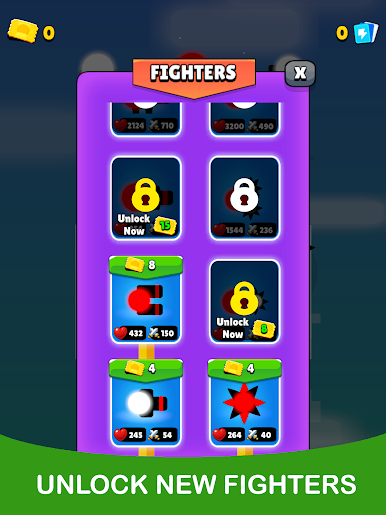
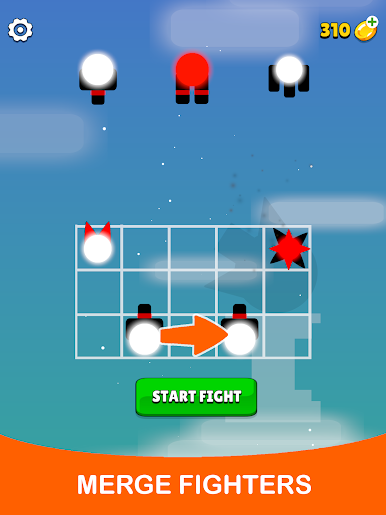
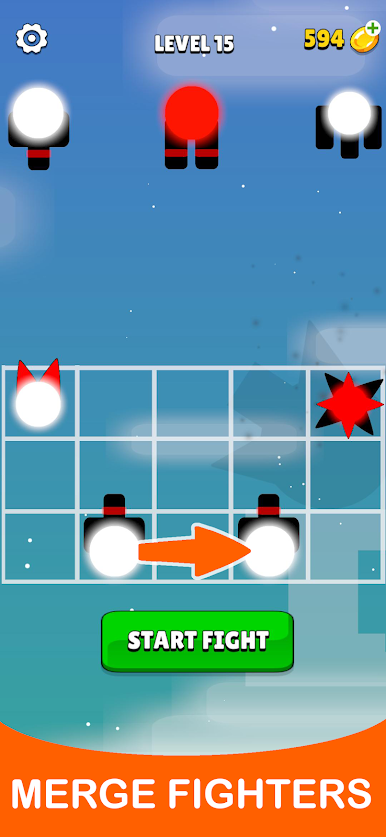
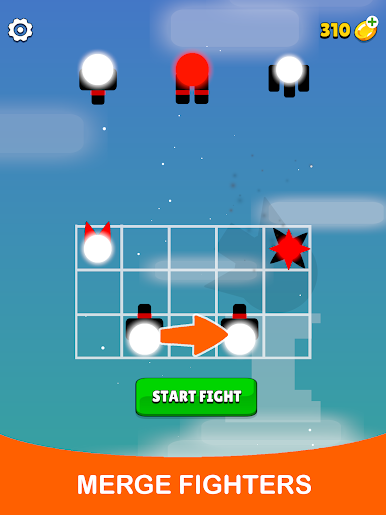
The heart of Fighter Merge is all about fusing fighters to unlock new, beefier heroes. Mix, match, and experiment—then watch your lineup grow stronger with every clever combo. -
Offline Gameplay
Forget waiting for signal. Whether you’re on a bus, in a subway tunnel, or hiding out without wifi, you can keep merging and battling without interruption. -
Thrilling Battles
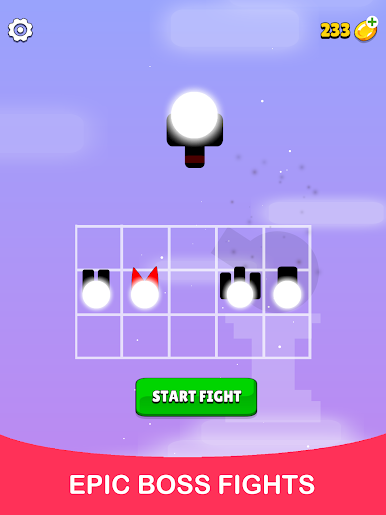
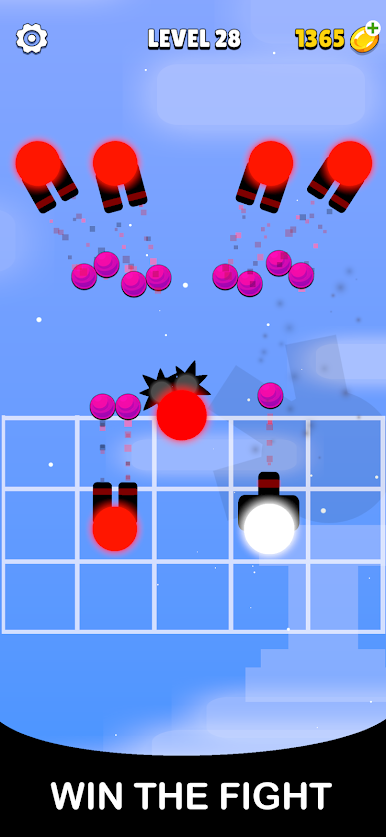
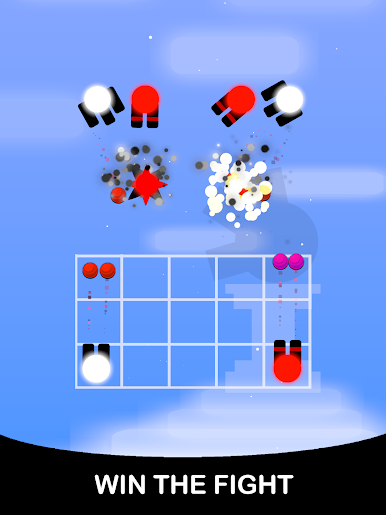
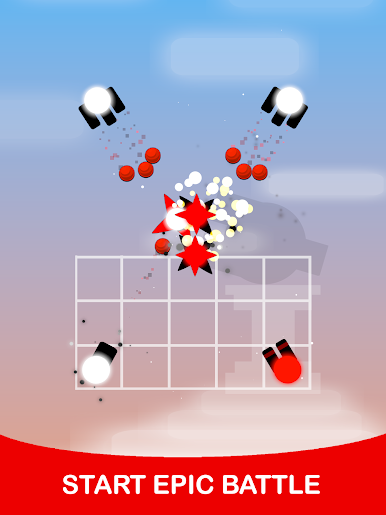
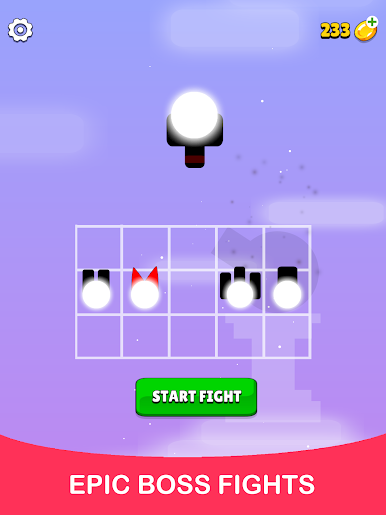
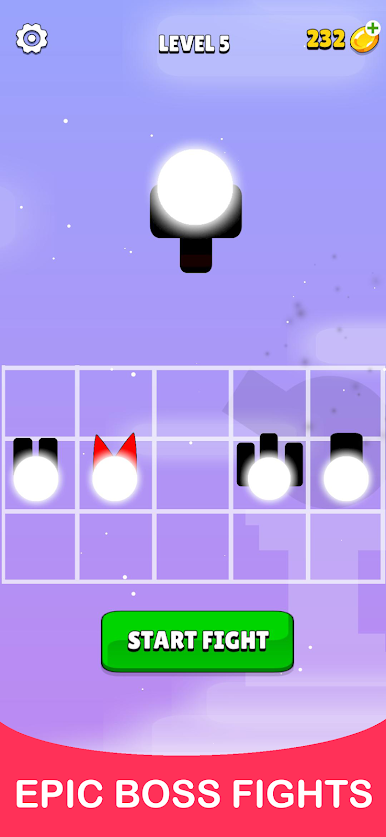
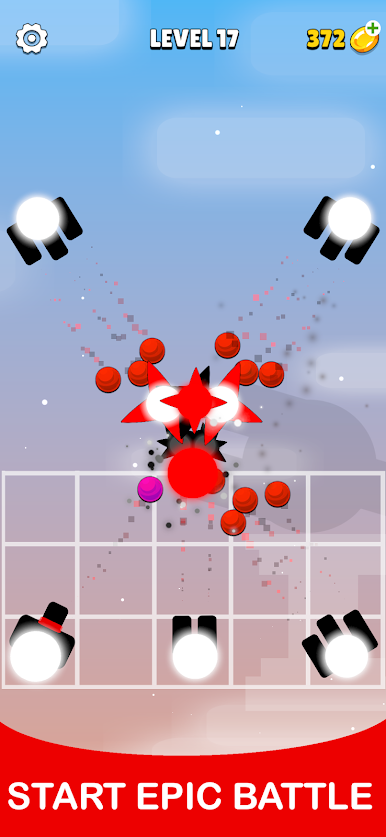
Roll into battles where you’ll need to think on your feet. Every merger you pull off could be the game-changer in your next fight, shifting the odds in your favor. -
Loads to Discover
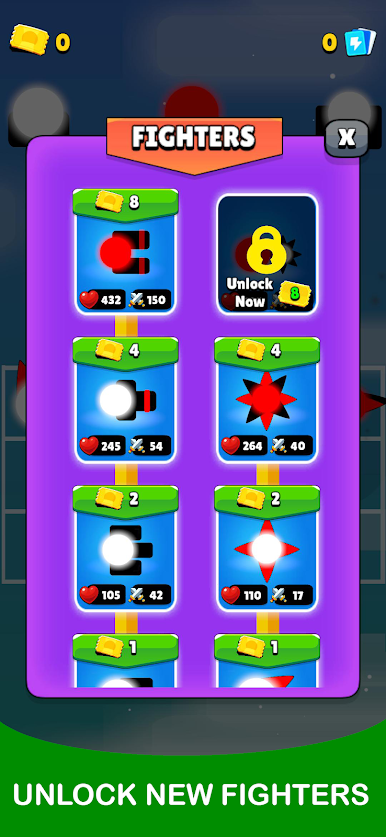
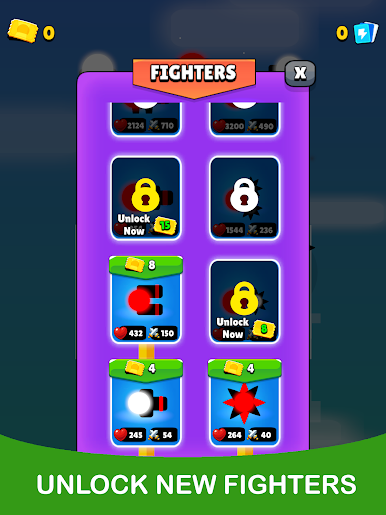
There’s always a new creature lurking around the corner. Find them, merge them, and see what kind of crazy warriors—dragons included—you can unlock as you go. -
All-Ages Appeal
Whether you’re into cool seaside scenery or you just wanna send a dragon thundering through your enemies, Fighter Merge tosses in something for just about everyone. -
Optimized for BlueStacks
For those who want to kick back and play on a bigger screen, running Fighter Merge with BlueStacks makes every merge and battle even more satisfying.
Start your journey now. Download the game on BlueStacks, invite your friends, and march on a new adventure.
Fighter MergeをPCでプレイ
-
BlueStacksをダウンロードしてPCにインストールします。
-
GoogleにサインインしてGoogle Play ストアにアクセスします。(こちらの操作は後で行っても問題ありません)
-
右上の検索バーにFighter Mergeを入力して検索します。
-
クリックして検索結果からFighter Mergeをインストールします。
-
Googleサインインを完了してFighter Mergeをインストールします。※手順2を飛ばしていた場合
-
ホーム画面にてFighter Mergeのアイコンをクリックしてアプリを起動します。

