


A+ - フォト&ムービー ギャラリー
BlueStacksを使ってPCでプレイ - 5憶以上のユーザーが愛用している高機能Androidゲーミングプラットフォーム

Run A+ Gallery - Photos & Videos on PC or Mac
Let BlueStacks turn your PC, Mac, or laptop into the perfect home for A+ Gallery – Photos & Videos, a fun Photography app from AtomicAdd Team.
About the App
Ever wish managing all those photos and videos on your phone was just easier? A+ Gallery – Photos & Videos by AtomicAdd Team takes the stress out of photo organization, so your memories are always at your fingertips. With a neat, easy-to-use vibe, this Photography app keeps everything—from candid shots to vacation videos—right where you want them, plus a bunch of clever features you might not expect.
App Features
-
Super Fast Browsing
Flip through your high-res photos and videos without any lag. Whether you’re scanning an album or hunting for one specific pic, you won’t be stuck waiting for things to load. -
Intuitive, Clean Design
The interface feels fresh and straightforward. It brings together the best of material and iPhone-style layouts, so it’s both easy on the eyes and a breeze to use. -
Gallery Themes
Change up the look of your gallery with a bunch of fun themes. You can make it match your mood or keep things feeling new. -
Smart Organization
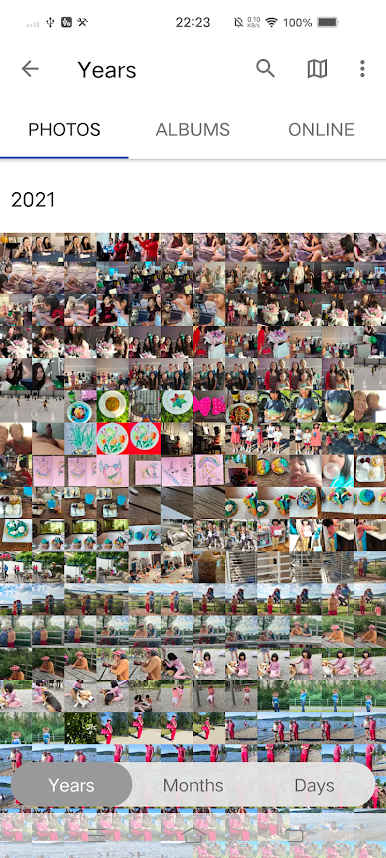
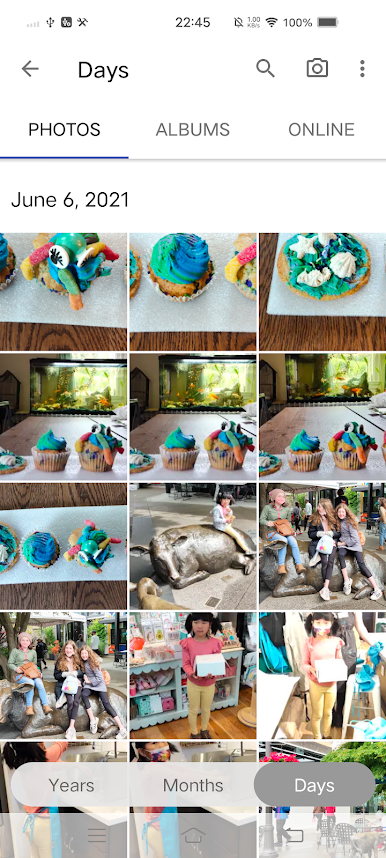
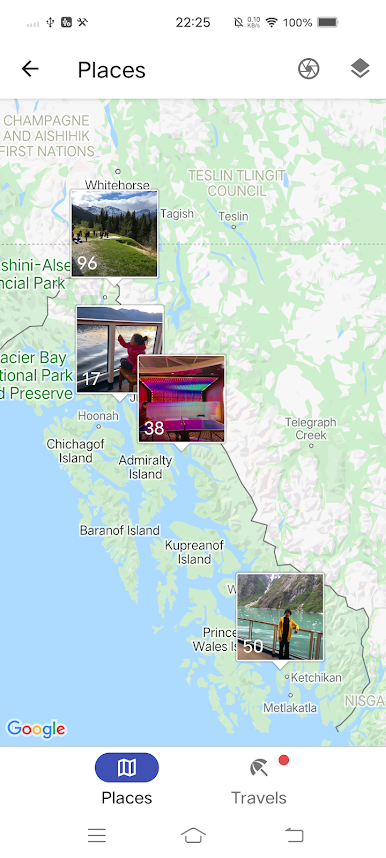
No manual sorting needed—your photos and videos automatically group themselves by date and location. Curious about where you shot that sunset photo? Just hop into the map view. -
Album Management
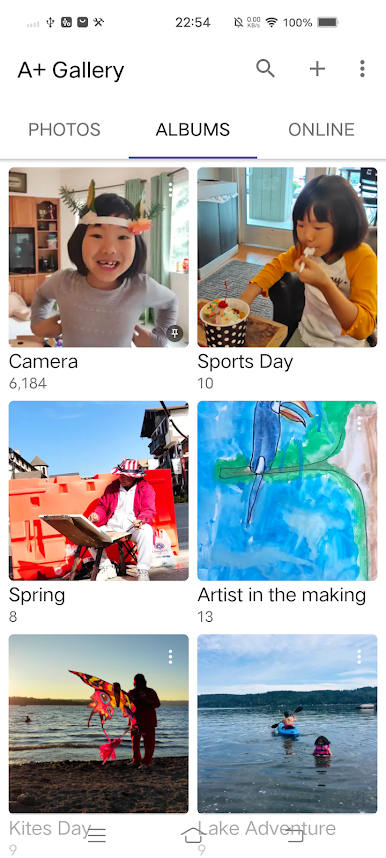
Make and customize your albums, mark favorites, and hide the ones you don’t want front and center. Got extra SD cards? The app handles organizing across those, too. -
Lightning-Quick Search
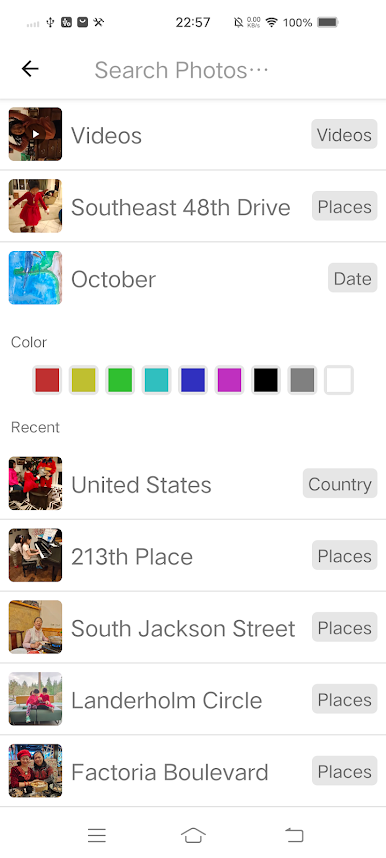
Looking for that one photo? Search by date, place, or even by color. Even offline, it’s impressively fast. -
Secure Vault
Move private photos and videos to a password-protected vault. They stay hidden from other apps and galleries—just between you and your device. -
Cloud Integration
Connect your Facebook, Dropbox, or Amazon Cloud Drive accounts and manage all your online images in one place. Backing them up or syncing is as simple as a couple taps.
And if you like checking out your photos on a bigger screen, A+ Gallery – Photos & Videos runs smoothly with BlueStacks, making your gallery experience feel right at home.
Switch to BlueStacks and make the most of your apps on your PC or Mac.

A+ - フォト&ムービー ギャラリーをPCでプレイ
-
BlueStacksをダウンロードしてPCにインストールします。
-
GoogleにサインインしてGoogle Play ストアにアクセスします。(こちらの操作は後で行っても問題ありません)
-
右上の検索バーにA+ - フォト&ムービー ギャラリーを入力して検索します。
-
クリックして検索結果からA+ - フォト&ムービー ギャラリーをインストールします。
-
Googleサインインを完了してA+ - フォト&ムービー ギャラリーをインストールします。※手順2を飛ばしていた場合
-
ホーム画面にてA+ - フォト&ムービー ギャラリーのアイコンをクリックしてアプリを起動します。

