


このページには広告が含まれます
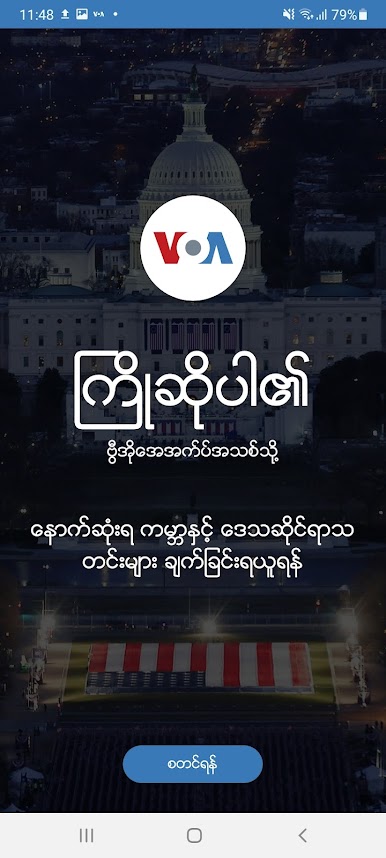
VOA Burmese
ニュースと雑誌 | VOA (Voice of America)
BlueStacksを使ってPCでプレイ - 5憶以上のユーザーが愛用している高機能Androidゲーミングプラットフォーム

PCでVOA Burmeseをプレイ
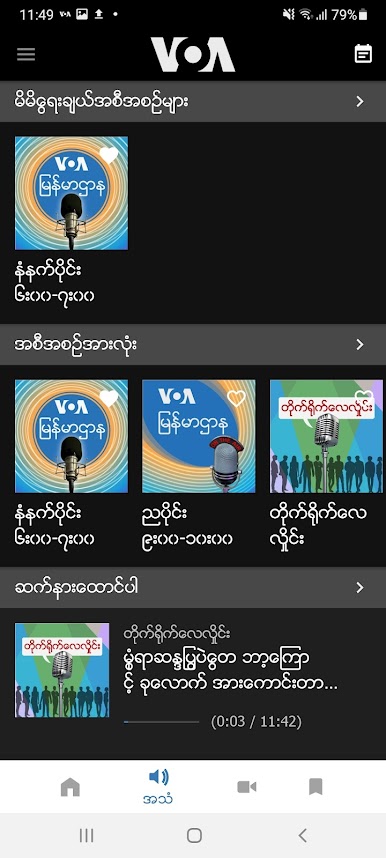
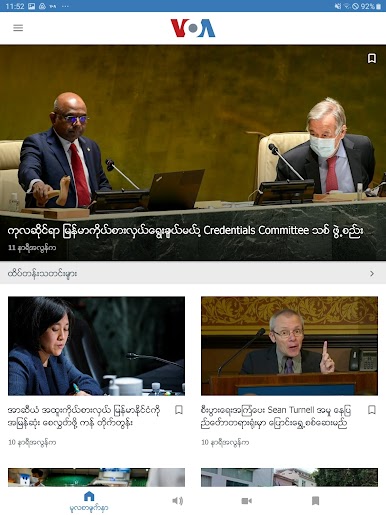
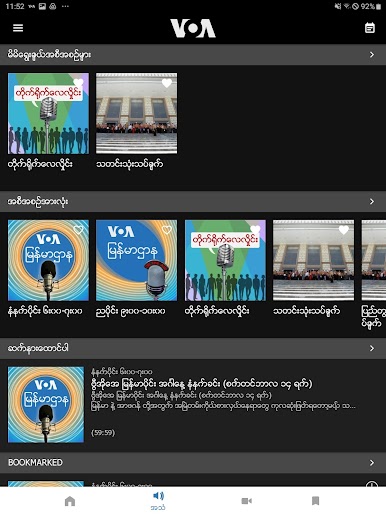
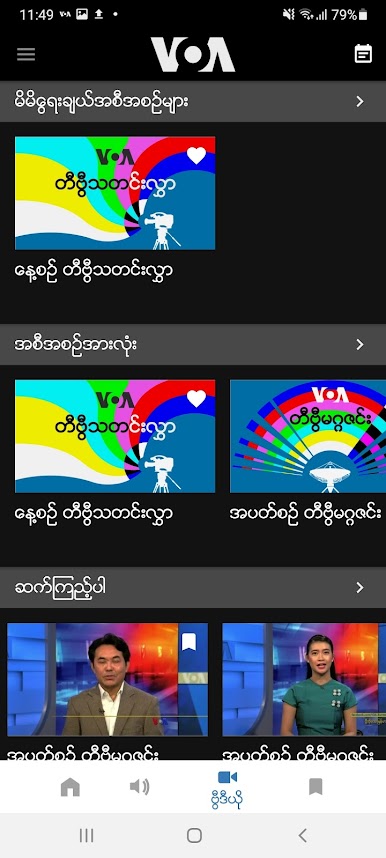
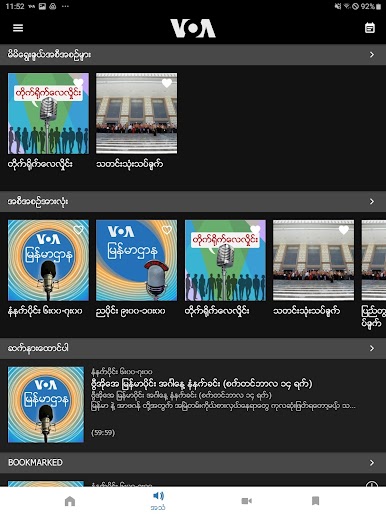
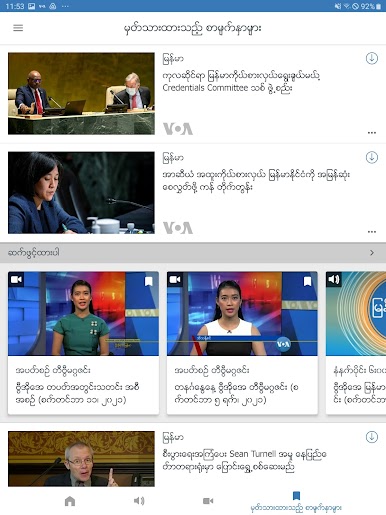
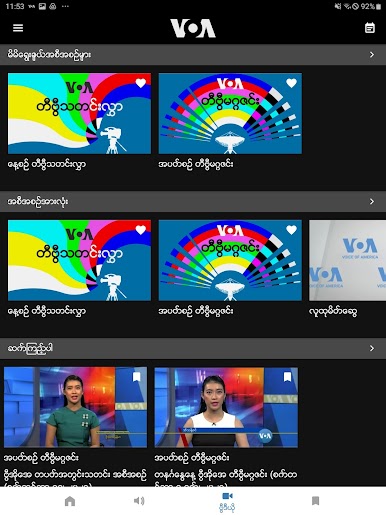
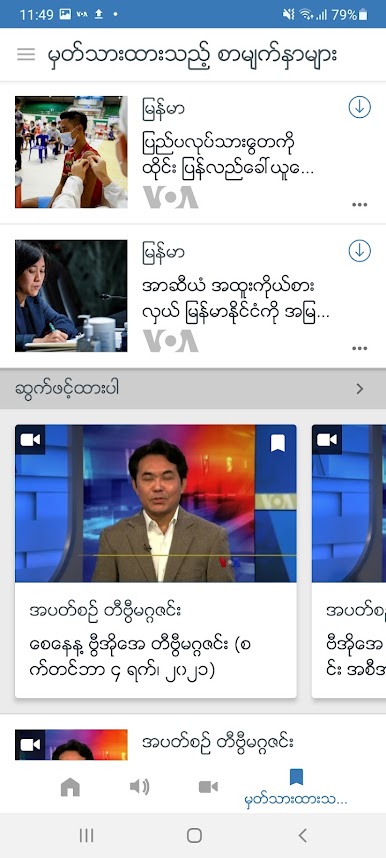
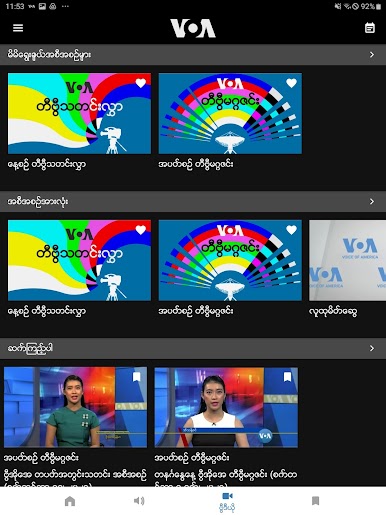
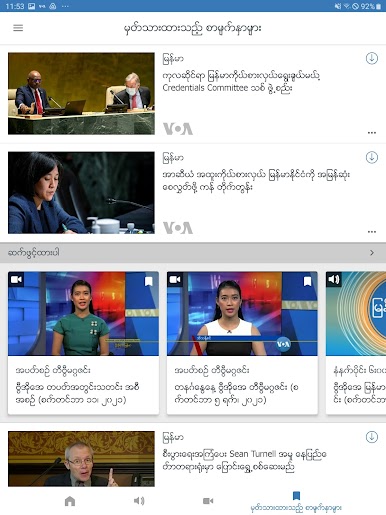
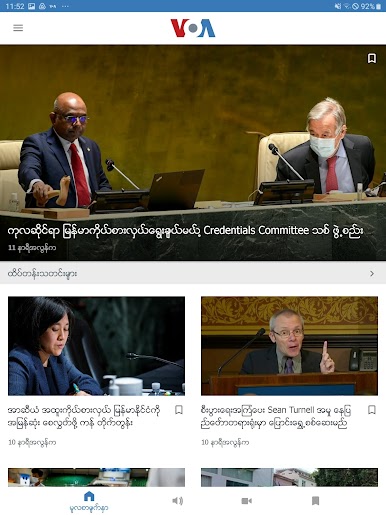
公式の Voice of America (VOA) モバイル/タブレット アプリケーションは、モバイル デバイスまたはタブレットにニュースを提供します。 VOA は、テレビ、ラジオ、デジタル プロパティで世界最大の国際ニュース メディア ネットワークを運営しており、アフリカ、中東、アジアなどを含む世界中で毎週合計 2 億人以上の視聴者がいます。これを実現するために、VOA は 3,500 人を超えるジャーナリストを雇用し、無料または確立された報道機関、または無料でオープンなインターネット アクセスのない国に焦点を当てています。
ニュース アプリケーションの機能:
- 写真、ビデオ、オーディオ、テキストコンテンツを楽しむ
- ポッドキャストやニュースキャストをオンデマンドで聞くことができます
- ストーリー、ビデオ、写真をダウンロードして、オフラインで読んだり、見たり、聞いたりできます
- カスタマイズ可能なインターフェース
- マルチメディアのストリーミング
- ニュースコンテンツをオフラインでダウンロードして保存し、後で楽しむことができます
- Facebook、Twitter、電子メール、その他のプラットフォームでのソーシャル メディア共有。
ニュース アプリケーションの機能:
- 写真、ビデオ、オーディオ、テキストコンテンツを楽しむ
- ポッドキャストやニュースキャストをオンデマンドで聞くことができます
- ストーリー、ビデオ、写真をダウンロードして、オフラインで読んだり、見たり、聞いたりできます
- カスタマイズ可能なインターフェース
- マルチメディアのストリーミング
- ニュースコンテンツをオフラインでダウンロードして保存し、後で楽しむことができます
- Facebook、Twitter、電子メール、その他のプラットフォームでのソーシャル メディア共有。

VOA BurmeseをPCでプレイ
-
BlueStacksをダウンロードしてPCにインストールします。
-
GoogleにサインインしてGoogle Play ストアにアクセスします。(こちらの操作は後で行っても問題ありません)
-
右上の検索バーにVOA Burmeseを入力して検索します。
-
クリックして検索結果からVOA Burmeseをインストールします。
-
Googleサインインを完了してVOA Burmeseをインストールします。※手順2を飛ばしていた場合
-
ホーム画面にてVOA Burmeseのアイコンをクリックしてアプリを起動します。

