


英語は毎日聴い
BlueStacksを使ってPCでプレイ - 5憶以上のユーザーが愛用している高機能Androidゲーミングプラットフォーム

Run English listening daily on PC or Mac
Get freedom from your phone’s obvious limitations. Use English listening daily, made by Awabe – Learn Languages, a Education app on your PC or Mac with BlueStacks, and level up your experience.
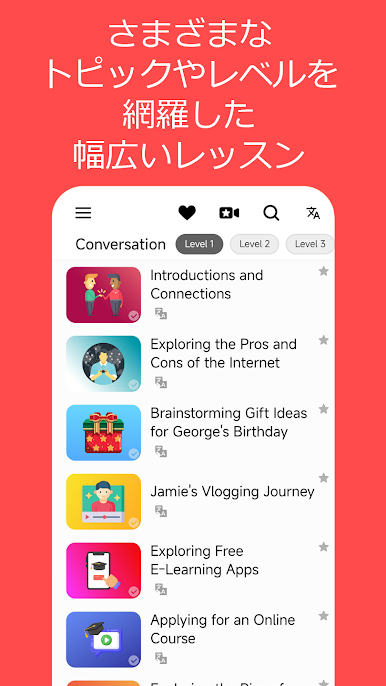
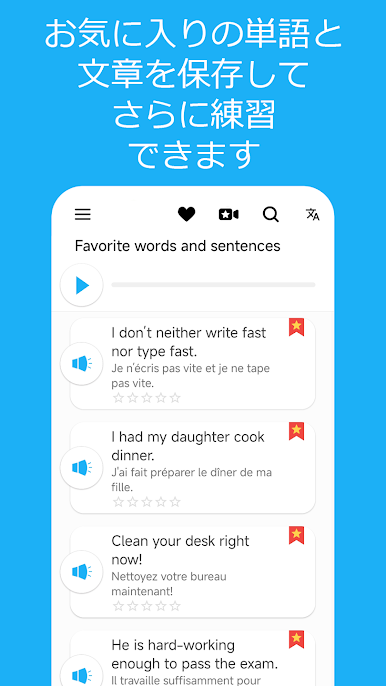
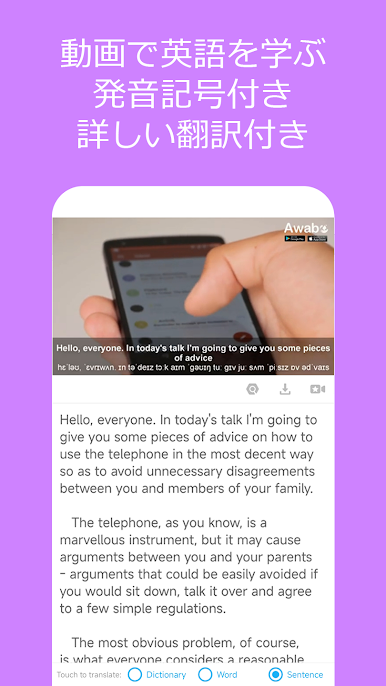
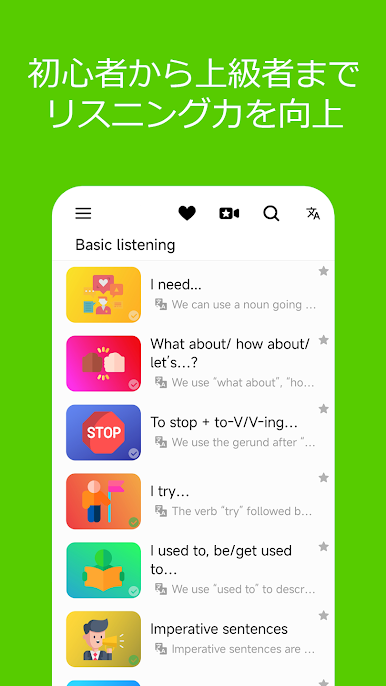
So, English Listening Daily is honestly just super straightforward if someone’s trying to get better at hearing and understanding English. The whole thing focuses on short conversations spoken slowly, which is perfect for actually catching each word and training your ear. It’s not cluttered, just a clean, easy design — nothing fancy, but it makes finding stuff simple, and anyone can pick it up without scrolling through a hundred menus. The conversations and phrases are things people run into every day, so there’s no weird or outdated language. There’s an option to save stuff, like favorite lessons or audio, if something’s useful or funny (or extra tricky).
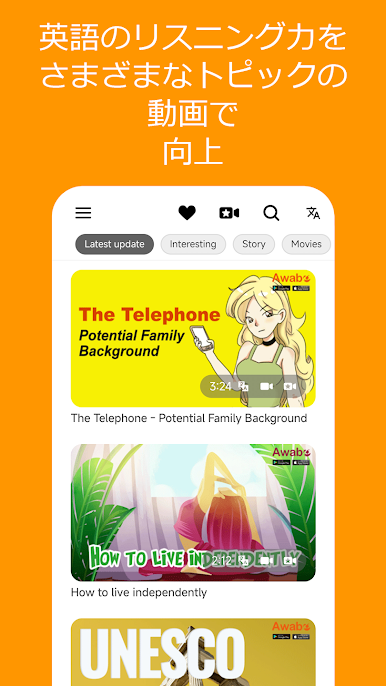
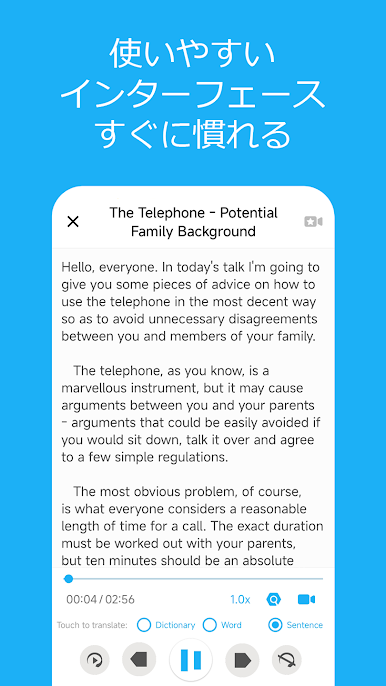
One thing that stood out: there’s a big collection of audio clips, so it feels like there’s always something new to listen to. It works with other languages in the menus, so if someone’s not super confident with English yet, switching settings isn’t a hassle. And there are reminders to keep up the habit, which is handy for someone who forgets sometimes. It runs well on PC with BlueStacks — having all the audio there, being able to pause, rewind, or just do lessons in a corner window. Plus, everything is downloadable if someone needs it offline, so it works even without Wi-Fi. It’s practical, low-stress, and really sticks to one main job: just listening practice, made easier.
Big screen. Bigger performance. Use BlueStacks on your PC or Mac to run your favorite apps.

英語は毎日聴いをPCでプレイ
-
BlueStacksをダウンロードしてPCにインストールします。
-
GoogleにサインインしてGoogle Play ストアにアクセスします。(こちらの操作は後で行っても問題ありません)
-
右上の検索バーに英語は毎日聴いを入力して検索します。
-
クリックして検索結果から英語は毎日聴いをインストールします。
-
Googleサインインを完了して英語は毎日聴いをインストールします。※手順2を飛ばしていた場合
-
ホーム画面にて英語は毎日聴いのアイコンをクリックしてアプリを起動します。

