


このページには広告が含まれます
TwinCAT IoT Communicator
仕事効率化 | Beckhoff Automation GmbH & Co. KG
BlueStacksを使ってPCでプレイ - 5憶以上のユーザーが愛用している高機能Androidゲーミングプラットフォーム

Play TwinCAT IoT Communicator on PC
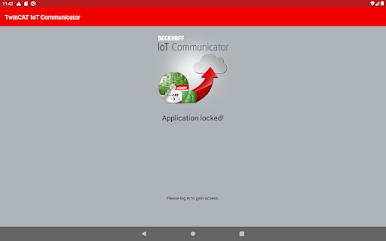
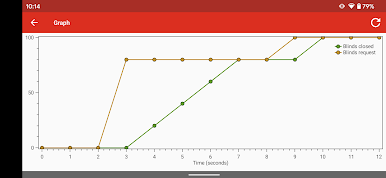
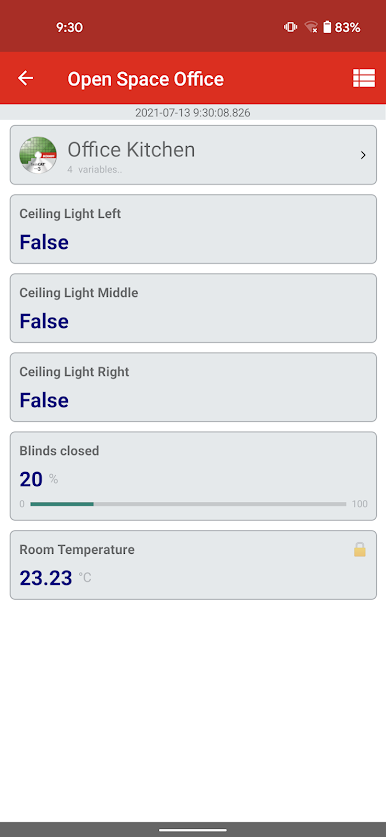
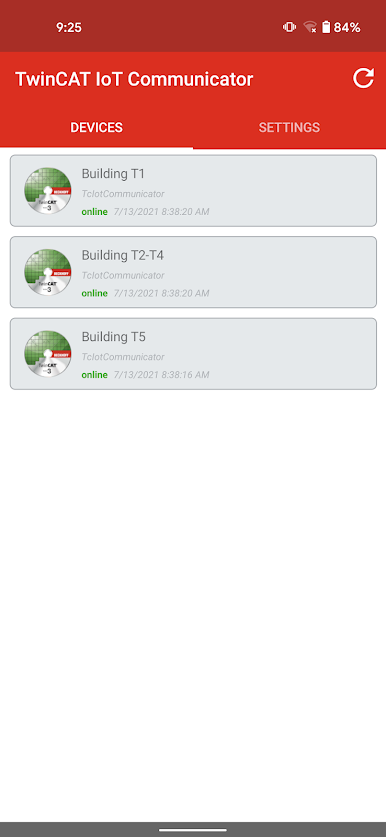
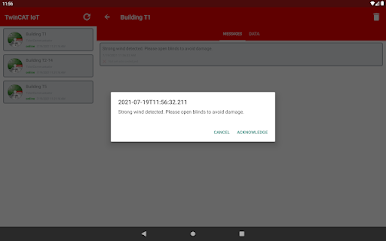
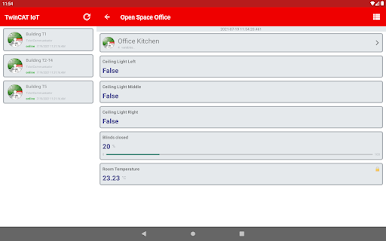
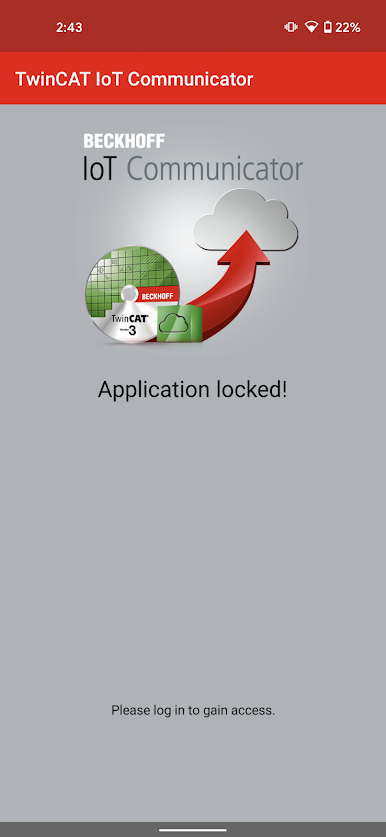
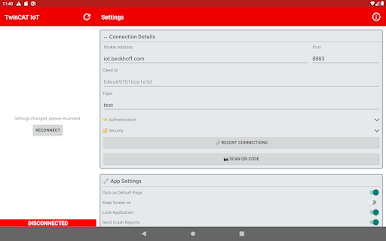
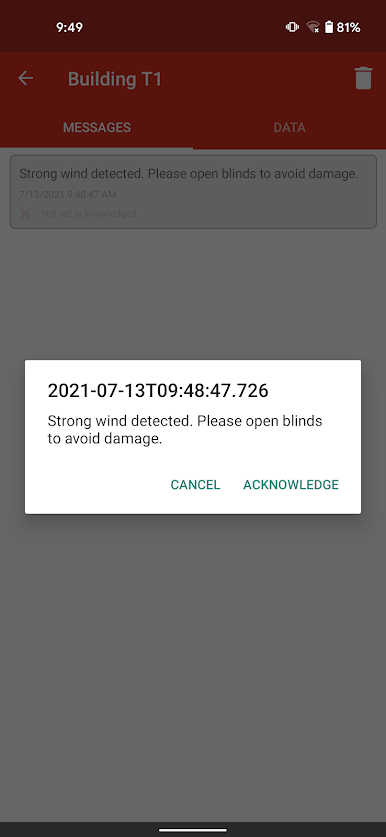
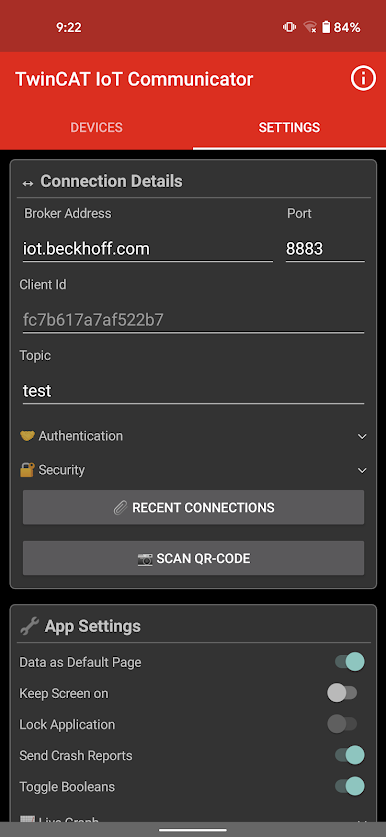
The TwinCAT 3 IoT Communicator ("TF6730") makes it possible to easily transmit process data to multiple end devices, monitor status changes and send information back to the machine.
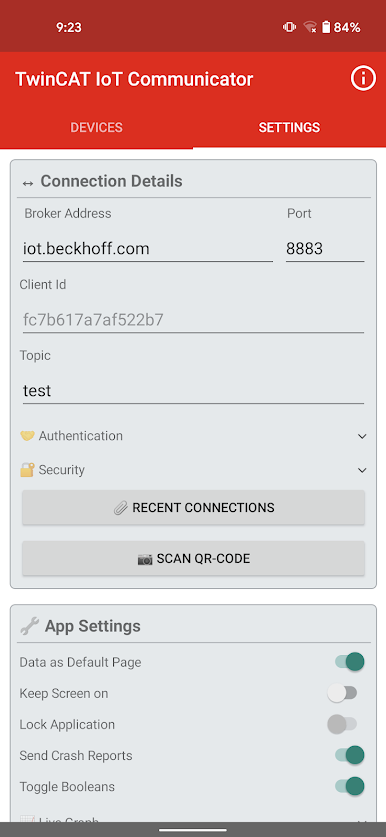
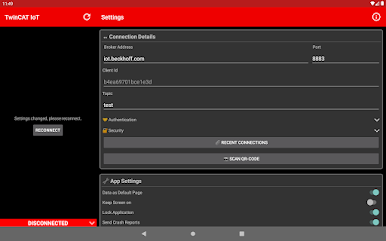
The TwinCAT 3 IoT Communicator connects the TwinCAT controller to a messaging service, making it easy to set it up within the TwinCAT engineering environment to send and receive messages between the PLC and mobile operating systems.
Since the TwinCAT 3 IoT Communicator is based on the publish-subscribe pattern, it does not require any special firewall settings but can be easily integrated into an existing IT network.
More information:
http://www.beckhoff.com/TF6730
http://www.beckhoff.com/TF6735
The TwinCAT 3 IoT Communicator connects the TwinCAT controller to a messaging service, making it easy to set it up within the TwinCAT engineering environment to send and receive messages between the PLC and mobile operating systems.
Since the TwinCAT 3 IoT Communicator is based on the publish-subscribe pattern, it does not require any special firewall settings but can be easily integrated into an existing IT network.
More information:
http://www.beckhoff.com/TF6730
http://www.beckhoff.com/TF6735
TwinCAT IoT CommunicatorをPCでプレイ
-
BlueStacksをダウンロードしてPCにインストールします。
-
GoogleにサインインしてGoogle Play ストアにアクセスします。(こちらの操作は後で行っても問題ありません)
-
右上の検索バーにTwinCAT IoT Communicatorを入力して検索します。
-
クリックして検索結果からTwinCAT IoT Communicatorをインストールします。
-
Googleサインインを完了してTwinCAT IoT Communicatorをインストールします。※手順2を飛ばしていた場合
-
ホーム画面にてTwinCAT IoT Communicatorのアイコンをクリックしてアプリを起動します。

