


このページには広告が含まれます
Beget — панель управления
ビジネス | Beget LLC
BlueStacksを使ってPCでプレイ - 5憶以上のユーザーが愛用している高機能Androidゲーミングプラットフォーム

Play Beget — панель управления on PC
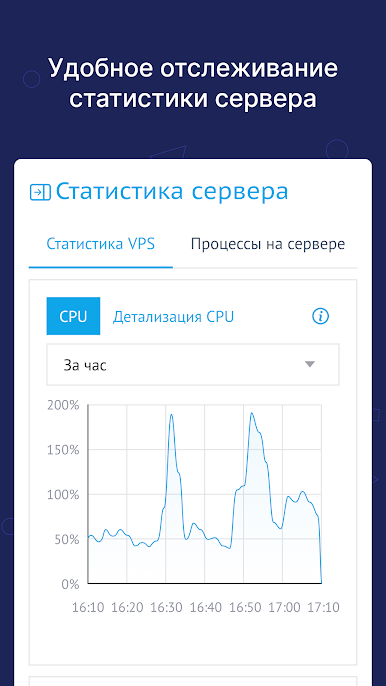
Convenient, simple and fast application for managing projects and infrastructure, virtual hosting, domains and servers directly from your smartphone.
The mobile version of the Beget control panel includes:
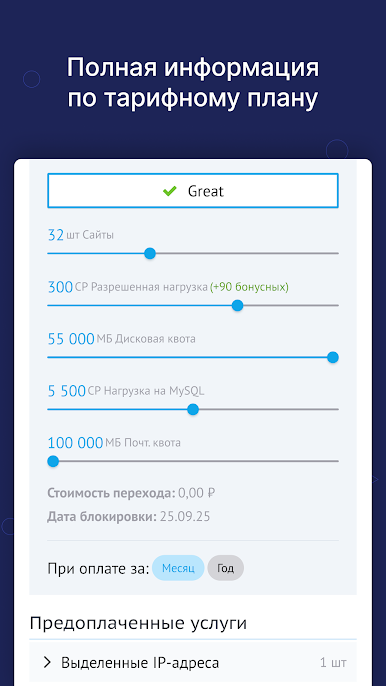
- All virtual hosting functionality: FTP accounts, sites, backups, SSH terminal and other sections
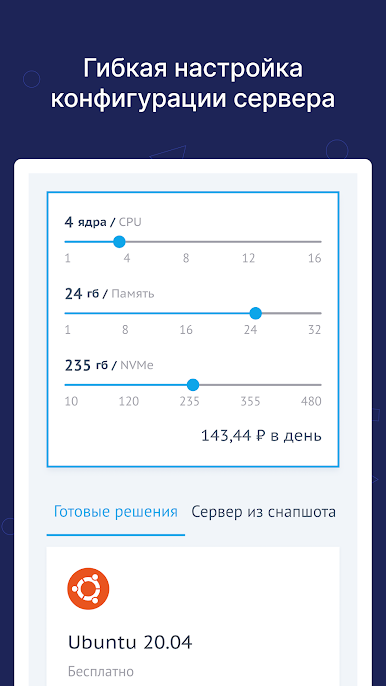
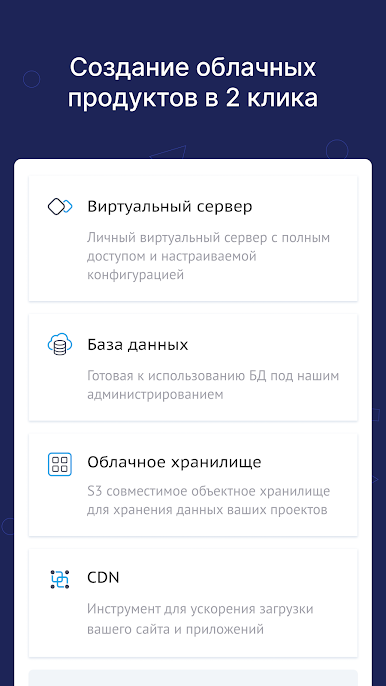
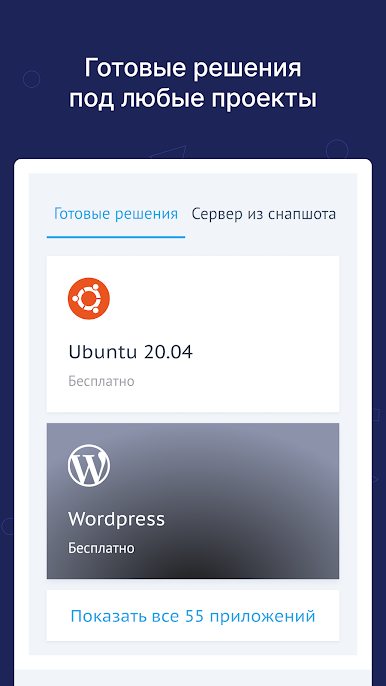
- All cloud functionality: cloud servers, cloud databases, S3 storage
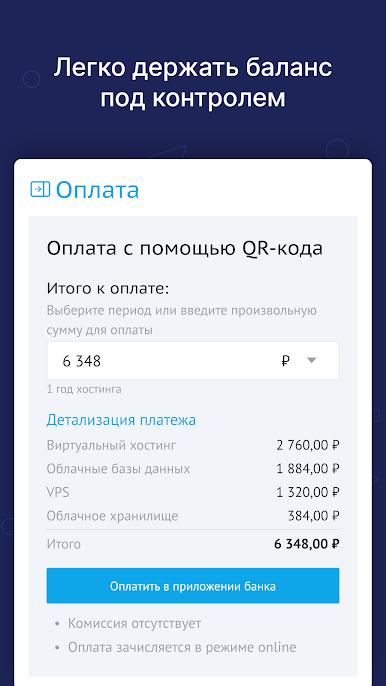
- Balance replenishment
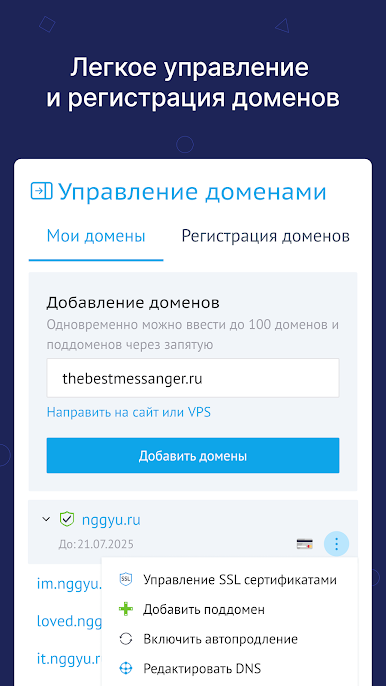
- Domain registration and renewal
- Multi-account support
- Document flow for legal entities
Create servers, register and renew domains and launch new projects in just a few seconds – with the mobile application from Beget.
The mobile version of the Beget control panel includes:
- All virtual hosting functionality: FTP accounts, sites, backups, SSH terminal and other sections
- All cloud functionality: cloud servers, cloud databases, S3 storage
- Balance replenishment
- Domain registration and renewal
- Multi-account support
- Document flow for legal entities
Create servers, register and renew domains and launch new projects in just a few seconds – with the mobile application from Beget.
Beget — панель управленияをPCでプレイ
-
BlueStacksをダウンロードしてPCにインストールします。
-
GoogleにサインインしてGoogle Play ストアにアクセスします。(こちらの操作は後で行っても問題ありません)
-
右上の検索バーにBeget — панель управленияを入力して検索します。
-
クリックして検索結果からBeget — панель управленияをインストールします。
-
Googleサインインを完了してBeget — панель управленияをインストールします。※手順2を飛ばしていた場合
-
ホーム画面にてBeget — панель управленияのアイコンをクリックしてアプリを起動します。

