

ブロック数独パズル
BlueStacksを使ってPCでプレイ - 5憶以上のユーザーが愛用している高機能Androidゲーミングプラットフォーム

Play Block Sudoku Puzzle on PC or Mac
Bring your A-game to Block Sudoku Puzzle, the Puzzle game sensation from BIG CAKE APPS. Give your gameplay the much-needed boost with precise game controls, high FPS graphics, and top-tier features on your PC or Mac with BlueStacks.
About the Game
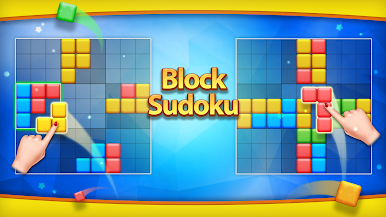
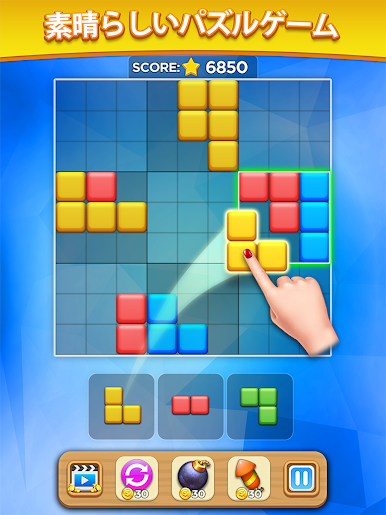
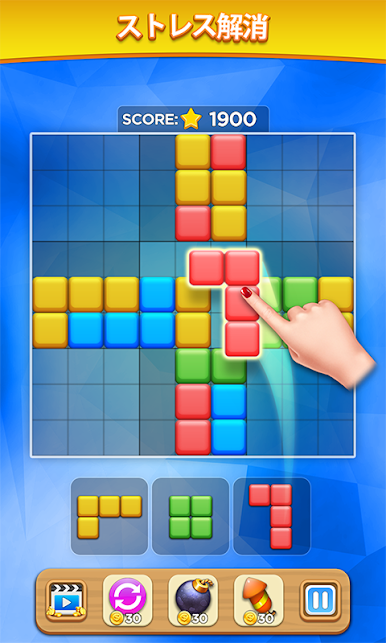
Block Sudoku Puzzle from BIG CAKE APPS blends the calm of a block dropper with the neat logic of Sudoku. It’s a relaxed, pick-up-anytime Puzzle experience where you place pieces, clear the board, and watch your score climb. No rush, no noise—just satisfying moves and a clean grid to tinker with whenever you want.
Game Features
- Relaxed pacing: There’s no timer, so you can think through each move or zone out for a few minutes between tasks.
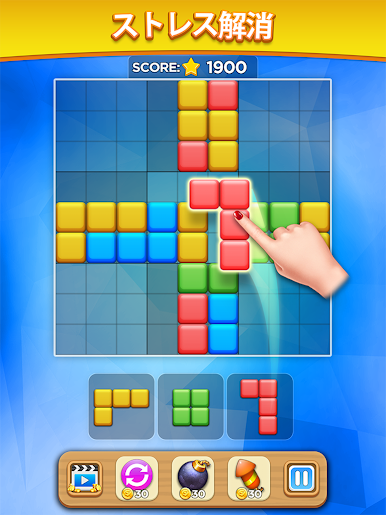
- Drag-and-drop controls: Slide pieces onto the board with simple, smooth placement that feels great on touchscreens.
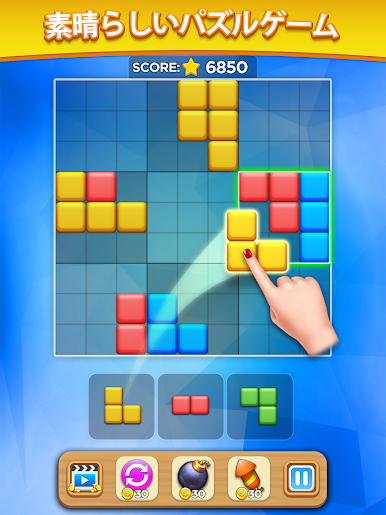
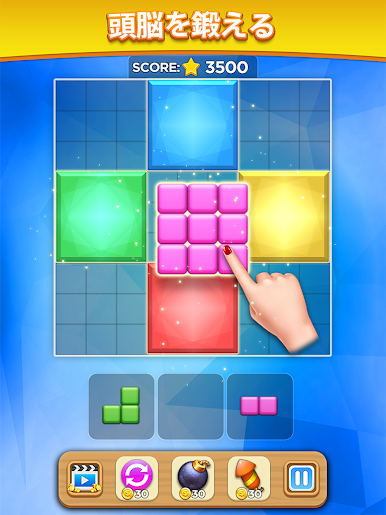
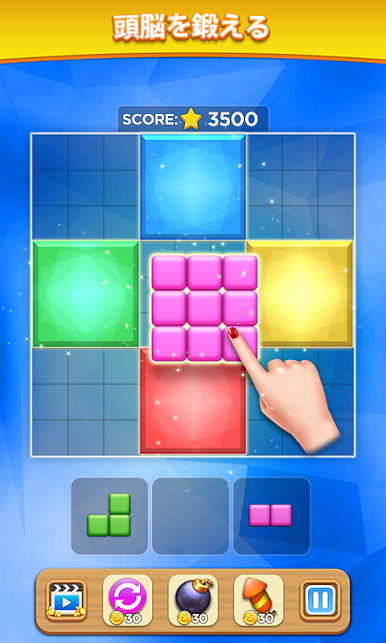
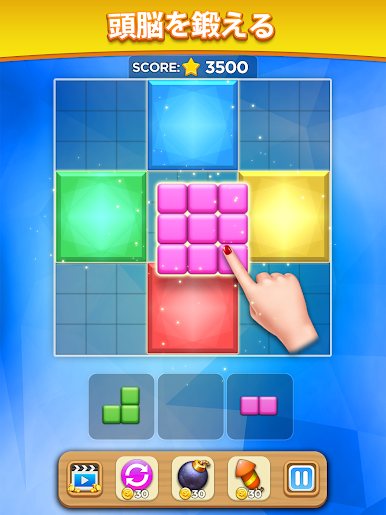
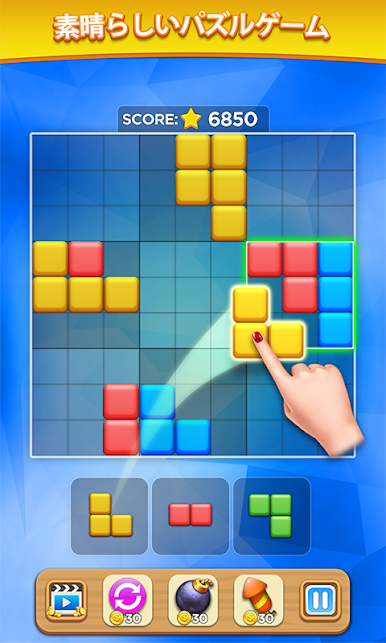
- Rows, columns, and 3×3 clears: Complete a row or column to clear it—or fill every cell in a 3×3 zone to create a special big block, then remove it for extra points.
- Strategy without rotation: Pieces don’t rotate, which makes board management and planning your next few moves surprisingly addictive.
- Score chaser vibes: Try to top your personal best and keep streaks going as you learn how to keep the board open.
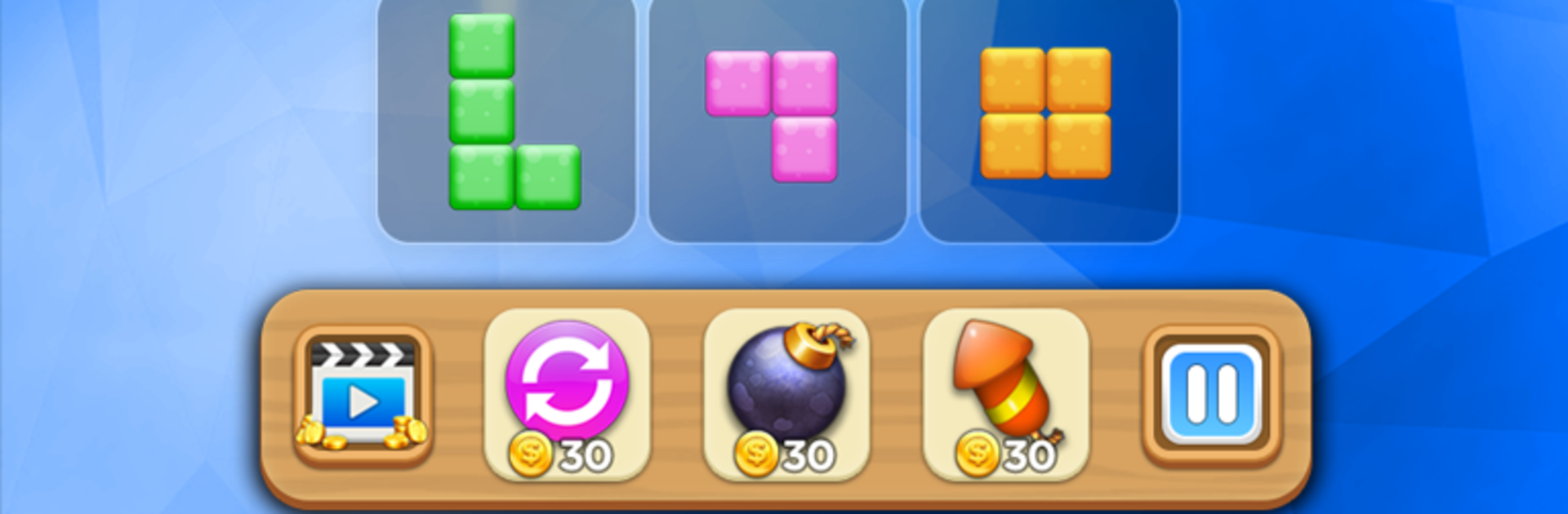
- Handy tools: Use helpful boosters when the grid gets crowded to extend a good run and push for a higher score.
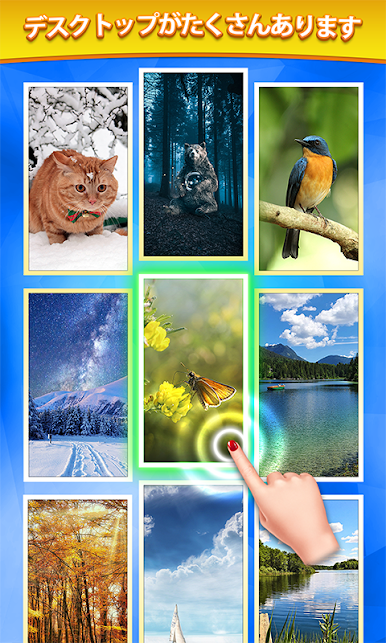
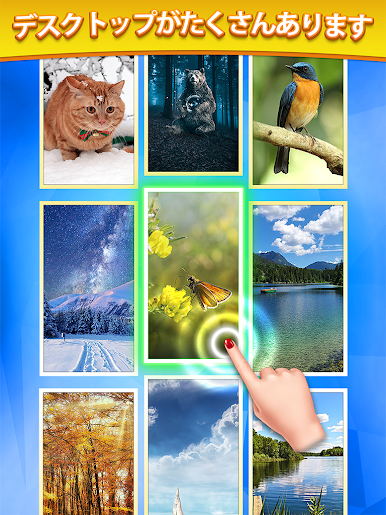
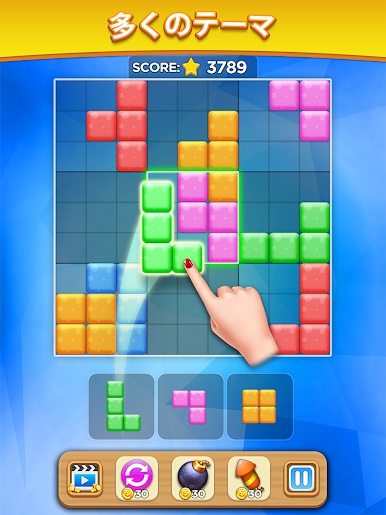
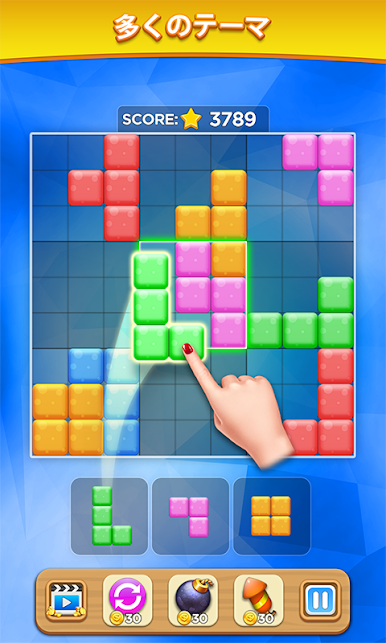
- Clean looks, lots of styles: Swap between multiple backgrounds and block materials—wood, candy, jewel, gems—so the board always feels fresh.
- Easy to learn, hard to put down: Classic, approachable mechanics that work for all ages and any skill level.
- Play where you like: Prefer a bigger screen? Block Sudoku Puzzle also plays nicely on BlueStacks for a comfy PC session.
Ready to top the leaderboard? We bet you do. Let precise controls and sharp visuals optimized on BlueStacks lead you to victory.
ブロック数独パズルをPCでプレイ
-
BlueStacksをダウンロードしてPCにインストールします。
-
GoogleにサインインしてGoogle Play ストアにアクセスします。(こちらの操作は後で行っても問題ありません)
-
右上の検索バーにブロック数独パズルを入力して検索します。
-
クリックして検索結果からブロック数独パズルをインストールします。
-
Googleサインインを完了してブロック数独パズルをインストールします。※手順2を飛ばしていた場合
-
ホーム画面にてブロック数独パズルのアイコンをクリックしてアプリを起動します。

