


このページには広告が含まれます
Boat Browser: Web & Tools
ビジネス | Adblock – Rocketshield Browser Technology Limited
BlueStacksを使ってPCでプレイ - 5憶以上のユーザーが愛用している高機能Androidゲーミングプラットフォーム

Play Boat Browser: Web & Tools on PC
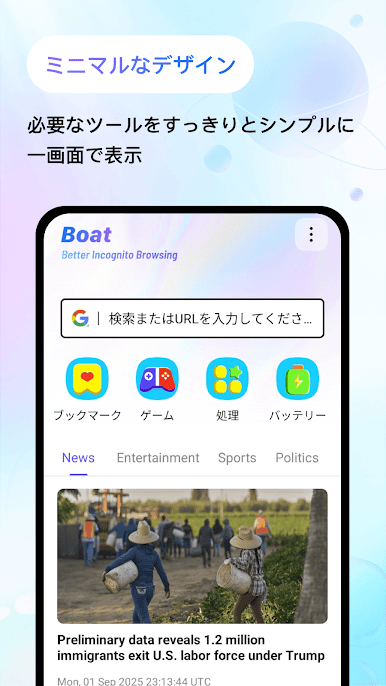
Welcome to Boat Browser – A Fast and Private Browser!
Main Features Overview:
√ Latest News Updates
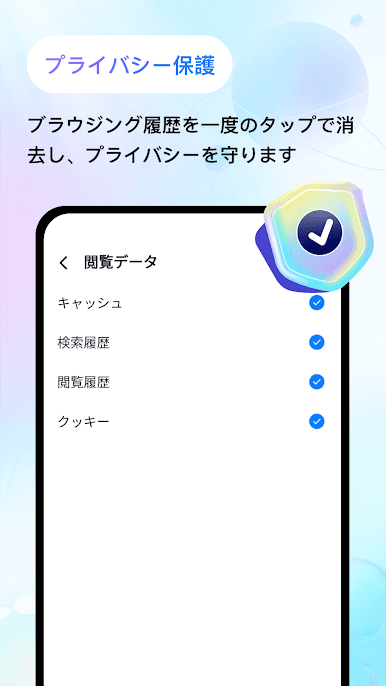
√ Incognito Browsing
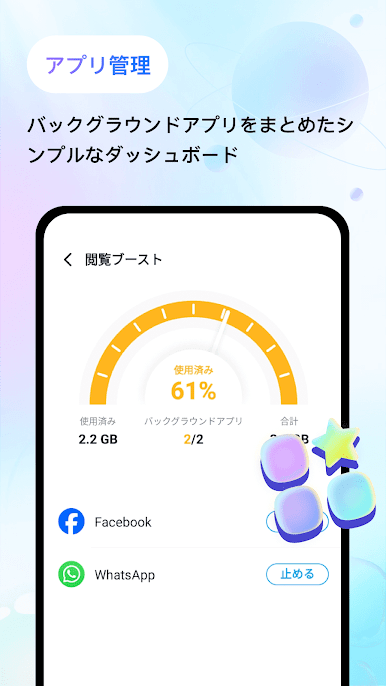
√ Process Management
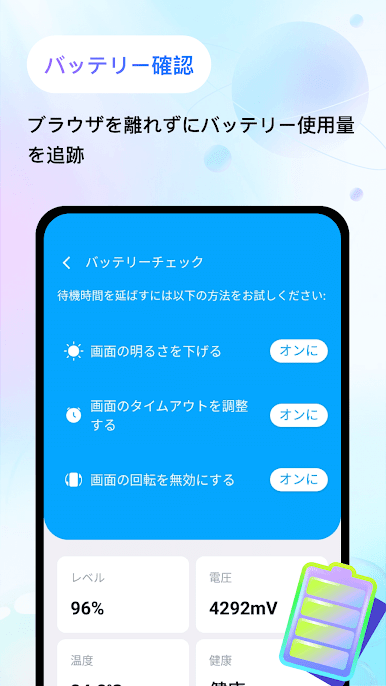
√ Battery Check
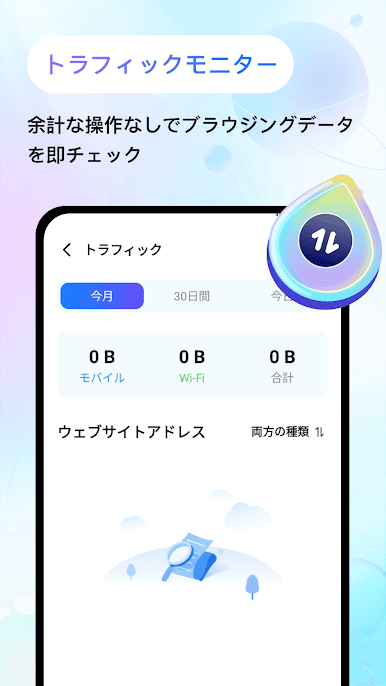
√ Network Traffic
√ Quiz Challenges
Boat Browser Offers You:
*Privacy Protection with Incognito Search:
Use Boat Browser's built-in private search feature to browse the web without leaving any traces.
*Simple and User-Friendly Interface:
Boat Browser features an intuitive interface for easy web navigation, enhancing your browsing experience.
*News Updates:
Stay informed with the latest and most relevant news content.
*Process Management:
View currently running applications and manually pause unnecessary ones.
*Battery Check:
Monitor your device's battery status with our battery check feature.
*Network Traffic:
Track your data usage while browsing with Boat Browser.
*Bookmarks:
Quickly save and manage your favorite websites for easy access anytime.
*Quiz Challenges:
Test your knowledge and learn more with Boat Browser's quiz challenges.
*Online Games:
Variety of Online Mini-Games. Click & Play in Seconds. No Downloads Needed.
Download Boat Browser now and enjoy a simple web browsing experience!
Main Features Overview:
√ Latest News Updates
√ Incognito Browsing
√ Process Management
√ Battery Check
√ Network Traffic
√ Quiz Challenges
Boat Browser Offers You:
*Privacy Protection with Incognito Search:
Use Boat Browser's built-in private search feature to browse the web without leaving any traces.
*Simple and User-Friendly Interface:
Boat Browser features an intuitive interface for easy web navigation, enhancing your browsing experience.
*News Updates:
Stay informed with the latest and most relevant news content.
*Process Management:
View currently running applications and manually pause unnecessary ones.
*Battery Check:
Monitor your device's battery status with our battery check feature.
*Network Traffic:
Track your data usage while browsing with Boat Browser.
*Bookmarks:
Quickly save and manage your favorite websites for easy access anytime.
*Quiz Challenges:
Test your knowledge and learn more with Boat Browser's quiz challenges.
*Online Games:
Variety of Online Mini-Games. Click & Play in Seconds. No Downloads Needed.
Download Boat Browser now and enjoy a simple web browsing experience!
Boat Browser: Web & ToolsをPCでプレイ
-
BlueStacksをダウンロードしてPCにインストールします。
-
GoogleにサインインしてGoogle Play ストアにアクセスします。(こちらの操作は後で行っても問題ありません)
-
右上の検索バーにBoat Browser: Web & Toolsを入力して検索します。
-
クリックして検索結果からBoat Browser: Web & Toolsをインストールします。
-
Googleサインインを完了してBoat Browser: Web & Toolsをインストールします。※手順2を飛ばしていた場合
-
ホーム画面にてBoat Browser: Web & Toolsのアイコンをクリックしてアプリを起動します。

