


ロシア語の学習: ロシアに旅行、勉強&住むためのフレーズ
BlueStacksを使ってPCでプレイ - 5憶以上のユーザーが愛用している高機能Androidゲーミングプラットフォーム

Run Learn Russian Phrases | Russian Translator on PC or Mac
Get freedom from your phone’s obvious limitations. Use Learn Russian Phrases | Russian Translator, made by Bravolol – Language Learning, a Education app on your PC or Mac with BlueStacks, and level up your experience.
Learn Russian Phrases | Russian Translator feels pretty straightforward, which is actually kind of nice if you’re just looking to pick up some useful Russian words fast. The app gives you a bunch of phrases and words you’re pretty likely to need, especially if you’re traveling or just curious. It’s all organized well enough so it’s not hard to find what you need — you can search in English or Russian, which is handy if you only remember part of what you’re looking for. There’s this parrot character that “speaks” the phrases so you get a sense of how things should sound, and it helps with getting used to actual pronunciation, not just guesswork or robot voices.
What’s noticeable is you don’t need Wi-Fi for it to work, so no worries about a connection if you’re on a trip or on-the-go. Changing the font size is a tiny thing but helpful—sometimes those scripts can be hard to read in smaller fonts. Running it on a bigger screen using something like BlueStacks gives everything more space and makes it easier to click through phrases, listen again, or practice speaking along. There’s no complicated lessons or tracking or anything; it’s just simple phrase practice, repeat as you like, try out the words, maybe look or sound silly at first, but who cares. It’s all about building some confidence before talking to actual people.
Ready to experience Learn Russian Phrases | Russian Translator on a bigger screen, in all its glory? Download BlueStacks now.
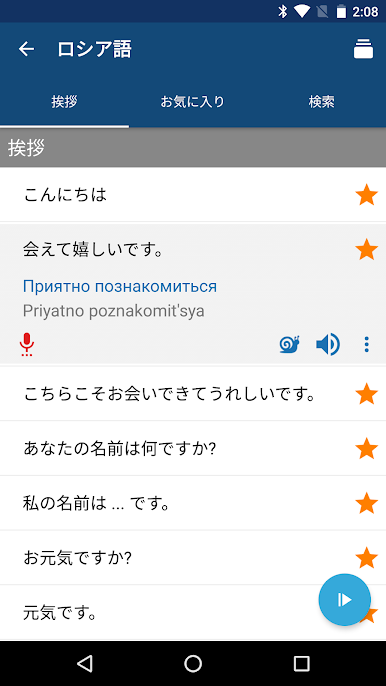
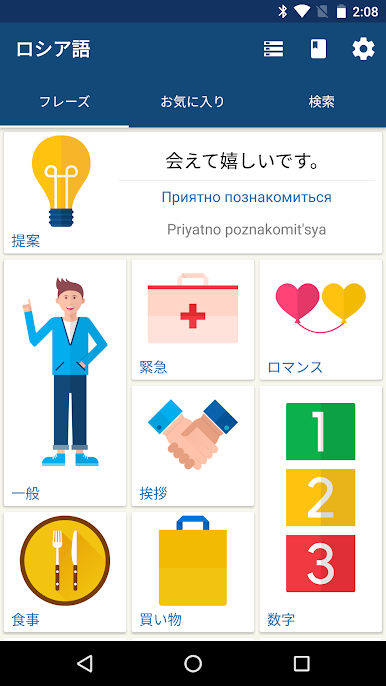
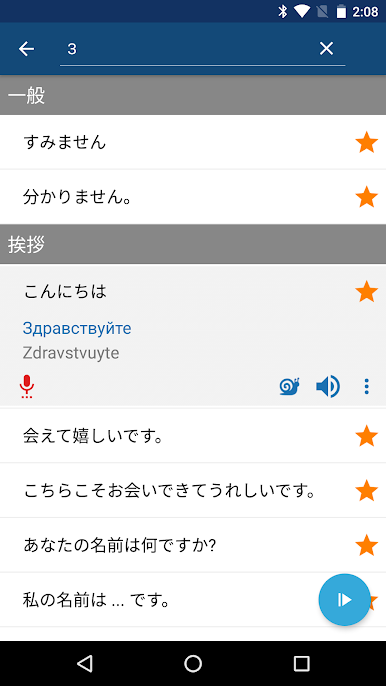
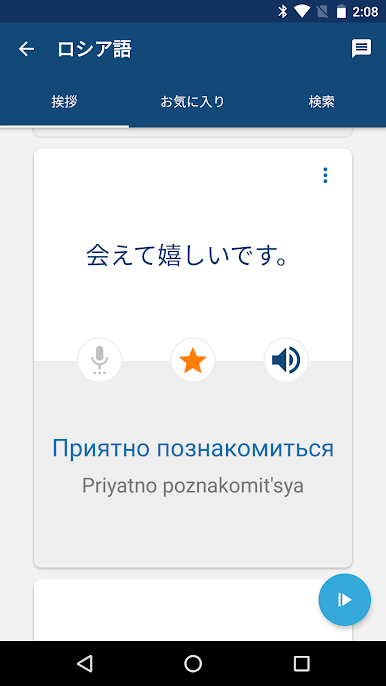
ロシア語の学習: ロシアに旅行、勉強&住むためのフレーズをPCでプレイ
-
BlueStacksをダウンロードしてPCにインストールします。
-
GoogleにサインインしてGoogle Play ストアにアクセスします。(こちらの操作は後で行っても問題ありません)
-
右上の検索バーにロシア語の学習: ロシアに旅行、勉強&住むためのフレーズを入力して検索します。
-
クリックして検索結果からロシア語の学習: ロシアに旅行、勉強&住むためのフレーズをインストールします。
-
Googleサインインを完了してロシア語の学習: ロシアに旅行、勉強&住むためのフレーズをインストールします。※手順2を飛ばしていた場合
-
ホーム画面にてロシア語の学習: ロシアに旅行、勉強&住むためのフレーズのアイコンをクリックしてアプリを起動します。

