

Sudoku - Classic Puzzle Game
BlueStacksを使ってPCでプレイ - 5憶以上のユーザーが愛用している高機能Androidゲーミングプラットフォーム

Play Sudoku - Free Puzzle Game on PC or Mac
Step into the World of Sudoku – Free Puzzle Game, a thrilling Puzzle game from the house of Lezigame. Play this Android game on BlueStacks App Player and experience immersive gaming on PC or Mac.
About the Game
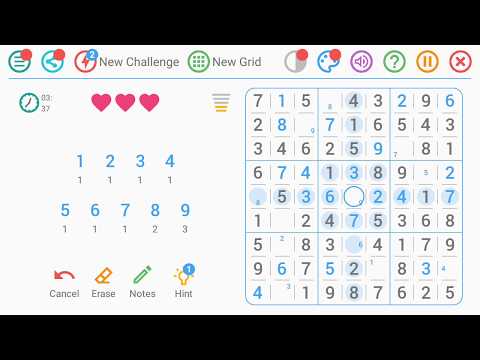
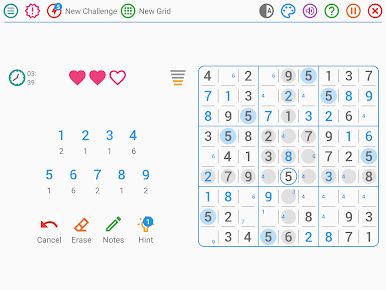
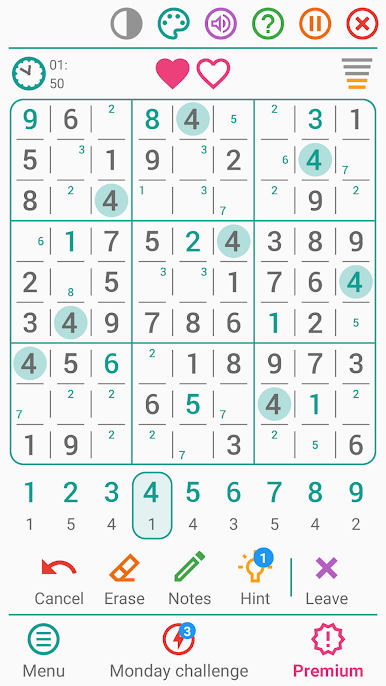
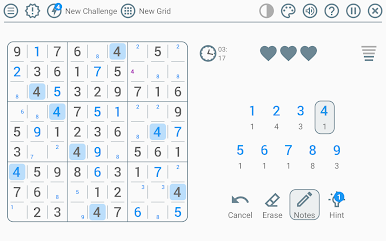
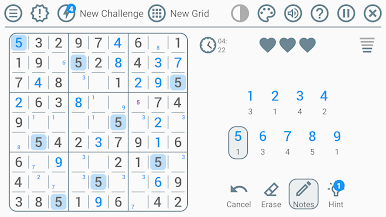
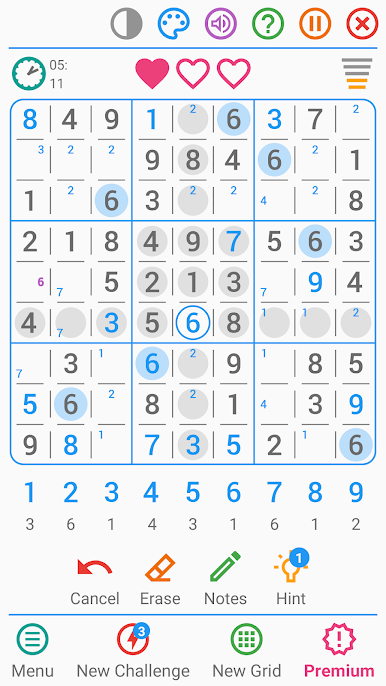
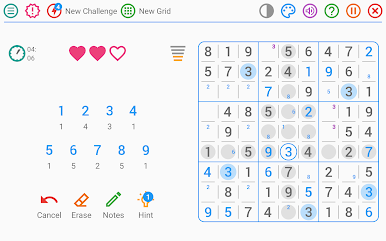
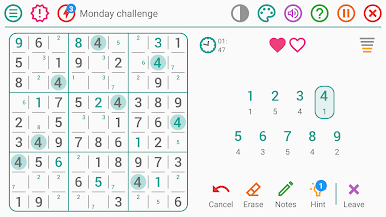
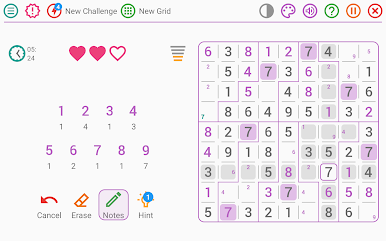
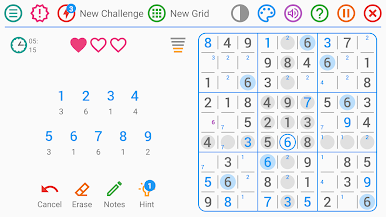
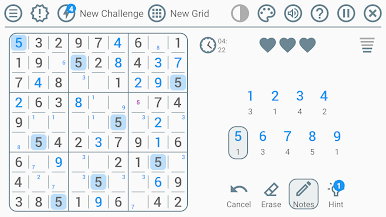
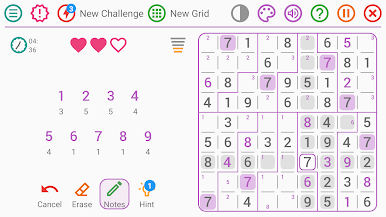
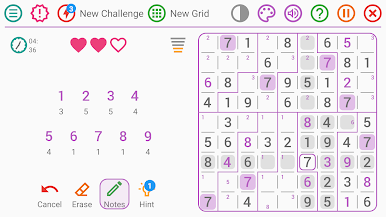
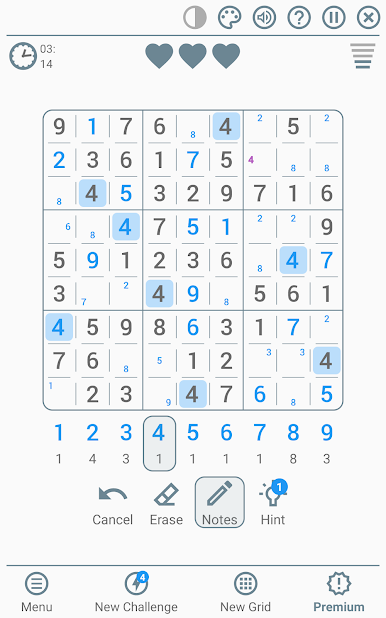
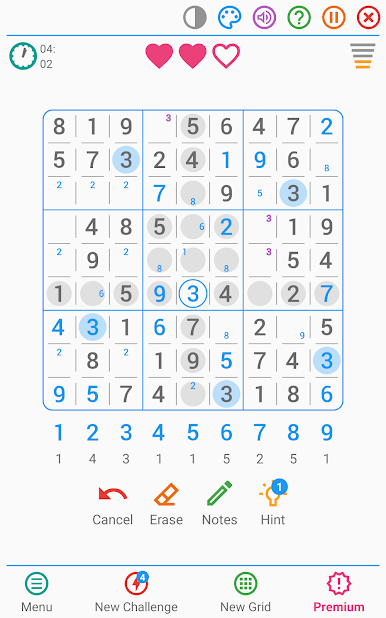
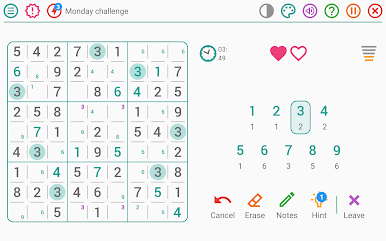
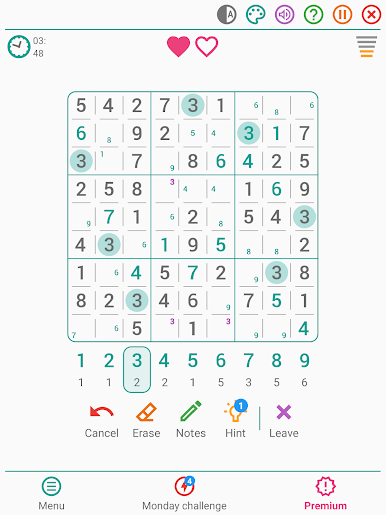
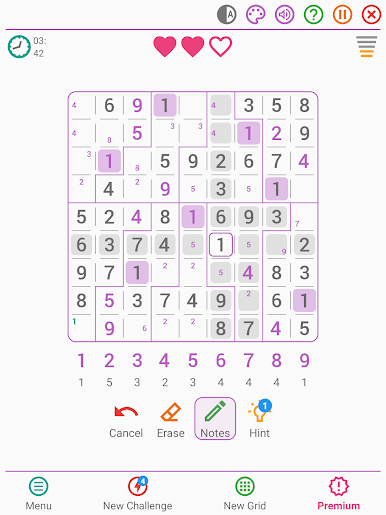
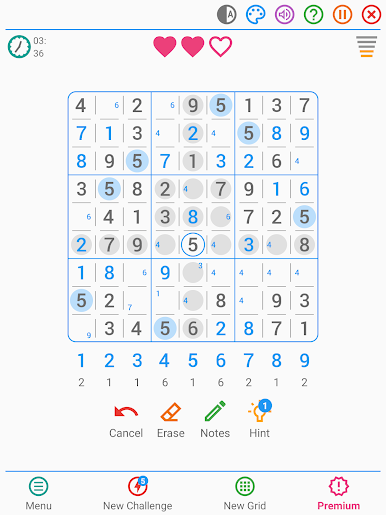
Sudoku – Free Puzzle Game by Lezigame keeps the classic number puzzle clean, smooth, and easy to settle into. It’s a polished Puzzle take that scales from calm coffee-break boards to brutal brain-burners, with options that fit the way you like to play. Prefer a bigger screen? It runs comfortably on PC using BlueStacks, too.
Game Features
- Endless puzzles: Freshly generated boards mean you’ll never run out of grids to solve.
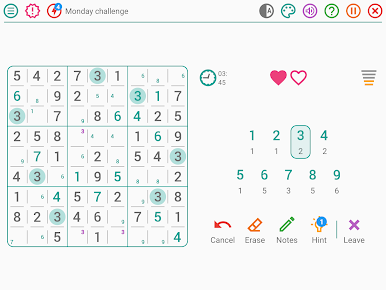
- Daily challenge: Get a new puzzle every day that matches your skill level and mood.
- Five difficulty levels: Switch between Beginner, Intermediate, Experienced, Expert, and Insane whenever you want.
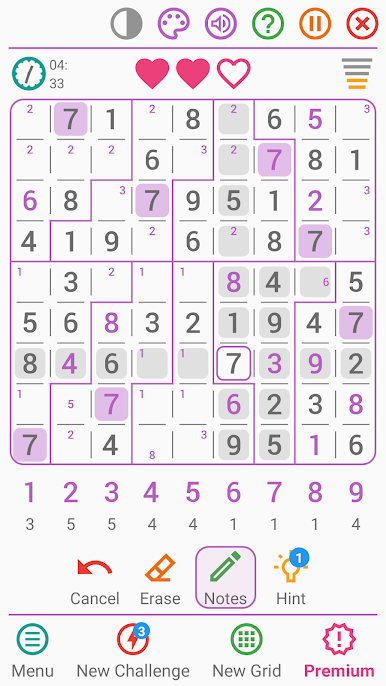
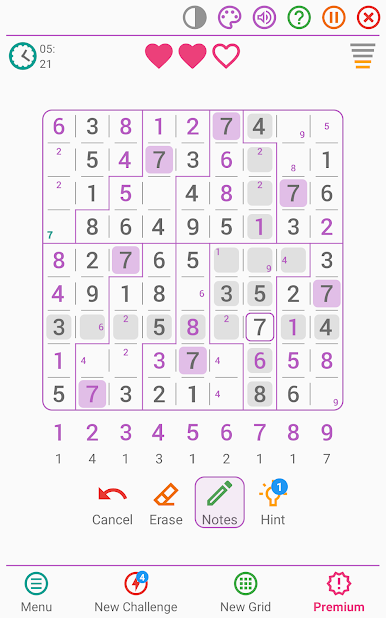
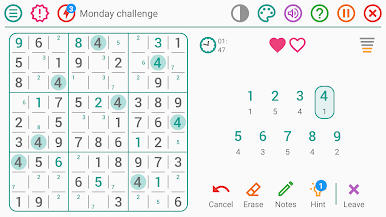
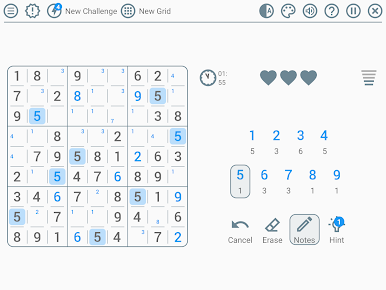
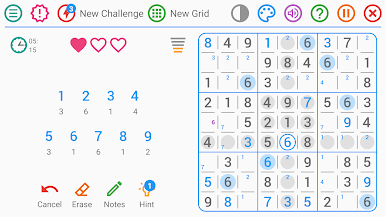
- Two grid styles: Go classic with standard regions or shake things up with irregular layouts.
- Optional lives: Turn on mistake limits for extra tension—or disable them for pure logic.
- Smart hints: Nudge-style help that teaches without handing over the entire solution.
- Pencil notes: Mark candidates in each cell, with optional auto-filtering for cleaner thinking.
- Fast input mode: Rapid number entry that’s perfect for speed-solvers and time chasers.
- Detailed stats: Track best times, success rate, and winning streaks to see progress at a glance.
- Flexible settings: Toggle timers, highlight identical numbers, show or hide errors, and refine note behavior.
- Visual and comfort options: Nine color themes, dark mode, left- or right-handed layout, plus sound and vibration controls.
Start your journey now. Download the game on BlueStacks, invite your friends, and march on a new adventure.
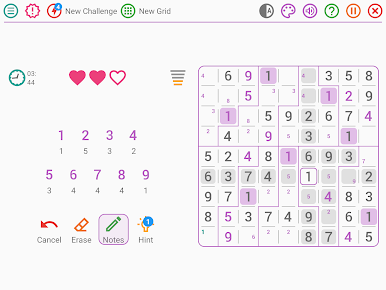
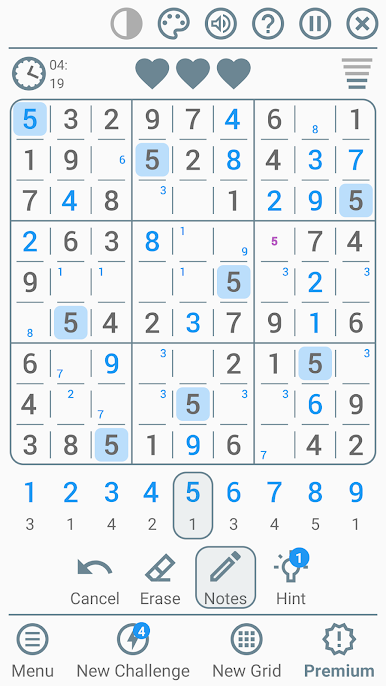
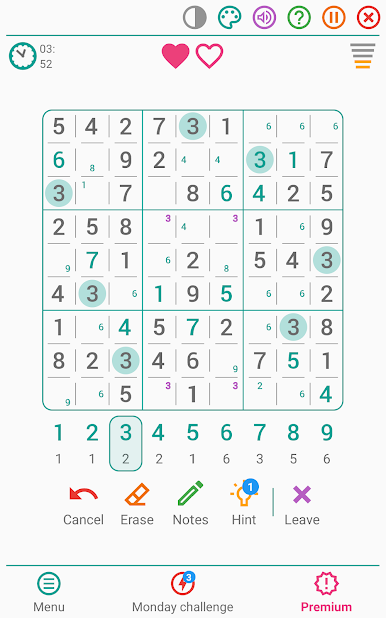
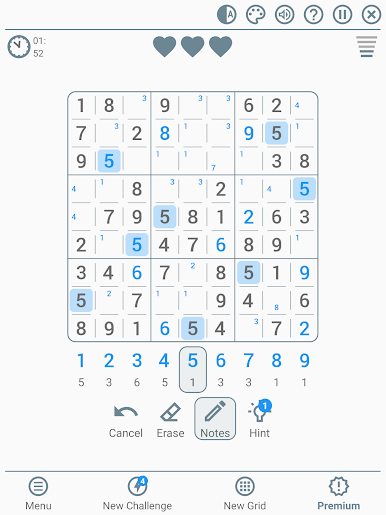
Sudoku - Classic Puzzle GameをPCでプレイ
-
BlueStacksをダウンロードしてPCにインストールします。
-
GoogleにサインインしてGoogle Play ストアにアクセスします。(こちらの操作は後で行っても問題ありません)
-
右上の検索バーにSudoku - Classic Puzzle Gameを入力して検索します。
-
クリックして検索結果からSudoku - Classic Puzzle Gameをインストールします。
-
Googleサインインを完了してSudoku - Classic Puzzle Gameをインストールします。※手順2を飛ばしていた場合
-
ホーム画面にてSudoku - Classic Puzzle Gameのアイコンをクリックしてアプリを起動します。

