


ボーイズワールド
BlueStacksを使ってPCでプレイ - 5憶以上のユーザーが愛用している高機能Androidゲーミングプラットフォーム

Play Boys World Craft: Creative Mind & Exploration on PC or Mac
Join millions to experience Boys World Craft: Creative Mind & Exploration, an exciting Adventure game from Crafting And Building Games For Girls Adventure. With BlueStacks App Player, you are always a step ahead of your opponent, ready to outplay them with faster gameplay and better control with the mouse and keyboard on your PC or Mac.
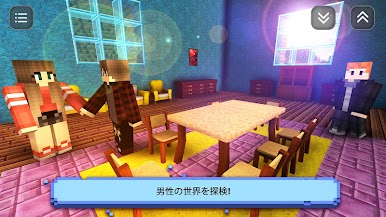
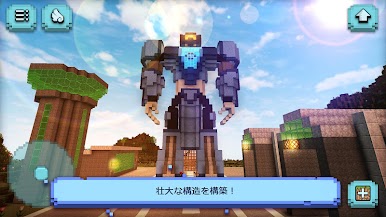
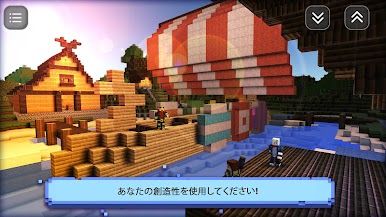
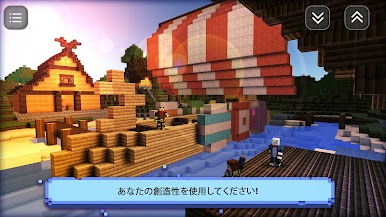
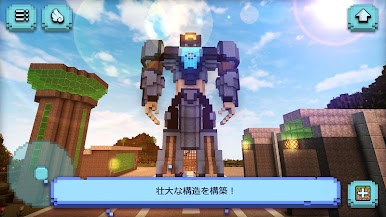
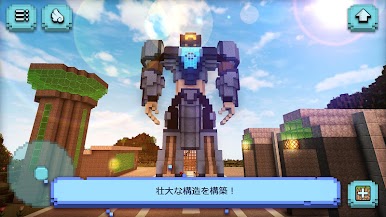
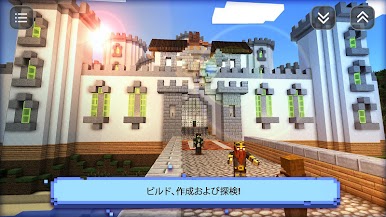
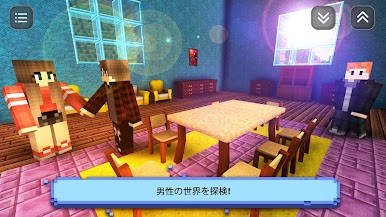
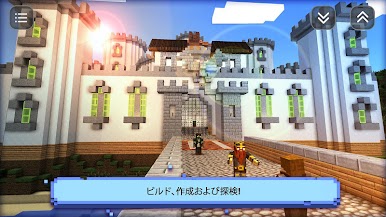
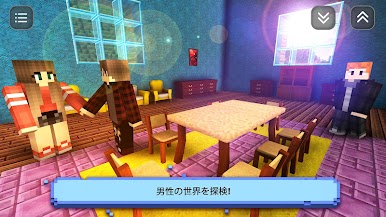
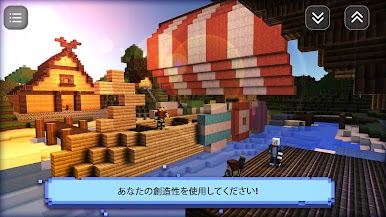
Boys World Craft: Creative Mind & Exploration feels like a big blocky sandbox where anything turns into a project. It drops the player into a wide open world, hands over a bunch of tools, and says build, mine, and explore. One moment it is all about planning a cozy house with furniture, the next it is laying out roads and throwing up a city skyline or a giant castle. There is a full creative mode for chill building, and a survival side where night brings zombies, ghosts, and other trouble, so the sword, armor, and odd pixel gun actually matter. Animals are everywhere, and pets like cats, dogs, or even a panda tag along, which gives the whole thing a softer edge when the monsters are not around.
The game is not only about houses. There are odd little ideas tucked in, like crafting parts for a car, laying down a racing track, and then actually racing on it. There are story bits, simple puzzles, and even a prison escape or horror style map if someone wants something spookier. Skins and a skin editor let players tweak their look, and chatting with NPCs or friends gives it a light social feel. On PC through BlueStacks it plays smooth, with mouse and keyboard making building, inventory, and combat easier than tapping a screen. It is very much a make-your-own-fun setup, equal parts city builder, survival toy box, and goofy shooter, and it does not take itself too seriously, which helps a lot.
Get ready for a buttery smooth, high-performance gaming action only on BlueStacks.
ボーイズワールドをPCでプレイ
-
BlueStacksをダウンロードしてPCにインストールします。
-
GoogleにサインインしてGoogle Play ストアにアクセスします。(こちらの操作は後で行っても問題ありません)
-
右上の検索バーにボーイズワールドを入力して検索します。
-
クリックして検索結果からボーイズワールドをインストールします。
-
Googleサインインを完了してボーイズワールドをインストールします。※手順2を飛ばしていた場合
-
ホーム画面にてボーイズワールドのアイコンをクリックしてアプリを起動します。

