


スタイリッシュで機能豊富な電卓 CALCU™
BlueStacksを使ってPCでプレイ - 5憶以上のユーザーが愛用している高機能Androidゲーミングプラットフォーム

Run Stylish Calculator Free - CALCU™ on PC or Mac
Upgrade your experience. Try Stylish Calculator Free – CALCU™, the fantastic Tools app from Designer Calculators, from the comfort of your laptop, PC, or Mac, only on BlueStacks.
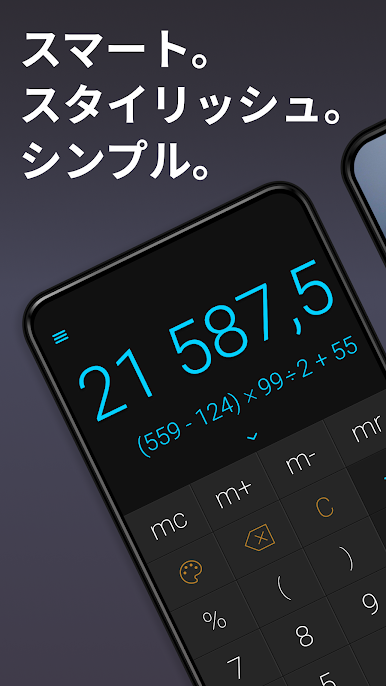
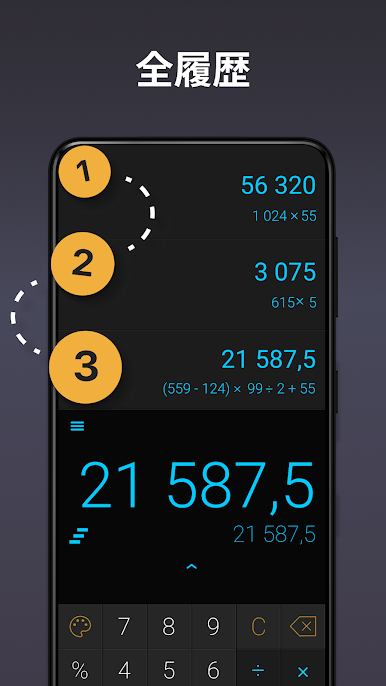
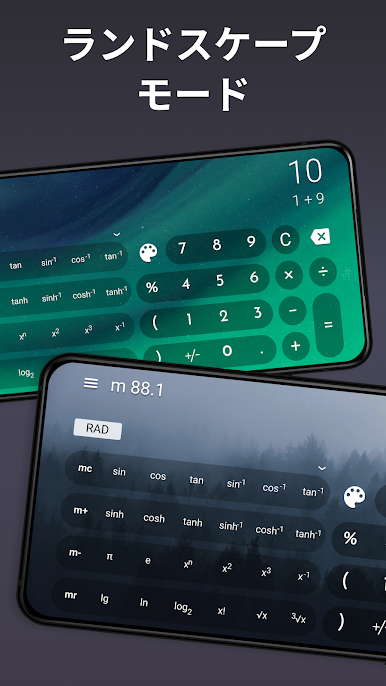
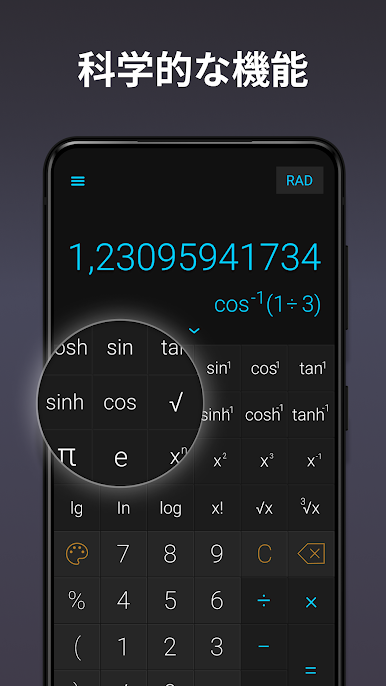
Stylish Calculator Free – CALCU™ actually makes plugging in numbers a bit more fun than expected. It isn’t the plain, boring calculator everyone’s used to, there’s a bunch of colorful themes to pick from, so it doesn’t have to feel like work. Swapping between basic math and all the scientific stuff couldn’t be simpler—just swipe up if things start getting tricky, and there’s the advanced keypad. Another thing that stands out is how fast results appear while you’re typing, so you never have to double-check if it took the numbers right. It even keeps a little record of what you’ve been calculating (just swipe down), which is handy for homework or when balancing receipts and needing to backtrack.
The layout’s pretty intuitive—swipes replace a lot of the usual button-mashing, which is nice on PC and works just as well on BlueStacks. Tweaking what buttons show up is easy too, so the whole thing can be made as simple or as detailed as needed, depending on whether it’s for quick sums or more serious work. The extra touch of being able to set personal constants and pick between different keypads gives some control, but never gets complicated. Even though it’s packed with features, it still feels light and quick to use, so it’s not going to slow anyone down just because there’s more going on under the hood.
Eager to take your app experience to the next level? Start right away by downloading BlueStacks on your PC or Mac.


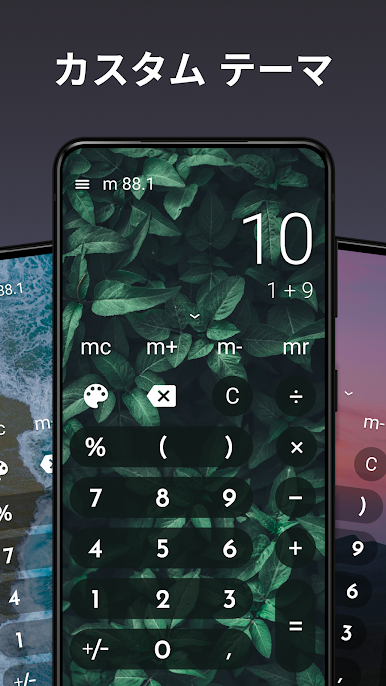
スタイリッシュで機能豊富な電卓 CALCU™をPCでプレイ
-
BlueStacksをダウンロードしてPCにインストールします。
-
GoogleにサインインしてGoogle Play ストアにアクセスします。(こちらの操作は後で行っても問題ありません)
-
右上の検索バーにスタイリッシュで機能豊富な電卓 CALCU™を入力して検索します。
-
クリックして検索結果からスタイリッシュで機能豊富な電卓 CALCU™をインストールします。
-
Googleサインインを完了してスタイリッシュで機能豊富な電卓 CALCU™をインストールします。※手順2を飛ばしていた場合
-
ホーム画面にてスタイリッシュで機能豊富な電卓 CALCU™のアイコンをクリックしてアプリを起動します。

