


ポーカートランプゲーム
BlueStacksを使ってPCでプレイ - 5憶以上のユーザーが愛用している高機能Androidゲーミングプラットフォーム

PCまたはMacでポーカートランプゲームをプレイする
ポーカートランプゲームはカードジャンルに命を吹き込み、ゲーマーにエキサイティングな挑戦を投げかけます。CatTamaが開発したこのAndroidゲームは、PCやMacユーザー向けの世界No.1アプリプレイヤーBlueStacksでプレイするのが最適です。
ゲームについて
ポーカートランプゲームは、シンプルにポーカーを楽しみたいときにぴったりのカードゲームです。ちょっとした空き時間に遊ぶのにもちょうどよく、複雑な操作もなくて気軽に始められます。ルールも直感的なので、経験者はもちろん、初心者でもあっという間になじめますよ。
ゲームの特徴
-
簡単な操作で本格ポーカー
タップだけでBet(賭け金)の選択やカード交換がちゃちゃっとできます。余計なメニューやボタンが少ないから、流れもスムーズ。 -
カード交換は2回までOK
配られた5枚のカードの中で、いらないなと思ったトランプを選んで交換できるチャンスが2回。ここで運と読みが大事になってきます。 -
役の演出と得点表示
役が揃ったときは、演出と一緒に得点がしっかり表示!逆に何もなければ、スコアが減っちゃいます。ちょっとしたドキドキ感がたまりません。 -
シンプルデザイン&効果音
画面構成はシンプルだからごちゃごちゃせず集中できるし、効果音もこだわった素材でテンションが上がります。 -
BlueStacksでもプレイ可能
スマホだけでなく、BlueStacksを使えばPCでも気軽に遊べます。気分転換に大画面で楽しむのもアリ。 -
CatTamaによる開発
開発元はCatTama。カードジャンル好きな人にも納得の作りです。
今すぐ旅を始めよう。BlueStacksでゲームをダウンロードして友達を招待し、新たな冒険の旅に出よう。
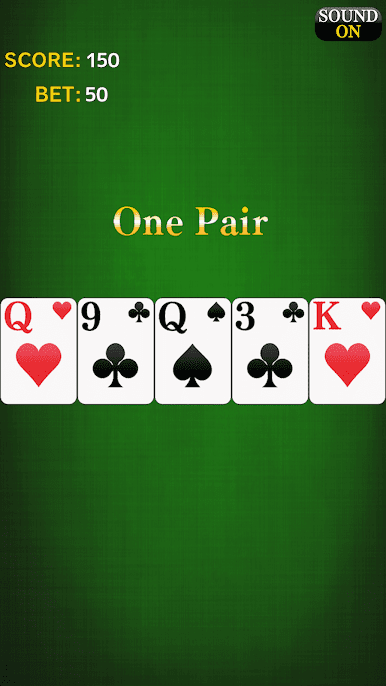

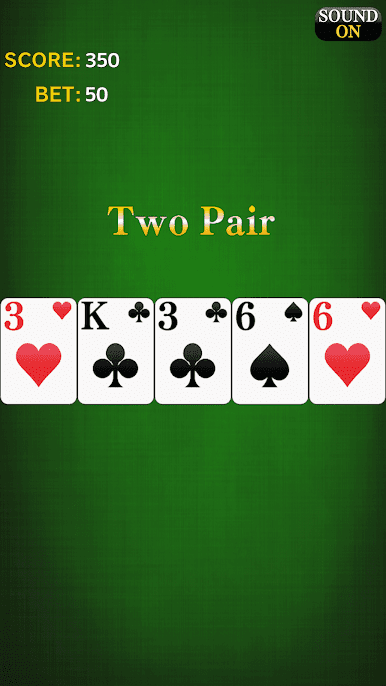

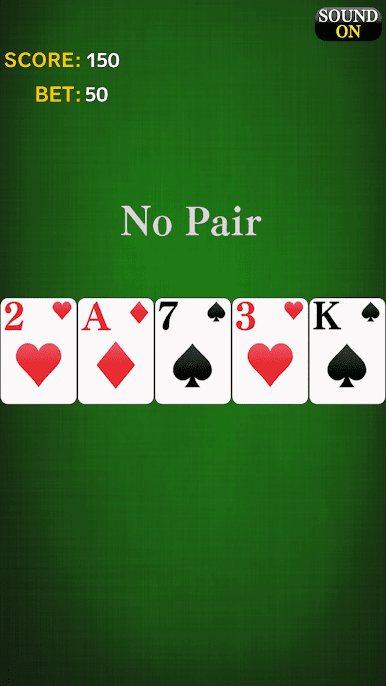
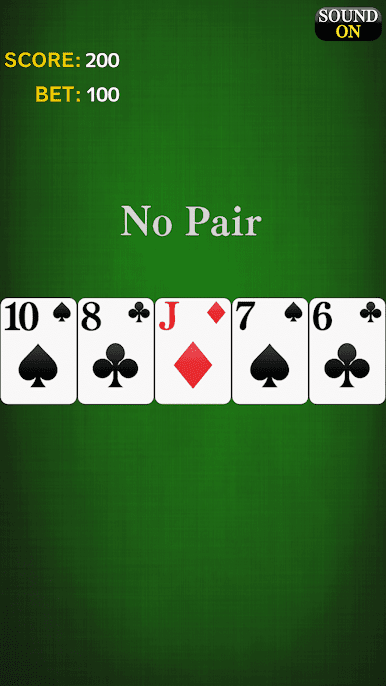
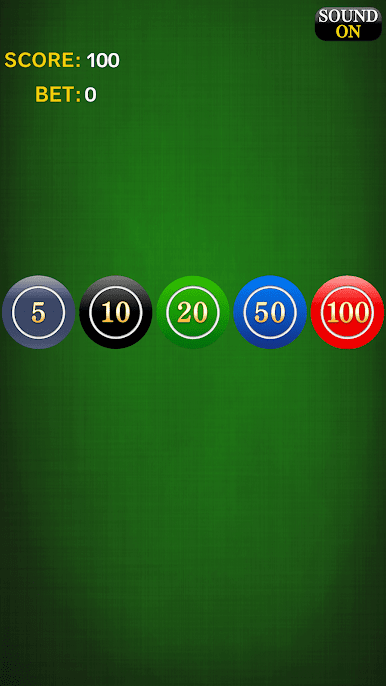



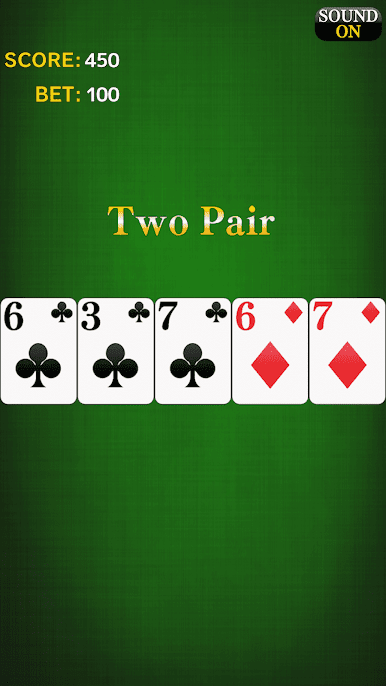
ポーカートランプゲームをPCでプレイ
-
BlueStacksをダウンロードしてPCにインストールします。
-
GoogleにサインインしてGoogle Play ストアにアクセスします。(こちらの操作は後で行っても問題ありません)
-
右上の検索バーにポーカートランプゲームを入力して検索します。
-
クリックして検索結果からポーカートランプゲームをインストールします。
-
Googleサインインを完了してポーカートランプゲームをインストールします。※手順2を飛ばしていた場合
-
ホーム画面にてポーカートランプゲームのアイコンをクリックしてアプリを起動します。

