

スパイダーソリティア
BlueStacksを使ってPCでプレイ - 5憶以上のユーザーが愛用している高機能Androidゲーミングプラットフォーム

Play Spider Solitaire - Card Games on PC or Mac
Bring your A-game to Spider Solitaire – Card Games, the Card game sensation from Fun Solitaire Card Games Ltd.. Give your gameplay the much-needed boost with precise game controls, high FPS graphics, and top-tier features on your PC or Mac with BlueStacks.
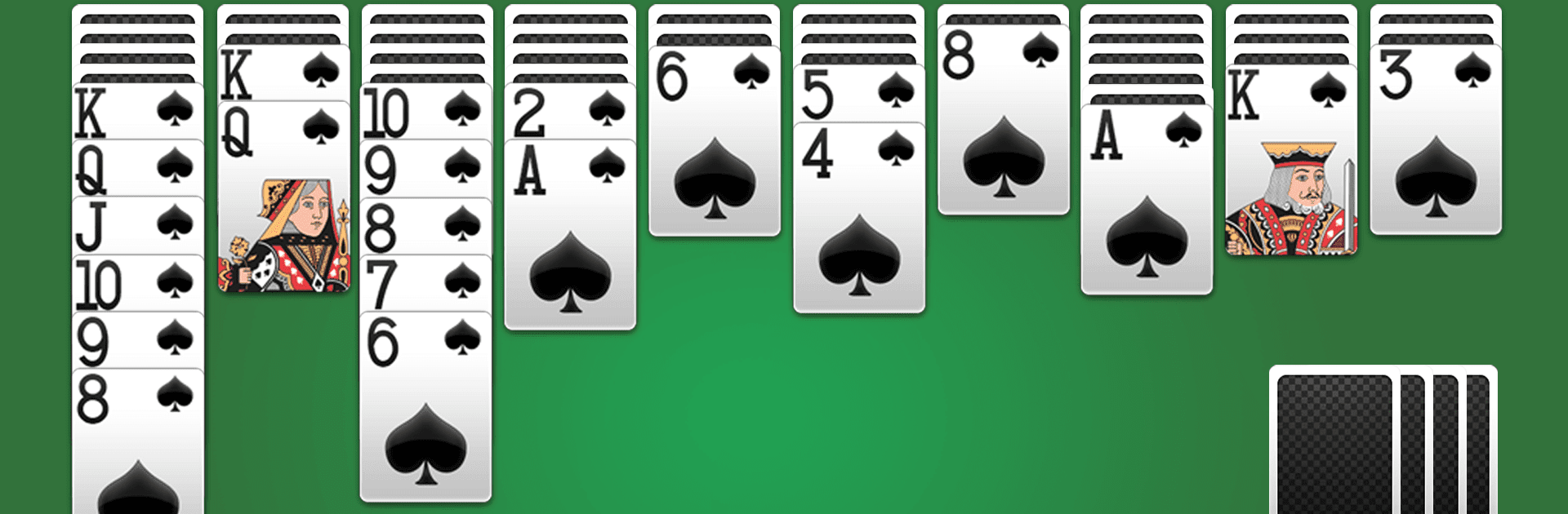
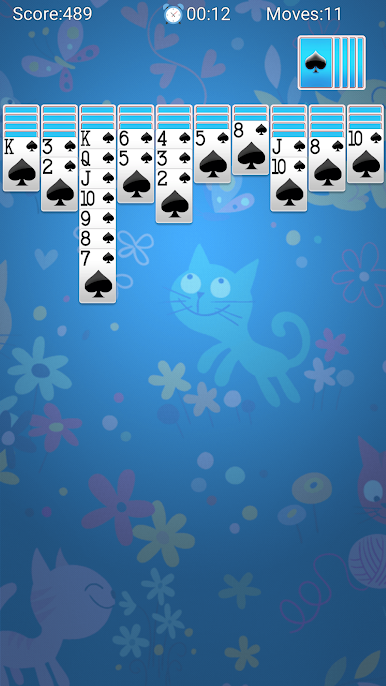
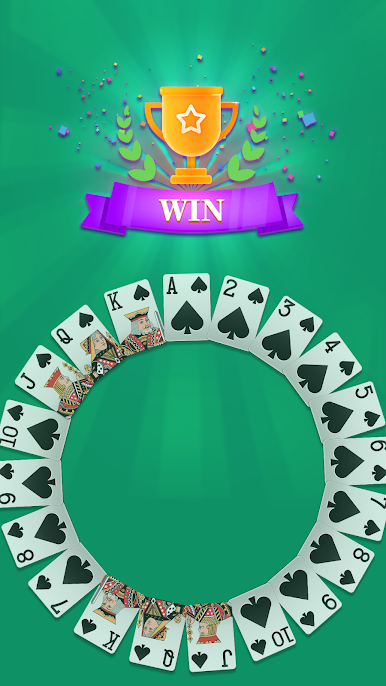
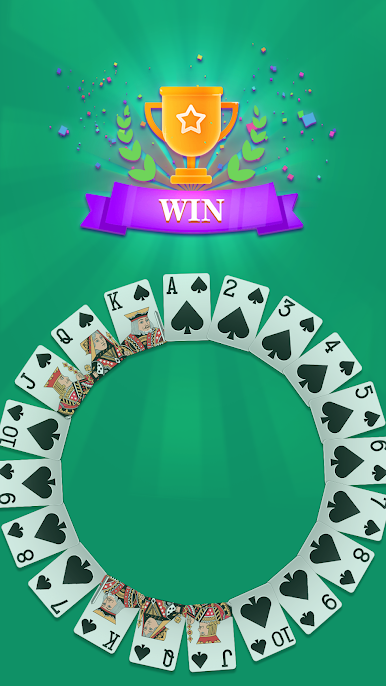
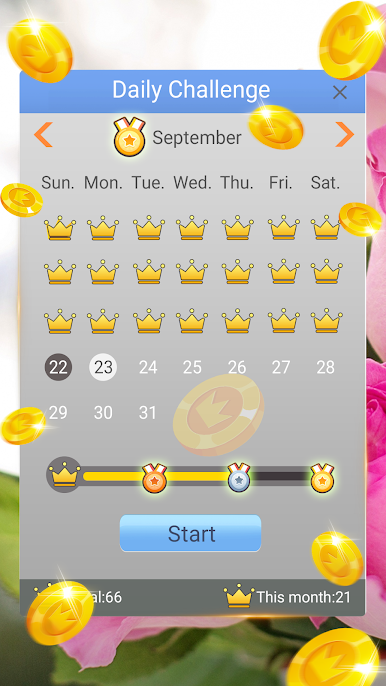
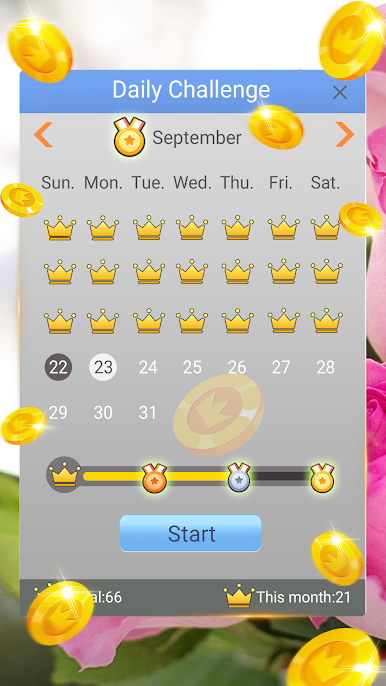
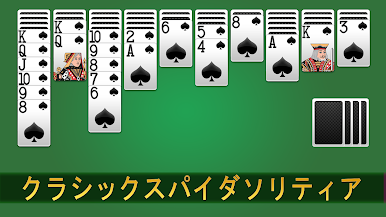
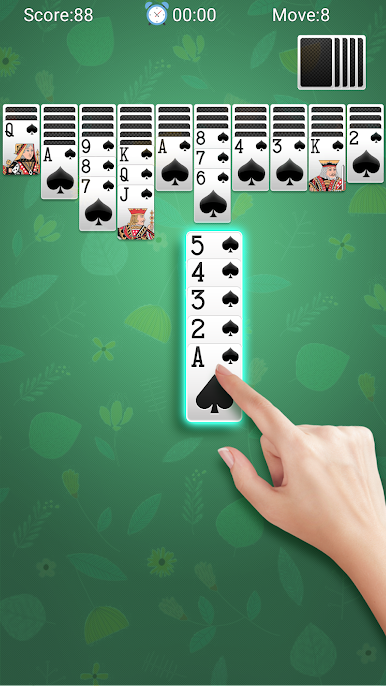
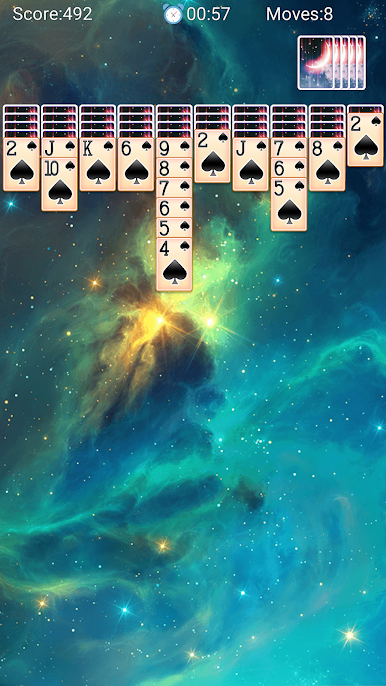
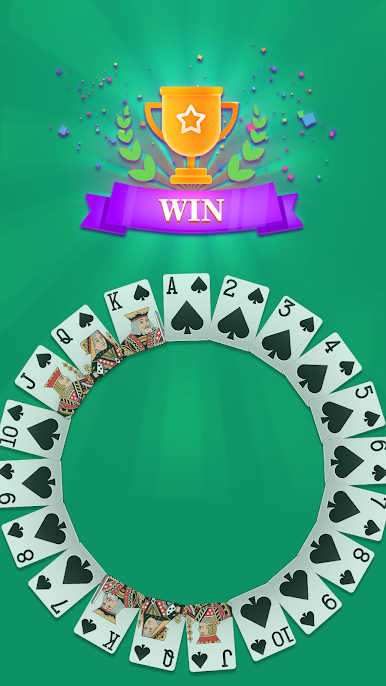
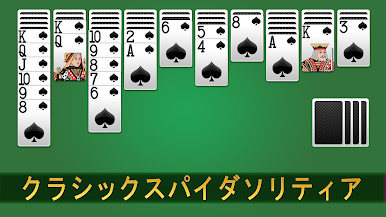
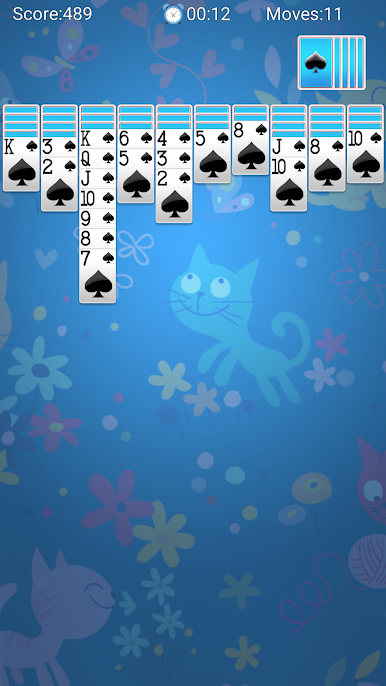
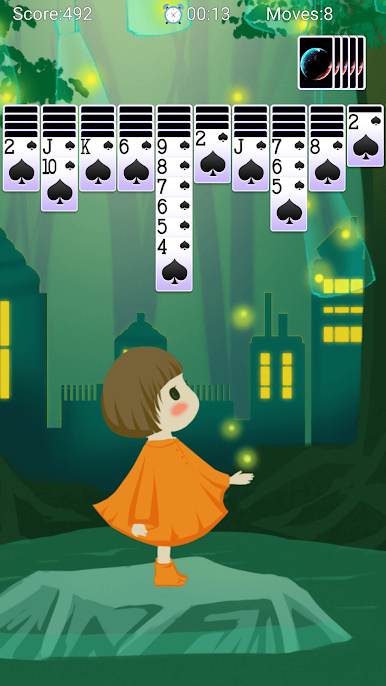
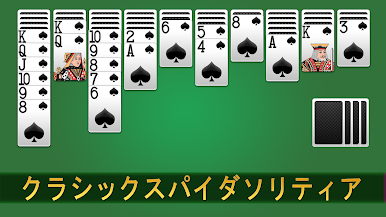
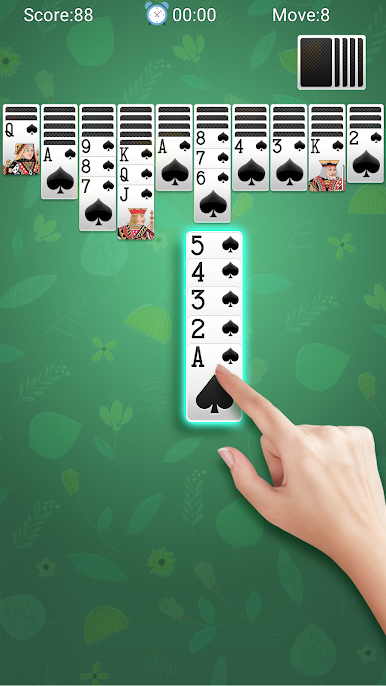
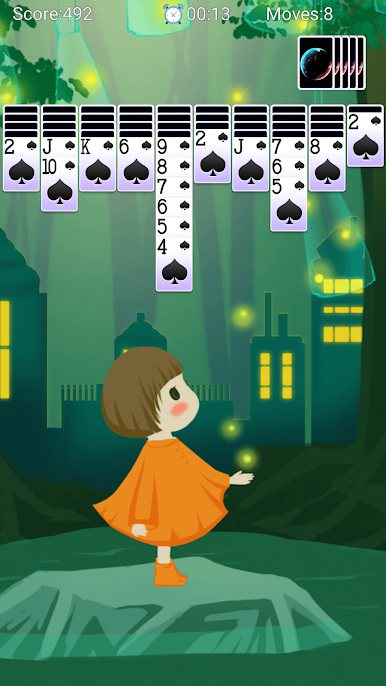
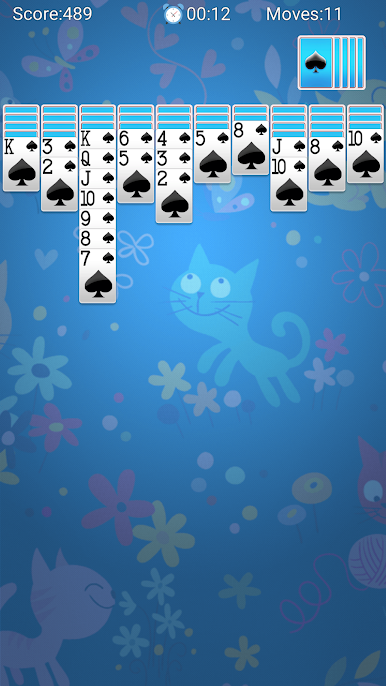
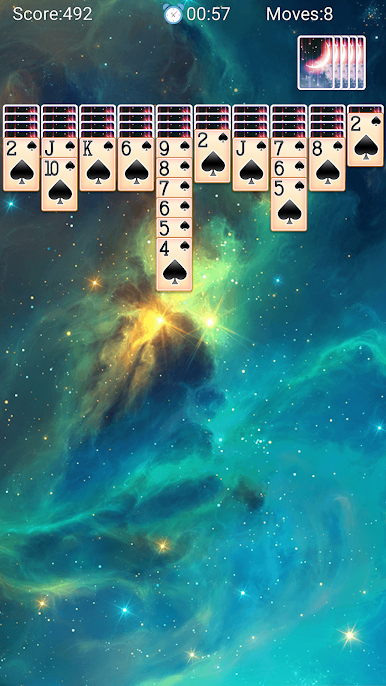
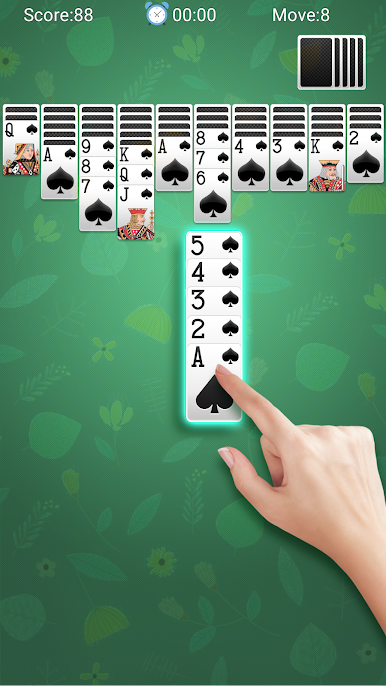
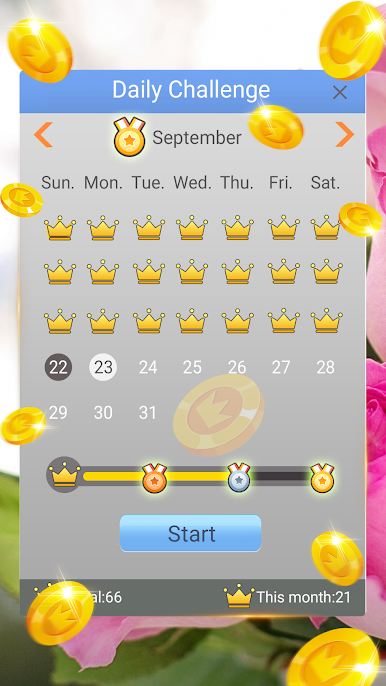
Spider Solitaire here sticks to the classic formula, which is exactly why it works. The goal is simple enough to explain to anyone: build runs in descending order within the same suit, clear the tableau, feel that neat little rush when a full stack disappears. It looks simple, but it can be sneaky tough. There are three flavors to pick from, one suit for an easy warm up, two suits for a nice tug on the brain, and four suits for when patience and planning actually matter. The game tracks time and moves, has undo if a plan goes sideways, plus hints and a smart tap that picks a reasonable move when the board gets messy. Daily Challenges toss in a fresh layout every day and hand out crowns and trophies, which gives a reason to check back even when there is only a few minutes to spare.
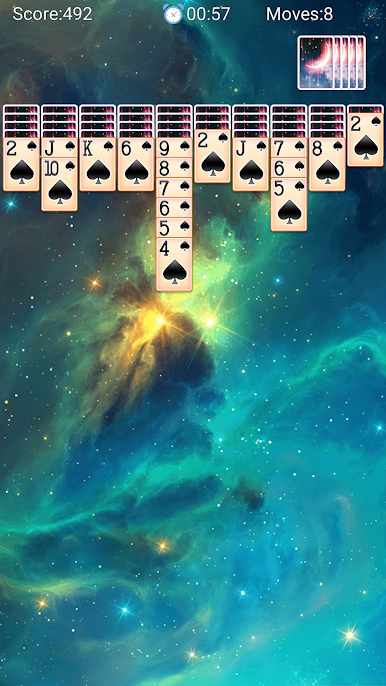
Presentation is clean and readable, with big cards that do not strain the eyes, smooth animations, and customizable backgrounds and card backs. Controls are simple, click or drag, right or left-handed layout if that feels better. Sounds are mild, the whole thing runs offline, and it never gets in the way of the puzzle. On PC with BlueStacks it feels especially comfortable because the larger screen makes planning columns easier, and dragging with a mouse is precise. Fans of Klondike, FreeCell, Pyramid, or even the usual tabletop stuff like Spades and Hearts will know the rhythm here. It suits quick breaks or long, stubborn sessions where four suits fights back and the undo button gets a real workout.
Get ready for a buttery smooth, high-performance gaming action only on BlueStacks.




スパイダーソリティアをPCでプレイ
-
BlueStacksをダウンロードしてPCにインストールします。
-
GoogleにサインインしてGoogle Play ストアにアクセスします。(こちらの操作は後で行っても問題ありません)
-
右上の検索バーにスパイダーソリティアを入力して検索します。
-
クリックして検索結果からスパイダーソリティアをインストールします。
-
Googleサインインを完了してスパイダーソリティアをインストールします。※手順2を飛ばしていた場合
-
ホーム画面にてスパイダーソリティアのアイコンをクリックしてアプリを起動します。

