

Operation Market Garden
BlueStacksを使ってPCでプレイ - 5憶以上のユーザーが愛用している高機能Androidゲーミングプラットフォーム

Play Operation Market Garden on PC or Mac
From the innovators and creators at Joni Nuutinen, Operation Market Garden is another fun addition to the World of Strategy games. Go beyond your mobile screen and play it bigger and better on your PC or Mac. An immersive experience awaits you.
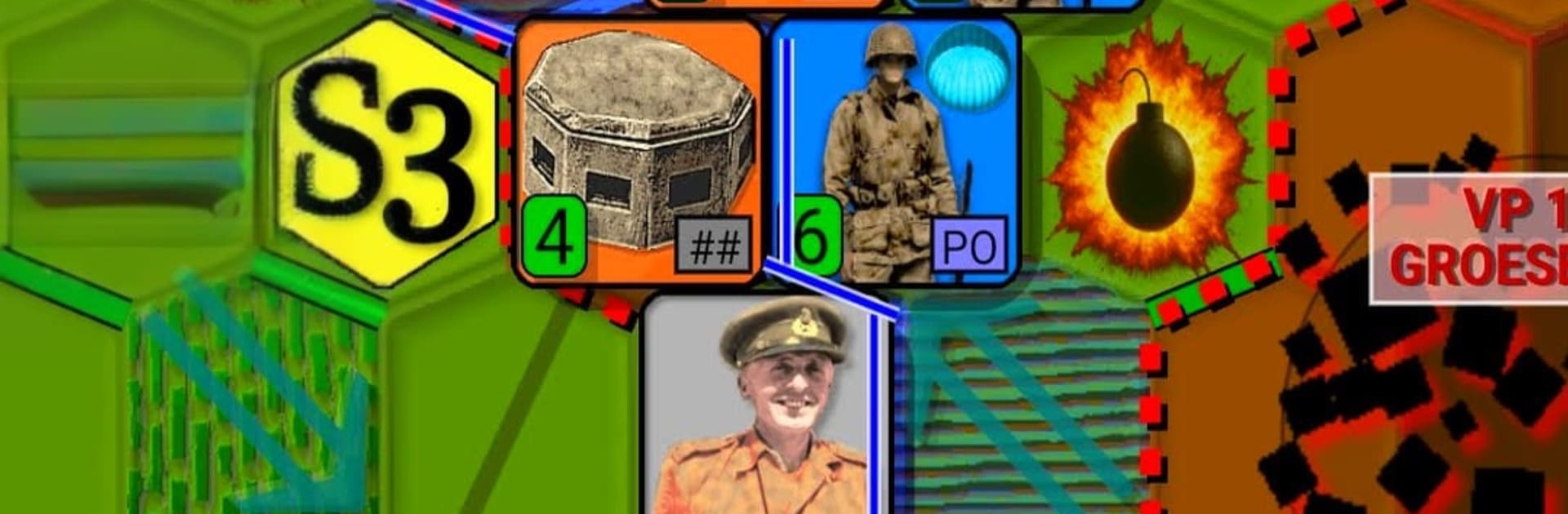
Operation Market Garden 1944 is a slow, thinky hex wargame where the player tries to grab bridges with airborne troops while an armored column races up a narrow road to link up. It plays like a classic tabletop map on screen, with that tense feeling of pushing counters and watching supply lines stretch a bit too far. Airborne units live off airdrops, so if the corridor breaks, they starve, and that pressure shapes every turn. The scenario sticks close to the real operation, which means it is tough, sometimes unfair in a historical way, and that is kind of the point. The German side will not just slam forward, the AI likes to flank, encircle, and poke at soft spots, so mistakes come back to bite.
Turns are clean and it saves well, so it suits short sessions. There are a bunch of options to tune it to taste, from difficulty and hex size to animation speed, plus a choice between NATO symbols or little vehicle icons. Cities can even use different shapes if that helps visibility. Each run plays out a bit different thanks to variable setup and AI priorities, so it does not feel like a fixed puzzle. On a PC through BlueStacks, the mouse clicks and bigger screen make reading counters and planning the 100 km push a lot easier. It is not flashy, and it does not try to be, but for anyone who enjoys careful planning, tight supply, and that last-turn scramble for a bridge, it hits the mark.
Get ready for a buttery smooth, high-performance gaming action only on BlueStacks.


Operation Market GardenをPCでプレイ
-
BlueStacksをダウンロードしてPCにインストールします。
-
GoogleにサインインしてGoogle Play ストアにアクセスします。(こちらの操作は後で行っても問題ありません)
-
右上の検索バーにOperation Market Gardenを入力して検索します。
-
クリックして検索結果からOperation Market Gardenをインストールします。
-
Googleサインインを完了してOperation Market Gardenをインストールします。※手順2を飛ばしていた場合
-
ホーム画面にてOperation Market Gardenのアイコンをクリックしてアプリを起動します。

