


Cốc Cốc: Browser & Adblock
BlueStacksを使ってPCでプレイ - 5憶以上のユーザーが愛用している高機能Androidゲーミングプラットフォーム

PCでCốc Cốc: Browser & Adblockをプレイ
🚫 Ad blocker | 🎬 Video downloader | 🕵️ Private browser
Cốc Cốc is a web browser that delivers a nimble, smooth, and ad-free browsing experience on Android.
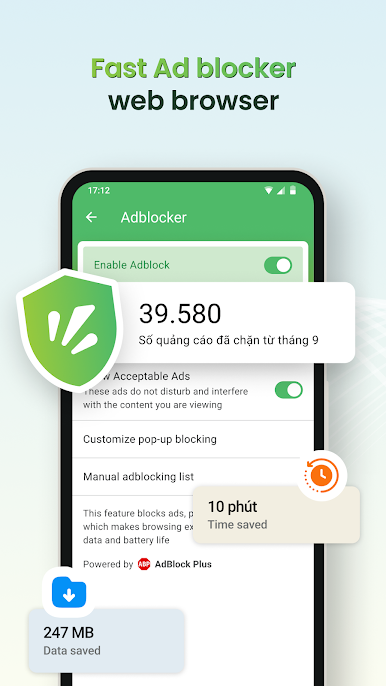
🚫 Ad blocker
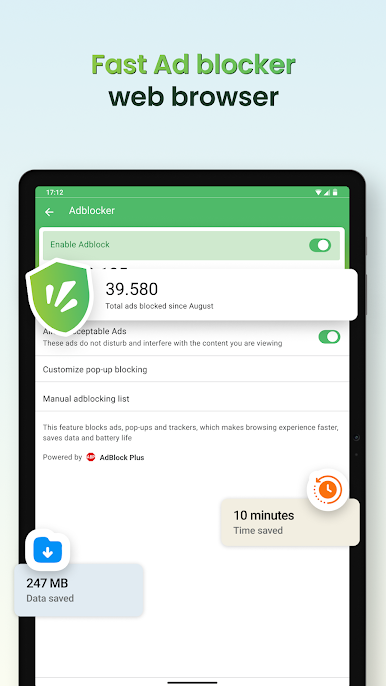
- Integrated free Adblock Plus technology, blocking ads on phones and websites
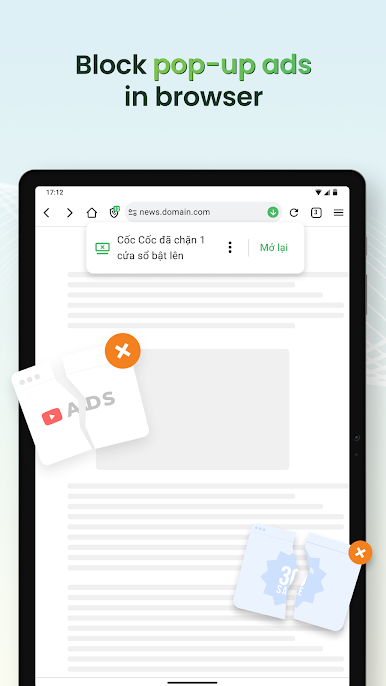
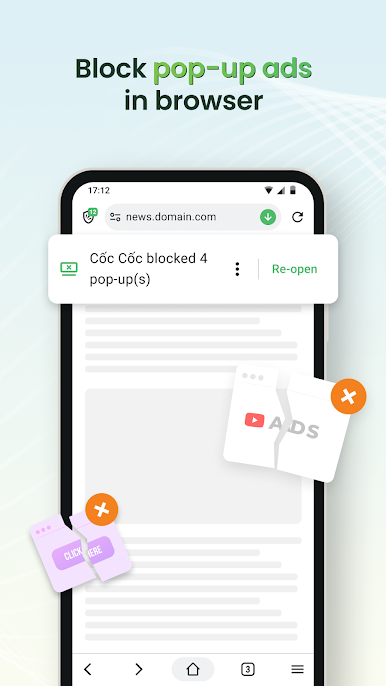
- Block pop-up ads, redirect ads, and video interruption ads
- Block ad trackers, protecting privacy while browsing
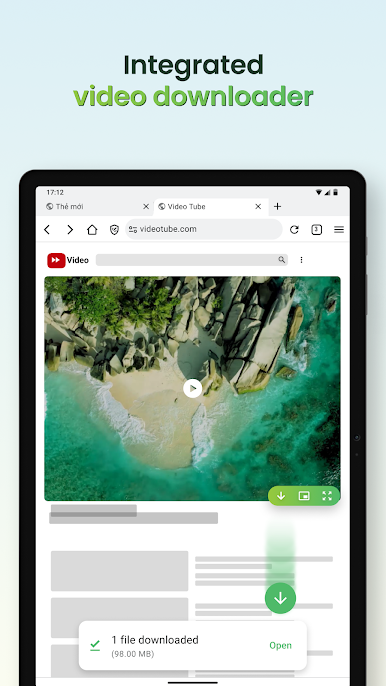
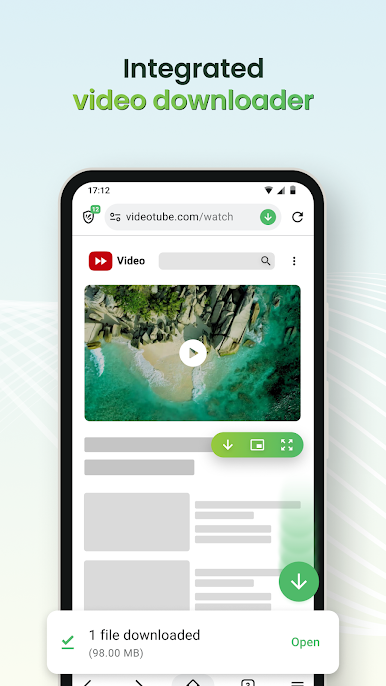
🎬 Video downloader
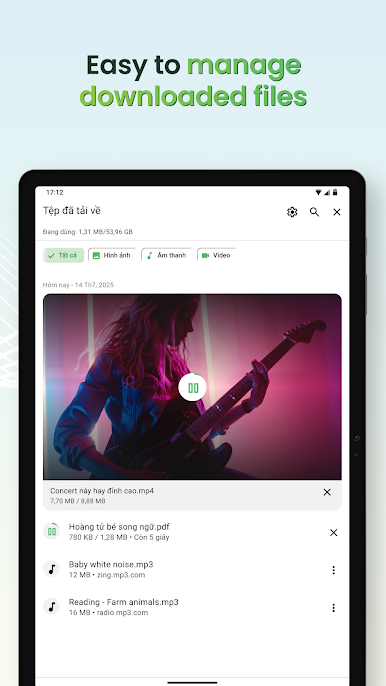
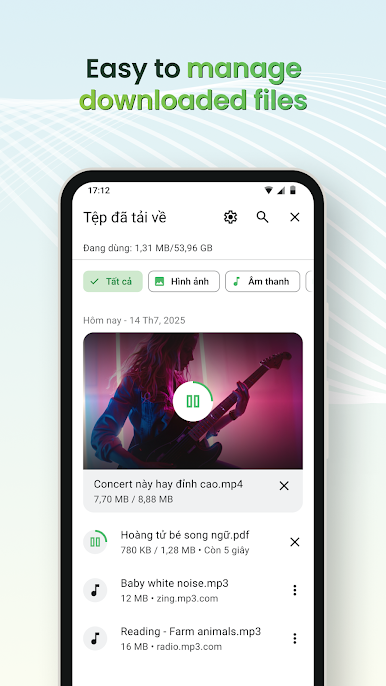
- Download any video, including private videos, from popular websites
- Supports downloading both music and movies
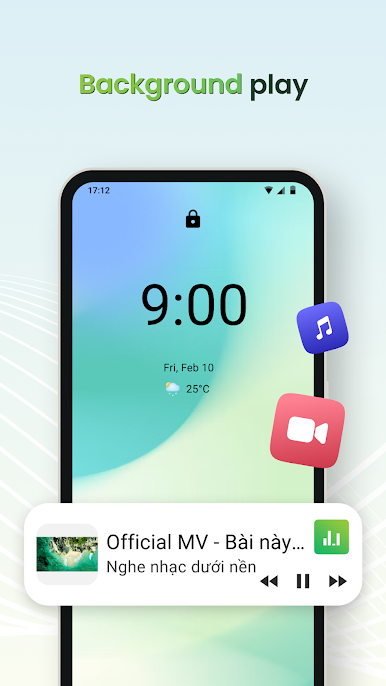
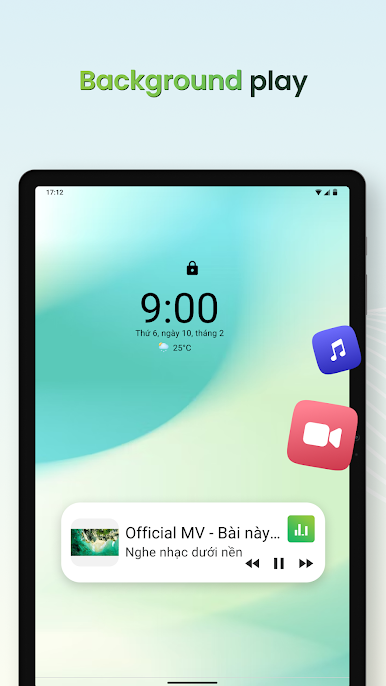
🎧 Background play
- Listen to music without ads even when the screen is turned off or switching to another app
🕵️ Private browser
- Incognito mode does not save browsing history
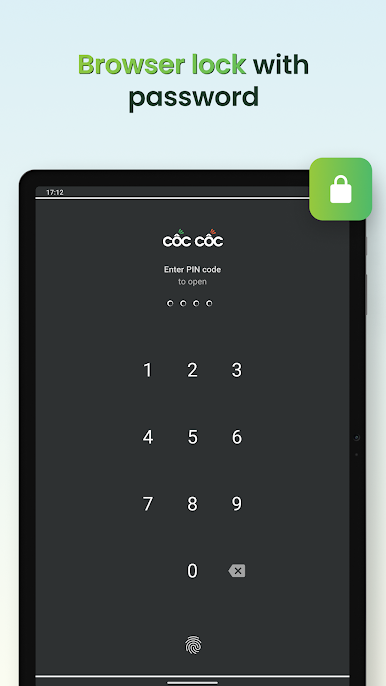
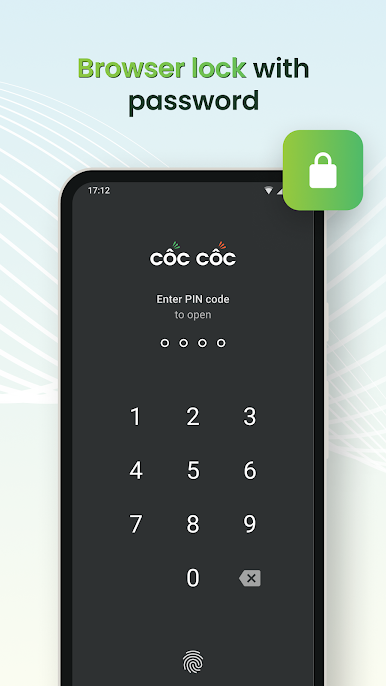
- Lock the app with fingerprint, PIN, or Face ID
- Block third-party cookies and trackers
- Quickly clear sensitive history by shaking the phone
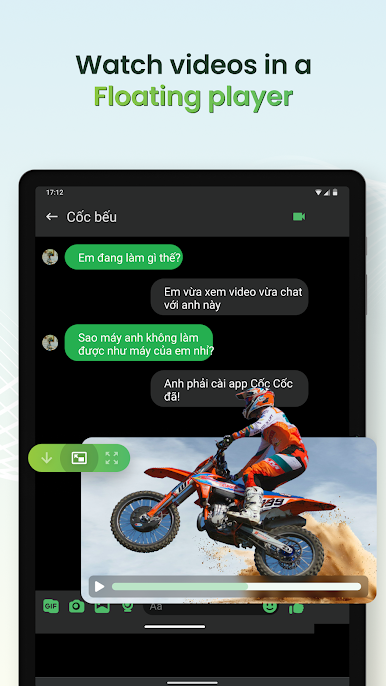
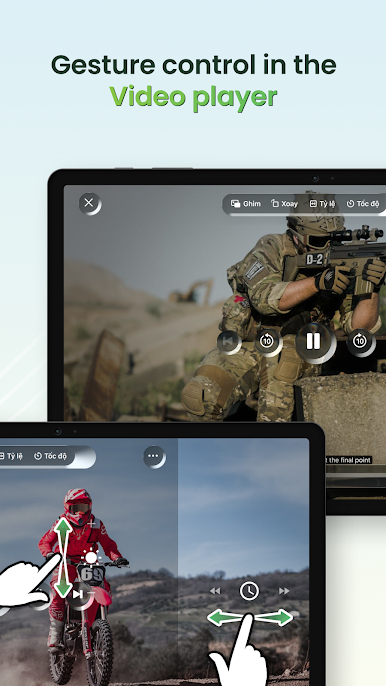
▶️ Video player
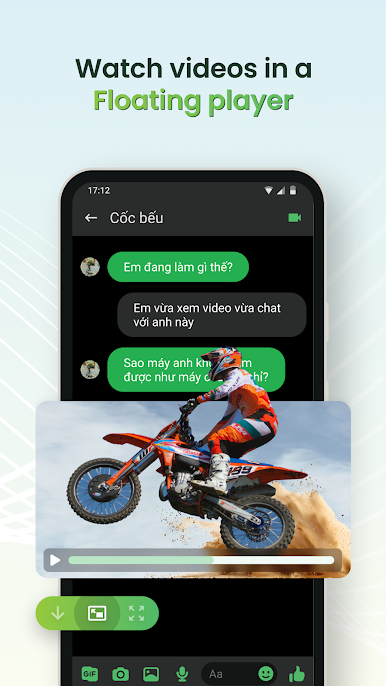
- PiP mode: Pin videos in a floating window when using other apps
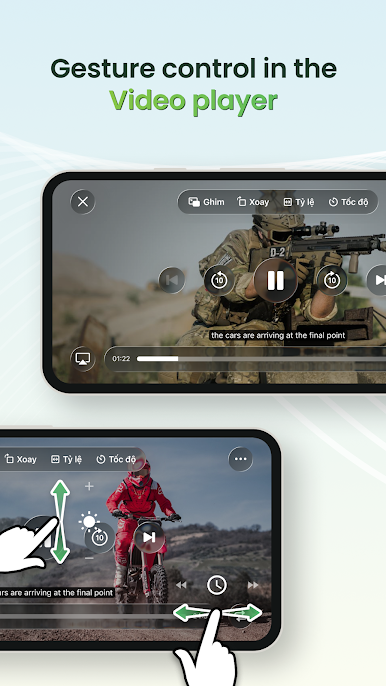
- Movie mode: Watch movies in full screen, adjust volume/brightness using gestures, select playback speed, subtitles, and sleep timer
⚙️ Browser utilities
- Dark mode: Save battery, reduce eye strain
- Synchronization: Bookmarks, passwords, and history across devices
- Cốc Cốc Points: Earn rewards while browsing the web, redeem attractive gifts
🔍 Search & AI Search
- More than 20 vertical searches about news, entertainment, and education
- AI Search: Summarize information from multiple sources, give accurate answers right at the top of the search results page
Follow Cốc Cốc:
- Website: https://www.coccoc.com/
- YouTube: https://www.youtube.com/@CocCocCom
- Facebook: https://facebook.com/CocCocTrinhDuyet/
- Blog: https://blog.coccoc.com/
- Community: https://facebook.com/groups/CocCocGroup/
Cốc Cốc: Browser & AdblockをPCでプレイ
-
BlueStacksをダウンロードしてPCにインストールします。
-
GoogleにサインインしてGoogle Play ストアにアクセスします。(こちらの操作は後で行っても問題ありません)
-
右上の検索バーにCốc Cốc: Browser & Adblockを入力して検索します。
-
クリックして検索結果からCốc Cốc: Browser & Adblockをインストールします。
-
Googleサインインを完了してCốc Cốc: Browser & Adblockをインストールします。※手順2を飛ばしていた場合
-
ホーム画面にてCốc Cốc: Browser & Adblockのアイコンをクリックしてアプリを起動します。

