


このページには広告が含まれます
Past Notifications (広告非表示キー)
仕事効率化 | Coconuts Develop
BlueStacksを使ってPCでプレイ - 5憶以上のユーザーが愛用している高機能Androidゲーミングプラットフォーム

PCでPast Notifications (広告非表示キー)をプレイ
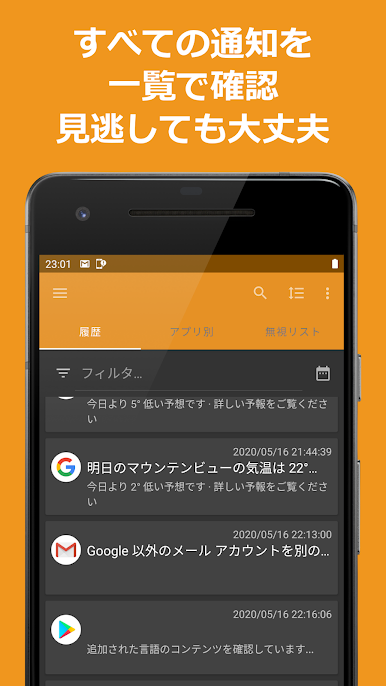
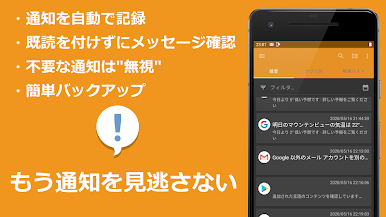
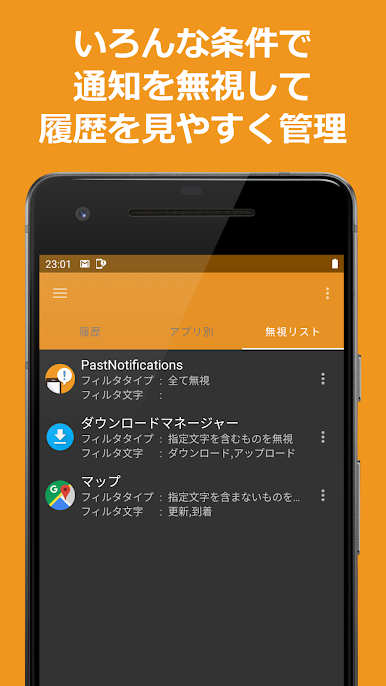
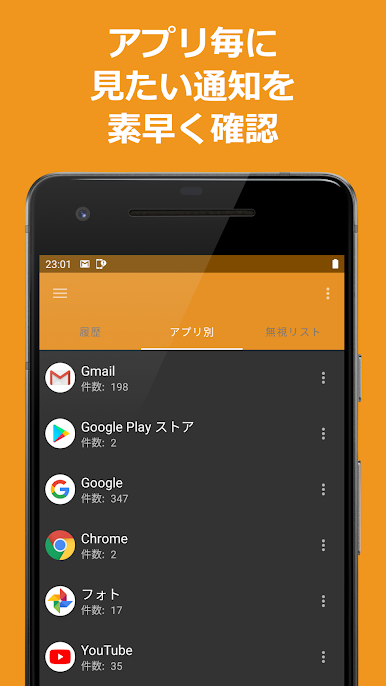
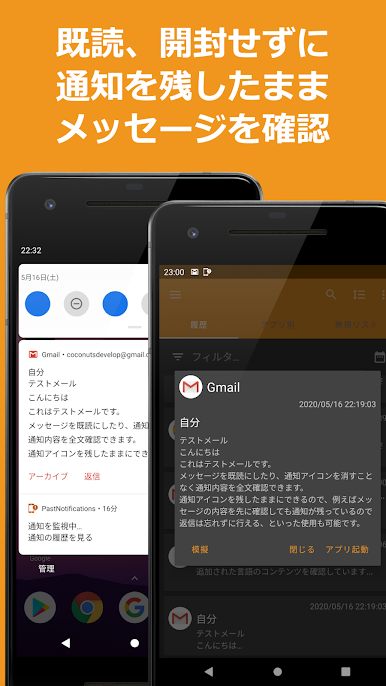
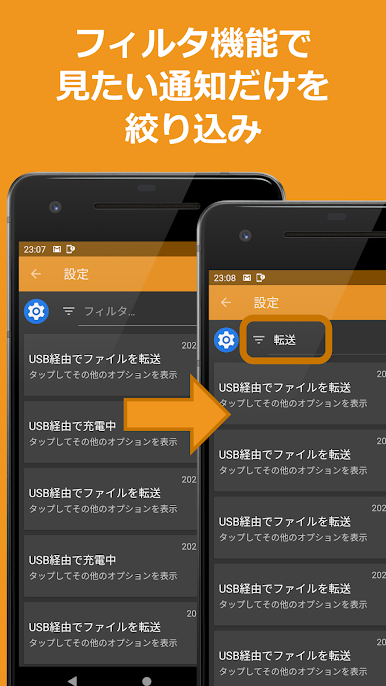
本アプリは無料アプリ「Past Notifications」の広告非表示用アプリです。
まずは無料アプリ「Past Notifications」をインストールの上、本アプリをご利用ください。
本アプリをインストールすることで、無料版の広告が表示されなくなります。
▼Past Notifications▼
https://play.google.com/store/apps/details?id=com.coconuts.pastnotifications
▼開発者ページ▼
https://coconutsdevelop.com/
まずは無料アプリ「Past Notifications」をインストールの上、本アプリをご利用ください。
本アプリをインストールすることで、無料版の広告が表示されなくなります。
▼Past Notifications▼
https://play.google.com/store/apps/details?id=com.coconuts.pastnotifications
▼開発者ページ▼
https://coconutsdevelop.com/
Past Notifications (広告非表示キー)をPCでプレイ
-
BlueStacksをダウンロードしてPCにインストールします。
-
GoogleにサインインしてGoogle Play ストアにアクセスします。(こちらの操作は後で行っても問題ありません)
-
右上の検索バーにPast Notifications (広告非表示キー)を入力して検索します。
-
クリックして検索結果からPast Notifications (広告非表示キー)をインストールします。
-
Googleサインインを完了してPast Notifications (広告非表示キー)をインストールします。※手順2を飛ばしていた場合
-
ホーム画面にてPast Notifications (広告非表示キー)のアイコンをクリックしてアプリを起動します。

