


このページには広告が含まれます
脱出ゲーム もふもふ
Adventure | Dream Factory Corp.
BlueStacksを使ってPCでプレイ - 5憶以上のユーザーが愛用している高機能Androidゲーミングプラットフォーム

Play Escape Fluffy Room on PC
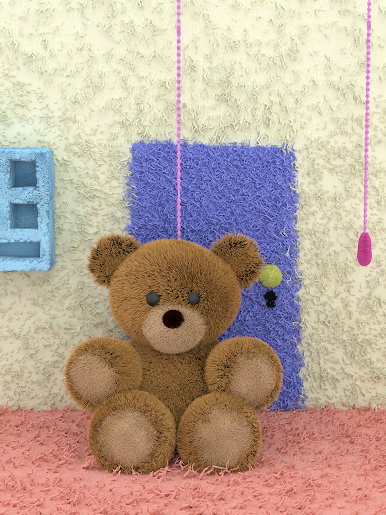
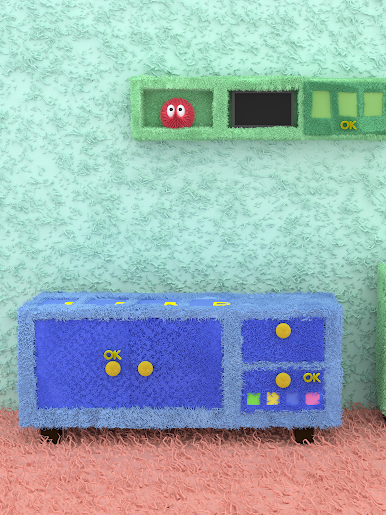
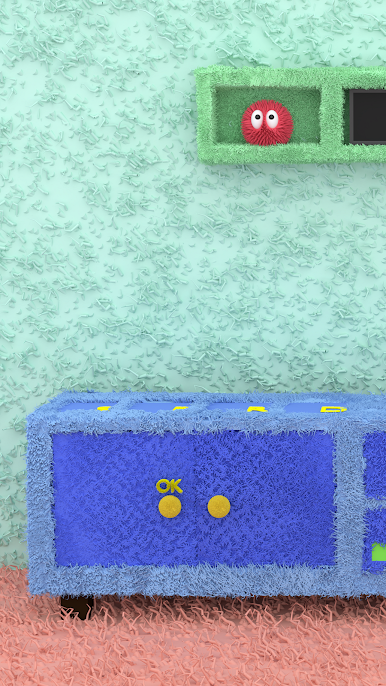
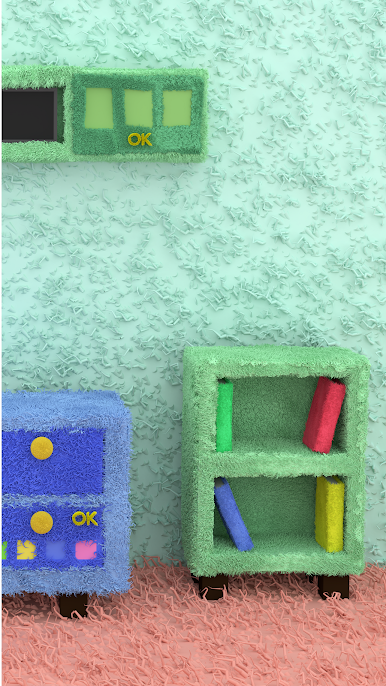
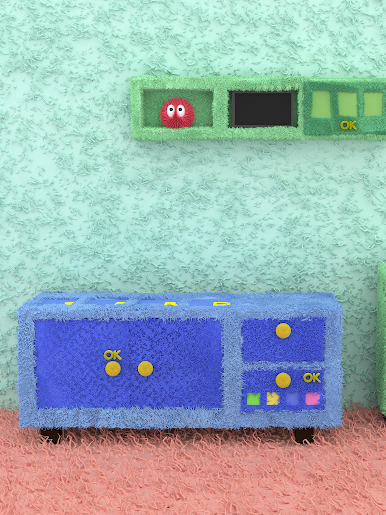
Escape from the "Fluffy Room".
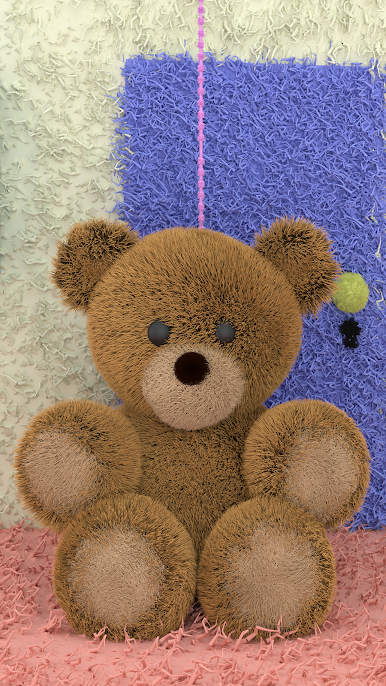
You are locked in the fluffy fluffy room.
Fluffy fluffy, everything is fluffy in the room!
Can you escape?
"Escape Fluffy Room" is the 8th Escape game produced by DAIKOKUYA SOFT INC.
Tap and find the items and solve tricks and riddles.
Can you escape?
【How to play】
+Just tap to play.
+Tap the item icon to apply and use.
+Tap "Hint" button and after the video ads, you will get some hints & answers.
【Game Features】
+Beautiful graphics.
+Auto/Manual save system.
+Good enough volume for few minutes.
+Helpful hints.*
+2 games in 1 app.**
【Display Resolution Setting】
· If the app doesn't move well, change the Display Resolution setting lower on the setting screen. It may be improved.
【Auto/Manual Save】
・You can save Auto and Manual .
・For manual save, go to the setting screen.
*Action game included.
**Required network connection and showing ads.
Thank you for playing!
You are locked in the fluffy fluffy room.
Fluffy fluffy, everything is fluffy in the room!
Can you escape?
"Escape Fluffy Room" is the 8th Escape game produced by DAIKOKUYA SOFT INC.
Tap and find the items and solve tricks and riddles.
Can you escape?
【How to play】
+Just tap to play.
+Tap the item icon to apply and use.
+Tap "Hint" button and after the video ads, you will get some hints & answers.
【Game Features】
+Beautiful graphics.
+Auto/Manual save system.
+Good enough volume for few minutes.
+Helpful hints.*
+2 games in 1 app.**
【Display Resolution Setting】
· If the app doesn't move well, change the Display Resolution setting lower on the setting screen. It may be improved.
【Auto/Manual Save】
・You can save Auto and Manual .
・For manual save, go to the setting screen.
*Action game included.
**Required network connection and showing ads.
Thank you for playing!
脱出ゲーム もふもふをPCでプレイ
-
BlueStacksをダウンロードしてPCにインストールします。
-
GoogleにサインインしてGoogle Play ストアにアクセスします。(こちらの操作は後で行っても問題ありません)
-
右上の検索バーに脱出ゲーム もふもふを入力して検索します。
-
クリックして検索結果から脱出ゲーム もふもふをインストールします。
-
Googleサインインを完了して脱出ゲーム もふもふをインストールします。※手順2を飛ばしていた場合
-
ホーム画面にて脱出ゲーム もふもふのアイコンをクリックしてアプリを起動します。

