


このページには広告が含まれます
bubble for PLAY M
ソーシャルネットワーク | Dear U Co., Ltd.
BlueStacksを使ってPCでプレイ - 5憶以上のユーザーが愛用している高機能Androidゲーミングプラットフォーム

Play bubble for PLAY M on PC
Make your day more special with a message like a gift from your favorite idol!
Start bubble right now
and don't miss out on special private messages between you and your favorite idol!
--------------
[Service Overview]
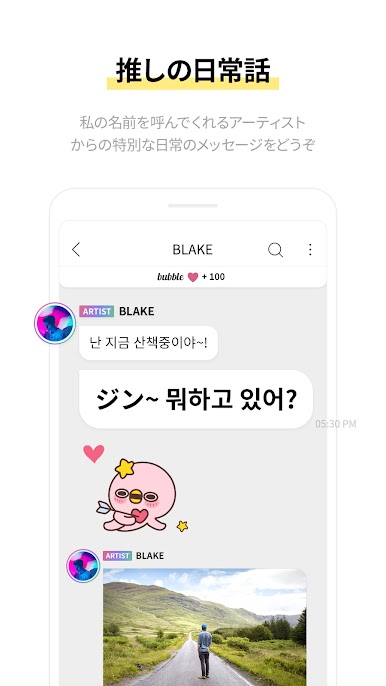
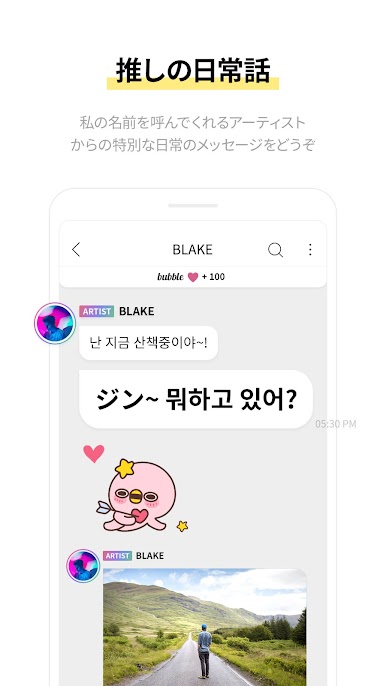
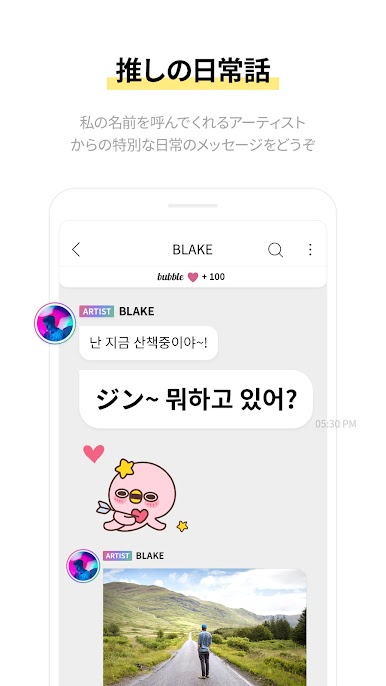
01. Favorite Idol's Everyday Story
Receive a special everyday message from the artist who calls your name.
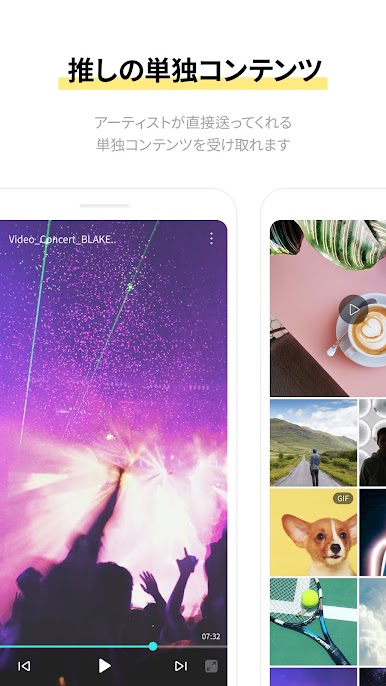
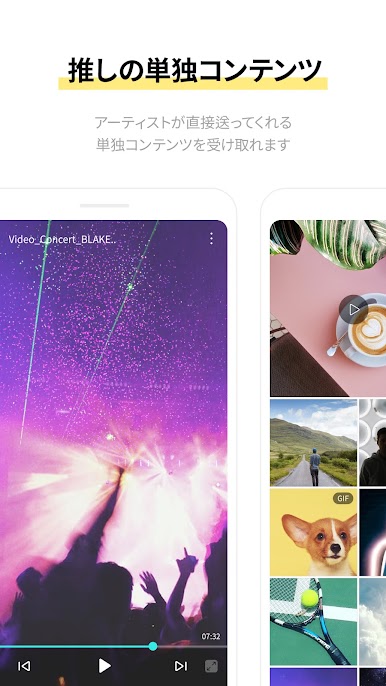
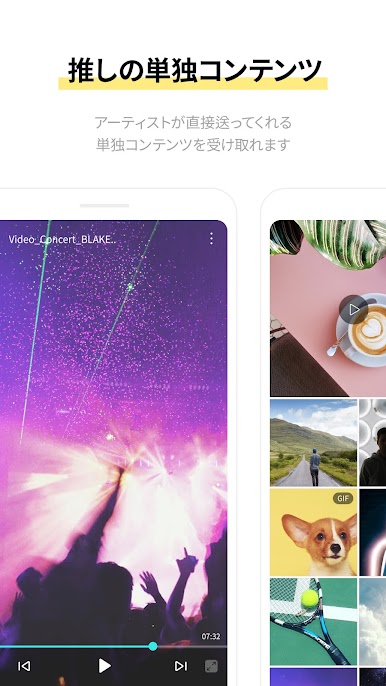
02. Favorite Idol's Dedicated Content
See dedicated content sent directly from artists.
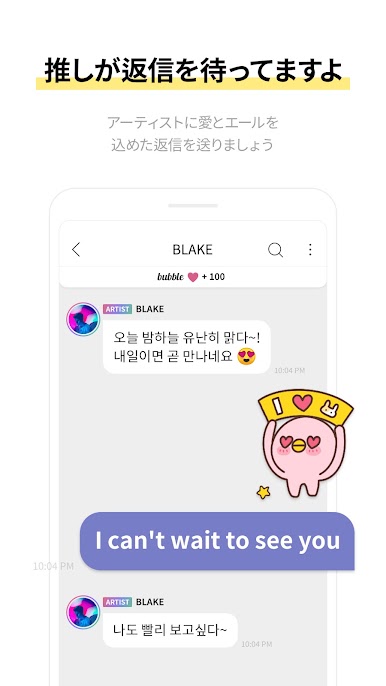
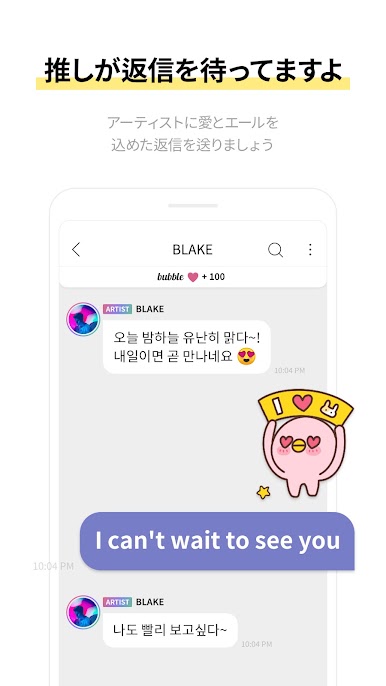
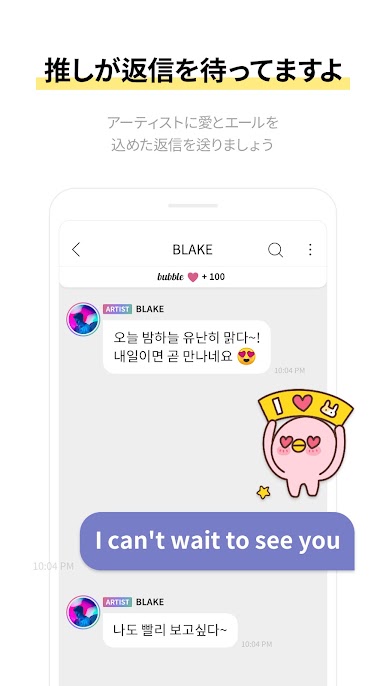
03. Your favorite idol is waiting for your reply
Reply to the artist with a message filled with encouragement and love.
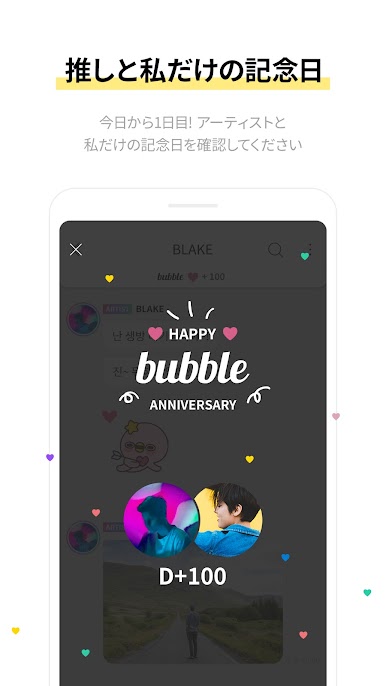
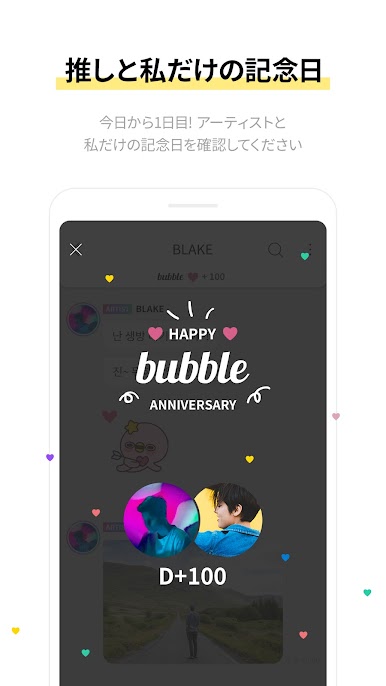
04. Anniversary with Your Favorite Idol
Today is Day 1! See the special anniversary date between you and your artist.
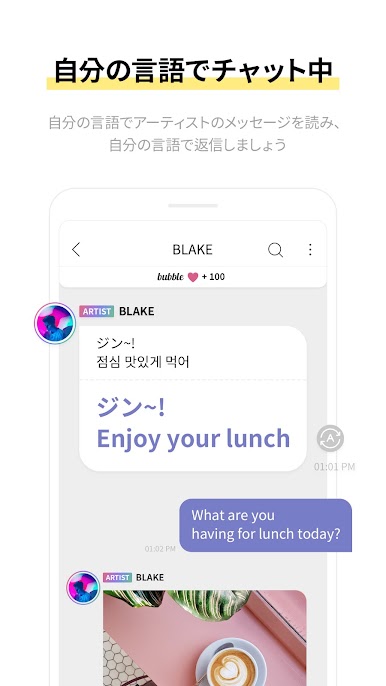
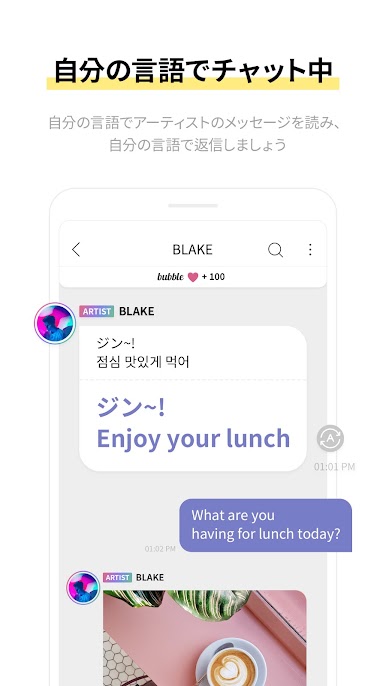
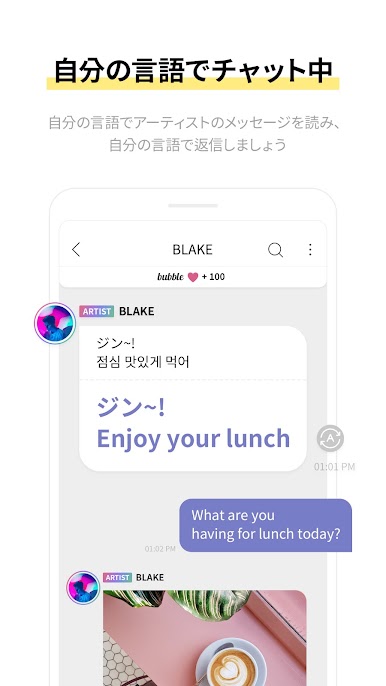
05. Chatting in my language
Read the artist's message and send a reply in your language.
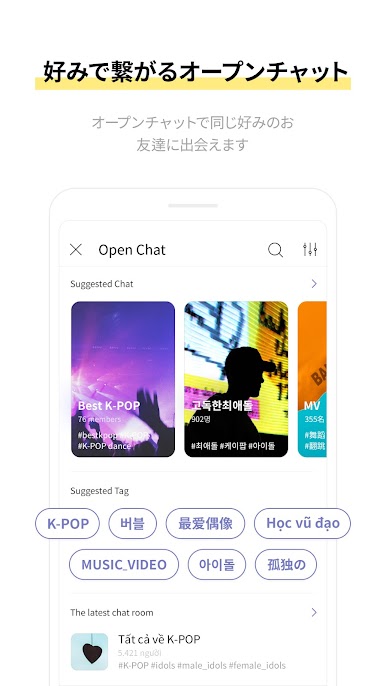
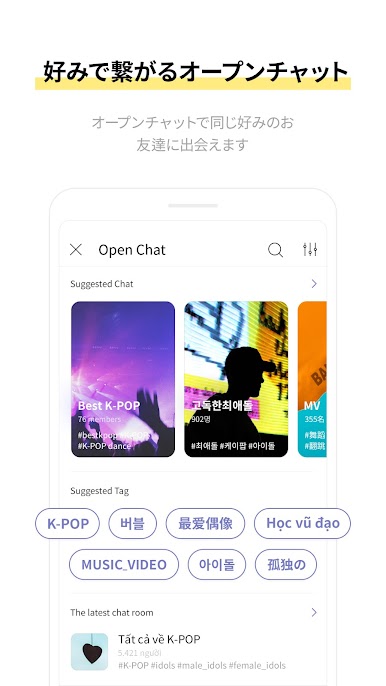
06. Open Chat in Your Style
Meet friends with similar interests in open chatrooms.
[Optional Access Authority]
* You may still use the app even if you do not allow optional access authority.
01. Photo Gallery
Used to send and store photos and videos and to set profile pictures and chatroom background images
02. Camera
Used to film and send photos and videos and to set profile pictures and chatroom background images
03. Mic
Used to record and send voice messages and videos
[Terms]
01. Terms of Use
https://ba-api.dear-u.co/terms/?msgType=service&locale=EN&appGroup=PLAYM
02. Privacy Policy
https://ba-api.dear-u.co/terms/?msgType=privacyPolicy&locale=EN&appGroup=PLAYM
[Information]
- Questions/Suggestions: help_playm@dear-u.co
Start bubble right now
and don't miss out on special private messages between you and your favorite idol!
--------------
[Service Overview]
01. Favorite Idol's Everyday Story
Receive a special everyday message from the artist who calls your name.
02. Favorite Idol's Dedicated Content
See dedicated content sent directly from artists.
03. Your favorite idol is waiting for your reply
Reply to the artist with a message filled with encouragement and love.
04. Anniversary with Your Favorite Idol
Today is Day 1! See the special anniversary date between you and your artist.
05. Chatting in my language
Read the artist's message and send a reply in your language.
06. Open Chat in Your Style
Meet friends with similar interests in open chatrooms.
[Optional Access Authority]
* You may still use the app even if you do not allow optional access authority.
01. Photo Gallery
Used to send and store photos and videos and to set profile pictures and chatroom background images
02. Camera
Used to film and send photos and videos and to set profile pictures and chatroom background images
03. Mic
Used to record and send voice messages and videos
[Terms]
01. Terms of Use
https://ba-api.dear-u.co/terms/?msgType=service&locale=EN&appGroup=PLAYM
02. Privacy Policy
https://ba-api.dear-u.co/terms/?msgType=privacyPolicy&locale=EN&appGroup=PLAYM
[Information]
- Questions/Suggestions: help_playm@dear-u.co




bubble for PLAY MをPCでプレイ
-
BlueStacksをダウンロードしてPCにインストールします。
-
GoogleにサインインしてGoogle Play ストアにアクセスします。(こちらの操作は後で行っても問題ありません)
-
右上の検索バーにbubble for PLAY Mを入力して検索します。
-
クリックして検索結果からbubble for PLAY Mをインストールします。
-
Googleサインインを完了してbubble for PLAY Mをインストールします。※手順2を飛ばしていた場合
-
ホーム画面にてbubble for PLAY Mのアイコンをクリックしてアプリを起動します。

