


Educativa Mobile
BlueStacksを使ってPCでプレイ - 5憶以上のユーザーが愛用している高機能Androidゲーミングプラットフォーム

Run Educativa Mobile on PC or Mac
What’s better than using Educativa Mobile by e-ducativa S.A.? Well, try it on a big screen, on your PC or Mac, with BlueStacks to see the difference.
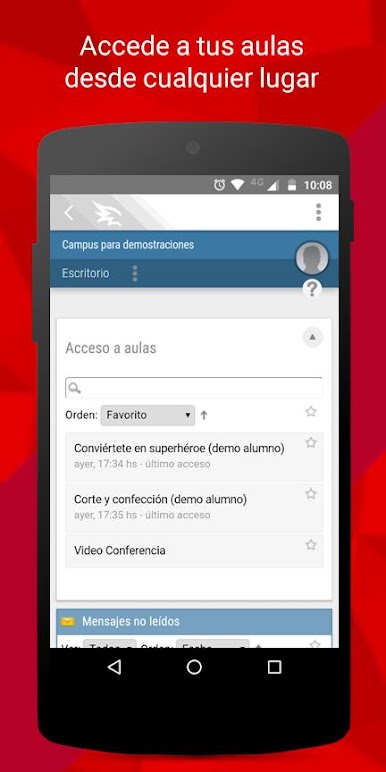
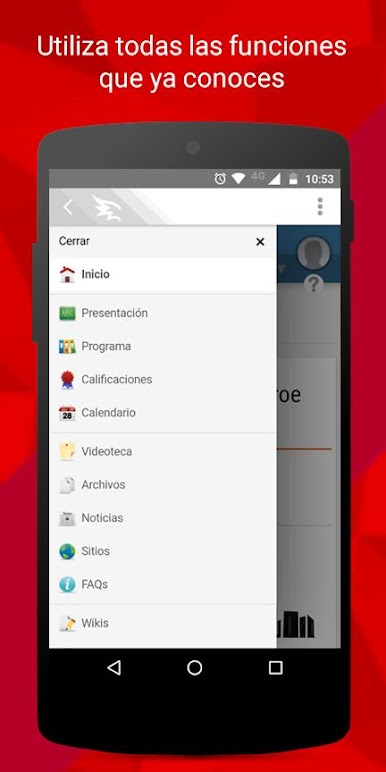
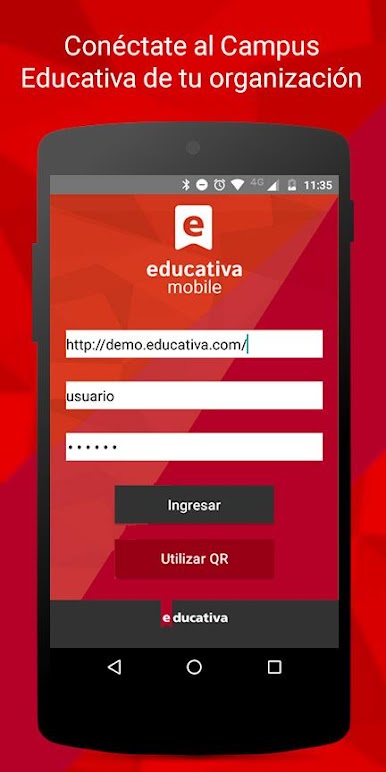
Educativa Mobile is basically like having your whole campus online, but right in your pocket—or, when using BlueStacks, on your computer screen. Instead of juggling between tabs or digging through emails, everything from notifications to class activities just pops up right in the app. It’s straightforward: just log in with your usual info, and suddenly all those discussion threads, course materials, and your classroom stuff are in one spot. It’s useful for students or anyone who’s part of a group or school that uses that Educativa campus thing.
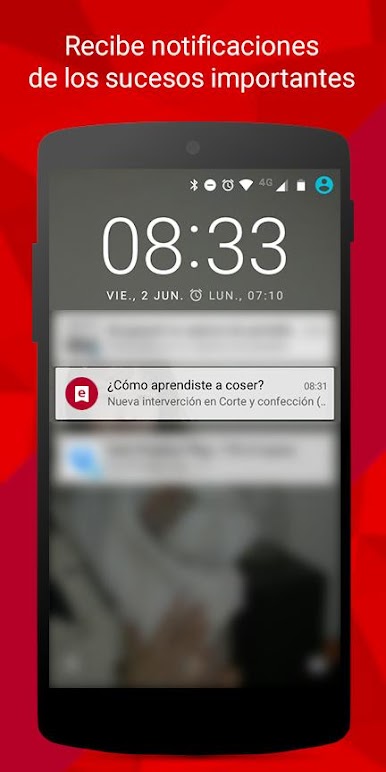
What stands out is that you don’t miss updates—notifications show up as soon as something happens, so it’s easy to stay in the loop. Plus, bouncing between conversations or assignments doesn’t feel clunky, even if you’re doing it on PC through BlueStacks. There isn’t a bunch of fluff—just a simple way to keep up with everything going on in your courses, whether you’re on your phone at a coffee shop or on your computer at home. Feels more organized than scrolling through endless emails or web pages. Anyone who’s using version 9 or higher of their organization’s campus should find it smooth to jump in and just focus on the classes and messages without any hassle.
Eager to take your app experience to the next level? Start right away by downloading BlueStacks on your PC or Mac.
Educativa MobileをPCでプレイ
-
BlueStacksをダウンロードしてPCにインストールします。
-
GoogleにサインインしてGoogle Play ストアにアクセスします。(こちらの操作は後で行っても問題ありません)
-
右上の検索バーにEducativa Mobileを入力して検索します。
-
クリックして検索結果からEducativa Mobileをインストールします。
-
Googleサインインを完了してEducativa Mobileをインストールします。※手順2を飛ばしていた場合
-
ホーム画面にてEducativa Mobileのアイコンをクリックしてアプリを起動します。

