


このページには広告が含まれます
AMS Optics
ビジネス | Emerson Electric
BlueStacksを使ってPCでプレイ - 5憶以上のユーザーが愛用している高機能Androidゲーミングプラットフォーム

Play AMS Optics on PC
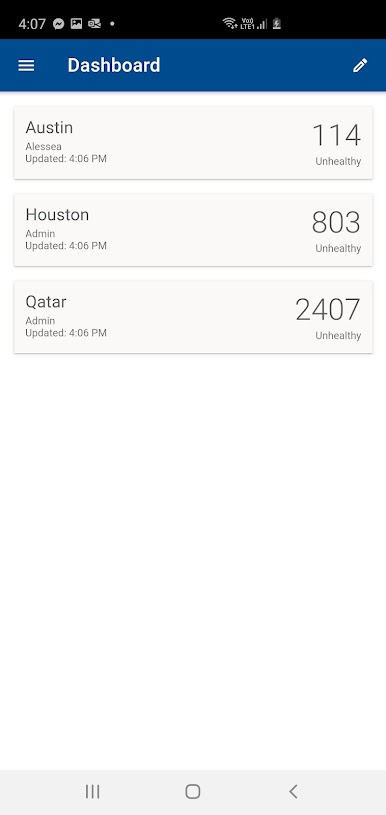
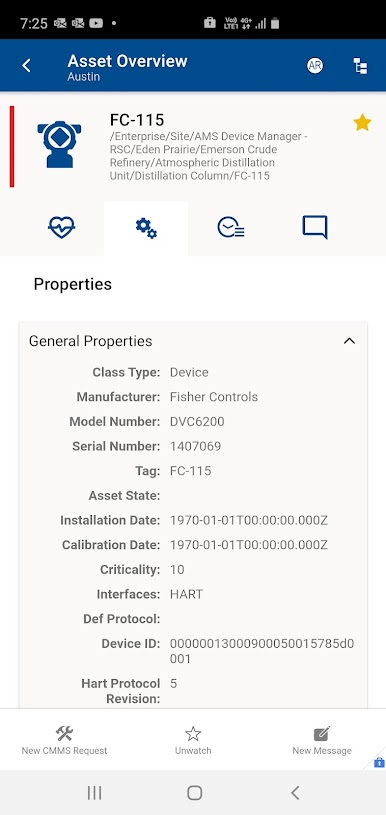
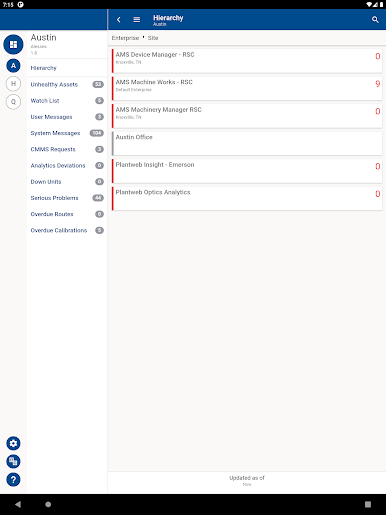
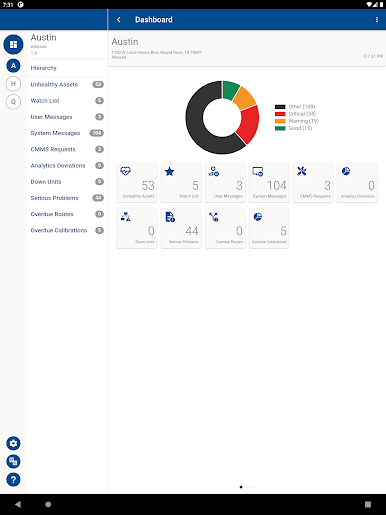
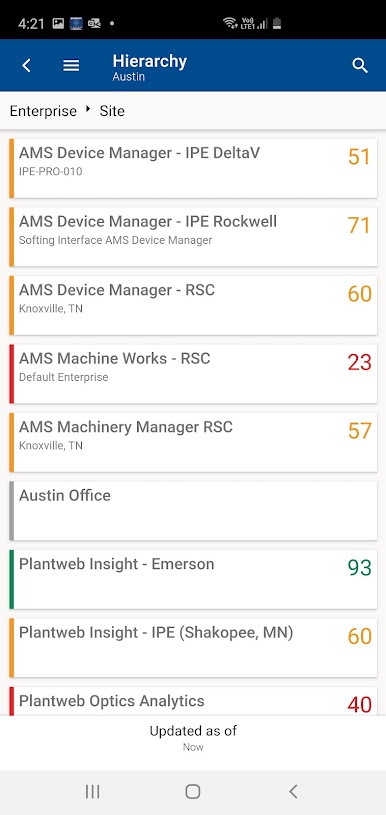
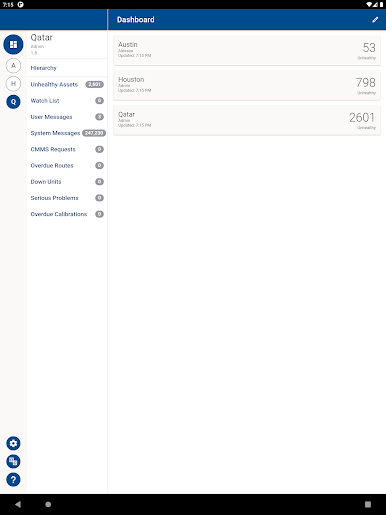
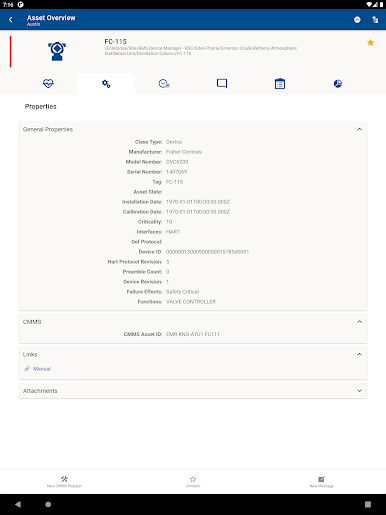
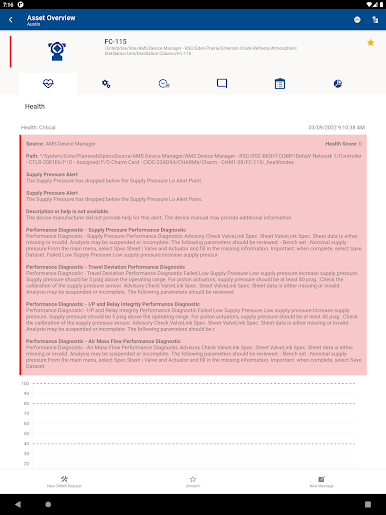
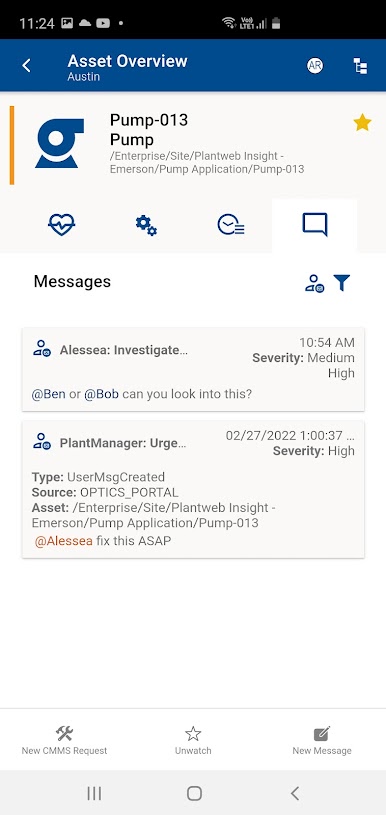
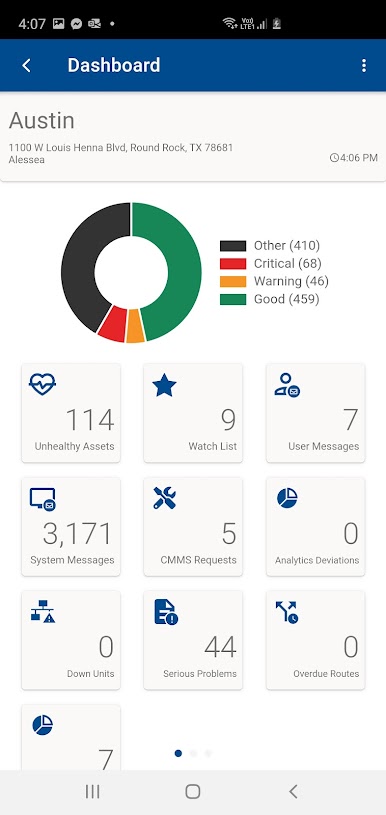
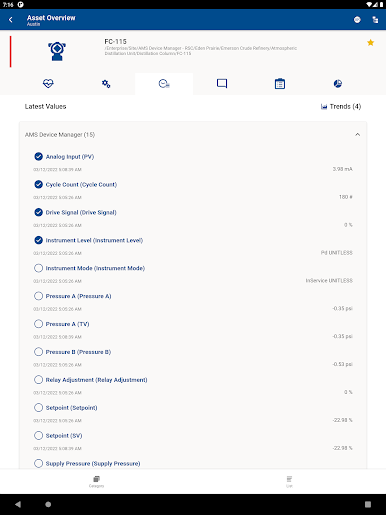
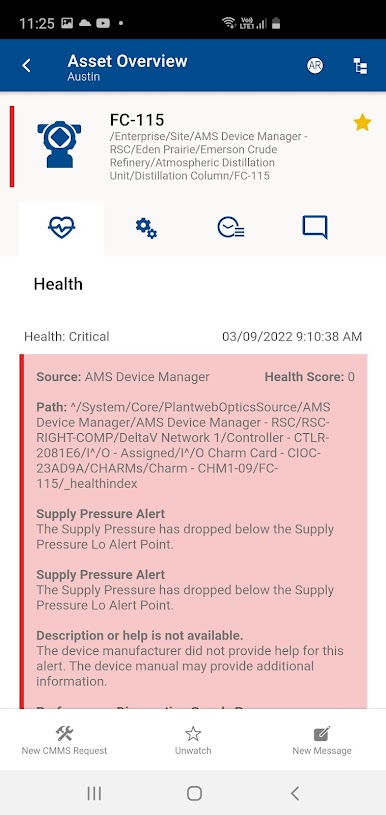
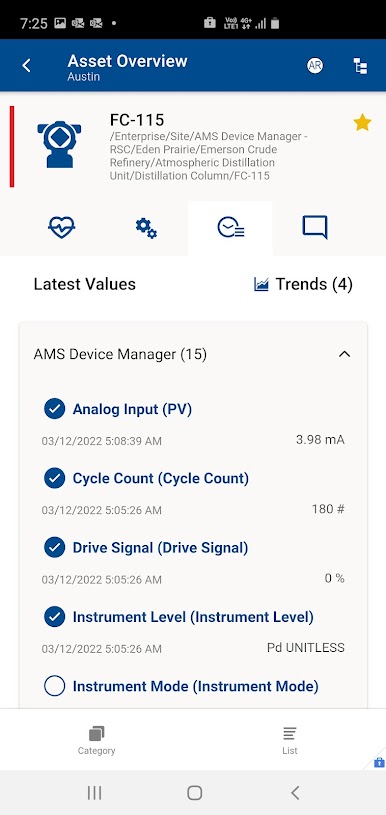
The AMS Optics mobile application allows you to remain up-to-date with the health of your facility – anywhere in the world – to deliver the right information to the right person at the right time. This functionality includes:
• Notifications for asset events and alarms
• Analysis tools for diagnosis and prognosis of asset health
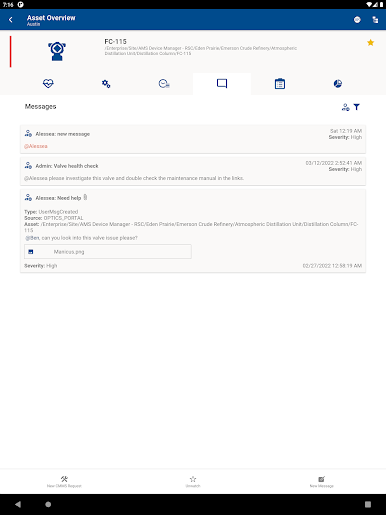
• Modern communication tools for quicker, more accurate decision making
• Quick filtering based on location, asset classes, and responsibility
• Support for hierarchy view of assets
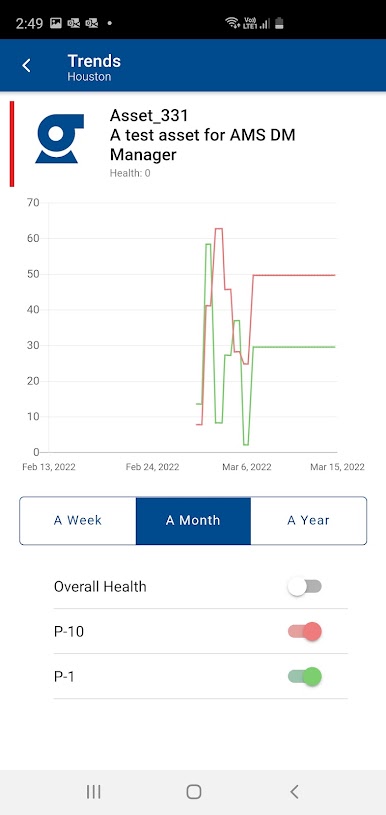
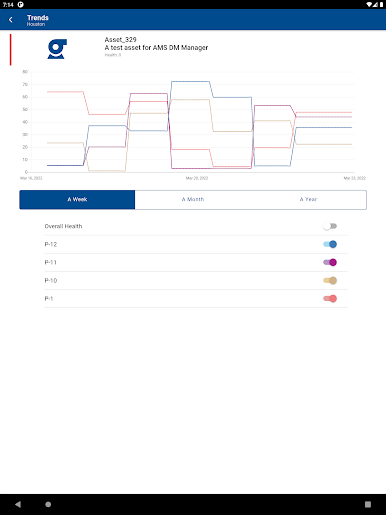
• Historical trending for health and parameter data
• Create and track CMMS requests
• KPIs: unhealthy assets, overdue calibrations, overdue routes, analytics deviations, etc.
• Access to documents, videos, and photos
• Export and share data as CSV file
• QR code search to identify assets
AMS Optics v1.102 includes the following updates:
• Resolved issues
For more information on Emerson’s digital transformation solutions, go to https://www.emerson.com/AMSoptics
• Notifications for asset events and alarms
• Analysis tools for diagnosis and prognosis of asset health
• Modern communication tools for quicker, more accurate decision making
• Quick filtering based on location, asset classes, and responsibility
• Support for hierarchy view of assets
• Historical trending for health and parameter data
• Create and track CMMS requests
• KPIs: unhealthy assets, overdue calibrations, overdue routes, analytics deviations, etc.
• Access to documents, videos, and photos
• Export and share data as CSV file
• QR code search to identify assets
AMS Optics v1.102 includes the following updates:
• Resolved issues
For more information on Emerson’s digital transformation solutions, go to https://www.emerson.com/AMSoptics
AMS OpticsをPCでプレイ
-
BlueStacksをダウンロードしてPCにインストールします。
-
GoogleにサインインしてGoogle Play ストアにアクセスします。(こちらの操作は後で行っても問題ありません)
-
右上の検索バーにAMS Opticsを入力して検索します。
-
クリックして検索結果からAMS Opticsをインストールします。
-
Googleサインインを完了してAMS Opticsをインストールします。※手順2を飛ばしていた場合
-
ホーム画面にてAMS Opticsのアイコンをクリックしてアプリを起動します。

