


ESET Secure Authentication
BlueStacksを使ってPCでプレイ - 5憶以上のユーザーが愛用している高機能Androidゲーミングプラットフォーム

Run ESET Secure Authentication on PC or Mac
Upgrade your experience. Try ESET Secure Authentication, the fantastic Tools app from ESET, from the comfort of your laptop, PC, or Mac, only on BlueStacks.
About the App
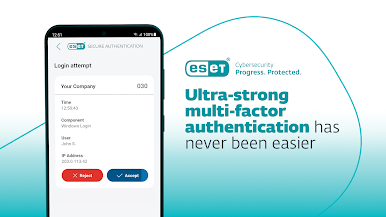
Looking for an extra layer of security for your business logins? ESET Secure Authentication has you covered. This companion app from ESET brings two-factor authentication (2FA) right to your phone, making sure that accessing sensitive company info requires just a bit more than the usual password. It’s aimed at businesses, so you’ll need a network admin to get started, but once you’re set up, keeping your data secure feels a lot simpler.
App Features
-
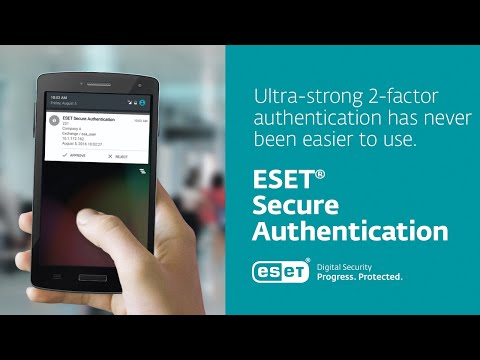
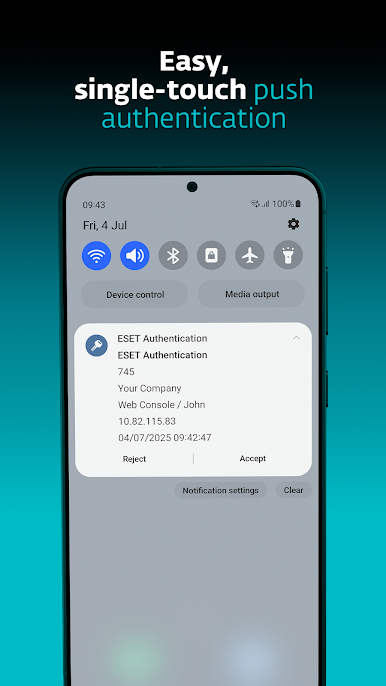
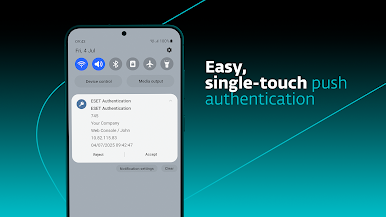
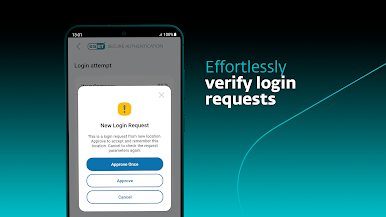
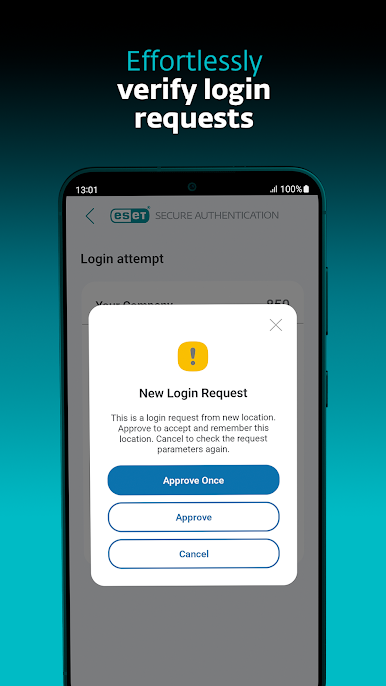
Quick Push Approvals
Get a push notification whenever you need to log in. Just tap to approve and you’re in—no need to type out a code every time. -
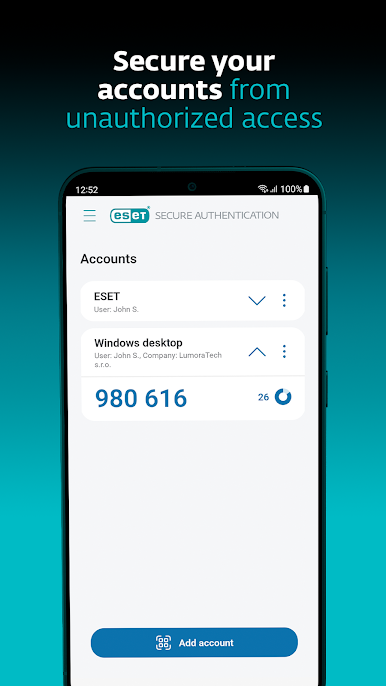
Simple One-Time Password Generator
The app generates time-based passwords that change constantly. You use these along with your regular login details, adding an extra step for anyone trying to break in. -
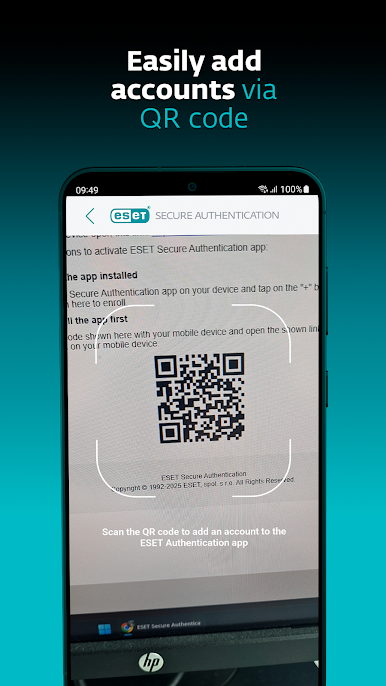
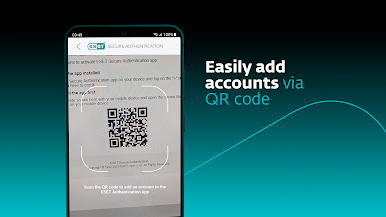
Effortless Account Enrollment
Adding a new account is as easy as scanning a QR code. No manual entry, no headaches. -
Wide Compatibility
Works with lots of business systems: Microsoft web apps, local Windows logins, Remote Desktop, VPNs, even custom apps your company uses. It plays nicely with Mac and Linux, too. -
Seamless AD FS and Cloud Integration
The app integrates with Active Directory Federation Services, so you can secure your cloud platforms alongside your on-prem stuff. -
Company-Controlled Setup
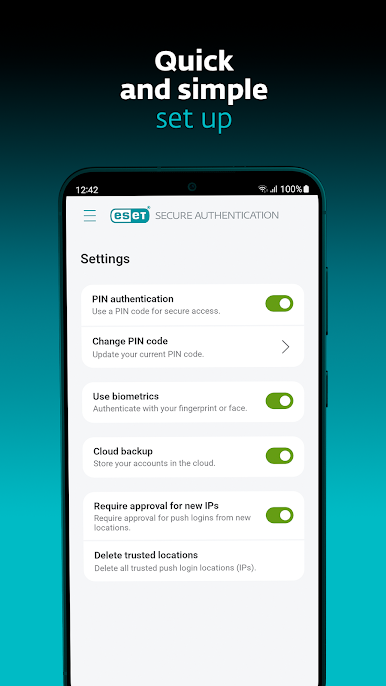
Since it’s built for organizations, you’ll get your enrollment link from your company’s admin. It won’t work solo—you’ll always be connected to your company’s security ecosystem. -
Secure Permissions
Uses device administrator and accessibility permissions to help keep everything running smoothly and securely.
Want to run ESET Secure Authentication on a bigger screen? BlueStacks lets you use Tools apps like this right from your computer, giving you another way to stay connected to workplace security.
Switch to BlueStacks and make the most of your apps on your PC or Mac.
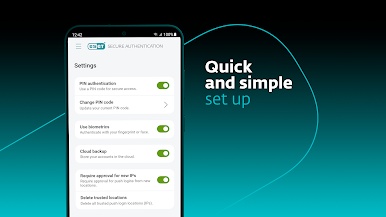
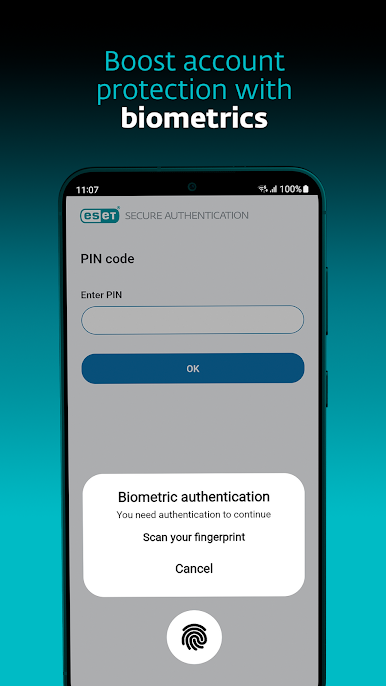
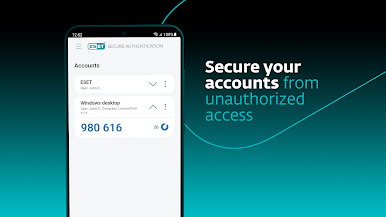
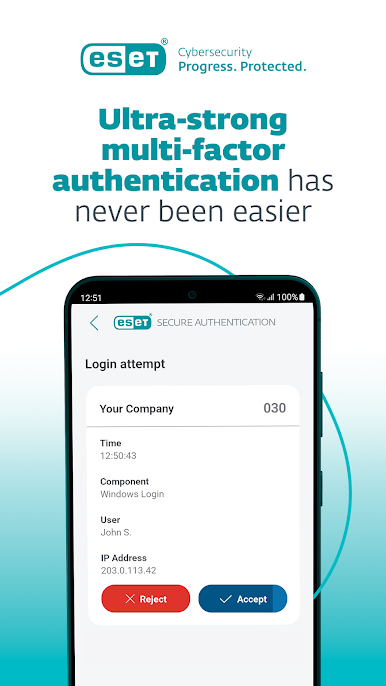
ESET Secure AuthenticationをPCでプレイ
-
BlueStacksをダウンロードしてPCにインストールします。
-
GoogleにサインインしてGoogle Play ストアにアクセスします。(こちらの操作は後で行っても問題ありません)
-
右上の検索バーにESET Secure Authenticationを入力して検索します。
-
クリックして検索結果からESET Secure Authenticationをインストールします。
-
Googleサインインを完了してESET Secure Authenticationをインストールします。※手順2を飛ばしていた場合
-
ホーム画面にてESET Secure Authenticationのアイコンをクリックしてアプリを起動します。

