


このページには広告が含まれます
eufy Clean(EufyHome)
ライフスタイル | Anker
BlueStacksを使ってPCでプレイ - 5憶以上のユーザーが愛用している高機能Androidゲーミングプラットフォーム

Play eufy Clean(EufyHome) on PC
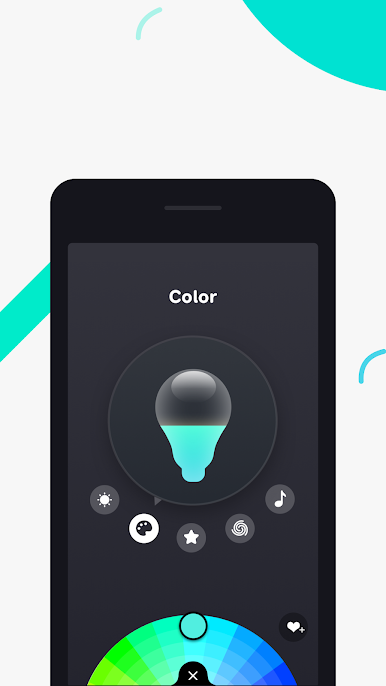
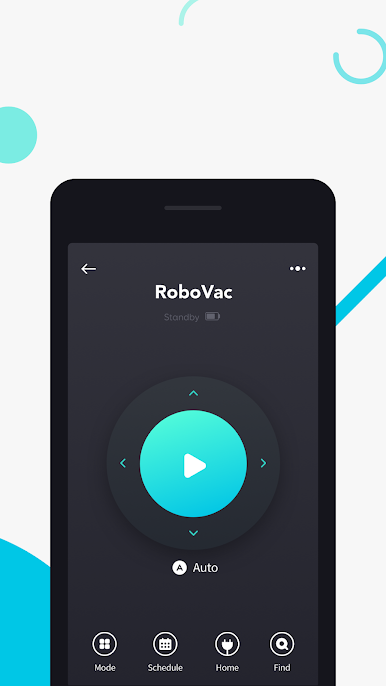
eufy Clean - Live Well. Live Smart. Control your Eufy smart home devices from anywhere.
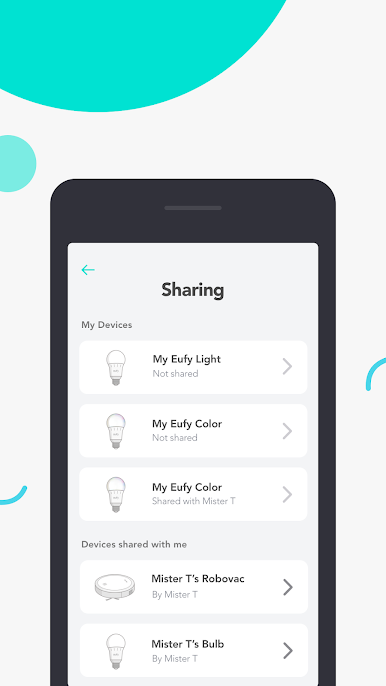
You can also share Eufy smart home devices with family members, so everyone can set their own personal preferences for each device.
How to use eufy Clean:
- Registering your account: After downloading the app, create and register an account with your Email address. (Or directly log in with your EufyLife account)
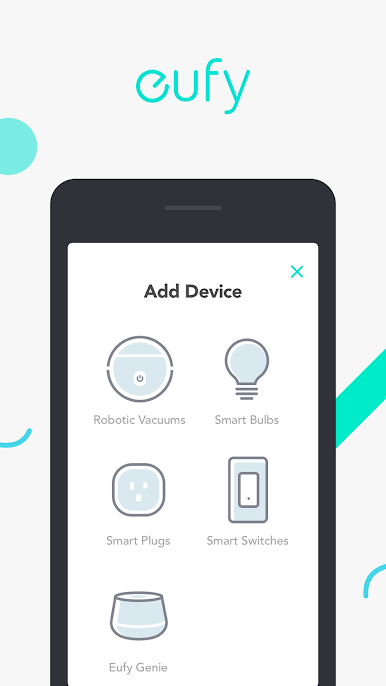
- Adding devices: Open the eufy Clean app and follow the intuitive setup procedure to pair new devices with your smartphone. If a device has already been setup by another family member, you can request control access to operate that device from that family member.
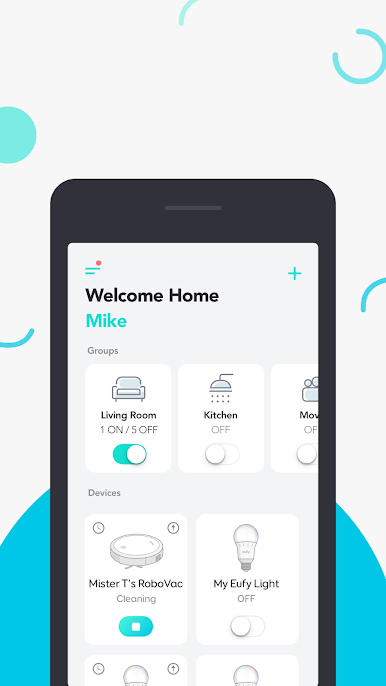
- Using devices: After successfully pairing the new device, it will show up in the device list. Simply tap the icon you wish to use and start enjoying the Eufy smart home experience.
Contact Us:
• Email: support@eufylife.com
• Website: eufylife.com
• Facebook: @EufyOfficial
You can also share Eufy smart home devices with family members, so everyone can set their own personal preferences for each device.
How to use eufy Clean:
- Registering your account: After downloading the app, create and register an account with your Email address. (Or directly log in with your EufyLife account)
- Adding devices: Open the eufy Clean app and follow the intuitive setup procedure to pair new devices with your smartphone. If a device has already been setup by another family member, you can request control access to operate that device from that family member.
- Using devices: After successfully pairing the new device, it will show up in the device list. Simply tap the icon you wish to use and start enjoying the Eufy smart home experience.
Contact Us:
• Email: support@eufylife.com
• Website: eufylife.com
• Facebook: @EufyOfficial
eufy Clean(EufyHome)をPCでプレイ
-
BlueStacksをダウンロードしてPCにインストールします。
-
GoogleにサインインしてGoogle Play ストアにアクセスします。(こちらの操作は後で行っても問題ありません)
-
右上の検索バーにeufy Clean(EufyHome)を入力して検索します。
-
クリックして検索結果からeufy Clean(EufyHome)をインストールします。
-
Googleサインインを完了してeufy Clean(EufyHome)をインストールします。※手順2を飛ばしていた場合
-
ホーム画面にてeufy Clean(EufyHome)のアイコンをクリックしてアプリを起動します。

