

Bricks Kingdom
BlueStacksを使ってPCでプレイ - 5憶以上のユーザーが愛用している高機能Androidゲーミングプラットフォーム

Play Bricks Kingdom on PC or Mac
Bricks Kingdom is a Strategy game developed by ONEMT SGP. BlueStacks app player is the best Android emulator to play this Android game on your PC or Mac for an immersive gaming experience.
About the Game
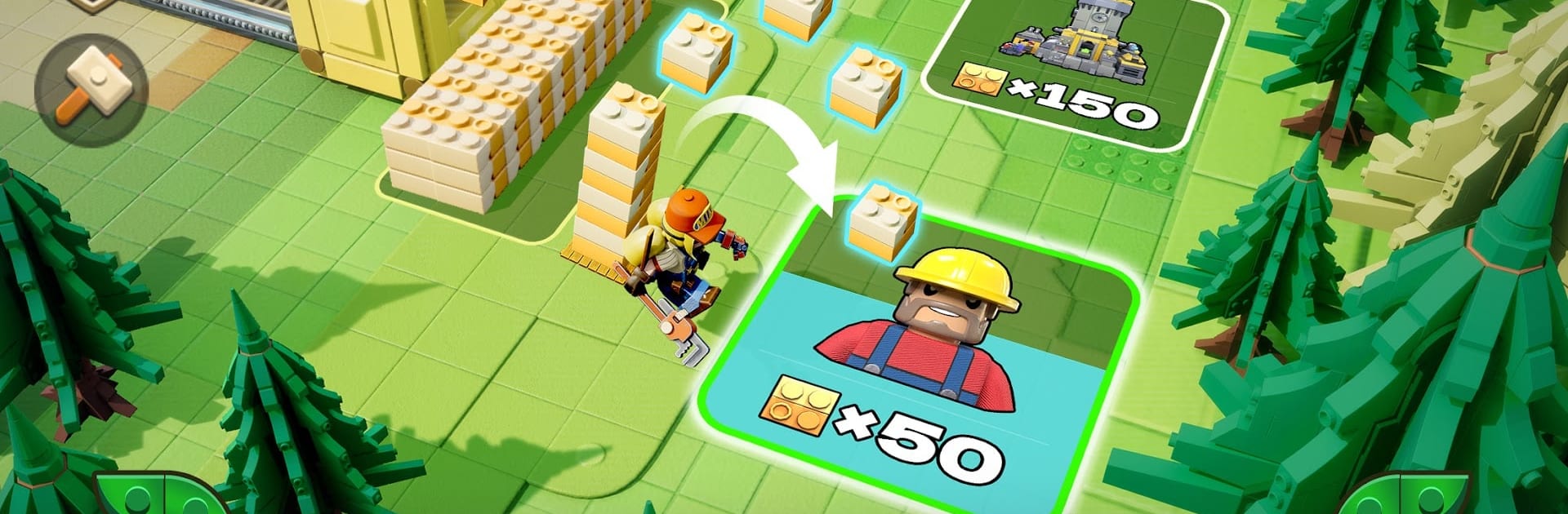
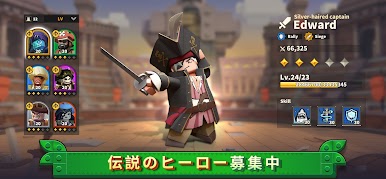
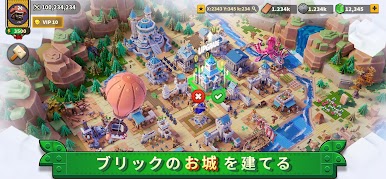
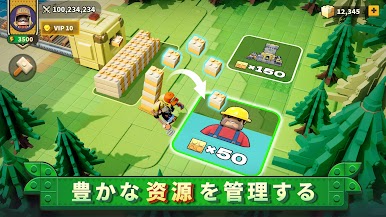
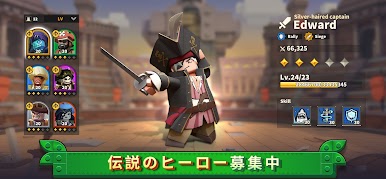
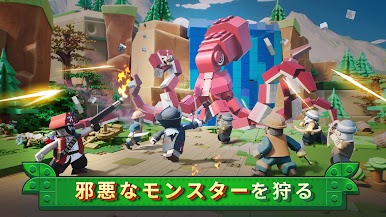
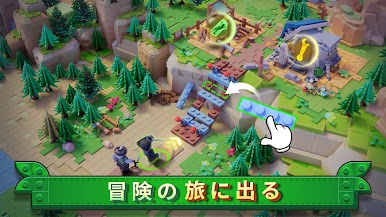
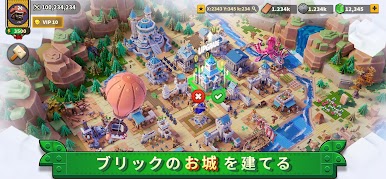
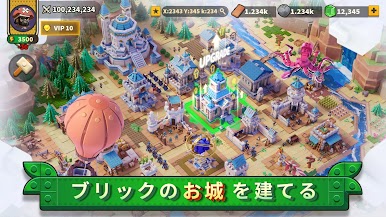
Bricks Kingdom, from the innovative minds at ONEMT SGP, invites you to step into a mesmerizing world where magic and mechanics coalesce. As a strategic player, you’ll embark on a thrilling quest to gather Energy Bricks and thwart the looming threat of the Shadow Waves. Expect epic adventures brimming with mystery as you seek to restore your city to glory.
Game Features
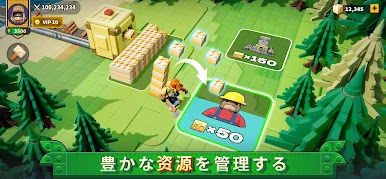
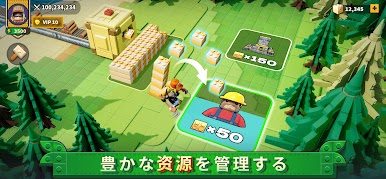
- Strategic Brick Gathering: Navigate the realm to collect precious Energy Bricks, each vital to your city’s revival.
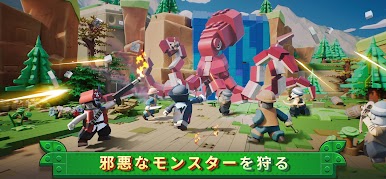
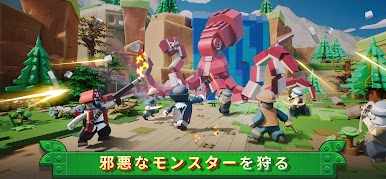
- Battle Shadow Waves: Face off against the enigmatic Shadow Waves that seek to dominate the land’s magic.
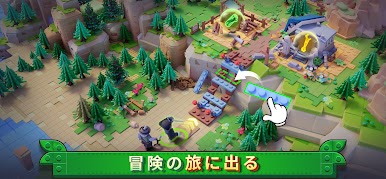
- Expansive Exploration: Explore vast, undiscovered territories, revealing a world brimming with adventure at every corner.
For a seamless experience, consider playing with BlueStacks to dive deeper into the strategic escapades. In Bricks Kingdom, strategy meets magic in a race against the shadows.

Bricks KingdomをPCでプレイ
-
BlueStacksをダウンロードしてPCにインストールします。
-
GoogleにサインインしてGoogle Play ストアにアクセスします。(こちらの操作は後で行っても問題ありません)
-
右上の検索バーにBricks Kingdomを入力して検索します。
-
クリックして検索結果からBricks Kingdomをインストールします。
-
Googleサインインを完了してBricks Kingdomをインストールします。※手順2を飛ばしていた場合
-
ホーム画面にてBricks Kingdomのアイコンをクリックしてアプリを起動します。

