

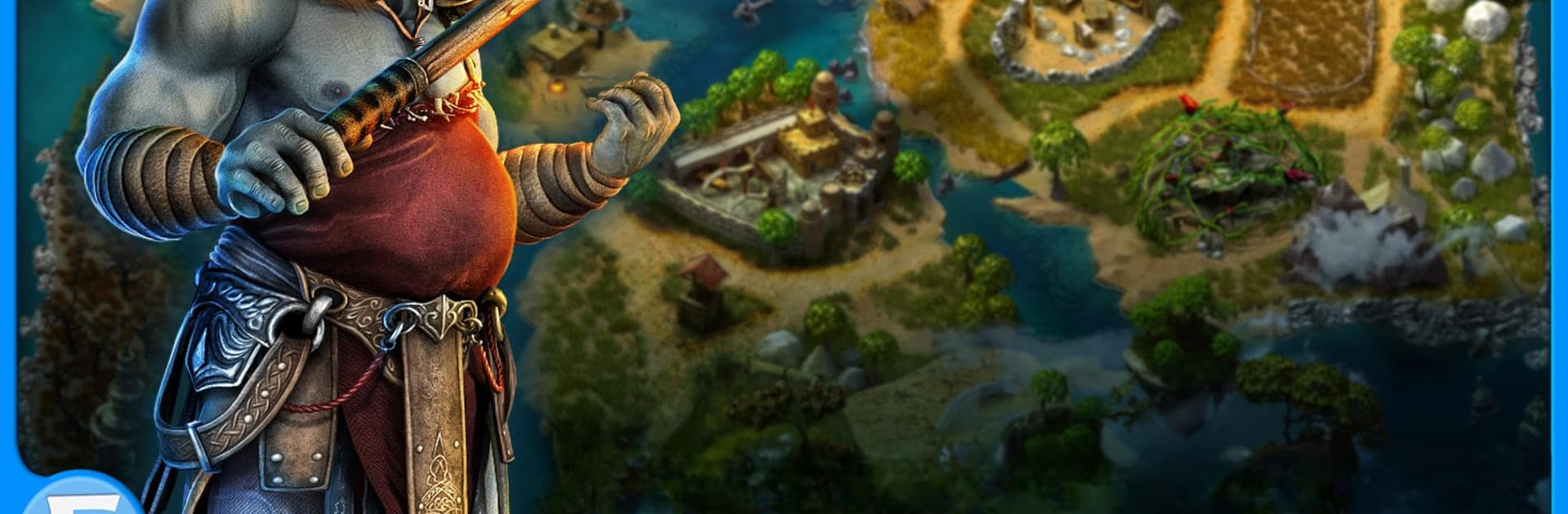
Lost Lands: HOG Premium
BlueStacksを使ってPCでプレイ - 5憶以上のユーザーが愛用している高機能Androidゲーミングプラットフォーム

Play Lost Lands: HOG Premium on PC or Mac
Lost Lands: HOG Premium brings the Adventure genre to life, and throws up exciting challenges for gamers. Developed by FIVE-BN GAMES, this Android game is best experienced on BlueStacks, the World’s #1 app player for PC and Mac users.
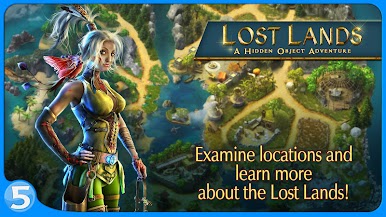
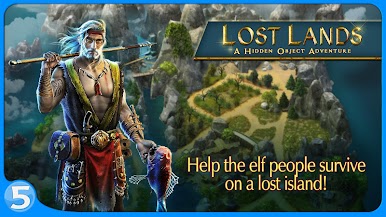
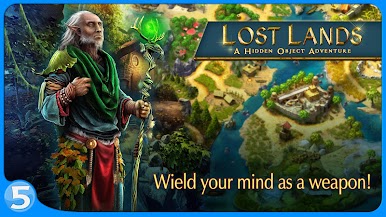
Lost Lands: HOG Premium is kind of like jumping into a fantasy novel, but instead of reading about elves getting stranded on a weird island, you actually get to help them out. The story kicks off with these elves whose home is destroyed, and now they’re stuck somewhere mysterious—lots of pretty forests, rivers, and mountains, but, of course, nothing is ever simple. Turns out there’s a magical storm blocking them from leaving, so everything’s a mix of magical nature scenes and lurking dangers.
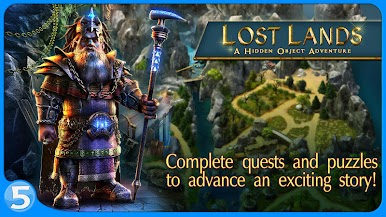
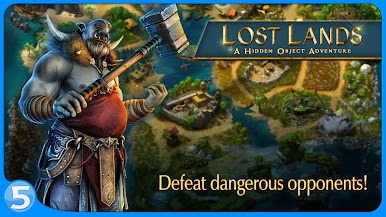
It’s a hidden object game, so the main thing is looking around detailed areas, trying to spot stuff that blends in way too well, and working through different puzzles that pop up between the story bits. The game mixes in quests, little side objectives, and these bite-sized challenges that keep it moving. Plus, for anyone who likes collecting things, there’s a bunch of achievements and items to track down, which always gives you a reason to go back. Playing on PC with BlueStacks, it’s all a bit easier to click around and see those tiny details without squinting at a small screen. There are plenty of fantasy characters, odd creatures, and that ongoing mystery about the elves’ fate, so it feels like you’re unwrapping a bigger story as you solve each scene or puzzle. If you like adventures where you explore, find hidden stuff, and piece together a cool fantasy plot, this one keeps things interesting with a good mix of tasks and story moments.
Start your journey now. Download the game on BlueStacks, invite your friends, and march on a new adventure.


Lost Lands: HOG PremiumをPCでプレイ
-
BlueStacksをダウンロードしてPCにインストールします。
-
GoogleにサインインしてGoogle Play ストアにアクセスします。(こちらの操作は後で行っても問題ありません)
-
右上の検索バーにLost Lands: HOG Premiumを入力して検索します。
-
クリックして検索結果からLost Lands: HOG Premiumをインストールします。
-
Googleサインインを完了してLost Lands: HOG Premiumをインストールします。※手順2を飛ばしていた場合
-
ホーム画面にてLost Lands: HOG Premiumのアイコンをクリックしてアプリを起動します。

