


このページには広告が含まれます
iNES Classic Console Emulator
アーケード | Garage Research Emulators
BlueStacksを使ってPCでプレイ - 5憶以上のユーザーが愛用している高機能Androidゲーミングプラットフォーム

Play iNES Classic Console Emulator on PC
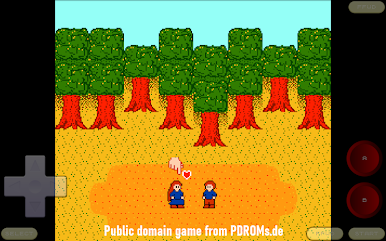
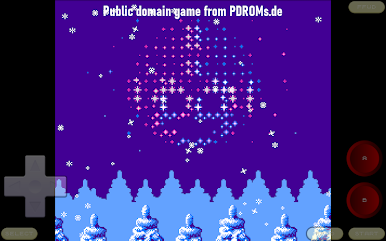
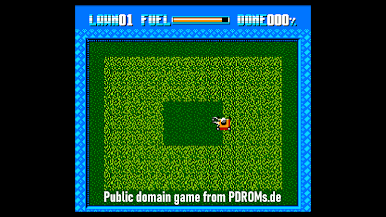
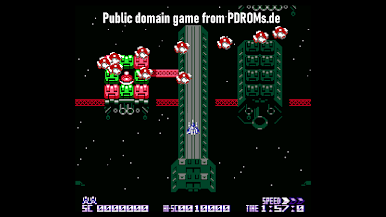
This app runs games written for classic 8bit gaming consoles. It also emulates addons, such as tilt sensors, light guns, vibration packs, printers, and more. The emulation is specifically opimized for Android devices. It lets you save game progress at any moment, or even rewind gameplay back in time. You can exchange saved game states with other users, or play together by using the network play. This app supports AndroidTV, GoogleTV, and a variety of gamepads.
Disclaimer: Since all original games are written to run in the 4:3 NTSC TV resolution, the app will display them in the original resolution, with black bars at the sides of a 16:9 screen. If desired, you can make the image fill the entire screen via the "Settings | Video | Stretch Video" option.
Disclaimer: Since all original games are written to run in the 4:3 NTSC TV resolution, the app will display them in the original resolution, with black bars at the sides of a 16:9 screen. If desired, you can make the image fill the entire screen via the "Settings | Video | Stretch Video" option.
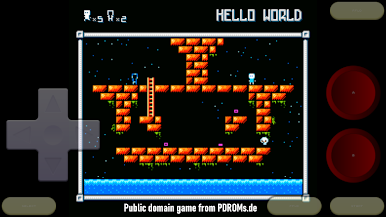
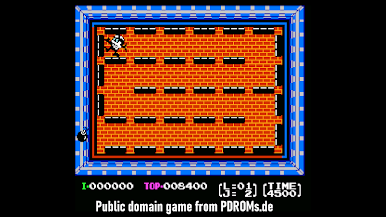
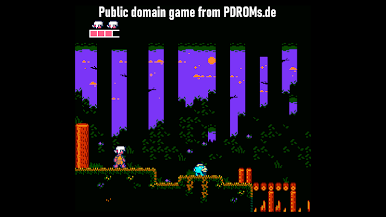
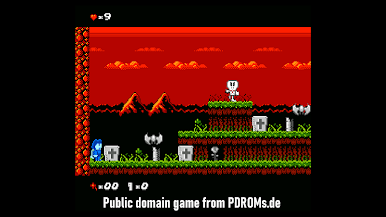
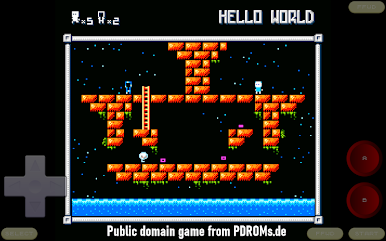
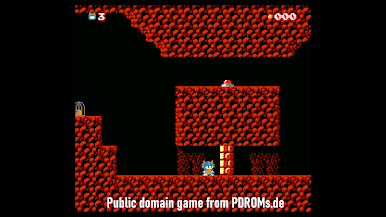
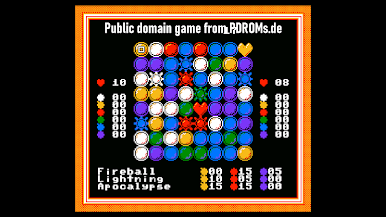
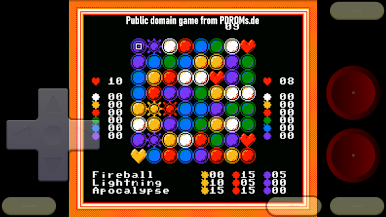
iNES Classic Console EmulatorをPCでプレイ
-
BlueStacksをダウンロードしてPCにインストールします。
-
GoogleにサインインしてGoogle Play ストアにアクセスします。(こちらの操作は後で行っても問題ありません)
-
右上の検索バーにiNES Classic Console Emulatorを入力して検索します。
-
クリックして検索結果からiNES Classic Console Emulatorをインストールします。
-
Googleサインインを完了してiNES Classic Console Emulatorをインストールします。※手順2を飛ばしていた場合
-
ホーム画面にてiNES Classic Console Emulatorのアイコンをクリックしてアプリを起動します。

