


このページには広告が含まれます
Fossil Smartwatches
ライフスタイル | Fossil Group, Inc.
BlueStacksを使ってPCでプレイ - 5憶以上のユーザーが愛用している高機能Androidゲーミングプラットフォーム

Play Fossil Smartwatches on PC
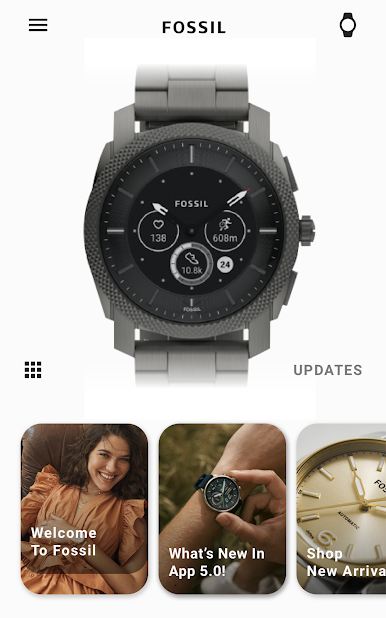
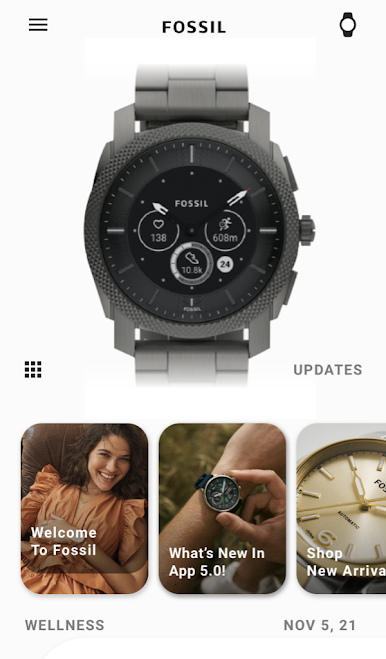
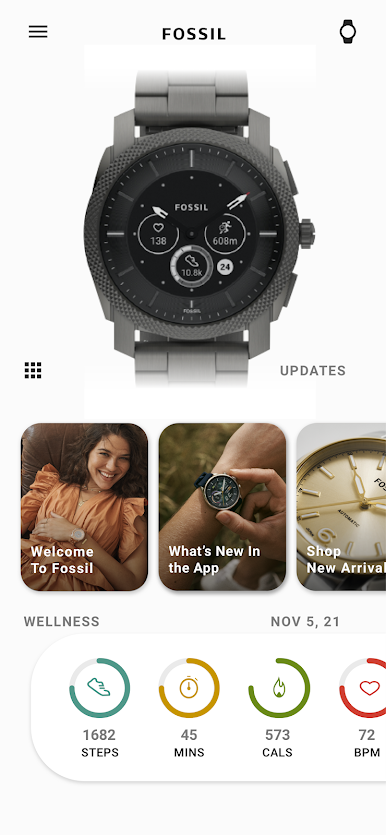
Introducing the new Fossil Smartwatches smartphone app designed to enhance your smartwatch experience. From unique watch faces to notifications with a twist, customize your experience at your fingertips.
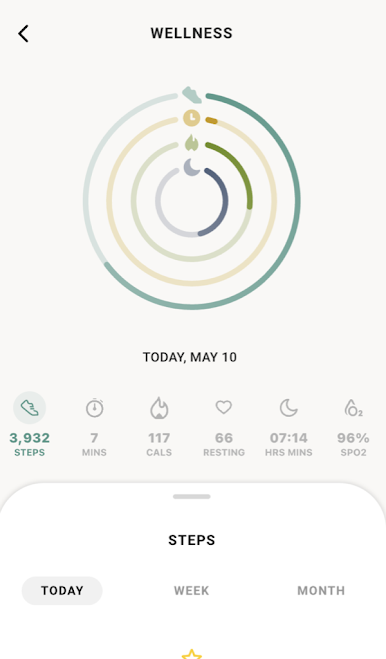
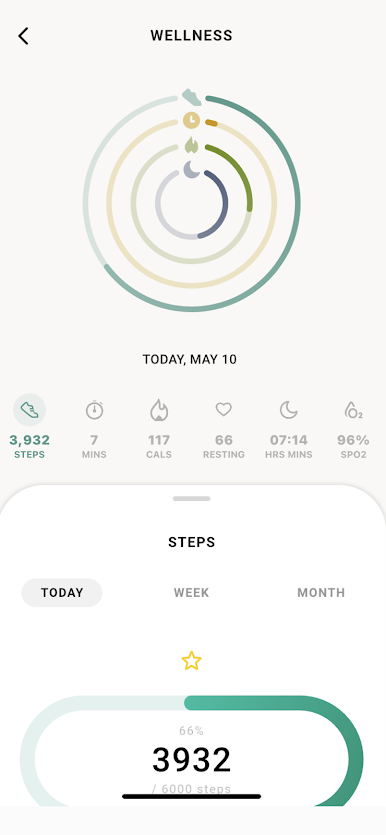
Fossil Smartwatches is a companion app which offers a wide range of features related to fitness and connected to your smartphone.
Supported Fossil smartwatches: Gen 6 wearOS and Hybrid smartwatches.
Following are the core features which are essential parts to form up this app:
Pair/ activate all Fossil smartwatches with your smartphone.
Show notifications of incoming calls and messages of your phone on your watches.
Show notification from other applications of your phone on your watches.
Find your smartwatches based on the last location of your device.
Get real-time weather information based on your current location.
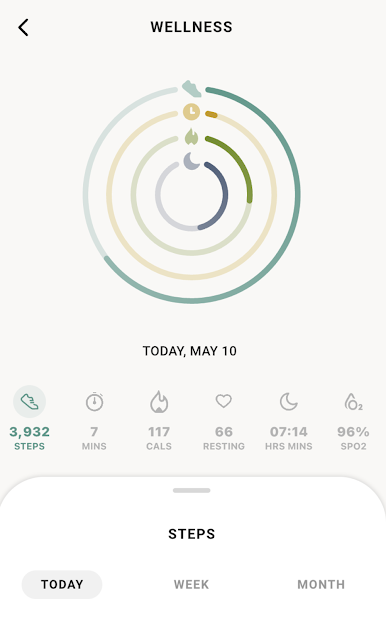
Track steps, distance, calories burned and sleep quality.
Connect to voice assistant services.
Fossil Smartwatches is a companion app which offers a wide range of features related to fitness and connected to your smartphone.
Supported Fossil smartwatches: Gen 6 wearOS and Hybrid smartwatches.
Following are the core features which are essential parts to form up this app:
Pair/ activate all Fossil smartwatches with your smartphone.
Show notifications of incoming calls and messages of your phone on your watches.
Show notification from other applications of your phone on your watches.
Find your smartwatches based on the last location of your device.
Get real-time weather information based on your current location.
Track steps, distance, calories burned and sleep quality.
Connect to voice assistant services.
Fossil SmartwatchesをPCでプレイ
-
BlueStacksをダウンロードしてPCにインストールします。
-
GoogleにサインインしてGoogle Play ストアにアクセスします。(こちらの操作は後で行っても問題ありません)
-
右上の検索バーにFossil Smartwatchesを入力して検索します。
-
クリックして検索結果からFossil Smartwatchesをインストールします。
-
Googleサインインを完了してFossil Smartwatchesをインストールします。※手順2を飛ばしていた場合
-
ホーム画面にてFossil Smartwatchesのアイコンをクリックしてアプリを起動します。

