

Camli ビデオエディタ&カメラ
BlueStacksを使ってPCでプレイ - 5憶以上のユーザーが愛用している高機能Androidゲーミングプラットフォーム

Run Video Editor & Camli HD Camera on PC or Mac
Why limit yourself to your small screen on the phone? Run Video Editor & Camli HD Camera, an app by Master Video Recorder & Screen Recorder Studio, best experienced on your PC or Mac with BlueStacks, the world’s #1 Android emulator.
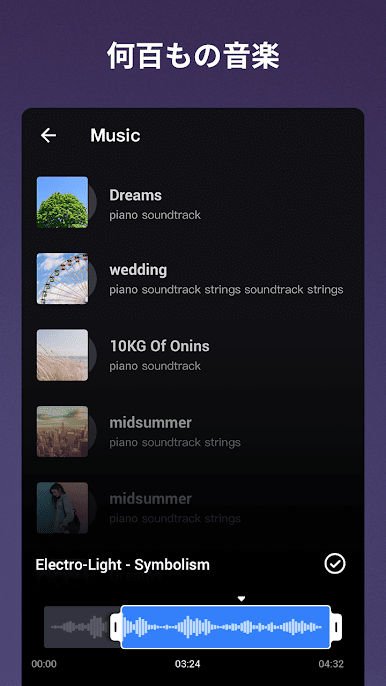
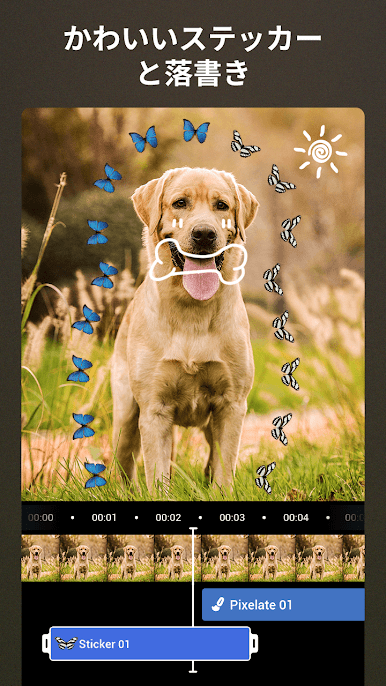
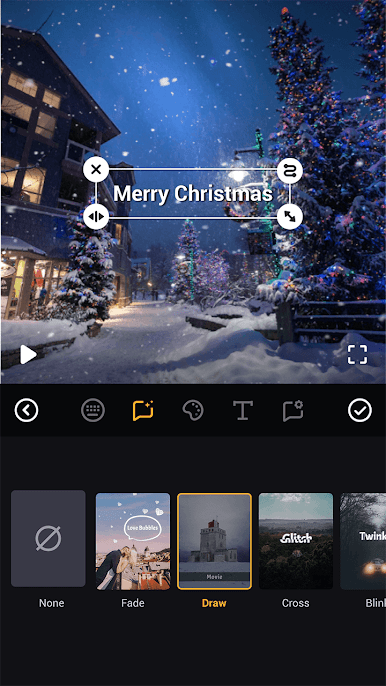
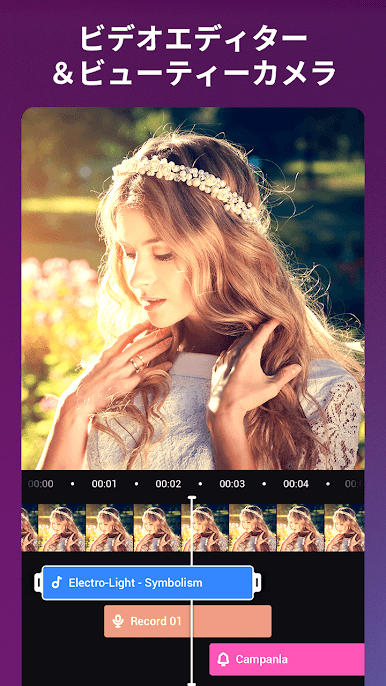
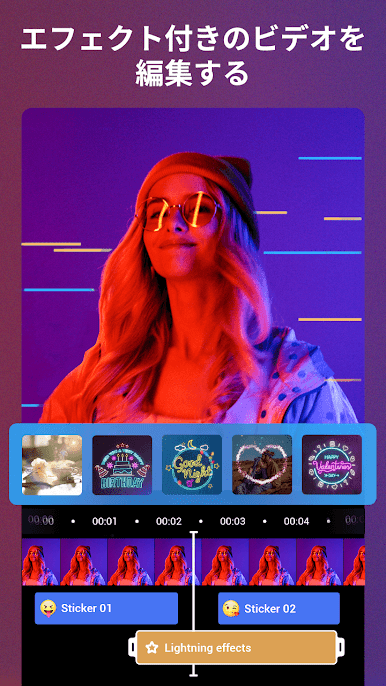
Video Editor & Camli HD Camera feels like a mix of quick maker and real editor. It opens into a clean timeline, and stacking clips, music, and effects on different tracks is easy to figure out. There is a big set of trims and merges, looping a clip for a gag, turning a video into an MP3 when only the audio is needed, even shrinking file size right on the storyboard so it does not choke a chat app. Text and subtitles are flexible, with a bunch of fonts and animated styles, plus a materials section full of colours and stickers that are not junky. Aspect ratios are ready for vertical, square, or widescreen, so switching a vlog to phone format is not a headache.
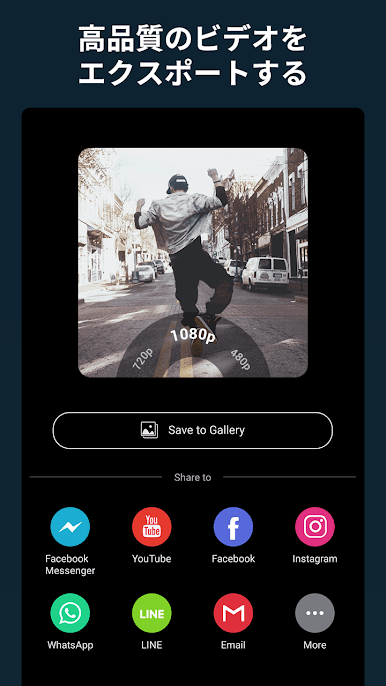
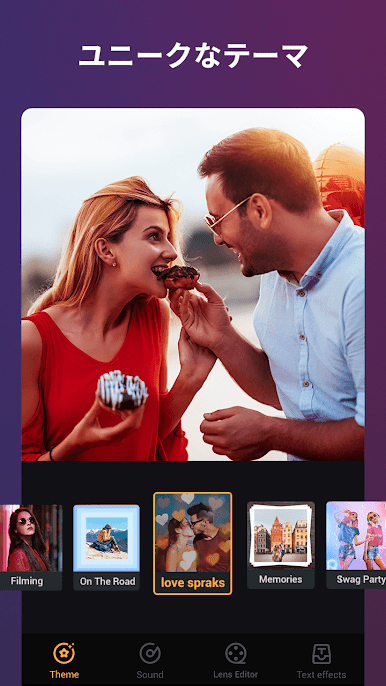
What stands out is how fast it goes from photos to a decent slideshow with music that actually aligns, and how the filters lean more fun than overly beautified. Effects range from simple colour tweaks to movie-like transitions that make short clips feel planned. Exporting gives several resolutions and common formats like MP4, MOV, AVI, or even FLV and 3GP, and drafts save reliably so half-finished edits do not vanish. On a PC with BlueStacks, the timeline gets room to breathe and grabbing tiny cuts with a mouse feels way less fiddly, which helps when lining up captions or beat cuts. Sharing straight out to socials is smooth, no weird hoops.
BlueStacks brings your apps to life on a bigger screen—seamless and straightforward.

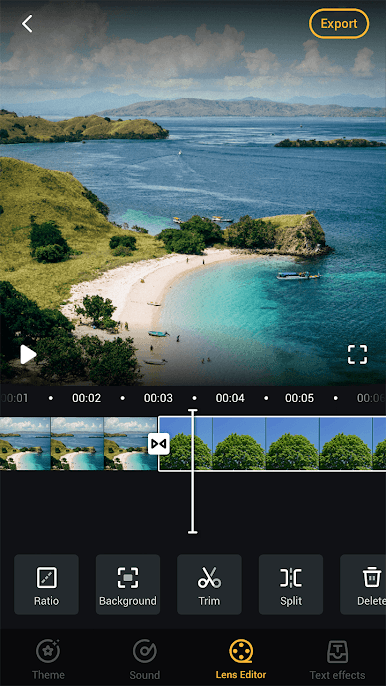
Camli ビデオエディタ&カメラをPCでプレイ
-
BlueStacksをダウンロードしてPCにインストールします。
-
GoogleにサインインしてGoogle Play ストアにアクセスします。(こちらの操作は後で行っても問題ありません)
-
右上の検索バーにCamli ビデオエディタ&カメラを入力して検索します。
-
クリックして検索結果からCamli ビデオエディタ&カメラをインストールします。
-
Googleサインインを完了してCamli ビデオエディタ&カメラをインストールします。※手順2を飛ばしていた場合
-
ホーム画面にてCamli ビデオエディタ&カメラのアイコンをクリックしてアプリを起動します。

