

OpenSongApp - Songbook
BlueStacksを使ってPCでプレイ - 5憶以上のユーザーが愛用している高機能Androidゲーミングプラットフォーム

Run OpenSongApp on PC or Mac
Multitask effortlessly on your PC or Mac as you try out OpenSongApp, a Music & Audio app by Gareth Evans on BlueStacks.
About the App
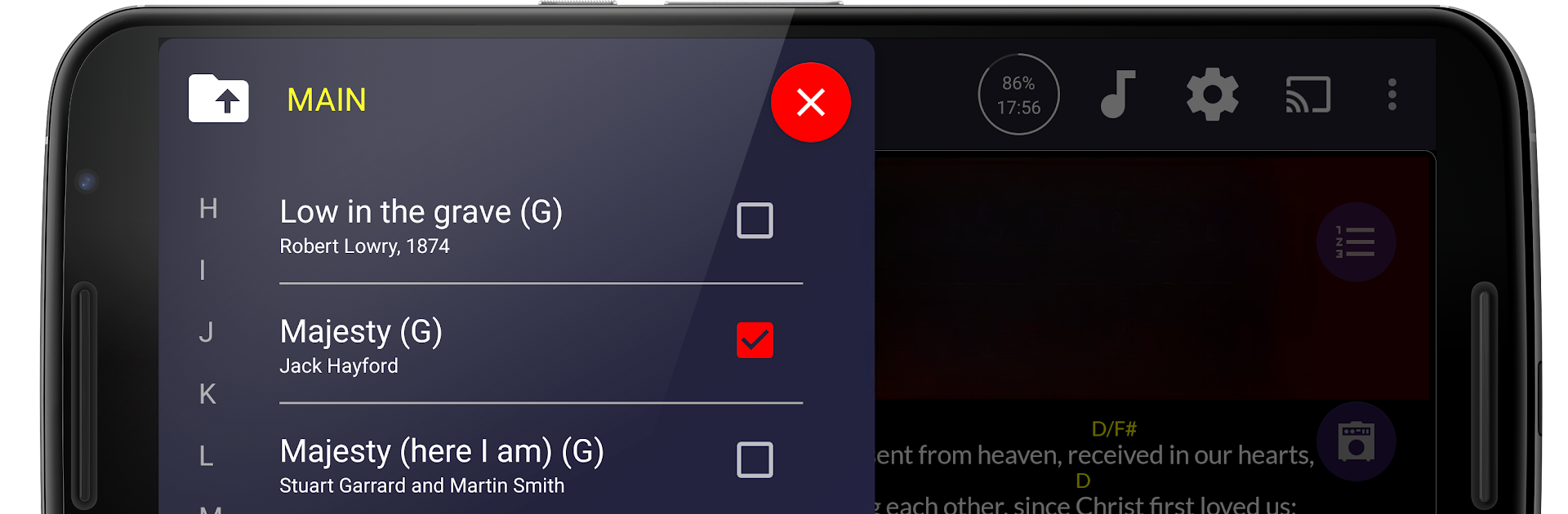
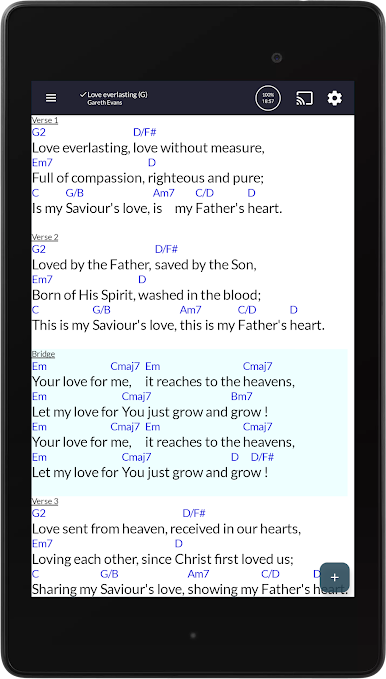
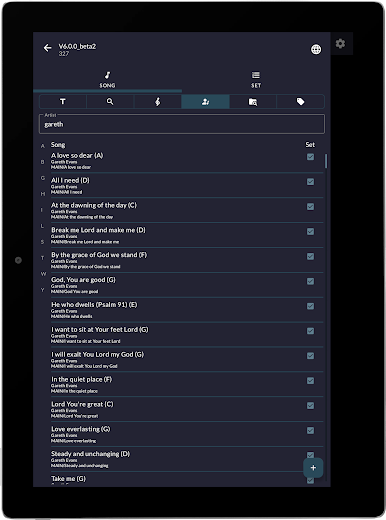
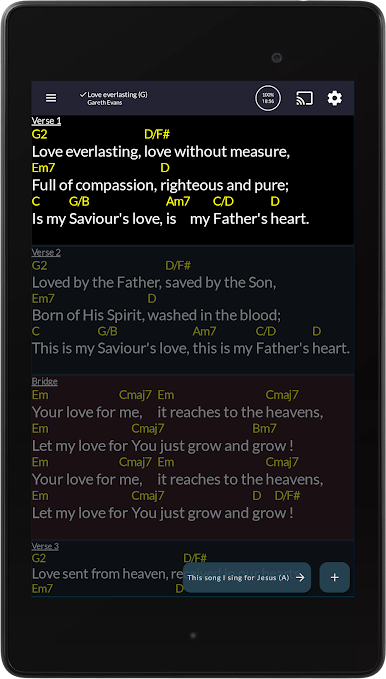
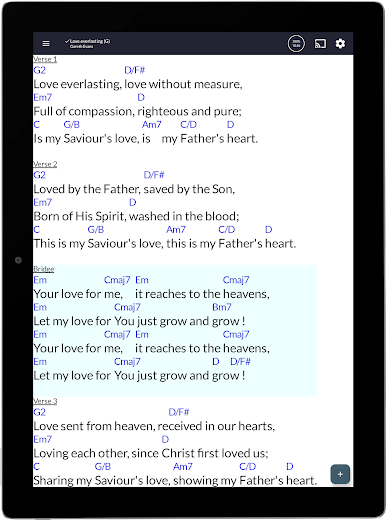
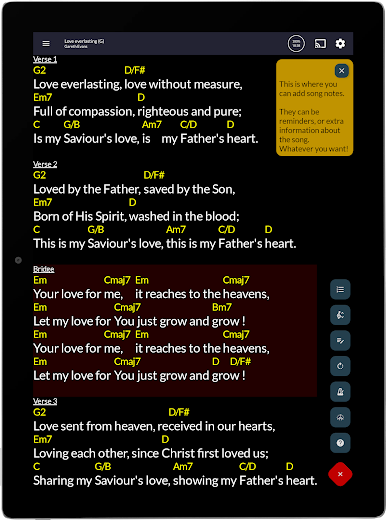
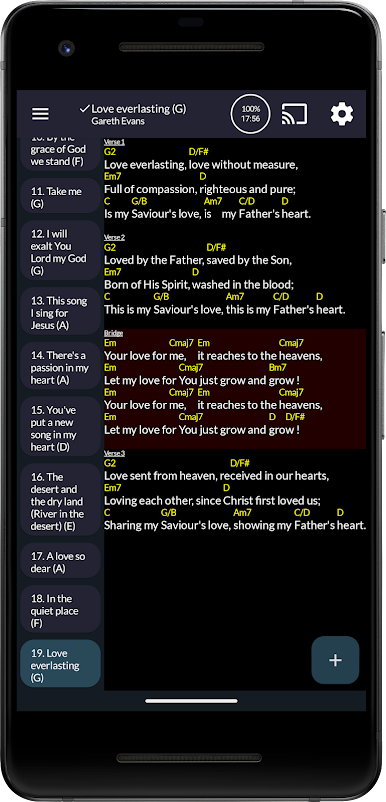
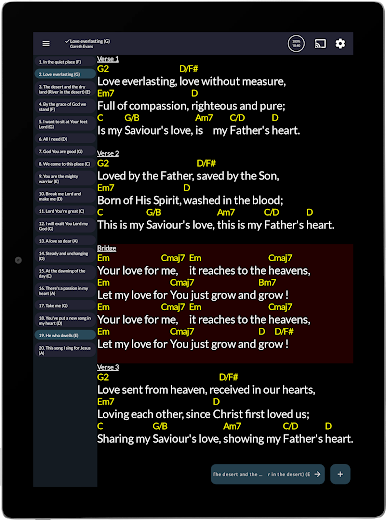
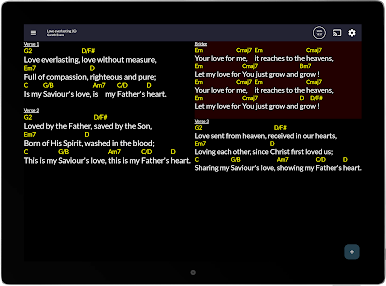
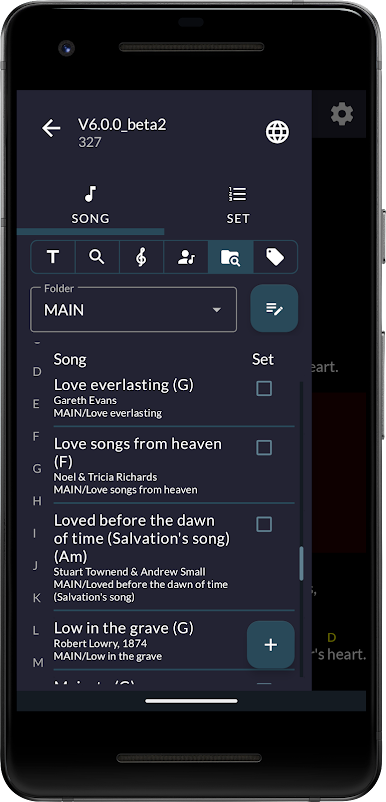
OpenSongApp is your trusty all-in-one songbook built for musicians, singers, worship leaders—really, anyone who needs songs, chords, and lyrics right at their fingertips. Forget about juggling heavy paper folders or digging for charts mid-gig: this app keeps everything organized and easy to access on your Android device. Designed by Gareth Evans, OpenSongApp offers a straightforward, flexible experience whether you’re leading a band, managing a setlist, or running a worship presentation.
App Features
-
Multiple Modes
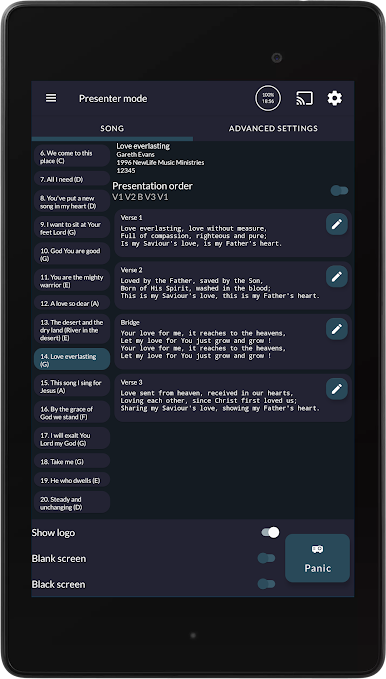
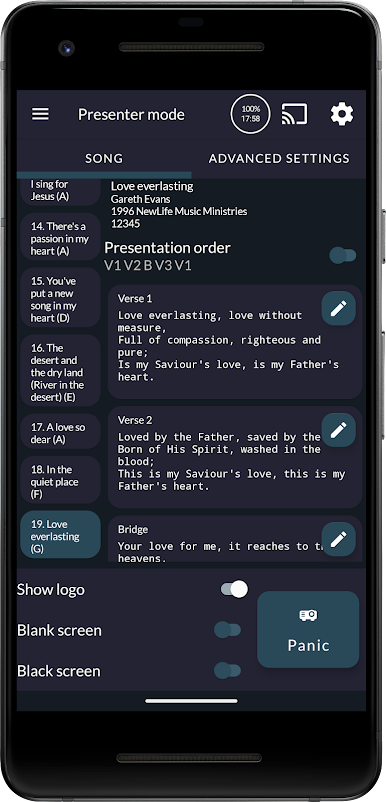
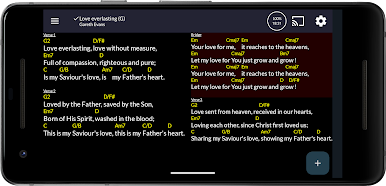
Switch between Performance, Stage, and Presentation modes depending on whether you’re front-and-center singing, managing tech from backstage, or projecting lyrics for the crowd. -
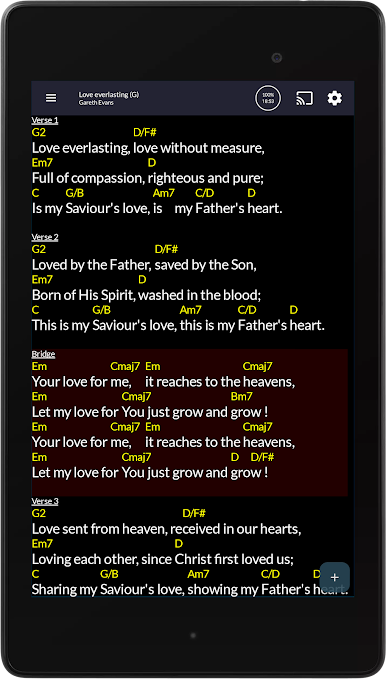
Smart Display Options
Choose from four fully customizable themes—pick something easy on the eyes, whether you’re playing at noon or midnight. -
Pedal and Touch Support
Works with all Bluetooth pedals and offers touch controls, making switching songs or scrolling hands-free and smooth. -
Powerful Song Tools
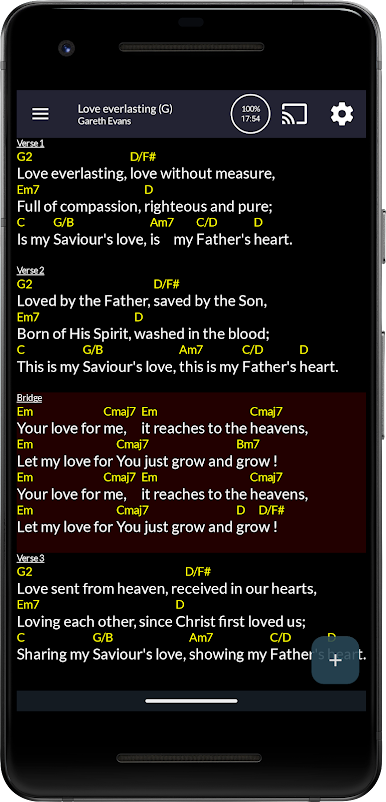
Transpose keys with a tap, autoscale for your screen, and use autoscroll so you’re never scrambling to keep up. -
Metronome & Pads
A built-in audio/visual metronome and 24 pad sounds (matched to your song’s key) help keep you on beat and sounding great. -
Import & Capture
Bring in songs from ChordPro, OnSong, or even take a photo of a printed song sheet—OpenSongApp handles it. PDFs and images can be loaded (especially handy for scanned music sheets). -
Chord Diagrams & Support
Shows chord diagrams for guitar, ukulele, banjo, cavaquinho, mandolin—and lets you set up your own custom chords if you play something funky. -
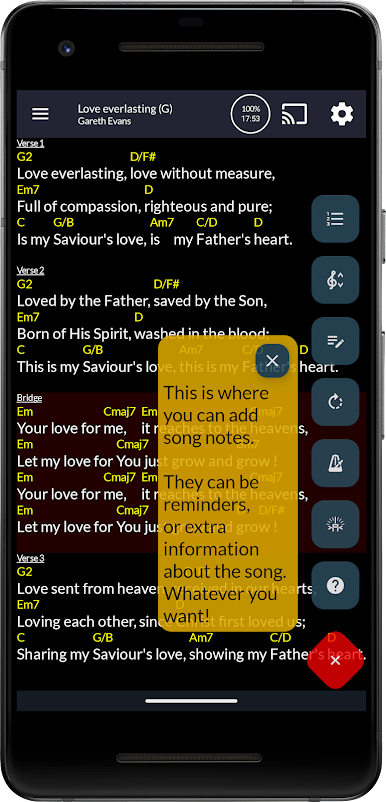
Backing Tracks & Notes
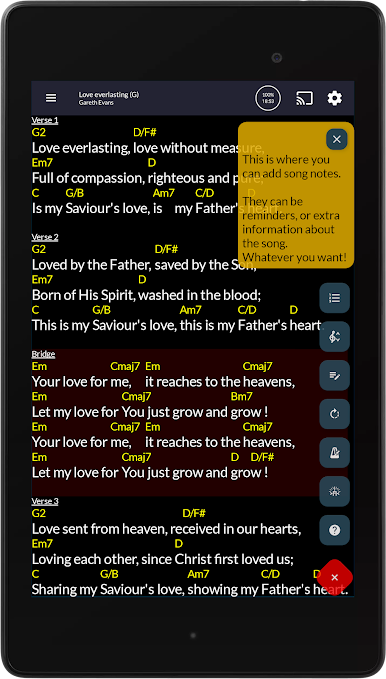
Add your own backing tracks, sticky notes for setlists (never forget that last-minute cue), and use handy highlighter or drawing tools. -
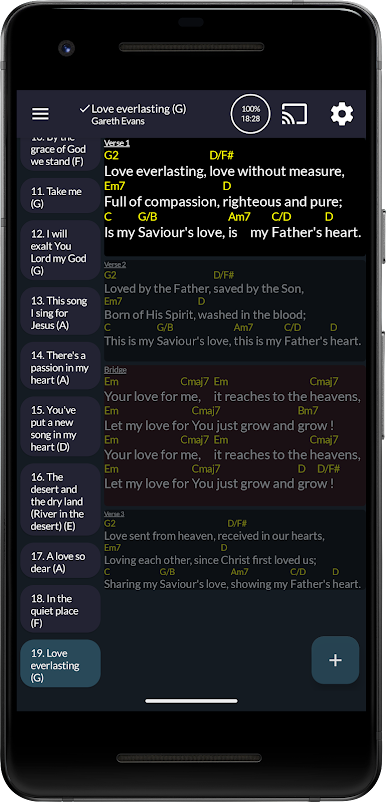
Set Management
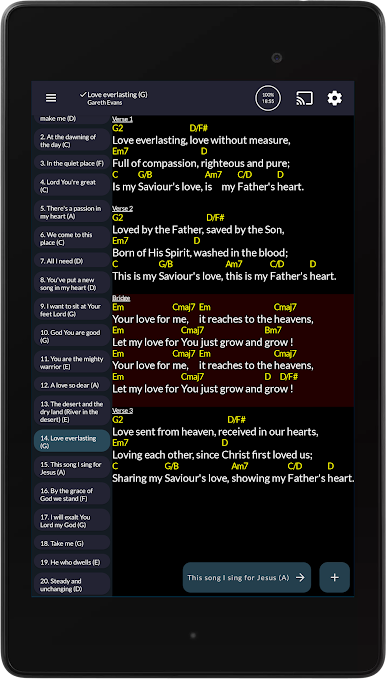
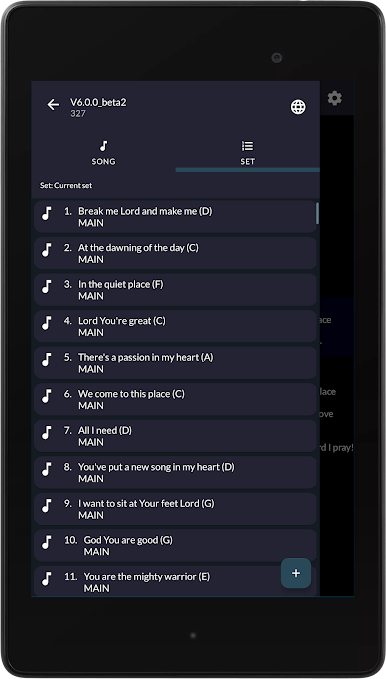
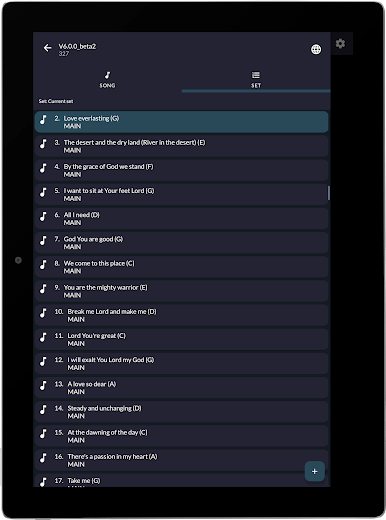
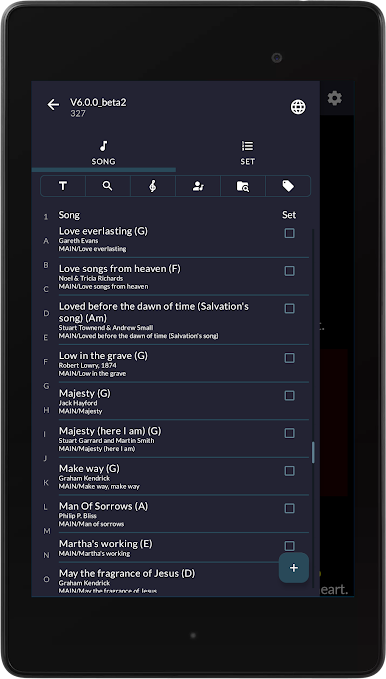
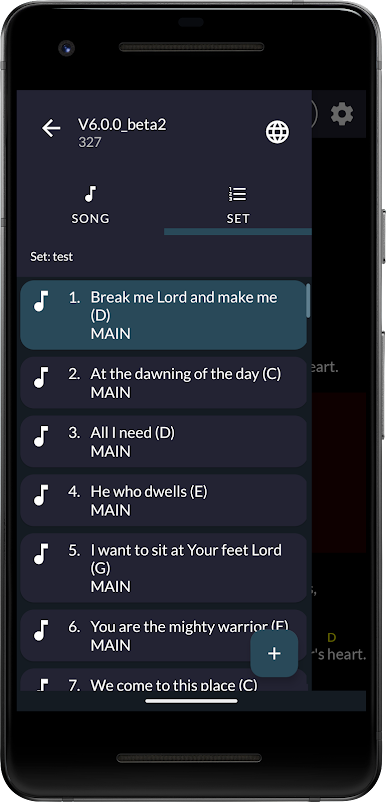
Create and edit song sets, slides, notes, or scriptures for every rehearsal, service, or show. Export and share songs and sets with friends or the rest of your team. -
Universal Format Compatibility
OpenSongApp automatically converts files from .onsong, .pro, and .chopro formats so you can bring in music from tons of sources. -
Presentation Power
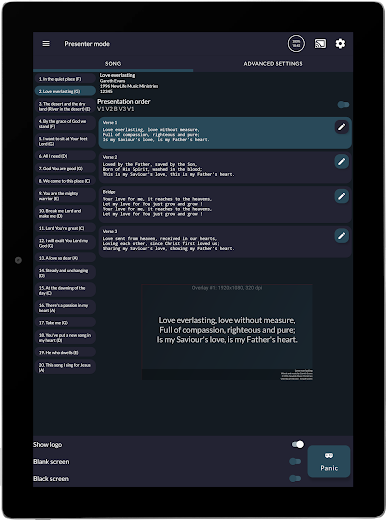
Dual-screen support for projecting lyrics with custom backgrounds or videos—fantastic if you’re running visuals on stage. -
Custom File Storage
Prefer to store your music on a SD card? No problem, you can choose where your files live. -
YouTube Lookup
Want to hear a song? Quick YouTube search is right there in the app.
By the way, if you ever want to run OpenSongApp on your PC, it works well with BlueStacks, giving you even more screen space for big gigs or detailed planning.
Switch to BlueStacks and make the most of your apps on your PC or Mac.
OpenSongApp - SongbookをPCでプレイ
-
BlueStacksをダウンロードしてPCにインストールします。
-
GoogleにサインインしてGoogle Play ストアにアクセスします。(こちらの操作は後で行っても問題ありません)
-
右上の検索バーにOpenSongApp - Songbookを入力して検索します。
-
クリックして検索結果からOpenSongApp - Songbookをインストールします。
-
Googleサインインを完了してOpenSongApp - Songbookをインストールします。※手順2を飛ばしていた場合
-
ホーム画面にてOpenSongApp - Songbookのアイコンをクリックしてアプリを起動します。

