


infeCCt
BlueStacksを使ってPCでプレイ - 5憶以上のユーザーが愛用している高機能Androidゲーミングプラットフォーム

Play infeCCt - addictive puzzle fun on PC or Mac
Explore a whole new adventure with infeCCt – addictive puzzle fun, a Puzzle game created by HandyGames. Experience great gameplay with BlueStacks, the most popular gaming platform to play Android games on your PC or Mac.
About the Game
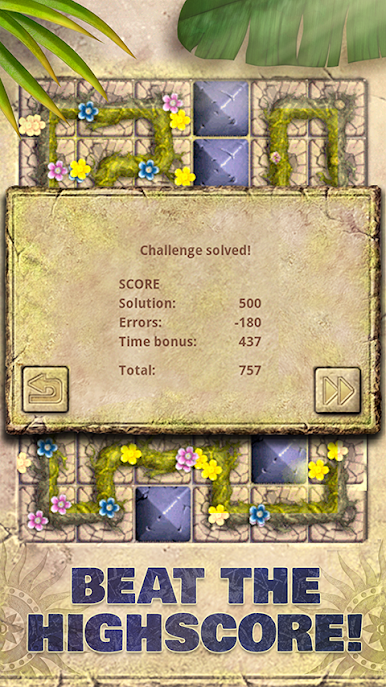
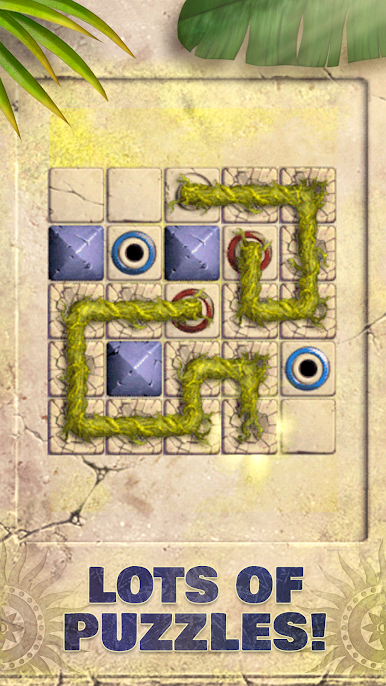
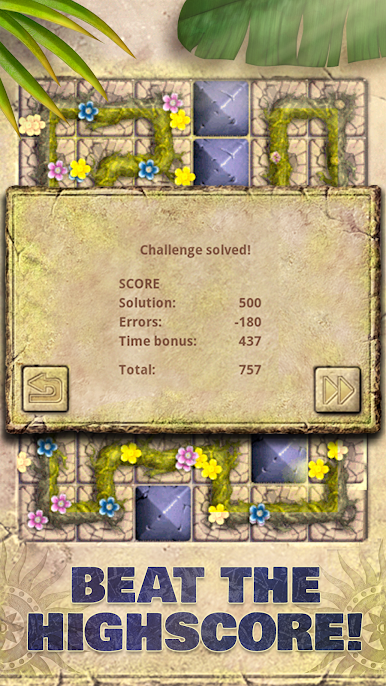
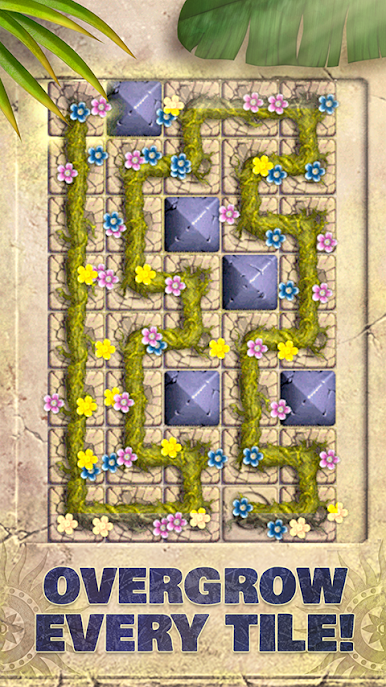
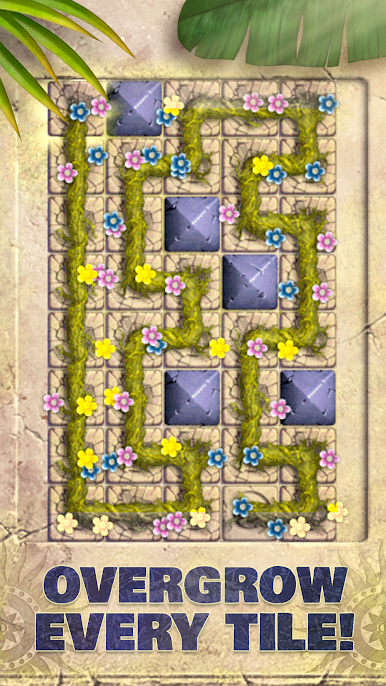
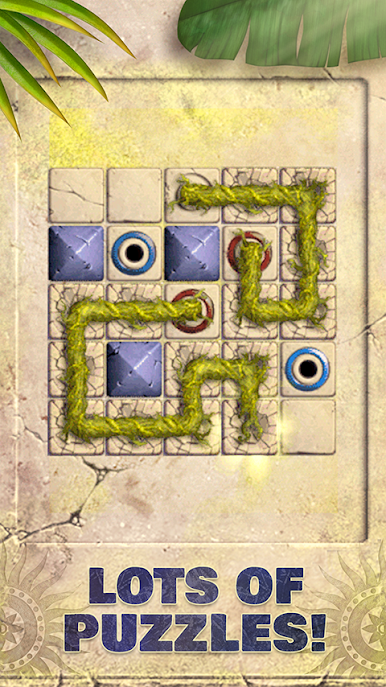
infeCCt – addictive puzzle fun is a smart, laid-back Puzzle from HandyGames that’s all about tracing a perfect route through ancient stone boards. You’re asked to connect every tile, but the ruins aren’t exactly friendly—there are blocked spots, intersections, and sneaky tunnels that bend your path in unexpected ways. It’s easy to pick up, surprisingly deep, and feels great whether you’re solving on your phone or stretching it onto a bigger screen with BlueStacks.
Game Features
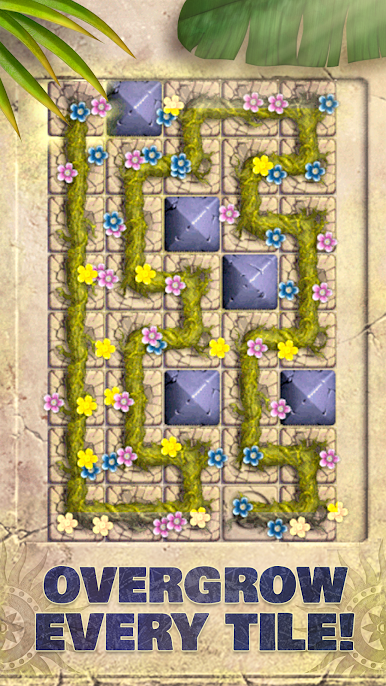
- Simple Rule, Big Challenge — Connect all tiles with one continuous route. You’ll get the idea in seconds, then spend minutes (or more) cracking the tougher boards.
- 300+ Handcrafted Puzzles — More than 300 stages that grow from gentle warm-ups to devious brain-twisters.
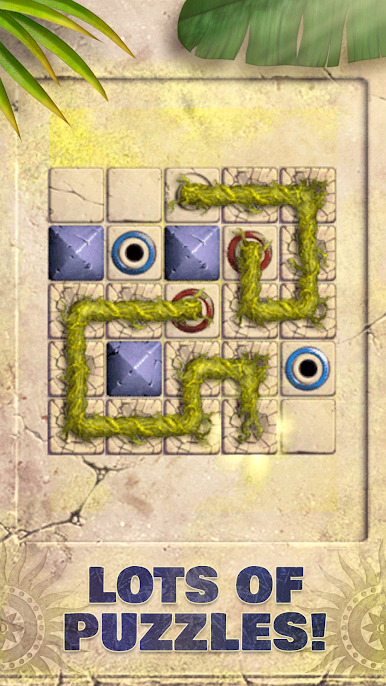
- Clever Board Tricks — Blocked tiles, intersections, and tunnels shake up the grid and force you to rethink your route.
- Teaches as You Play — Early levels introduce ideas you’ll reuse later, so your skills naturally stack up as the game gets tougher.
- Plan Ahead Moments — Many boards reward looking a few moves forward; those “oh, that’s it” solutions feel great.
- Pick-Up-and-Play Design — Quick sessions fit a spare minute, while longer runs are perfect when you’re in the puzzle zone.
- Temple-Ruin Vibe — A clean, focused presentation with a mysterious, ancient setting that keeps the mood calm and thoughtful.
- Genre: Puzzle — Pure logic and spatial reasoning at the core, crafted by HandyGames for anyone who loves a good mental workout.
Start your journey now. Download the game on BlueStacks, invite your friends, and march on a new adventure.




infeCCtをPCでプレイ
-
BlueStacksをダウンロードしてPCにインストールします。
-
GoogleにサインインしてGoogle Play ストアにアクセスします。(こちらの操作は後で行っても問題ありません)
-
右上の検索バーにinfeCCtを入力して検索します。
-
クリックして検索結果からinfeCCtをインストールします。
-
Googleサインインを完了してinfeCCtをインストールします。※手順2を飛ばしていた場合
-
ホーム画面にてinfeCCtのアイコンをクリックしてアプリを起動します。

