


Scary Call & Ghost Chat Prank
BlueStacksを使ってPCでプレイ - 5憶以上のユーザーが愛用している高機能Androidゲーミングプラットフォーム

Play Scary Call & Ghost Chat Prank on PC or Mac
Join millions to experience Scary Call & Ghost Chat Prank, an exciting Casual game from HIGAME GLOBAL. With BlueStacks App Player, you are always a step ahead of your opponent, ready to outplay them with faster gameplay and better control with the mouse and keyboard on your PC or Mac.
About the Game
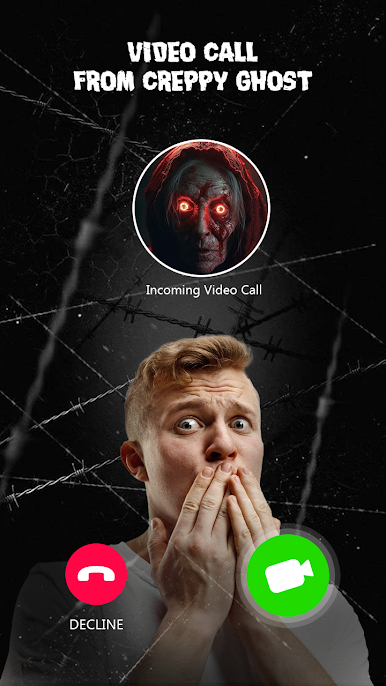
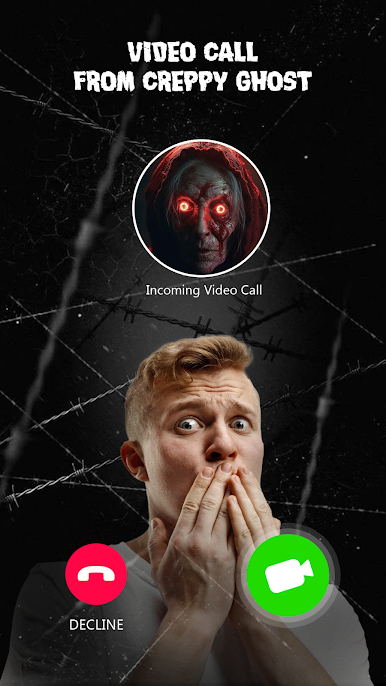
Looking for a way to spook your friends (or maybe test your own nerves)? Scary Call & Ghost Chat Prank puts you right in the middle of creepy calls and eerie chats, all wrapped up in a casual package by HIGAME GLOBAL. This isn’t just your average prank app—it’s a fun excuse to bring a little fright night to any day, with bone-chilling sounds and interactive ghostly encounters. You never really know who’s going to show up on the call.
Game Features
-
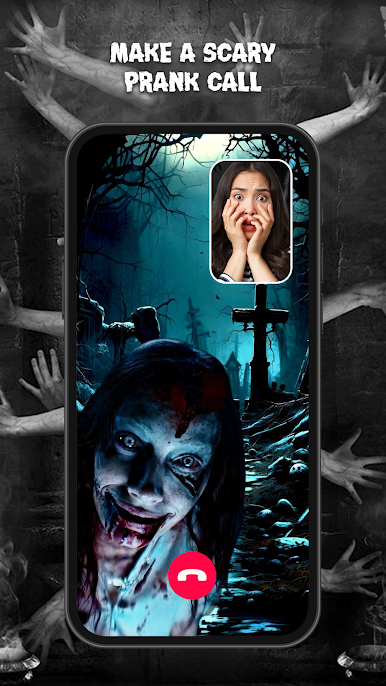
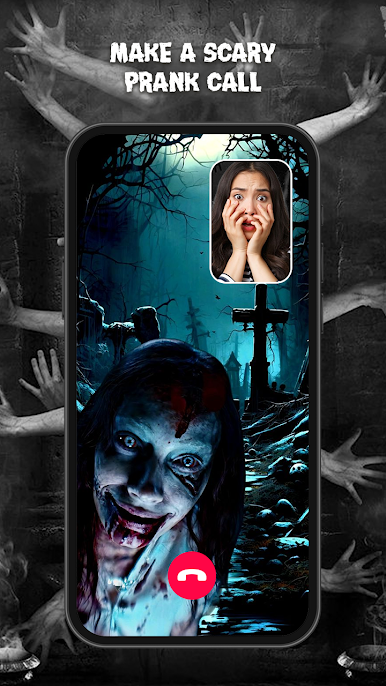
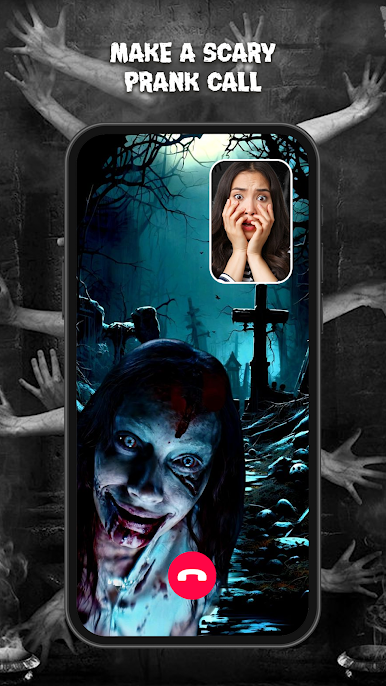
Chilling Fake Calls
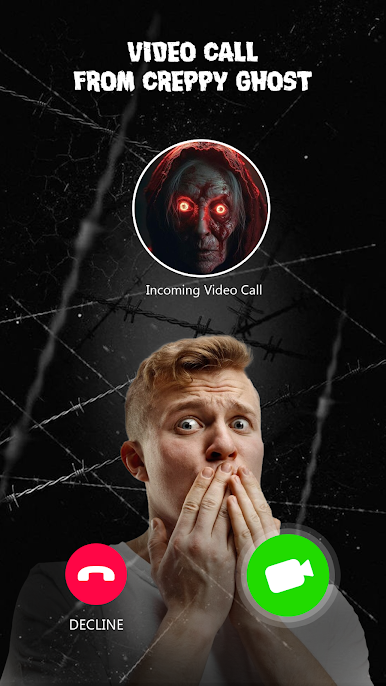
Ever wondered what would happen if someone (or something) scary called you out of the blue? Fake a creepy call featuring horror-themed video scenarios and let your friends’ reactions do the talking. -
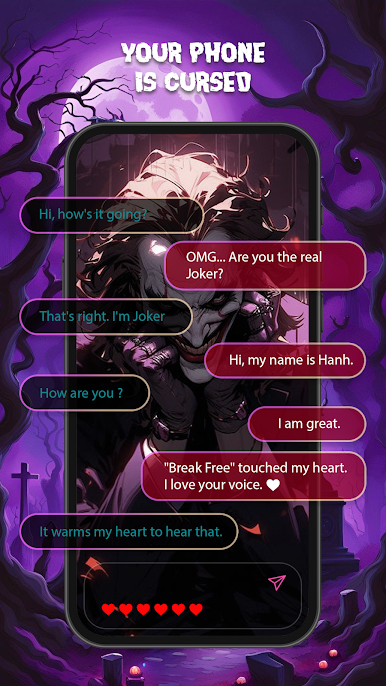
Spooky Text Chats
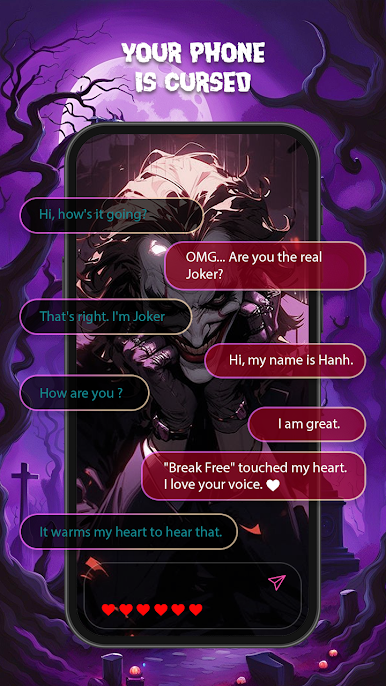
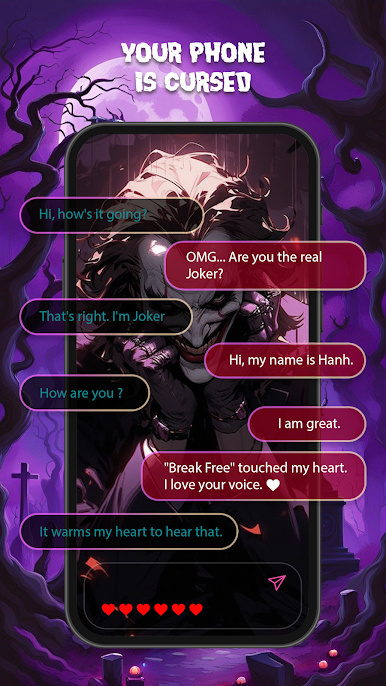
Not brave enough to pick up? Try your luck with ghostly chats instead. You get to message horror characters and steer the conversation—if you dare. -
Creepy Sound Effects
Jump scares aren’t just visual! The app packs in some seriously spine-chilling sounds, so you and your friends can get that fun, creepy sensation even before the call begins. -
Prank Tools Galore
You’re in control of the scare. Use every tool—calls, sounds, and chat—to prank your friends in creative ways and see who cracks first. -
A Cast of Scary Characters
You’re not limited to just one “ghost.” Pick from notorious icons like Vlakk, Pennyvvisee, Jocer, Anabelee, and a few other name-twisters who really bring the fright.
By the way, you can make all this extra fun when playing Scary Call & Ghost Chat Prank on bigger screens with BlueStacks.
Make your gaming sessions memorable with precise controls that give you an edge in close combats and visuals that pop up, bringing every character to life.









Scary Call & Ghost Chat PrankをPCでプレイ
-
BlueStacksをダウンロードしてPCにインストールします。
-
GoogleにサインインしてGoogle Play ストアにアクセスします。(こちらの操作は後で行っても問題ありません)
-
右上の検索バーにScary Call & Ghost Chat Prankを入力して検索します。
-
クリックして検索結果からScary Call & Ghost Chat Prankをインストールします。
-
Googleサインインを完了してScary Call & Ghost Chat Prankをインストールします。※手順2を飛ばしていた場合
-
ホーム画面にてScary Call & Ghost Chat Prankのアイコンをクリックしてアプリを起動します。

