

Dental Anatomy Mastery
BlueStacksを使ってPCでプレイ - 5憶以上のユーザーが愛用している高機能Androidゲーミングプラットフォーム

Run Dental Anatomy Mastery on PC or Mac
What’s better than using Dental Anatomy Mastery by Higher Learning Technologies Inc? Well, try it on a big screen, on your PC or Mac, with BlueStacks to see the difference.
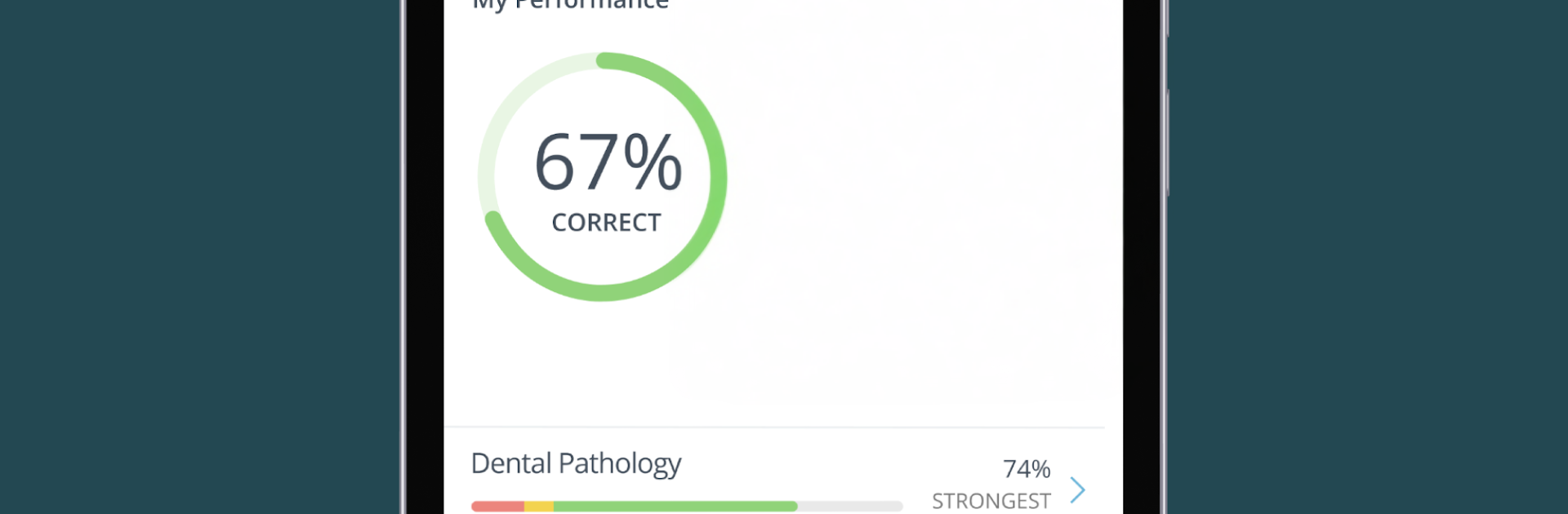
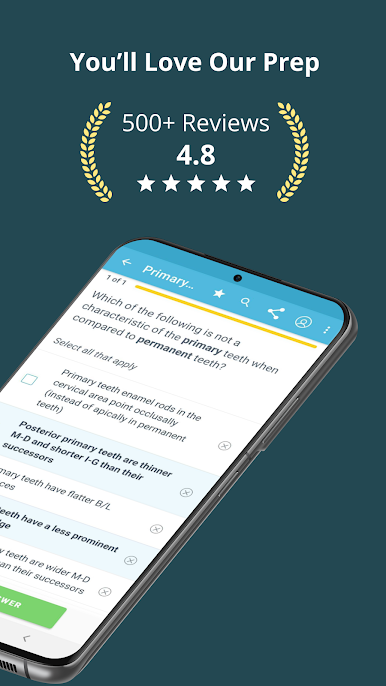
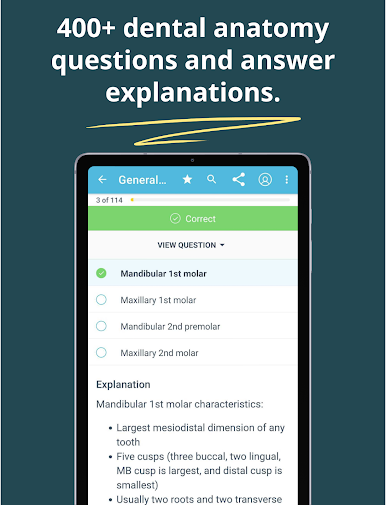
Dental Anatomy Mastery feels like a straight-to-the-point study app that runs like a quiz game, just with teeth. On PC through BlueStacks it is easy to flip through questions and the tooth images look a lot better on a bigger screen, which helps when roots and cusps start to blur together on a phone. The flow is simple. Pick a topic, choose how many questions, and it fires off items that feel like the ones from class. After each question there is a clear explanation that spells out why the right answer is right and why the others are not, usually with a clean image to back it up. It is not flashy, but it is steady and focused.
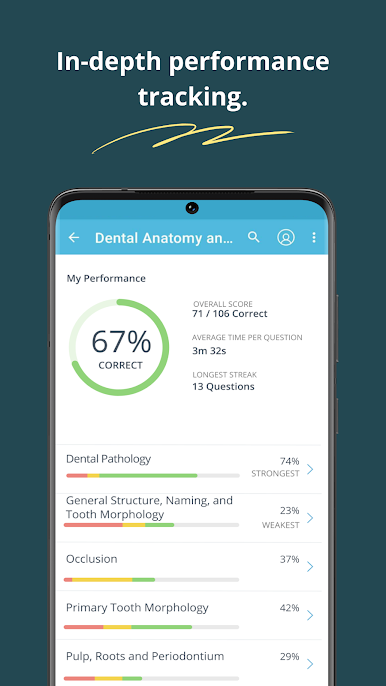
What stands out is the variety. There are hundreds of practice questions and a bunch of ways to study, from mnemonics to custom quizzes that target weak spots. It covers tooth and root development, morphology, occlusion, eruption timelines, all the core stuff students get grilled on. Immediate feedback makes it easy to see progress, and the rationales read like notes from a good tutor, not just a one-liner. On BlueStacks, clicking through sets is quick and the larger view makes tooth morphology items easier to parse. It suits short study bursts or a longer cram session before lab, and it is subscription based if full access is needed, with monthly or yearly options.
Switch to BlueStacks and make the most of your apps on your PC or Mac.



Dental Anatomy MasteryをPCでプレイ
-
BlueStacksをダウンロードしてPCにインストールします。
-
GoogleにサインインしてGoogle Play ストアにアクセスします。(こちらの操作は後で行っても問題ありません)
-
右上の検索バーにDental Anatomy Masteryを入力して検索します。
-
クリックして検索結果からDental Anatomy Masteryをインストールします。
-
Googleサインインを完了してDental Anatomy Masteryをインストールします。※手順2を飛ばしていた場合
-
ホーム画面にてDental Anatomy Masteryのアイコンをクリックしてアプリを起動します。

