


数学テスト
BlueStacksを使ってPCでプレイ - 5憶以上のユーザーが愛用している高機能Androidゲーミングプラットフォーム

Run Math Tests: learn mathematics on PC or Mac
Why limit yourself to your small screen on the phone? Run Math Tests: learn mathematics, an app by Eductify, best experienced on your PC or Mac with BlueStacks, the world’s #1 Android emulator.
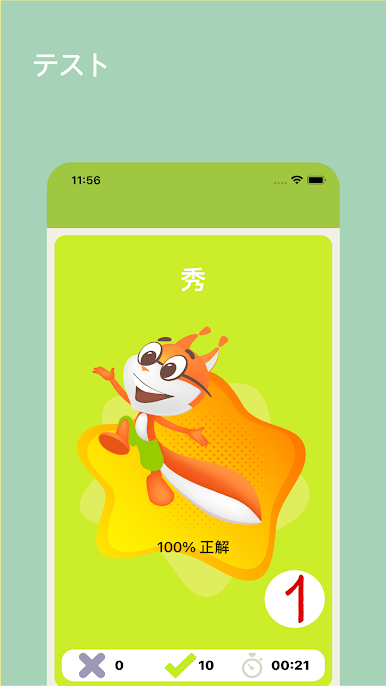
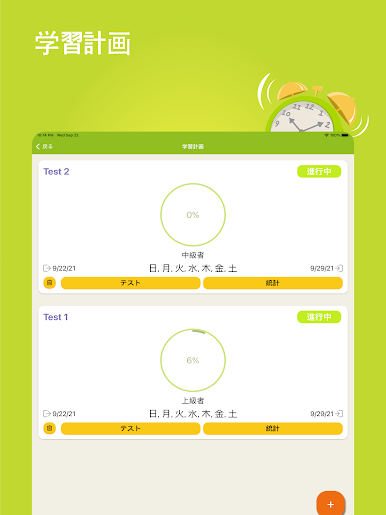
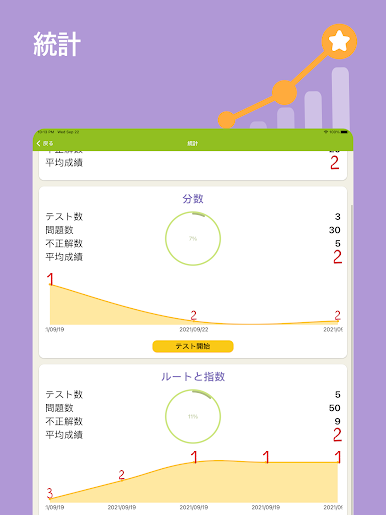
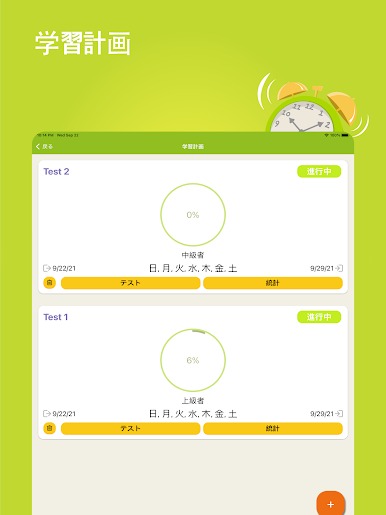
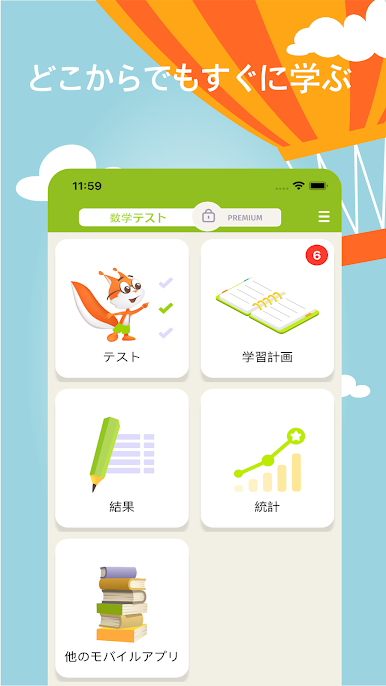
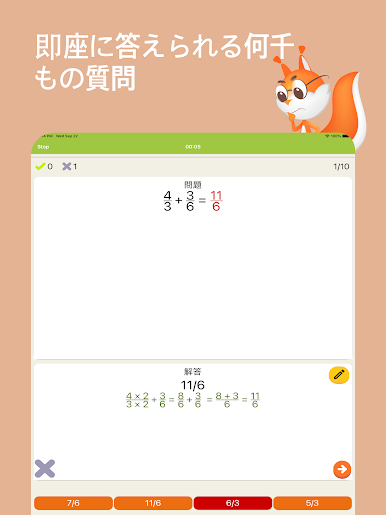
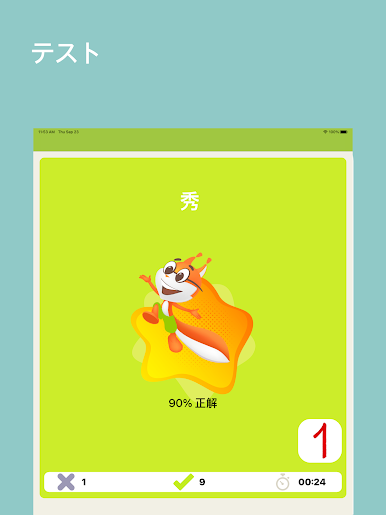
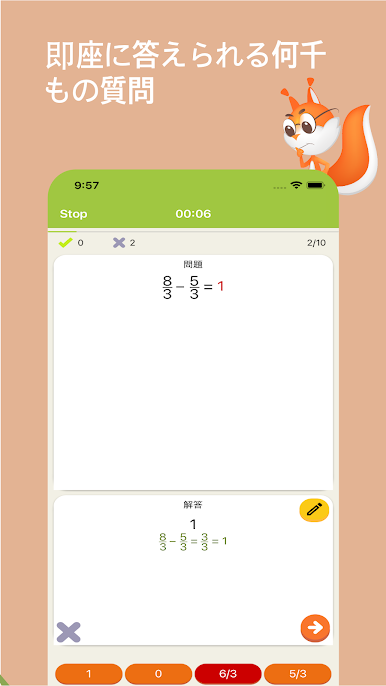
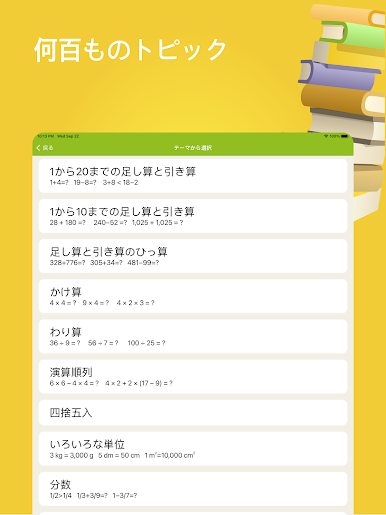
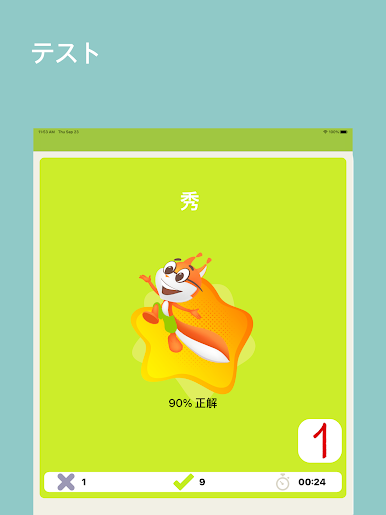
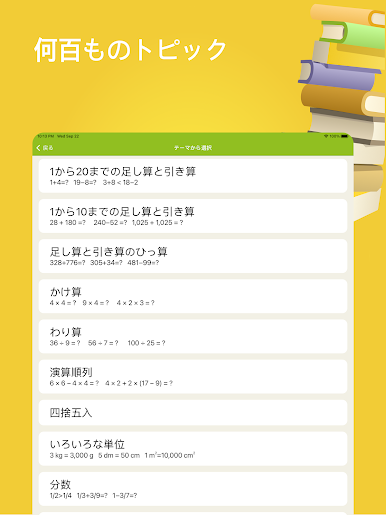
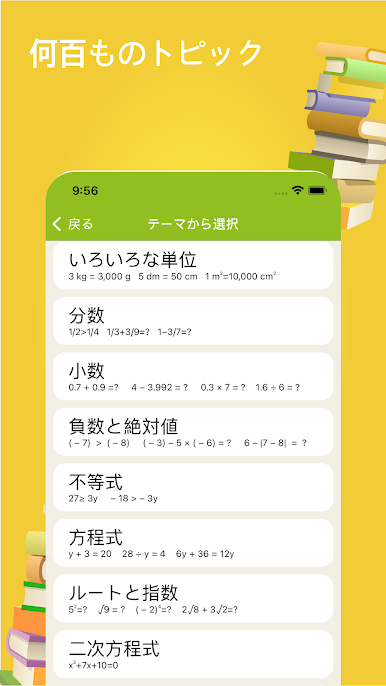
This app’s actually a handy way for anyone wanting to work on their math skills, regardless of age. It’s organized by grades, so there’s stuff for first graders just learning about shapes and addition, all the way up to more advanced things like fractions, equations, and even some basic algebra and geometry. You’ll get multiple-choice tests on each topic, and it tells you your score at the end, which makes it easy to see how you’re doing without waiting for a teacher. What’s cool is it doesn’t just quiz you—the app has little bits of math theory built in, so if something’s unfamiliar, you can figure it out as you go.
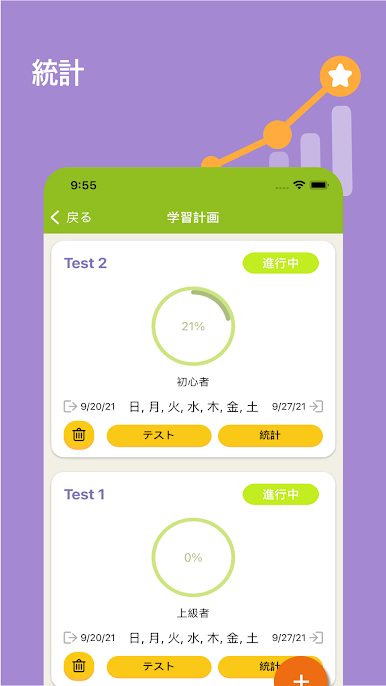
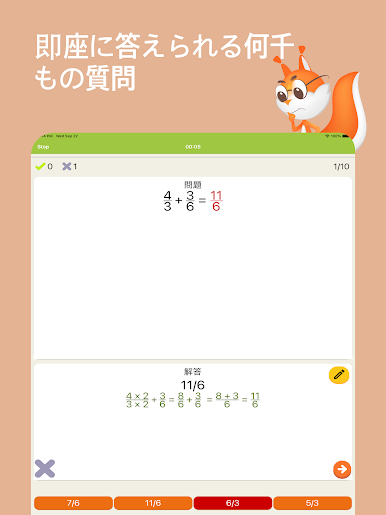
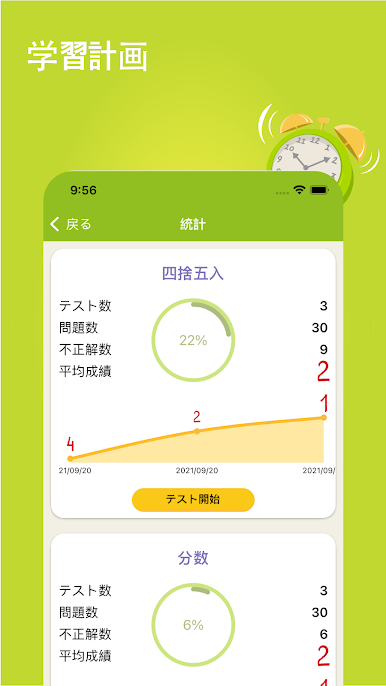
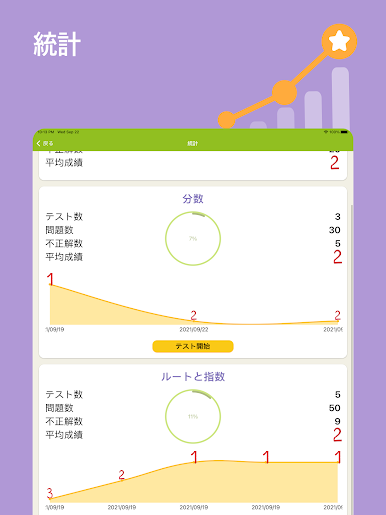
The exercises feel a lot like the worksheets you’d get at school, but all in one place, and you get instant feedback. It doesn’t need wifi to work, so you can just open it up and solve a few problems whenever you feel like practicing. There’s also a history section, so you can actually check where you made mistakes and go over them—kind of nice for figuring out what to focus on. Whether someone’s a younger kid learning basics or an adult brushing up on forgotten stuff, it keeps things straightforward. Using it on PC with BlueStacks makes the layout a bit bigger, so messing with fractions and more complicated stuff feels less cramped than on a phone. Overall, if someone wants simple math practice without distraction, this does the job.
BlueStacks gives you the much-needed freedom to experience your favorite apps on a bigger screen. Get it now.


数学テストをPCでプレイ
-
BlueStacksをダウンロードしてPCにインストールします。
-
GoogleにサインインしてGoogle Play ストアにアクセスします。(こちらの操作は後で行っても問題ありません)
-
右上の検索バーに数学テストを入力して検索します。
-
クリックして検索結果から数学テストをインストールします。
-
Googleサインインを完了して数学テストをインストールします。※手順2を飛ばしていた場合
-
ホーム画面にて数学テストのアイコンをクリックしてアプリを起動します。

