

1970s Cassette Pack
BlueStacksを使ってPCでプレイ - 5憶以上のユーザーが愛用している高機能Androidゲーミングプラットフォーム

Run 1970s Cassette Pack on PC or Mac
What’s better than using 1970s Cassette Pack by Valentyn Vieshchunov? Well, try it on a big screen, on your PC or Mac, with BlueStacks to see the difference.
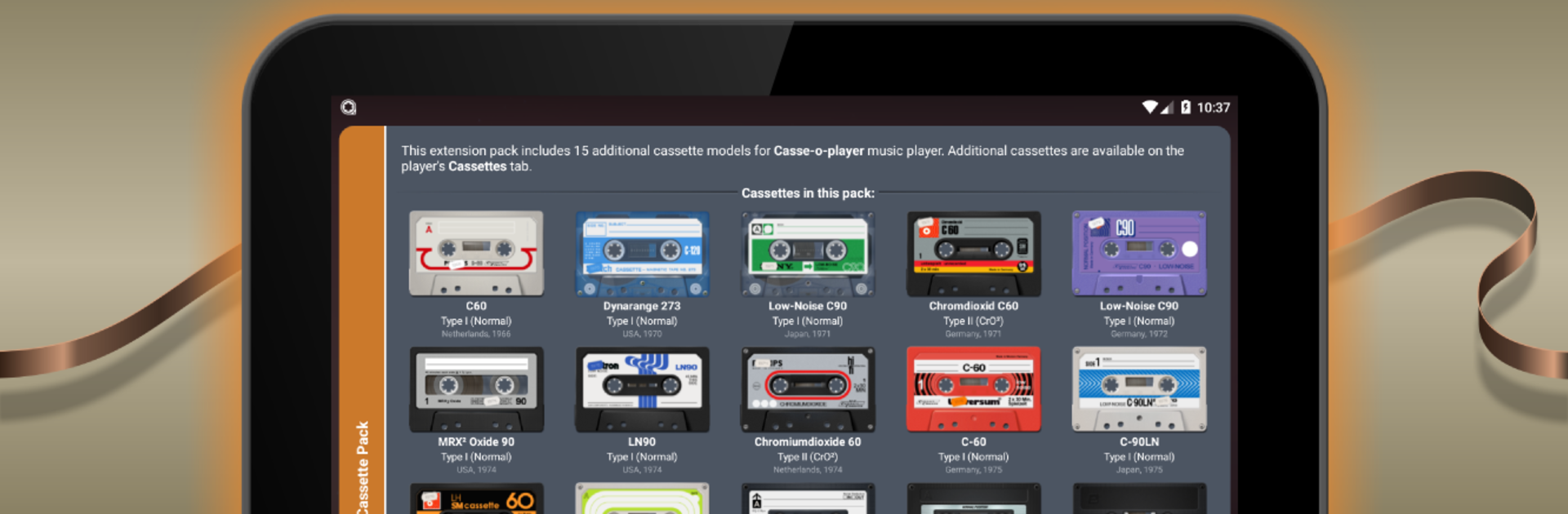
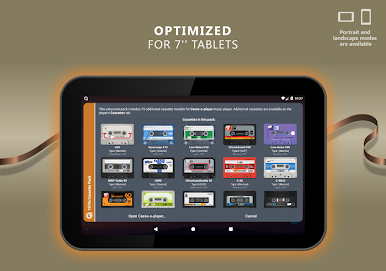
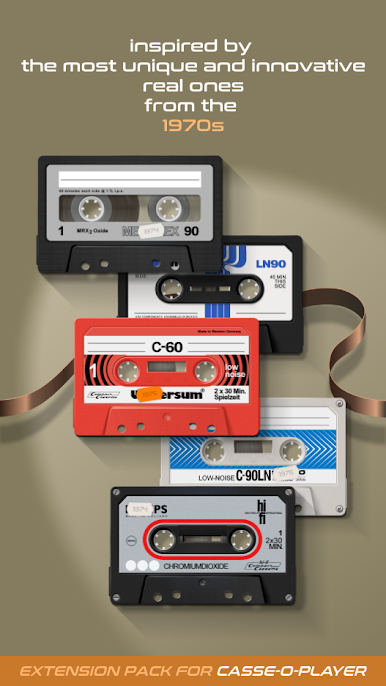
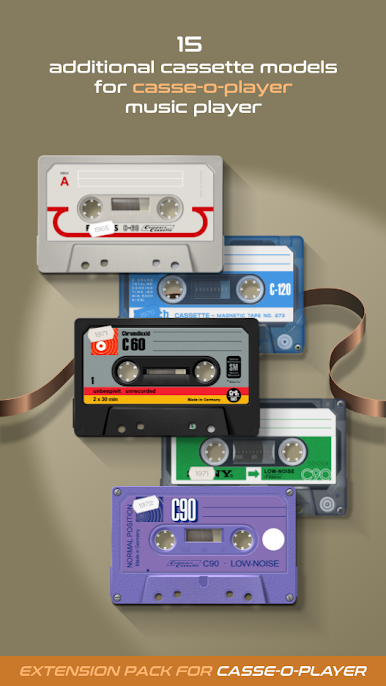
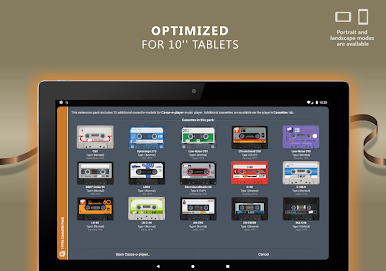
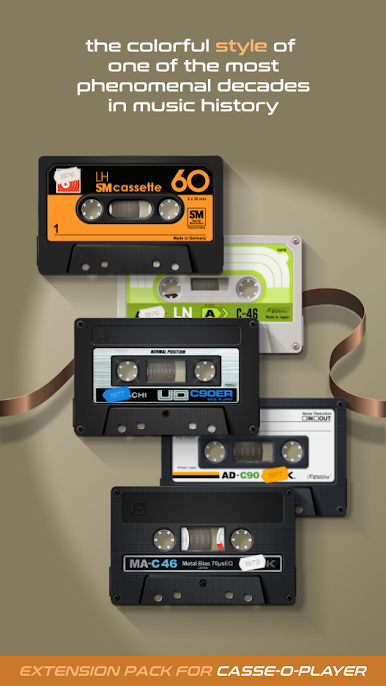
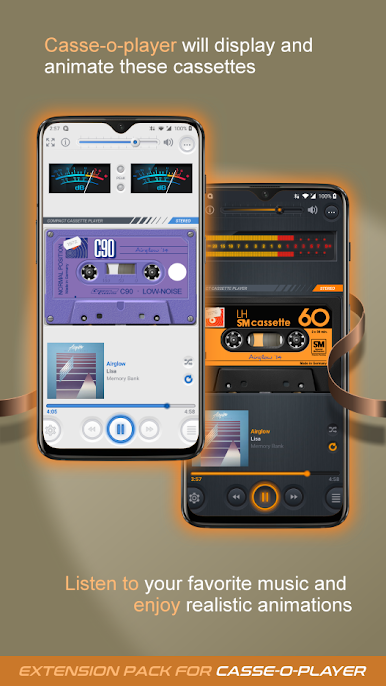
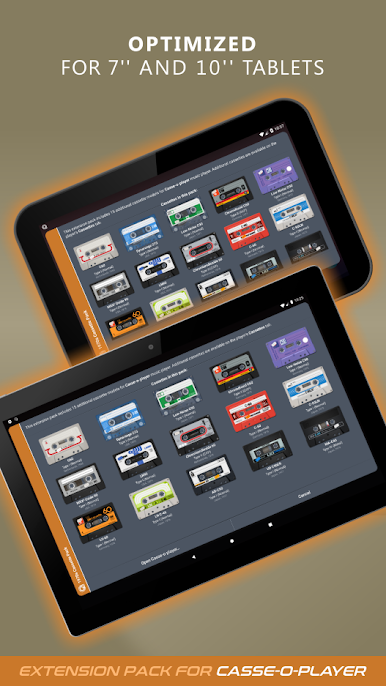
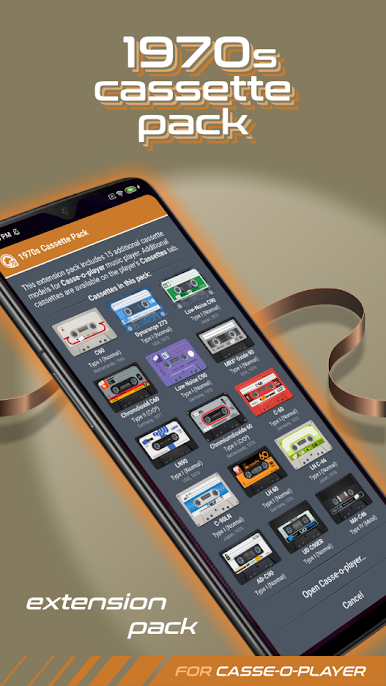
1970s Cassette Pack feels like a set of collectible skins for Casse-o-player, but done with real care. It adds 15 extra cassette designs that look straight out of a dusty record shop shelf, with bold colors, scuffs, chrome bits, and little print details that make each tape feel like a real object. The reels spin, the stickers and screws show, and the whole thing has this warm, old stereo vibe. On a PC screen through BlueStacks, the textures and tiny detials pop more than on a phone, so flipping between tapes and watching the animation has a nice, lazy afternoon feel. It is not trying to be flashy, just faithful to that 70s look that gives the player some personality.
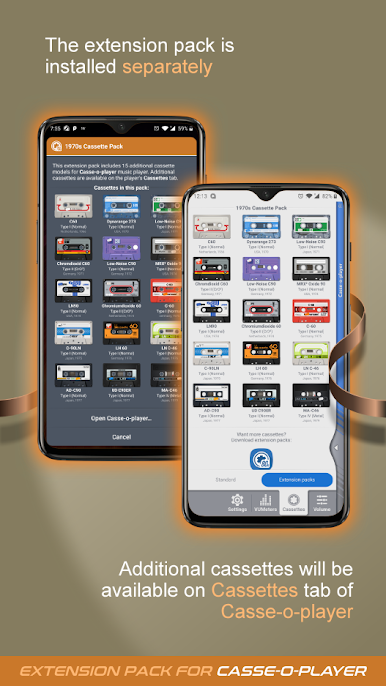
It is an add-on, so Casse-o-player needs to be installed and updated to at least version 3.0.9, then these tapes show up inside the app on the Cassettes page under Extension packs. Swapping tapes changes the look of the player while the music keeps going, which is weirdly satisfying if someone likes tactile interfaces. The pack suits anyone who enjoys album art and retro tech as much as the tunes themselves. On desktop, clicking through the designs is smooth, and the big display makes it easier to pick a favorite and just leave it running like a little desk toy while music plays.
BlueStacks brings your apps to life on a bigger screen—seamless and straightforward.
1970s Cassette PackをPCでプレイ
-
BlueStacksをダウンロードしてPCにインストールします。
-
GoogleにサインインしてGoogle Play ストアにアクセスします。(こちらの操作は後で行っても問題ありません)
-
右上の検索バーに1970s Cassette Packを入力して検索します。
-
クリックして検索結果から1970s Cassette Packをインストールします。
-
Googleサインインを完了して1970s Cassette Packをインストールします。※手順2を飛ばしていた場合
-
ホーム画面にて1970s Cassette Packのアイコンをクリックしてアプリを起動します。

