


このページには広告が含まれます
ナンプレ : Humble Classic
パズル | Humble Logic Games
BlueStacksを使ってPCでプレイ - 5憶以上のユーザーが愛用している高機能Androidゲーミングプラットフォーム

Play Sudoku - Classic Sudoku Puzzle on PC
Minimalistic, Small, Offline, Addictive puzzle. Sudoku by HumbleLogicGames
Sudoku (originally called Number Place) is a logic-based, combinatorial number-placement puzzle.
With our Sudoku app, you’ll have access to the world’s most friendly and complete mobile Sudoku learning system.
FEATURES:
• 5 different difficulties selected has a unique solution
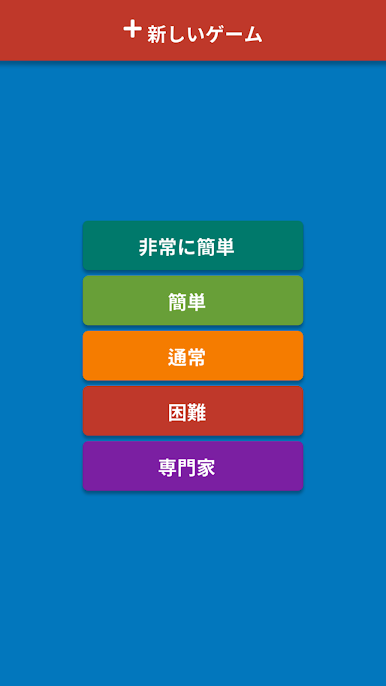
> Picnic, Easy, Medium, Hard, Expert(Insane)
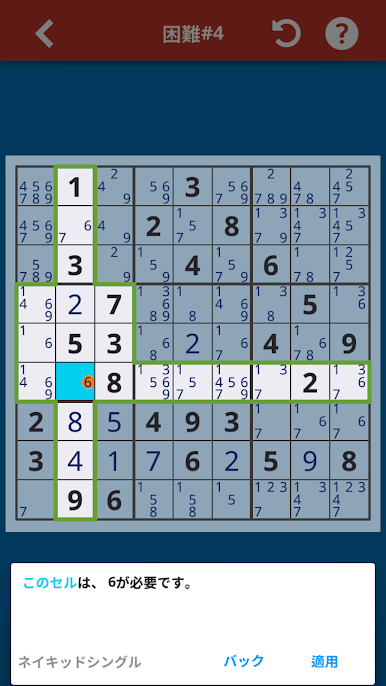
• Intelligent Hint system that you can learn skills from
• Unlimited undo/redo
• Phones and tablets support
• Online or offline
• Small APK size
• Automatic Save and Resume
NOTES
• This app contains banner, interstitial ads.
E-MAIL
• humblelogicgames@gmail.com
Sudoku (originally called Number Place) is a logic-based, combinatorial number-placement puzzle.
With our Sudoku app, you’ll have access to the world’s most friendly and complete mobile Sudoku learning system.
FEATURES:
• 5 different difficulties selected has a unique solution
> Picnic, Easy, Medium, Hard, Expert(Insane)
• Intelligent Hint system that you can learn skills from
• Unlimited undo/redo
• Phones and tablets support
• Online or offline
• Small APK size
• Automatic Save and Resume
NOTES
• This app contains banner, interstitial ads.
• humblelogicgames@gmail.com

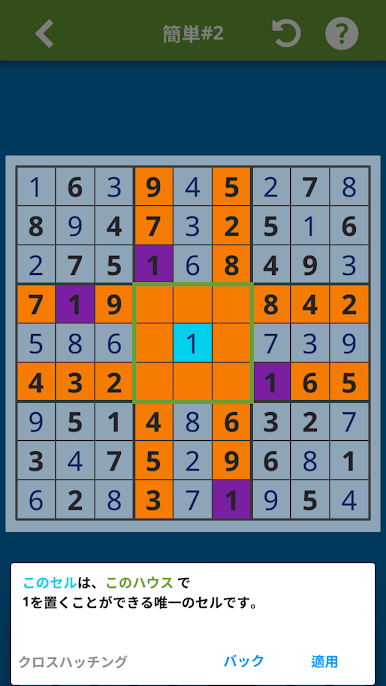
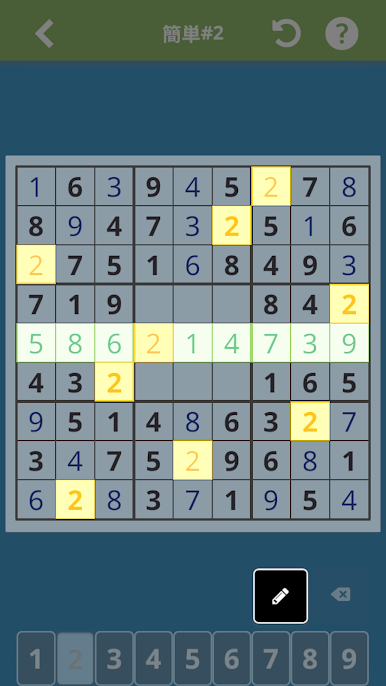
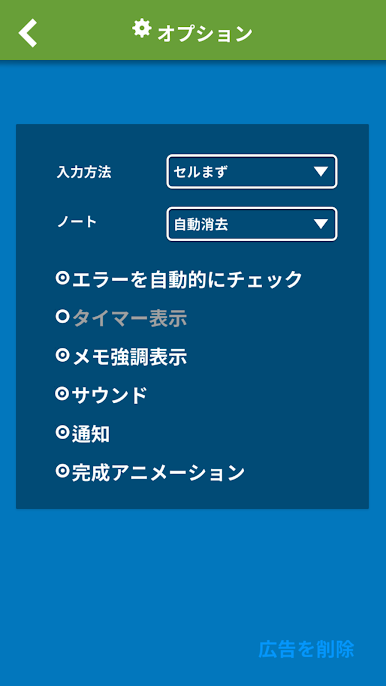
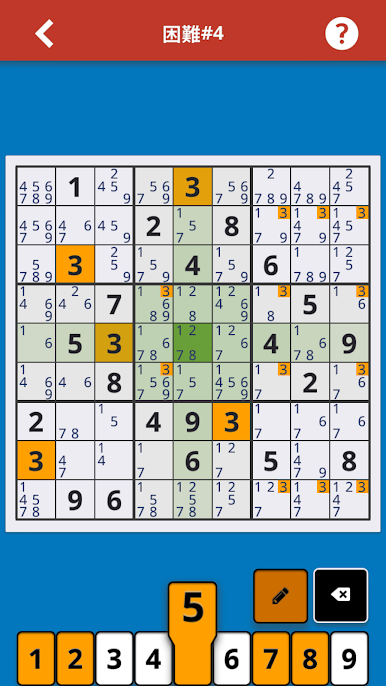
ナンプレ : Humble ClassicをPCでプレイ
-
BlueStacksをダウンロードしてPCにインストールします。
-
GoogleにサインインしてGoogle Play ストアにアクセスします。(こちらの操作は後で行っても問題ありません)
-
右上の検索バーにナンプレ : Humble Classicを入力して検索します。
-
クリックして検索結果からナンプレ : Humble Classicをインストールします。
-
Googleサインインを完了してナンプレ : Humble Classicをインストールします。※手順2を飛ばしていた場合
-
ホーム画面にてナンプレ : Humble Classicのアイコンをクリックしてアプリを起動します。

