

Impostor Shooter: Monster Run
BlueStacksを使ってPCでプレイ - 5憶以上のユーザーが愛用している高機能Androidゲーミングプラットフォーム

Play Impostor Shooter: Monster Run on PC or Mac
Explore a whole new adventure with Impostor Shooter: Monster Run, a Action game created by SuperBazooka Global. Experience great gameplay with BlueStacks, the most popular gaming platform to play Android games on your PC or Mac.
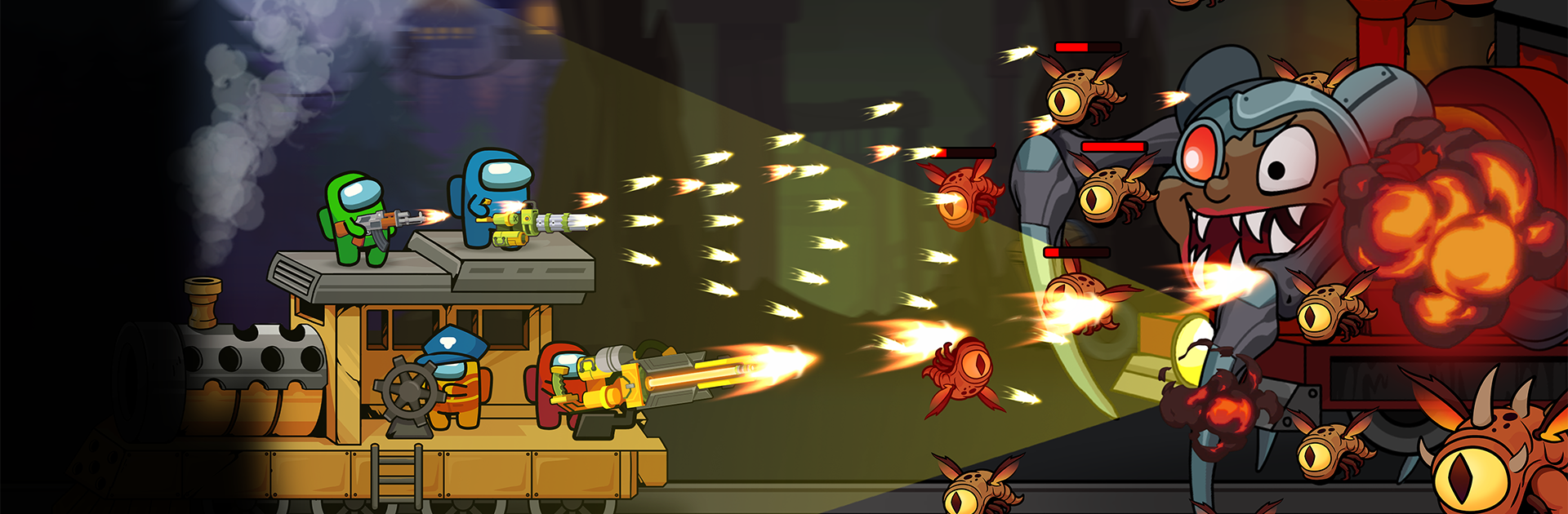
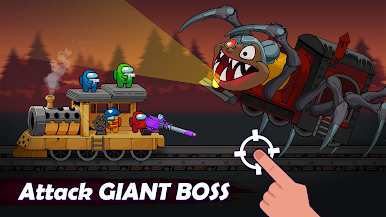
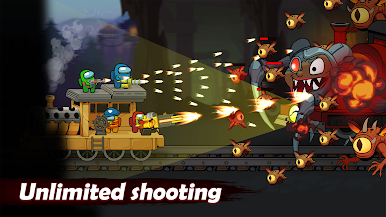
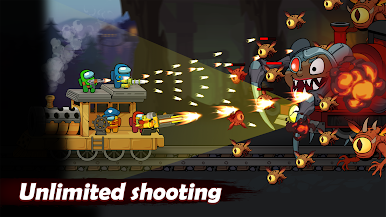
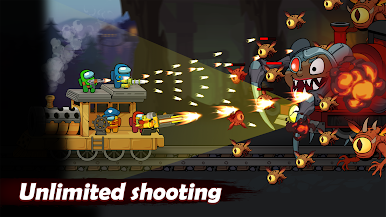
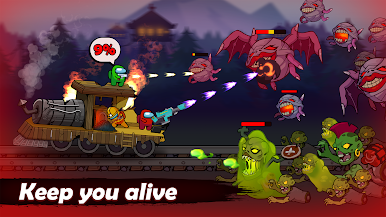
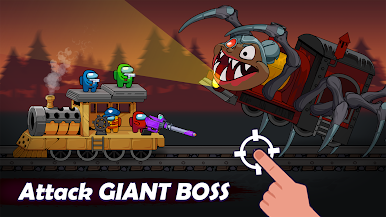
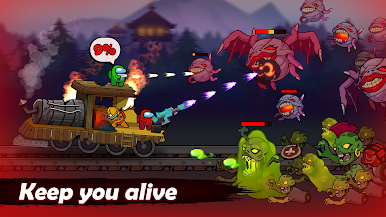
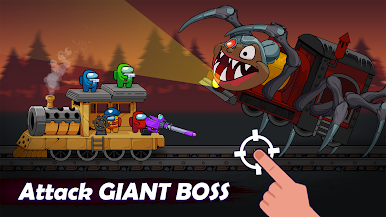
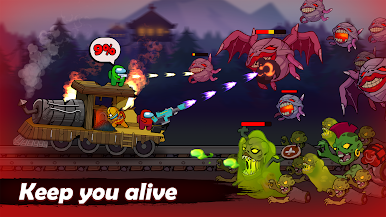
Impostor Shooter: Monster Run feels like a tense little run and gun set in a creepy forest. The impostor is not sneaking around, it is sprinting, weaving through trees and traps while monsters howl from the fog. Controls are simple. drag to move, hit the attack button when enemies get close, and try to keep a safe gap while bullets chew through the crowd. It plays almost like a survival arena where every wave pushes harder, and those Bambam and Chuu Chuu style baddies charge in with noisy jumpscares. The sound of gunfire and the quick snap of hits make it feel busy and a bit sweaty in a good way. On PC with BlueStacks the bigger screen and keymapping help keep dodges clean, which matters when the map is packed and there is no room to breathe.
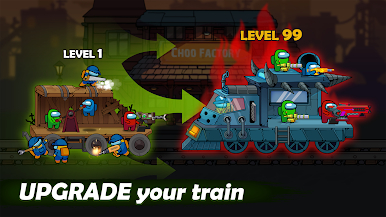
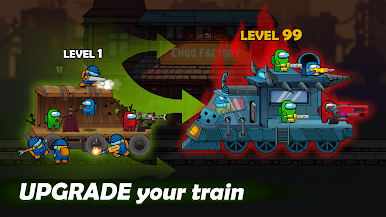
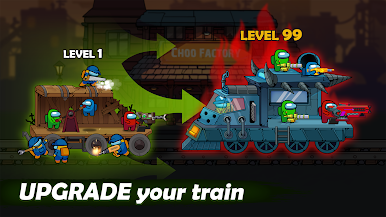
What stands out is the steady drip of progression. grab coins, upgrade guns, buff skills, and unlock silly skins. There are teammates to save who are not always helpful, but getting them out adds a small puzzle to the chaos. Levels throw in pitfalls and tricks, and there are a lot of them, so it turns into a loop of survive, collect, upgrade, try again. The 2D look is simple but bright enough to read at a glance, and the loud monster noises keep the pressure up. It works offline, sessions can be quick or long, and it is the kind of shooter that rewards fast reflexes more than perfect planning, though using the environment to funnel enemies makes a big difference once the hordes get thick.
Slay your opponents with your epic moves. Play it your way on BlueStacks and dominate the battlefield.
Impostor Shooter: Monster RunをPCでプレイ
-
BlueStacksをダウンロードしてPCにインストールします。
-
GoogleにサインインしてGoogle Play ストアにアクセスします。(こちらの操作は後で行っても問題ありません)
-
右上の検索バーにImpostor Shooter: Monster Runを入力して検索します。
-
クリックして検索結果からImpostor Shooter: Monster Runをインストールします。
-
Googleサインインを完了してImpostor Shooter: Monster Runをインストールします。※手順2を飛ばしていた場合
-
ホーム画面にてImpostor Shooter: Monster Runのアイコンをクリックしてアプリを起動します。

