

Portuguese Verb Conjugator
BlueStacksを使ってPCでプレイ - 5憶以上のユーザーが愛用している高機能Androidゲーミングプラットフォーム

Run Portuguese Verb Conjugator on PC or Mac
What’s better than using Portuguese Verb Conjugator by Ian Tipton? Well, try it on a big screen, on your PC or Mac, with BlueStacks to see the difference.
About the App
Learning Portuguese verb conjugations can be pretty overwhelming, right? Portuguese Verb Conjugator by Ian Tipton makes it a whole lot easier, giving you super quick access to verb forms whenever you need them. Whether you’re brushing up before a trip, prepping for a test, or just want to finally keep your verbs straight, this Education genre app brings tools to help you learn in a way that fits your style.
App Features
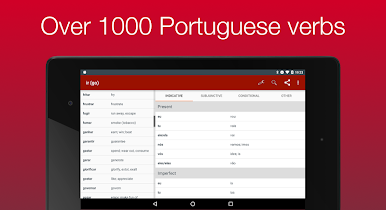
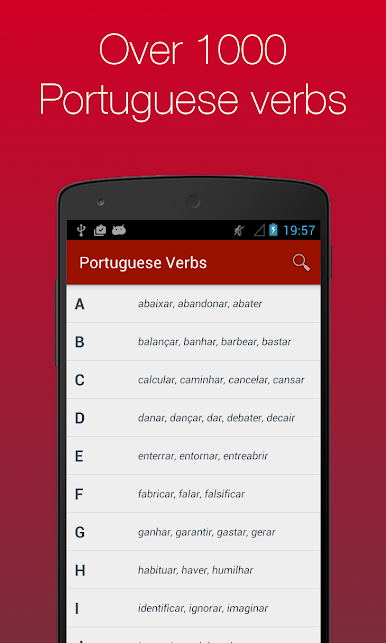
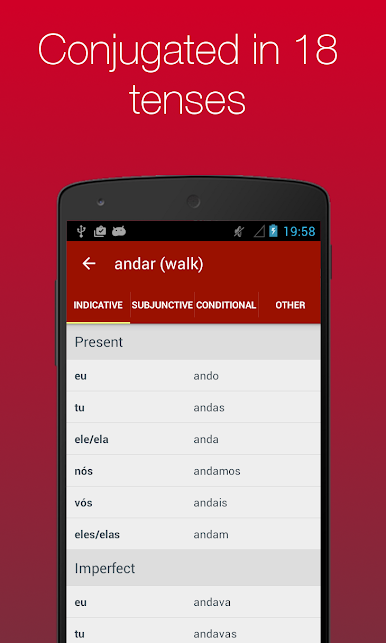
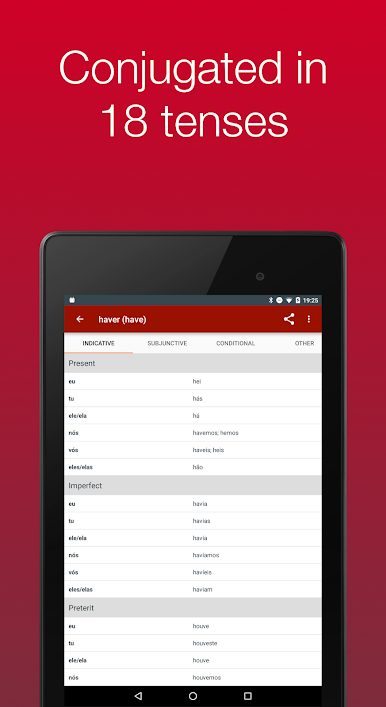
- Extensive Verb Coverage: Get access to over 1,000 Portuguese verbs, each shown across 18 different tenses. That’s a lot of grammar help all in one spot.
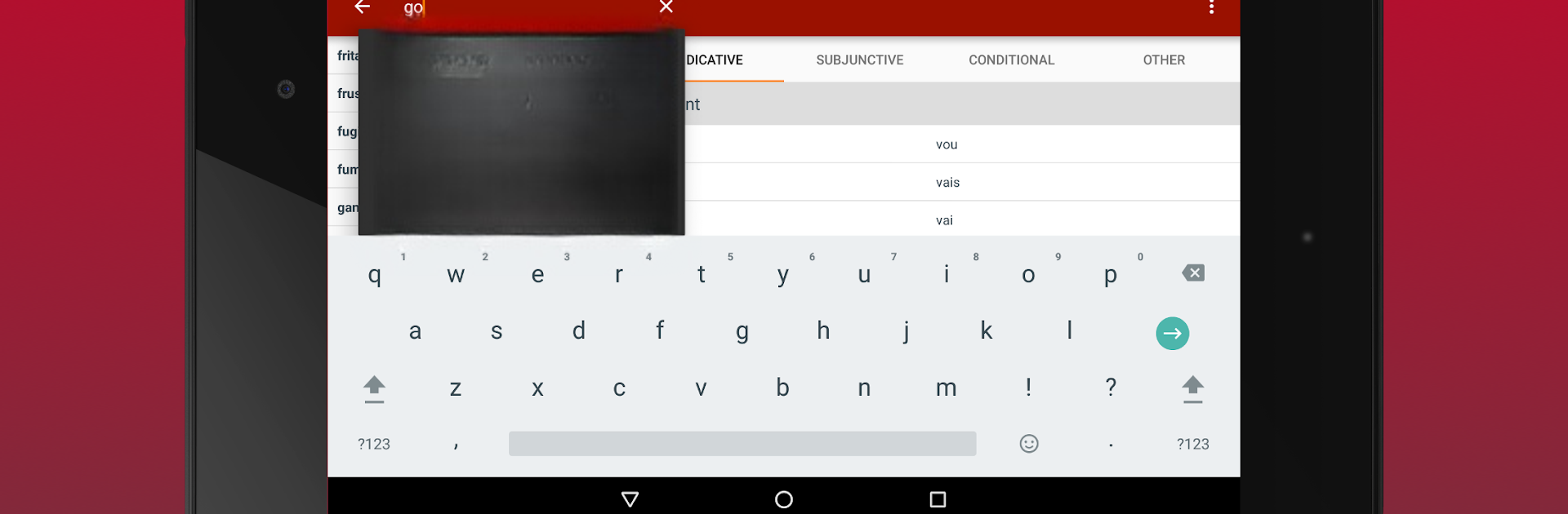
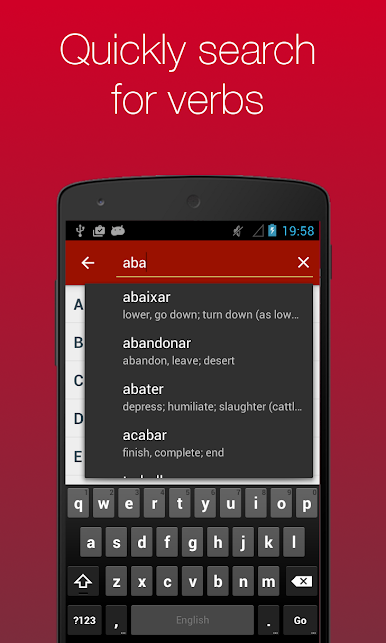
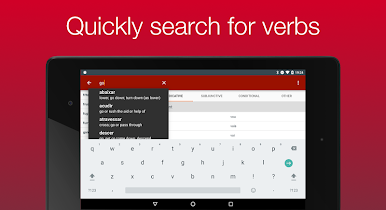
- Simple Search & Navigation: Search for any verb in a flash. If you don’t know the full spelling, the built-in search will help you out. No more flipping through giant lists or getting lost in the app.
- Audio Pronunciation: Not sure how a verb should sound? Just tap the audio button next to any conjugation, and you’ll hear it out loud. (Heads up: you’ll need an Internet connection for the audio feature.)
- Favorites List: Save verbs you use all the time, or ones that you always mix up, to a special favorites list. No more hunting around each time you open the app.
- Recent Verb Tracking: Quickly jump back to verbs you’ve just looked up. Super handy when you keep forgetting that tricky past tense.
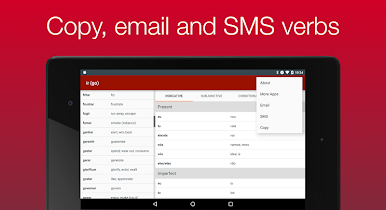
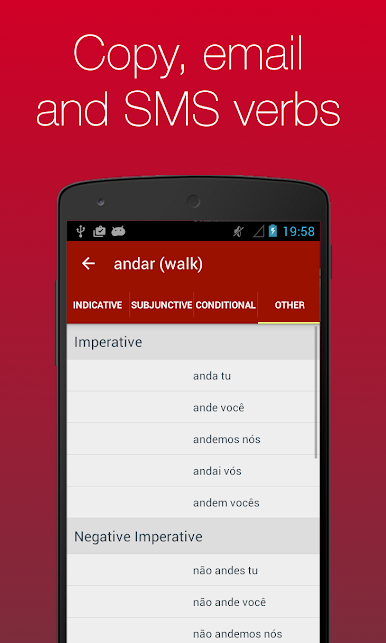
- Easy Sharing: Copy any conjugation, or send them by email or SMS straight from the app. Perfect for swapping notes with friends or reviewing on the go.
- Smooth Experience on BlueStacks: The app runs great if you’re using BlueStacks, so you can practice those verbs on a bigger screen without any trouble.
Ready to experience Portuguese Verb Conjugator on a bigger screen, in all its glory? Download BlueStacks now.

Portuguese Verb ConjugatorをPCでプレイ
-
BlueStacksをダウンロードしてPCにインストールします。
-
GoogleにサインインしてGoogle Play ストアにアクセスします。(こちらの操作は後で行っても問題ありません)
-
右上の検索バーにPortuguese Verb Conjugatorを入力して検索します。
-
クリックして検索結果からPortuguese Verb Conjugatorをインストールします。
-
Googleサインインを完了してPortuguese Verb Conjugatorをインストールします。※手順2を飛ばしていた場合
-
ホーム画面にてPortuguese Verb Conjugatorのアイコンをクリックしてアプリを起動します。

