


このページには広告が含まれます
Calendar Agenda Widget (Materi
パーソナライゼーション | SynthCompanionApps
BlueStacksを使ってPCでプレイ - 5憶以上のユーザーが愛用している高機能Androidゲーミングプラットフォーム

Play Calendar Agenda Widget (Materi on PC
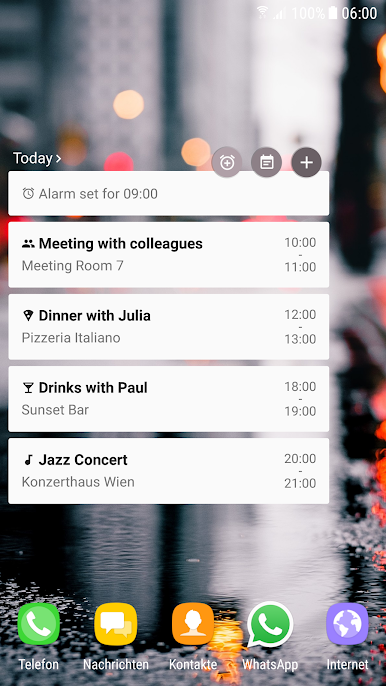
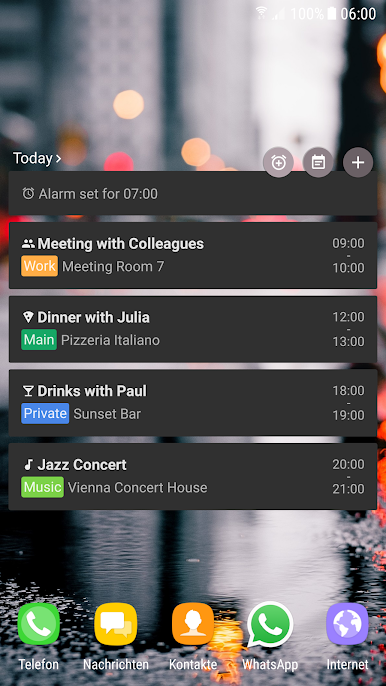
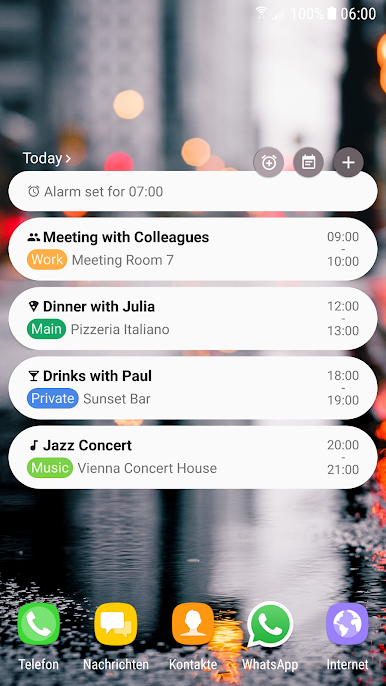
2 handy Widgets
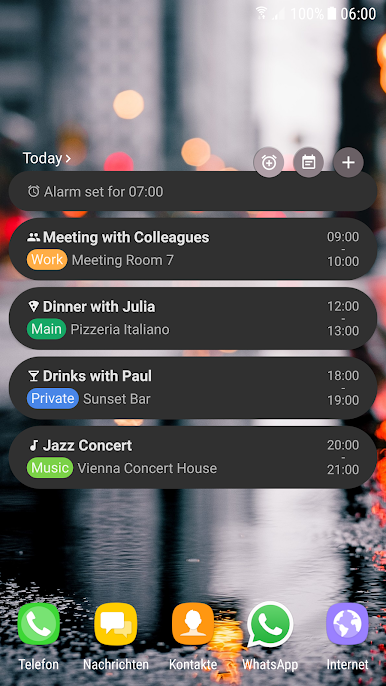
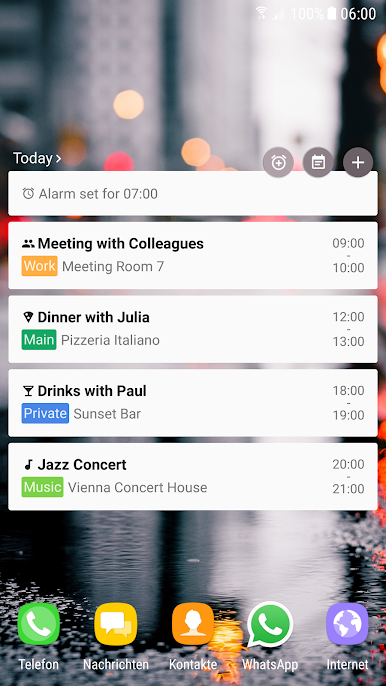
• Show today's agenda, incl. quick switch between today/tomorrow
• "Standard" agenda widget, showing Events for multiple days
Key features
• Show next alarm
• Filter for calendars / all day events
• Quick buttons for adding calendar events, opening calendar app and setting an alarm
• Easy switch between today and tomorrow's events
• Well thought out concept, showing you all the information you need without cluttering
All new material design
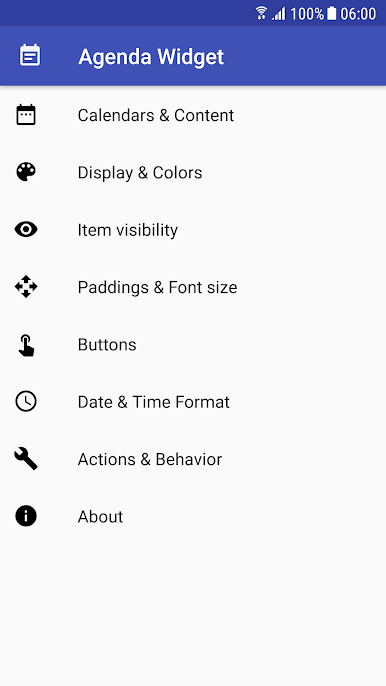
• Beautiful, configurable, resizable design
• Perfectly fits Googles latest design guidelines
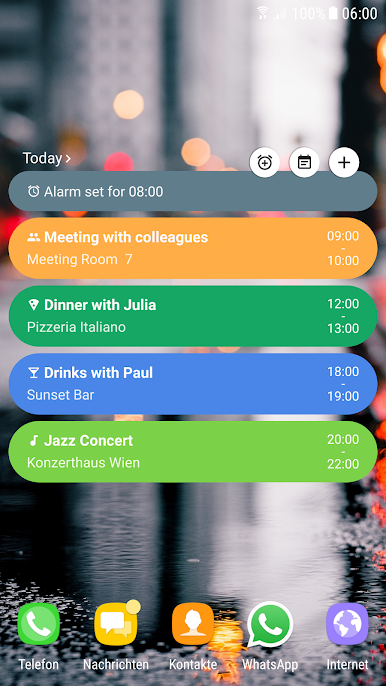
• Colors adjust to your wallpaper
• 2 design flavors: flat/round
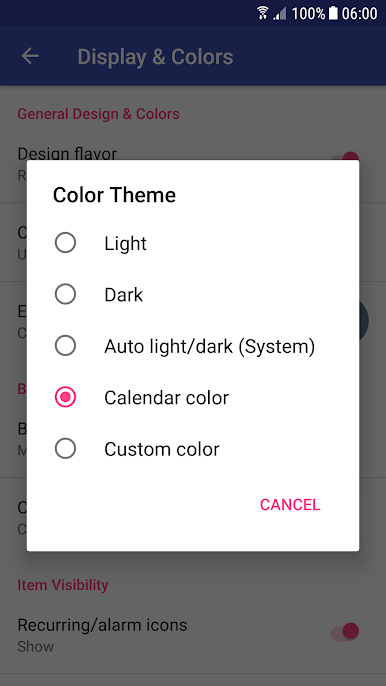
• Predefined color themes, e.g. light, dark,...
• Custom color selection
• Configurable transparency
• Color theme can adjust to system nightmode if activated
• Icons for specific keywords like "birthday", "lecture",...
• Customizable font size and paddings
Privacy information
This app does not collect or transmit any personal information. There is no advertising in the app and there is no user profile created, not even an anonymized one. The app does not track or transmit any usage statistics.
Translations
Thanks to Giuseppe Pappalardo for the Italian translation!
Shoot me an email if you want to translate the app to your language, it's very much appreciated!
• Show today's agenda, incl. quick switch between today/tomorrow
• "Standard" agenda widget, showing Events for multiple days
Key features
• Show next alarm
• Filter for calendars / all day events
• Quick buttons for adding calendar events, opening calendar app and setting an alarm
• Easy switch between today and tomorrow's events
• Well thought out concept, showing you all the information you need without cluttering
All new material design
• Beautiful, configurable, resizable design
• Perfectly fits Googles latest design guidelines
• Colors adjust to your wallpaper
• 2 design flavors: flat/round
• Predefined color themes, e.g. light, dark,...
• Custom color selection
• Configurable transparency
• Color theme can adjust to system nightmode if activated
• Icons for specific keywords like "birthday", "lecture",...
• Customizable font size and paddings
Privacy information
This app does not collect or transmit any personal information. There is no advertising in the app and there is no user profile created, not even an anonymized one. The app does not track or transmit any usage statistics.
Translations
Thanks to Giuseppe Pappalardo for the Italian translation!
Shoot me an email if you want to translate the app to your language, it's very much appreciated!
Calendar Agenda Widget (MateriをPCでプレイ
-
BlueStacksをダウンロードしてPCにインストールします。
-
GoogleにサインインしてGoogle Play ストアにアクセスします。(こちらの操作は後で行っても問題ありません)
-
右上の検索バーにCalendar Agenda Widget (Materiを入力して検索します。
-
クリックして検索結果からCalendar Agenda Widget (Materiをインストールします。
-
Googleサインインを完了してCalendar Agenda Widget (Materiをインストールします。※手順2を飛ばしていた場合
-
ホーム画面にてCalendar Agenda Widget (Materiのアイコンをクリックしてアプリを起動します。

