

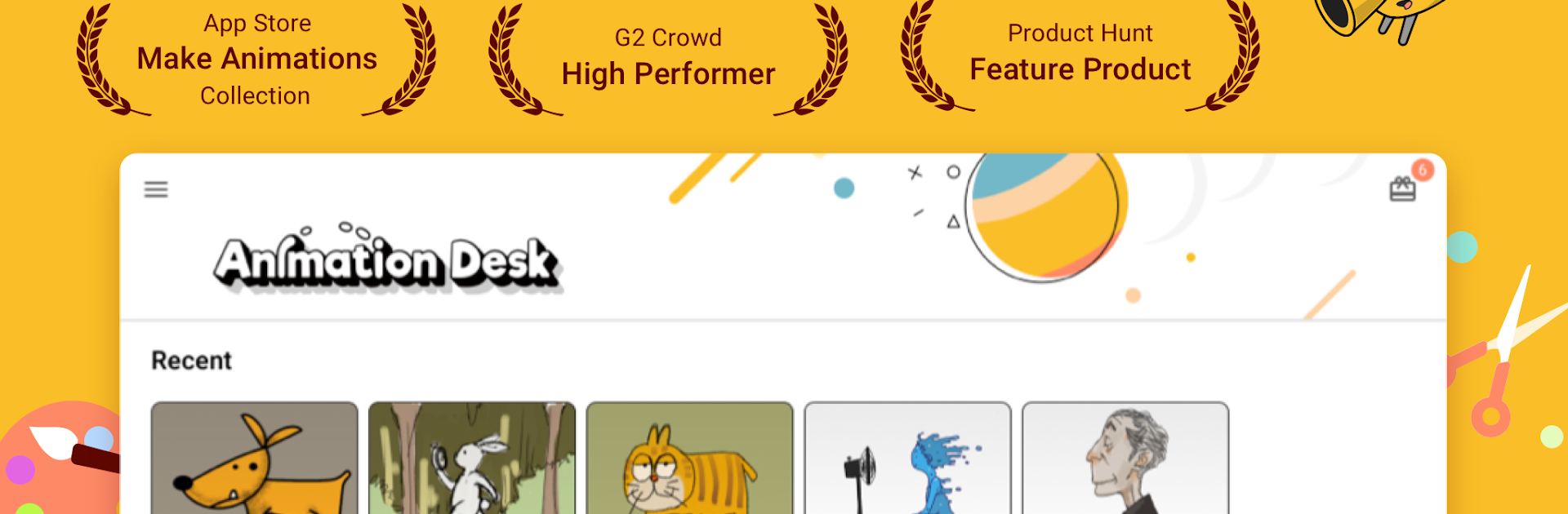
Animation Desk – アニメ・漫画
BlueStacksを使ってPCでプレイ - 5憶以上のユーザーが愛用している高機能Androidゲーミングプラットフォーム

Run Animation Desk–Cartoon & GIF on PC or Mac
Upgrade your experience. Try Animation Desk–Cartoon & GIF, the fantastic Entertainment app from Kdan Mobile Software Ltd., from the comfort of your laptop, PC, or Mac, only on BlueStacks.
About the App
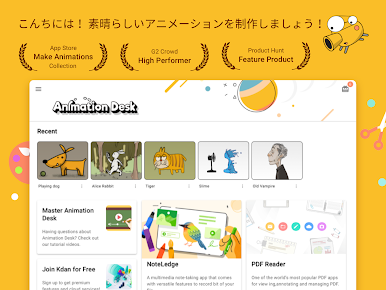
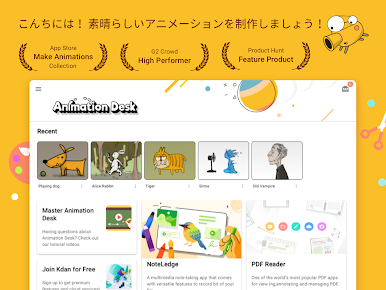
Ready to let your imagination run wild? With Animation Desk–Cartoon & GIF from Kdan Mobile Software Ltd., you get a front-row seat to creating your own animations, cartoons, and even animated GIFs. Whether you’re just doodling for fun or plotting out your next animated masterpiece, this app’s packed with simple but powerful tools that make the process feel approachable. Artists of all levels, from beginners to seasoned pros, will find something to love here.
App Features
-
Frame-by-Frame Animation
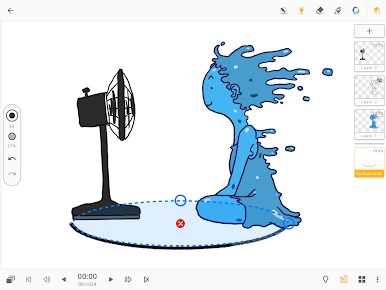
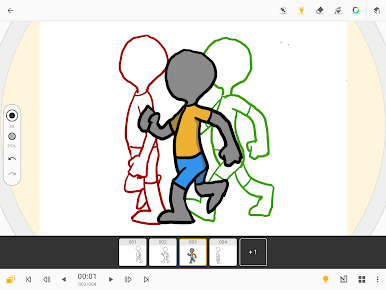
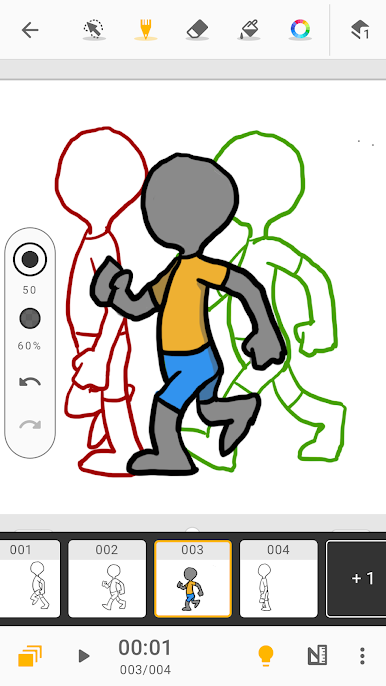
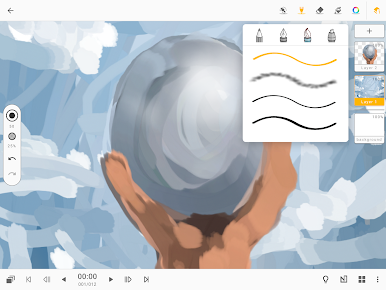
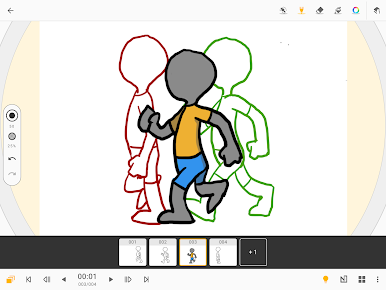
Seamlessly flip through frames as you sketch, thanks to onion skinning and an easy-to-use timeline. Planning a story sequence? The frame viewer lets you keep everything on track without breaking your creative stride. -
Drawing and Painting Tools
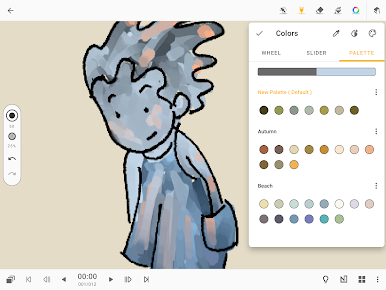
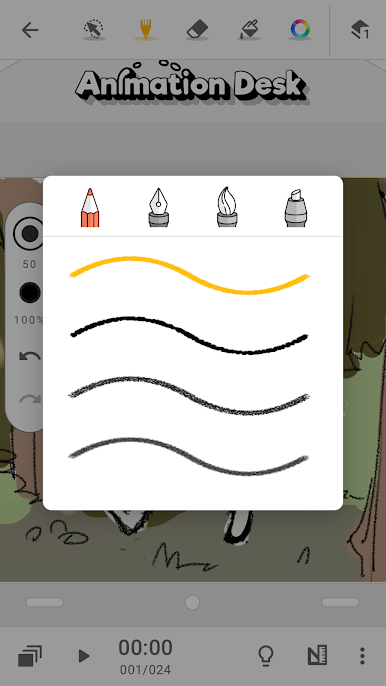
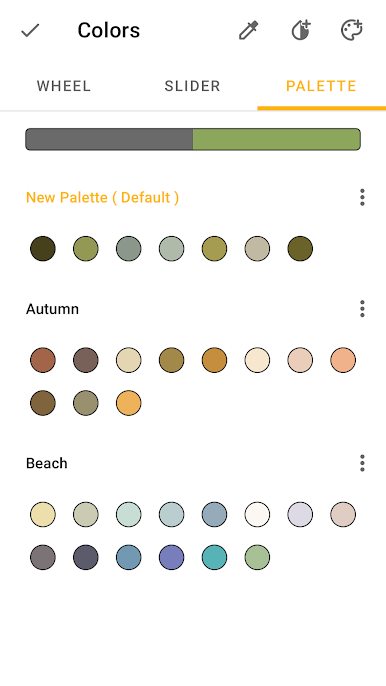
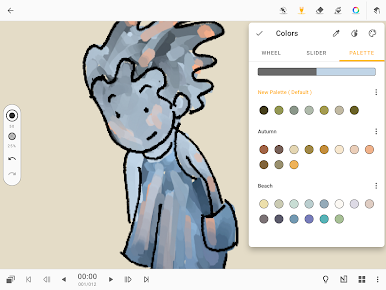
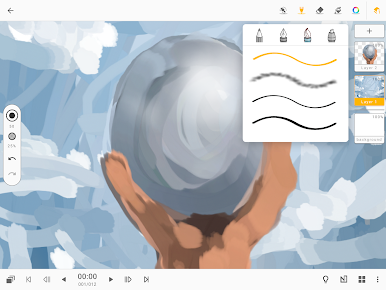
Brushes, erasers, color palettes—all the basics you need for sketching ideas, coloring scenes, and fine-tuning your art. Need to zoom in or rotate the canvas to nail those tricky details? No problem. -
Layer Support
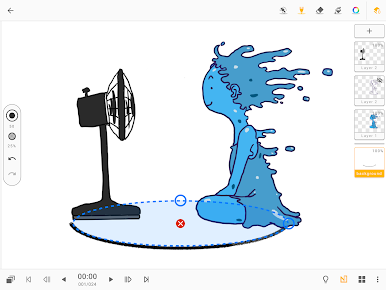
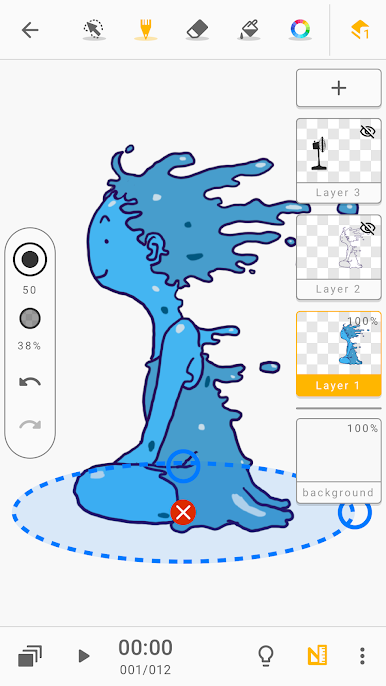
Create depth by separating your work onto different layers. Adjust, rearrange, or edit without worrying about messing up your whole scene. -
NFT Creation and Export
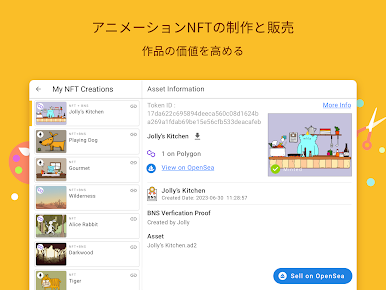
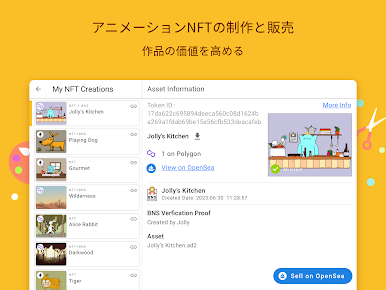
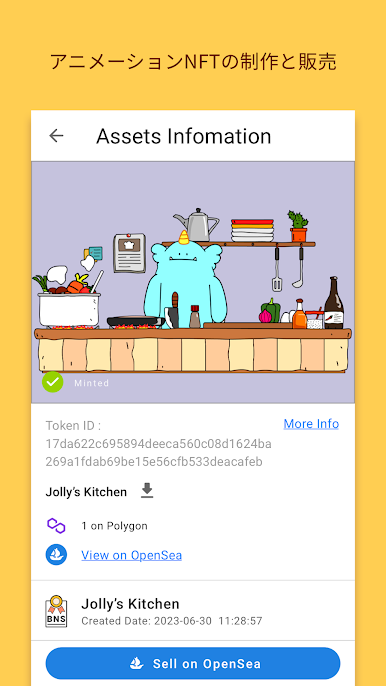
Curious about animated NFTs? Try your hand at minting your own right inside the app and even put them up on OpenSea. That’s something unique you won’t find everywhere. -
Flexible Exports
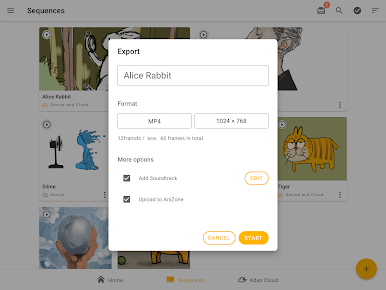
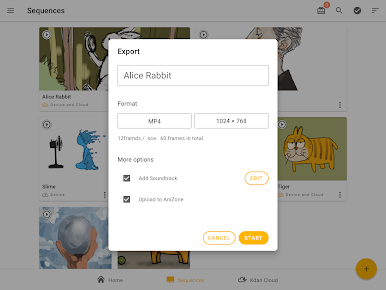
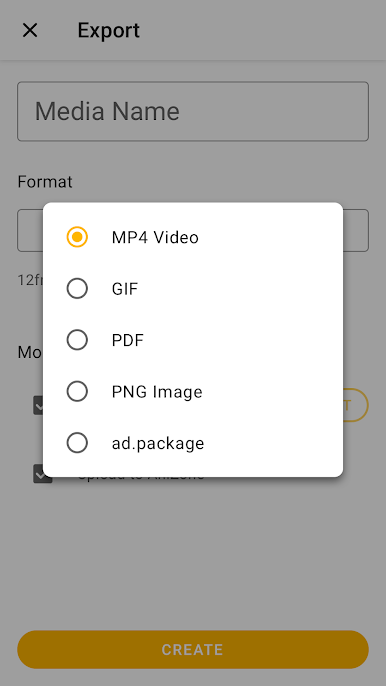
Finish your project and want to share it? You can export your work as images, videos, PDFs, or GIFs (up to 640 x 480 px), depending on what fits your needs.
Running Animation Desk–Cartoon & GIF on a bigger screen using BlueStacks just makes everything a little easier to see and control, especially when you’re getting into the details of your animation.
BlueStacks brings your apps to life on a bigger screen—seamless and straightforward.

Animation Desk – アニメ・漫画をPCでプレイ
-
BlueStacksをダウンロードしてPCにインストールします。
-
GoogleにサインインしてGoogle Play ストアにアクセスします。(こちらの操作は後で行っても問題ありません)
-
右上の検索バーにAnimation Desk – アニメ・漫画を入力して検索します。
-
クリックして検索結果からAnimation Desk – アニメ・漫画をインストールします。
-
Googleサインインを完了してAnimation Desk – アニメ・漫画をインストールします。※手順2を飛ばしていた場合
-
ホーム画面にてAnimation Desk – アニメ・漫画のアイコンをクリックしてアプリを起動します。

