


Wordsearch PuzzleLife
BlueStacksを使ってPCでプレイ - 5憶以上のユーザーが愛用している高機能Androidゲーミングプラットフォーム

Play Wordsearch PuzzleLife on PC or Mac
Bring your A-game to Wordsearch PuzzleLife, the Word game sensation from Keesing Media Group. Give your gameplay the much-needed boost with precise game controls, high FPS graphics, and top-tier features on your PC or Mac with BlueStacks.
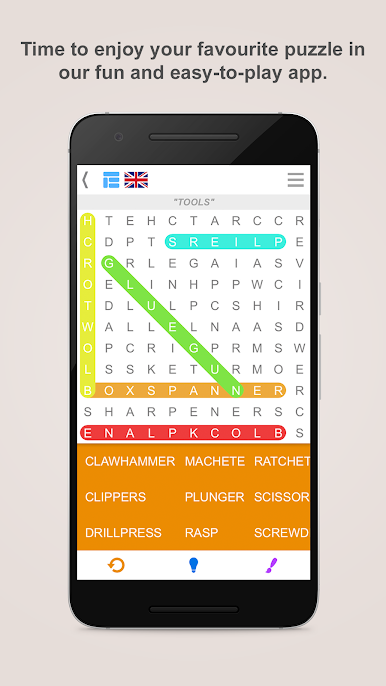
Wordsearch PuzzleLife feels like a clean, no-stress word hunt. A list of words sits on the side, and the grid is full of letters that hide them in every direction, horizontal, vertical, diagonal, even backwards. Some words overlap, so the last letter of one might also belong to another, which keeps the brain awake without turning it into homework. The goal is simple, clear the board by finding everything on the list, and if a word refuses to show up there is a hint button that nudges the eyes the right way.
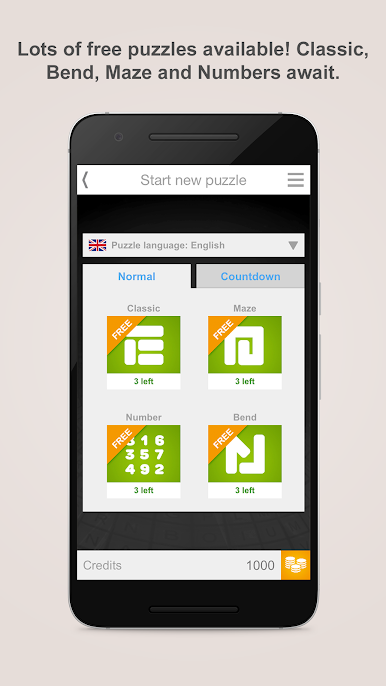
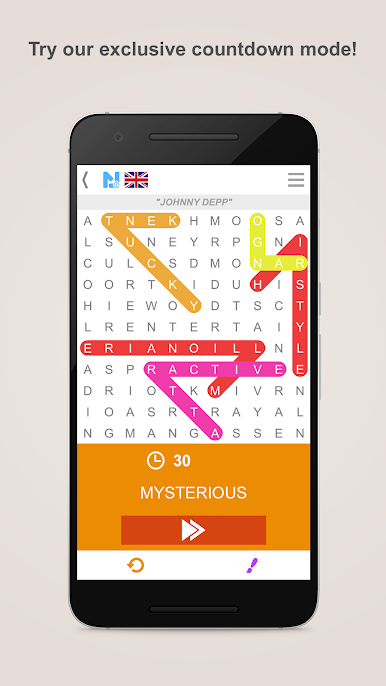
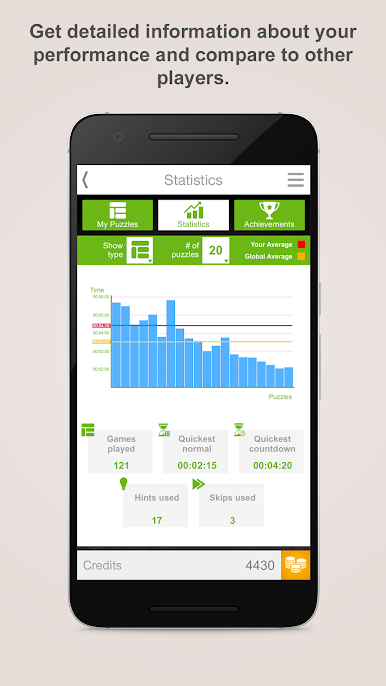
What stands out is how adjustable it is. Players can tweak colors, letter size and word settings so the grid feels comfortable on the eyes, switch languages if they want, and play offline whenever a connection drops. There is a relaxed pace for daily play, plus a Countdown mode for a quick against-the-clock run when a little pressure sounds fun. Achievements throw in extra credits, and those credits carry over to other PuzzleLife apps if someone logs in, so progress does not feel wasted. There are thousands of puzzles across English, Dutch, French, German, Spanish, Danish and Swedish, so it suits both practice and casual play. On PC with BlueStacks, dragging to select words with a mouse feels smooth, and the larger screen makes diagonal or backwards words easier to spot. It is just a calm, tidy word search that respects time and lets players pick up right where they left off.
Get ready for a buttery smooth, high-performance gaming action only on BlueStacks.

Wordsearch PuzzleLifeをPCでプレイ
-
BlueStacksをダウンロードしてPCにインストールします。
-
GoogleにサインインしてGoogle Play ストアにアクセスします。(こちらの操作は後で行っても問題ありません)
-
右上の検索バーにWordsearch PuzzleLifeを入力して検索します。
-
クリックして検索結果からWordsearch PuzzleLifeをインストールします。
-
Googleサインインを完了してWordsearch PuzzleLifeをインストールします。※手順2を飛ばしていた場合
-
ホーム画面にてWordsearch PuzzleLifeのアイコンをクリックしてアプリを起動します。

