


このページには広告が含まれます
オーバーテイク
カジュアル | Kwalee Ltd
BlueStacksを使ってPCでプレイ - 5憶以上のユーザーが愛用している高機能Androidゲーミングプラットフォーム

PCでオーバーテイクをプレイ
ますますオーバーテイクするのが楽しくなる!
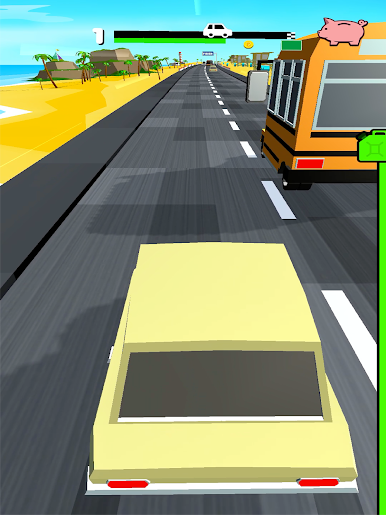
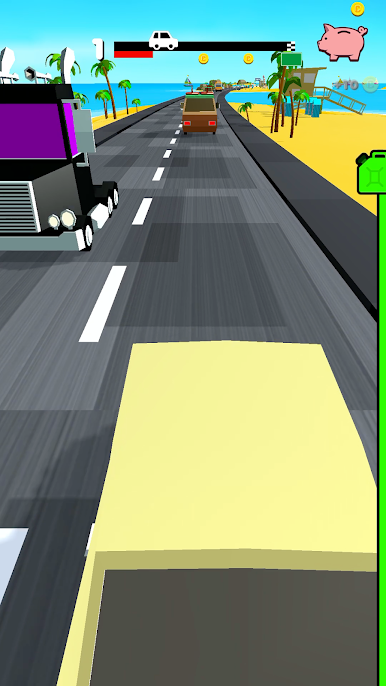
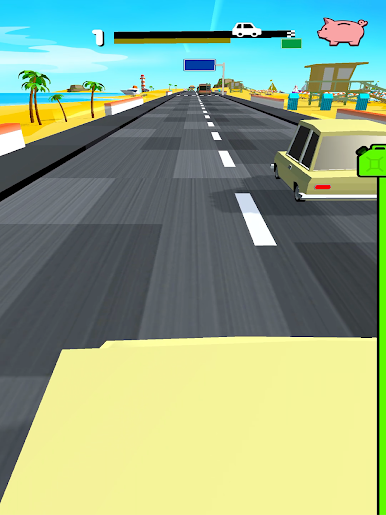
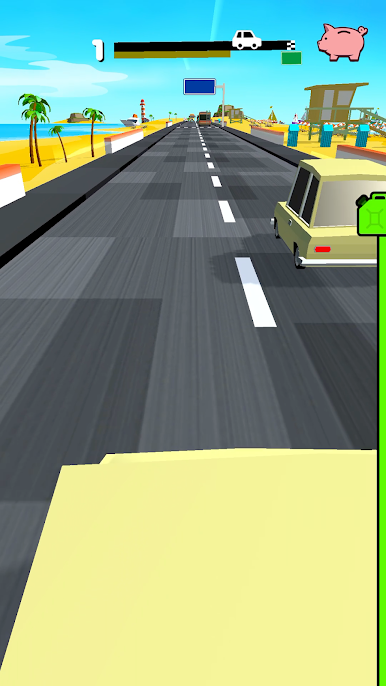
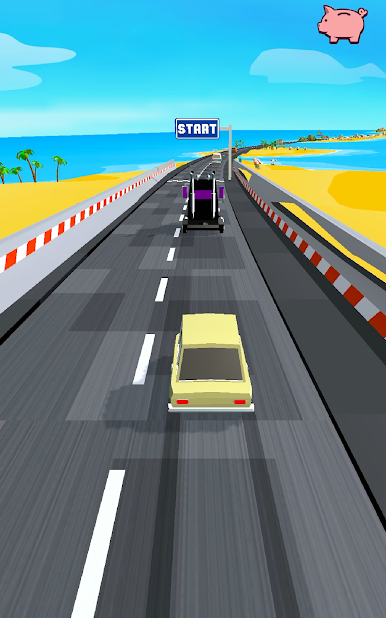
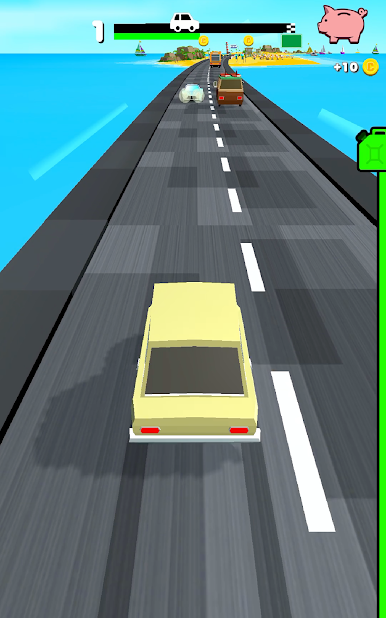
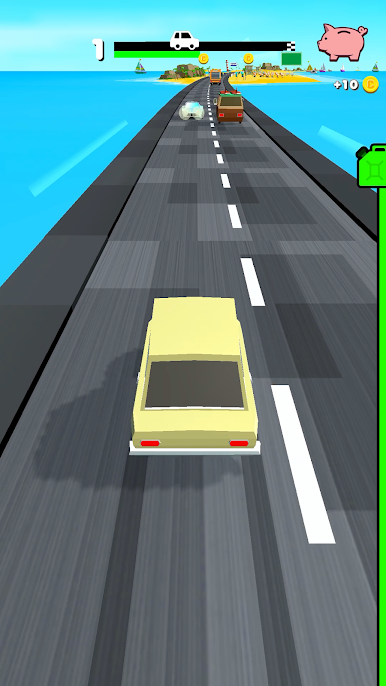
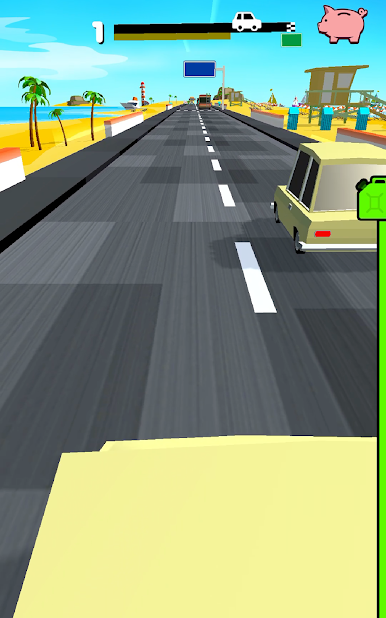
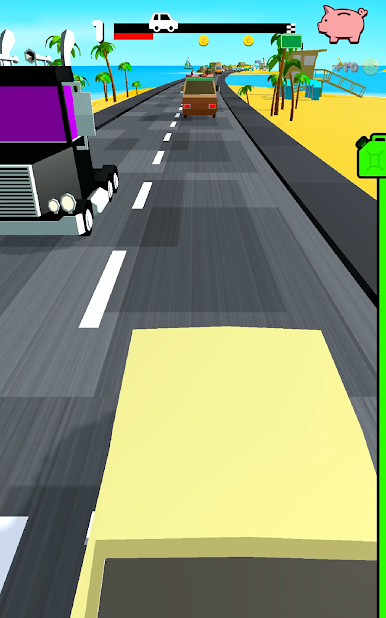
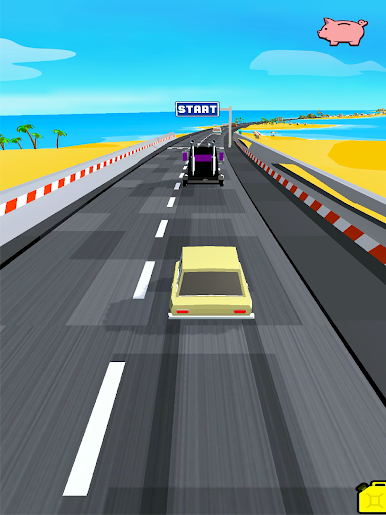
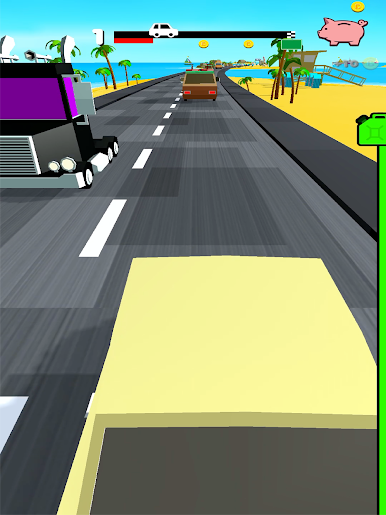
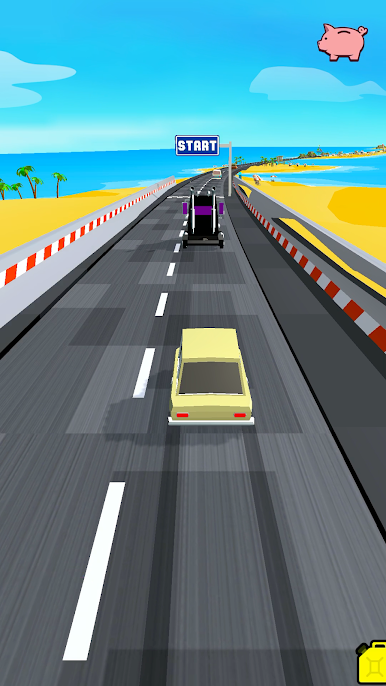
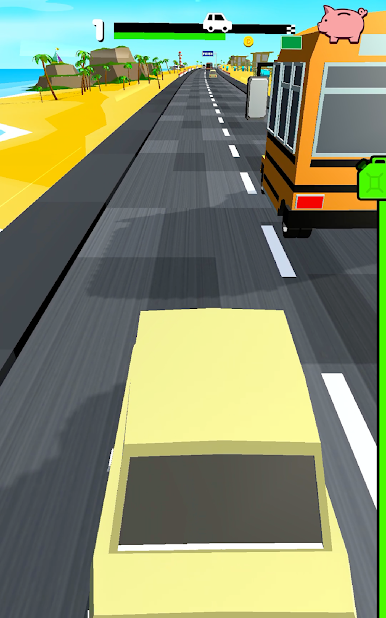
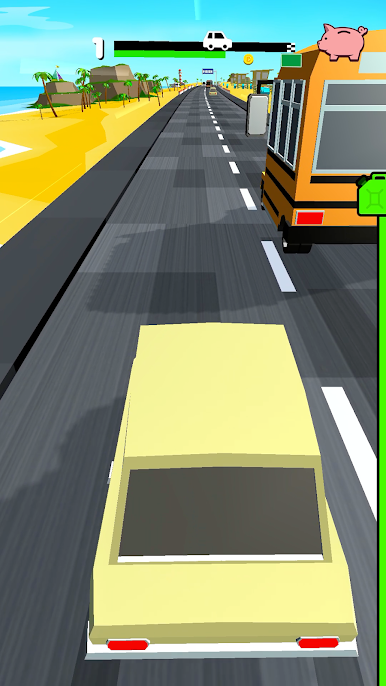
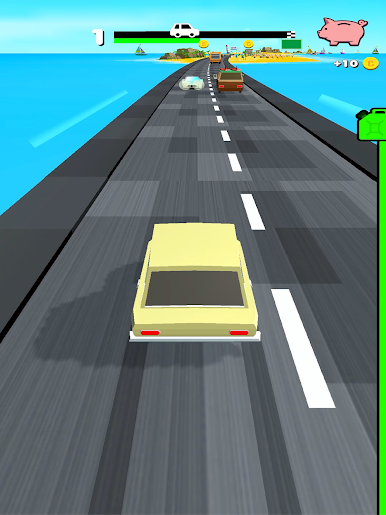
ルールは一つだけ: 致命的な正面衝突だけは避けよう。残り燃料には注意しよう。
長押しするだけで、正面にいる車を追い抜いて、自分の元いたレーンに戻ろう。
速度制限はありません、ドライブを楽しもう!
オーバーテイクの特長:
- シンプルで楽しいゲームプレイ
- どんどん難しくなるステージ
- 新しい車をアンロックしましょう
オーバーテイクに登録しよう!
オーバーテイクに登録すると、以下のすべての特典を受けられます。
サメの車体
ライフの増加
永久コイン2倍
ゲームから強制的な広告が取り除かれます
登録情報:
オーバーテイクのVIPメンバーシップは2種類のオプションをご用意しています。
1) 週単位の登録。料金は毎週$5.49。3日間の無料トライアル期間つき。
2) 月単位の登録。料金は毎月$14.49。
この登録を購入すると、以下の内容が解除されます。車体がサメになる。プレイ時のライフが増加。獲得できるゲーム内マネーが2倍。広告が非表示になり、強制的な広告がゲーム中に表示されなくなります。本登録は自動更新です。確定するとご利用のアカウントに料金が請求されます。期限満了の24時間以上前に取り消しを行わない限り、登録が更新されるのでご注意ください。更新の場合もご利用のアカウントに料金が請求されます。
表示の料金は米国の方向けです。その他の国では価格が変更されるほか、現地通貨に換算した金額を請求する場合があります。
トライアル期間の終了と登録の更新:
- ご購入の確定後、ご利用のiTunesアカウントに料金が請求されます
- 現行期間が満了を迎える24時間前までに取消を行わない限り、登録は自動的に更新されます
- 更新となった場合、現行期間が満了を迎える24時間前の時点で、週単位の登録の通常料金がアカウントに請求されます
- ストアでご購入いただいた後は、ユーザーのアカウント設定から登録と自動更新の管理を行えます
- 登録期間がアクティブな間は、現行の登録をキャンセルできません
- 無料トライアル期間の未使用部分は、登録が確定した時点で無効となります
トライアルまたは登録のキャンセル:
- 無料のトライアル期間中に登録をキャンセルするには、ストアにアクセスし、ご利用のアカウントからキャンセルを実行していただく必要があります。料金が請求されないようにするには、トライアル期間が終了する24時間前までにこの手順を行ってください。
http://privacy.servers.kwalee.com/privacy/OvertakeEULA.html
ルールは一つだけ: 致命的な正面衝突だけは避けよう。残り燃料には注意しよう。
長押しするだけで、正面にいる車を追い抜いて、自分の元いたレーンに戻ろう。
速度制限はありません、ドライブを楽しもう!
オーバーテイクの特長:
- シンプルで楽しいゲームプレイ
- どんどん難しくなるステージ
- 新しい車をアンロックしましょう
オーバーテイクに登録しよう!
オーバーテイクに登録すると、以下のすべての特典を受けられます。
サメの車体
ライフの増加
永久コイン2倍
ゲームから強制的な広告が取り除かれます
登録情報:
オーバーテイクのVIPメンバーシップは2種類のオプションをご用意しています。
1) 週単位の登録。料金は毎週$5.49。3日間の無料トライアル期間つき。
2) 月単位の登録。料金は毎月$14.49。
この登録を購入すると、以下の内容が解除されます。車体がサメになる。プレイ時のライフが増加。獲得できるゲーム内マネーが2倍。広告が非表示になり、強制的な広告がゲーム中に表示されなくなります。本登録は自動更新です。確定するとご利用のアカウントに料金が請求されます。期限満了の24時間以上前に取り消しを行わない限り、登録が更新されるのでご注意ください。更新の場合もご利用のアカウントに料金が請求されます。
表示の料金は米国の方向けです。その他の国では価格が変更されるほか、現地通貨に換算した金額を請求する場合があります。
トライアル期間の終了と登録の更新:
- ご購入の確定後、ご利用のiTunesアカウントに料金が請求されます
- 現行期間が満了を迎える24時間前までに取消を行わない限り、登録は自動的に更新されます
- 更新となった場合、現行期間が満了を迎える24時間前の時点で、週単位の登録の通常料金がアカウントに請求されます
- ストアでご購入いただいた後は、ユーザーのアカウント設定から登録と自動更新の管理を行えます
- 登録期間がアクティブな間は、現行の登録をキャンセルできません
- 無料トライアル期間の未使用部分は、登録が確定した時点で無効となります
トライアルまたは登録のキャンセル:
- 無料のトライアル期間中に登録をキャンセルするには、ストアにアクセスし、ご利用のアカウントからキャンセルを実行していただく必要があります。料金が請求されないようにするには、トライアル期間が終了する24時間前までにこの手順を行ってください。
http://privacy.servers.kwalee.com/privacy/OvertakeEULA.html
オーバーテイクをPCでプレイ
-
BlueStacksをダウンロードしてPCにインストールします。
-
GoogleにサインインしてGoogle Play ストアにアクセスします。(こちらの操作は後で行っても問題ありません)
-
右上の検索バーにオーバーテイクを入力して検索します。
-
クリックして検索結果からオーバーテイクをインストールします。
-
Googleサインインを完了してオーバーテイクをインストールします。※手順2を飛ばしていた場合
-
ホーム画面にてオーバーテイクのアイコンをクリックしてアプリを起動します。

