


スピーチセントラル AI音声合成・テキスト読み上げリーダー
BlueStacksを使ってPCでプレイ - 5憶以上のユーザーが愛用している高機能Androidゲーミングプラットフォーム

Run Speech Central: Text-to-Speech on PC or Mac
Multitask effortlessly on your PC or Mac as you try out Speech Central: Text-to-Speech, a Productivity app by Labsii Ltd. on BlueStacks.
About the App
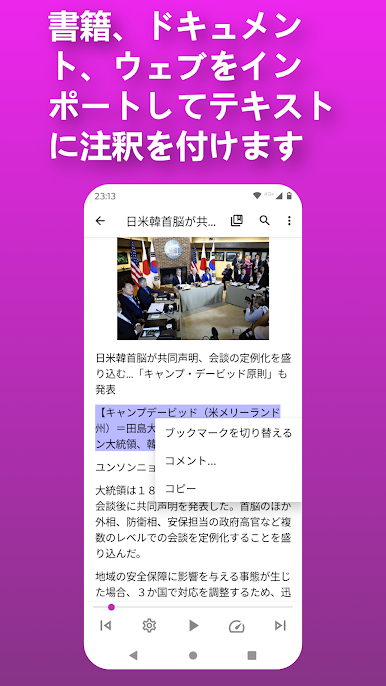
Ever wished you could just listen to all those articles, PDFs, or documents piling up on your device instead of staring at a screen? Speech Central: Text-to-Speech by Labsii Ltd. is here to help. This easy-to-use productivity app transforms just about any text into clear, natural speech, so you can tune in to content hands-free whether you’re tackling chores, studying, or just taking a walk. With straightforward controls and tons of customizable features, it’s built for anyone who wants to make multitasking a bit smoother—or simply prefers to listen instead of read.
App Features
-
Flexible File Support
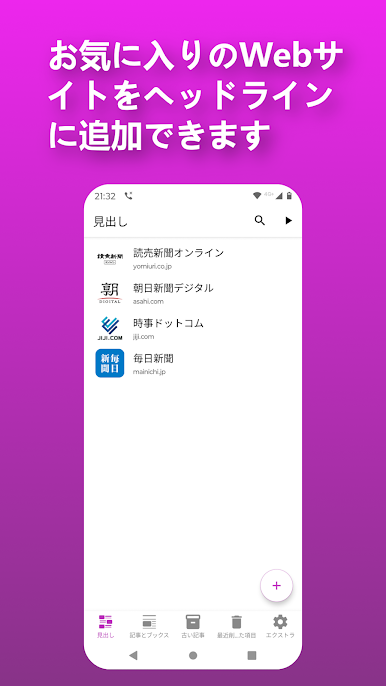
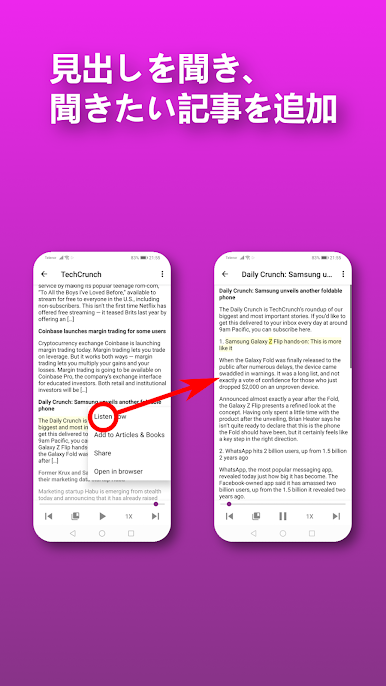
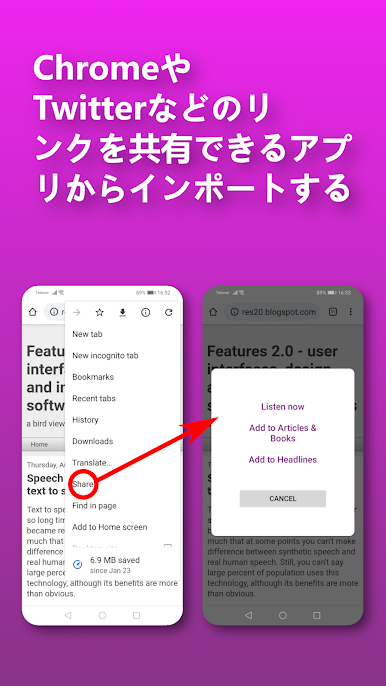
PDFs, eBooks, Word docs, webpages—Speech Central: Text-to-Speech handles all these and more, including RSS feeds and plain text files. If you’ve got text, you can probably listen to it. -
Lifelike AI Voices
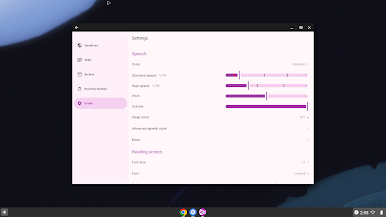
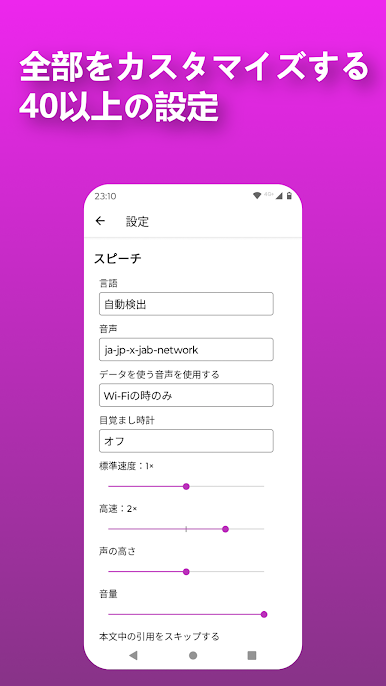
Set up Microsoft Azure and choose from a wide variety of voices that sound surprisingly natural. Fine-tune settings like speed or pitch to match your mood or focus needs. -
Designed for Accessibility
The app works great for users with dyslexia, visual impairments, or attention difficulties. All the features are geared towards making content more accessible and easier to digest audibly. -
No Subscription Hassle
Premium features are unlocked with a one-time upgrade, not an ongoing subscription. You get the full experience without worrying about monthly payments. -
Smart Reading Tools
Pick and organize your favorite articles, bookmark sections for later, and let the app automatically skip ads and other page clutter so you only hear what matters. -
Export & Listen Offline
Like something? Export the audio and listen whenever you want, even if you’re not connected to the internet. -
Supports Multiple Languages
Got content in a different language? Speech Central: Text-to-Speech can handle many, keeping things accessible no matter what you’re working with. -
No Ads, No Distractions
Listen to your content straight through, with no pop-ups or interruptions getting in your way. -
Works Great on BlueStacks
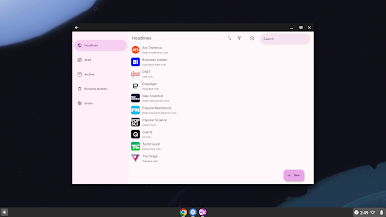
If you prefer managing apps on your desktop, Speech Central: Text-to-Speech runs smoothly on BlueStacks, letting you organize your reading and listening from a bigger screen.
Big screen. Bigger performance. Use BlueStacks on your PC or Mac to run your favorite apps.

スピーチセントラル AI音声合成・テキスト読み上げリーダーをPCでプレイ
-
BlueStacksをダウンロードしてPCにインストールします。
-
GoogleにサインインしてGoogle Play ストアにアクセスします。(こちらの操作は後で行っても問題ありません)
-
右上の検索バーにスピーチセントラル AI音声合成・テキスト読み上げリーダーを入力して検索します。
-
クリックして検索結果からスピーチセントラル AI音声合成・テキスト読み上げリーダーをインストールします。
-
Googleサインインを完了してスピーチセントラル AI音声合成・テキスト読み上げリーダーをインストールします。※手順2を飛ばしていた場合
-
ホーム画面にてスピーチセントラル AI音声合成・テキスト読み上げリーダーのアイコンをクリックしてアプリを起動します。

