


このページには広告が含まれます
ICE - In Case of Emergency
健康&フィットネス | Sylvain Lagache
BlueStacksを使ってPCでプレイ - 5憶以上のユーザーが愛用している高機能Androidゲーミングプラットフォーム

概要
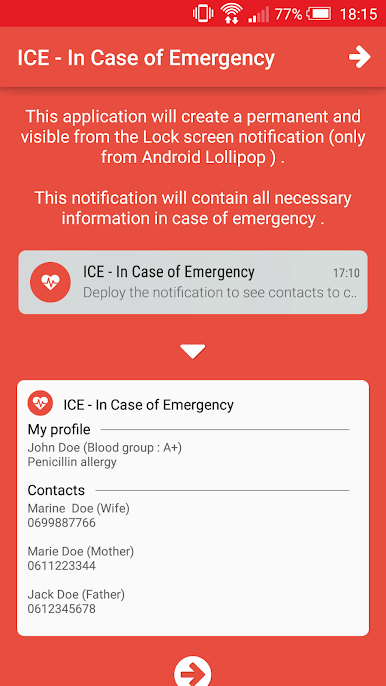
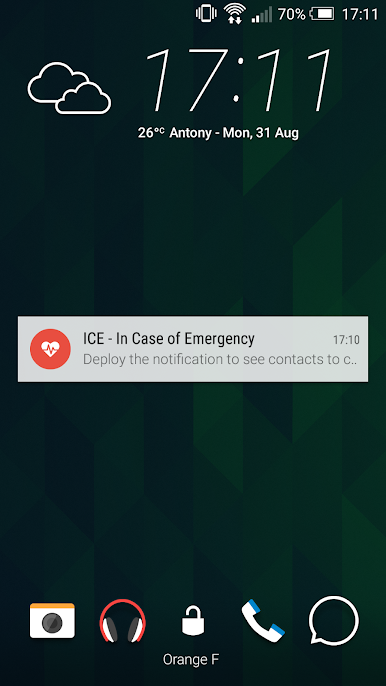
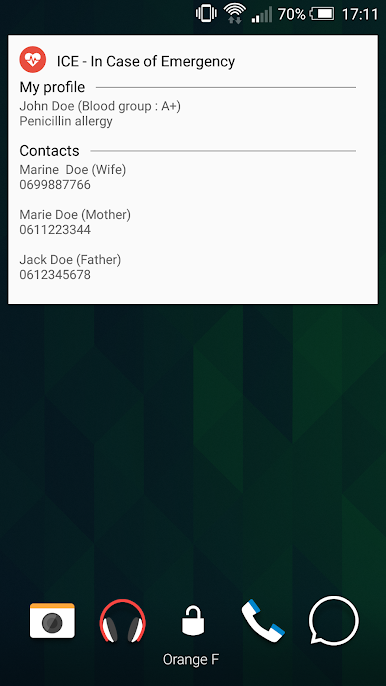
This application will create a permanent and visible from the Lock screen notification (only from Android Lollipop).
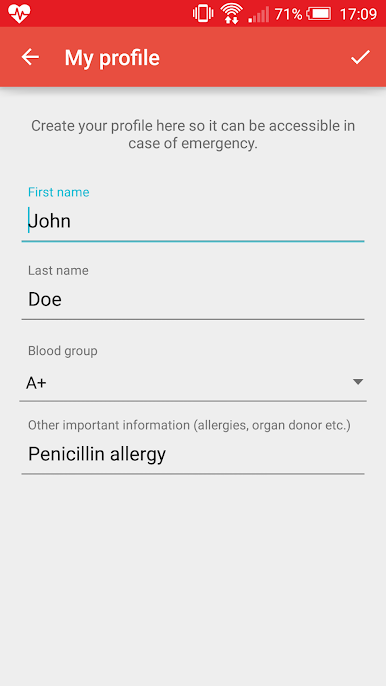
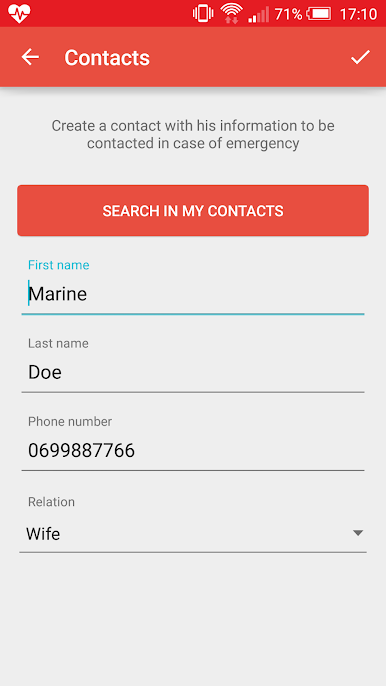
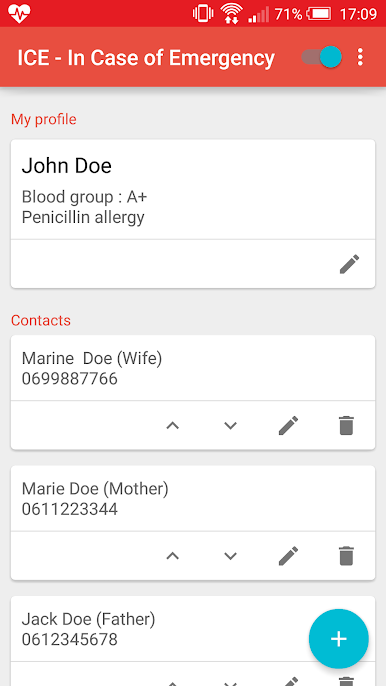
This notification will contain all necessary information and your contacts in case of emergency .
German translation by Jochen Renz.
Italian translation by Federico Marchesi.
This notification will contain all necessary information and your contacts in case of emergency .
German translation by Jochen Renz.
Italian translation by Federico Marchesi.
ICE - In Case of EmergencyをPCでプレイ
-
BlueStacksをダウンロードしてPCにインストールします。
-
GoogleにサインインしてGoogle Play ストアにアクセスします。(こちらの操作は後で行っても問題ありません)
-
右上の検索バーにICE - In Case of Emergencyを入力して検索します。
-
クリックして検索結果からICE - In Case of Emergencyをインストールします。
-
Googleサインインを完了してICE - In Case of Emergencyをインストールします。※手順2を飛ばしていた場合
-
ホーム画面にてICE - In Case of Emergencyのアイコンをクリックしてアプリを起動します。

