


Montessori Words & Phonics
BlueStacksを使ってPCでプレイ - 5憶以上のユーザーが愛用している高機能Androidゲーミングプラットフォーム

Run Montessori Words & Phonics on PC or Mac
Multitask effortlessly on your PC or Mac as you try out Montessori Words & Phonics, a Education app by L’Escapadou on BlueStacks.
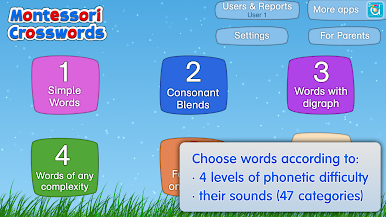
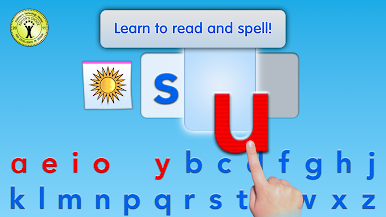
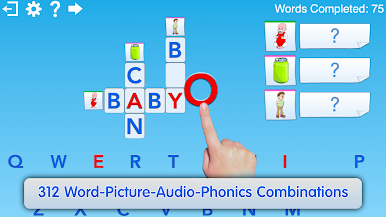
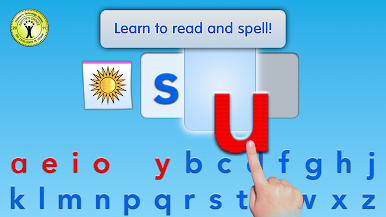
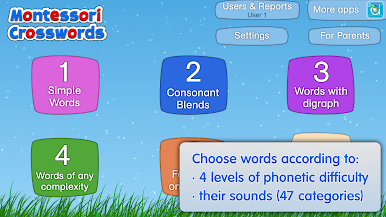
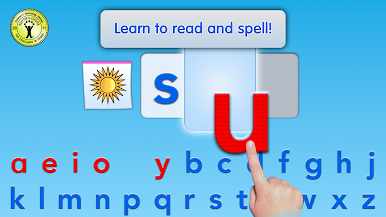
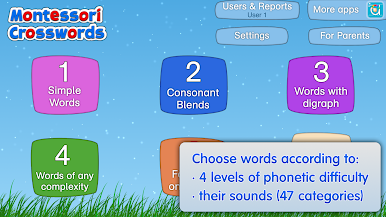
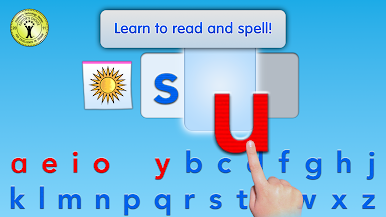
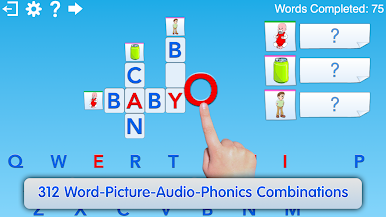
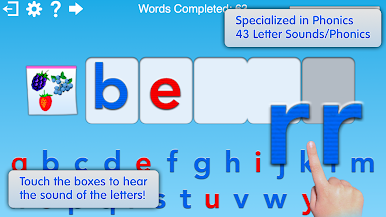
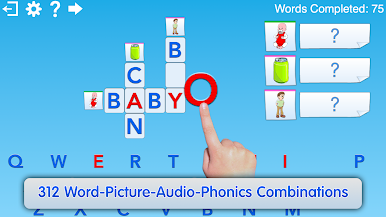
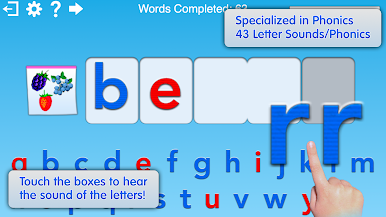
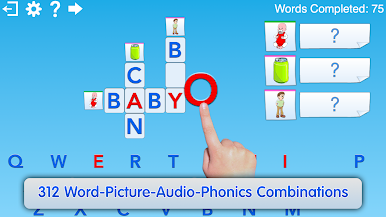
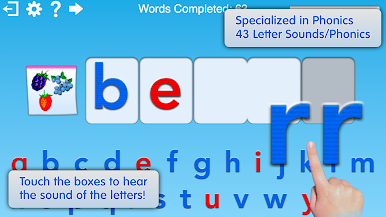
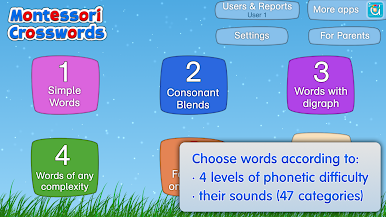
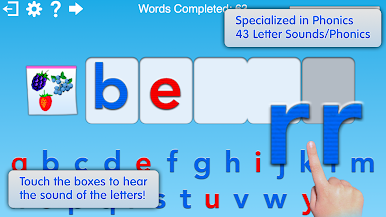
Montessori Words & Phonics feels like a calm, hands-on word lab for kids. It is built around a movable alphabet, so children drag letters into little boxes to build words and hear the exact sound each letter makes. Every word is paired with a simple picture and audio, which helps the sound click with the meaning. The app sorts words by difficulty. Level 1 sticks to short three-letter words that are great for beginners, and the next levels bring in blends and long vowels without turning it into a headache. There is also a neat option to browse by sound, like the long a or the hard k, so practice can match what a child is working on.
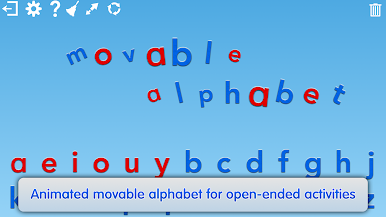
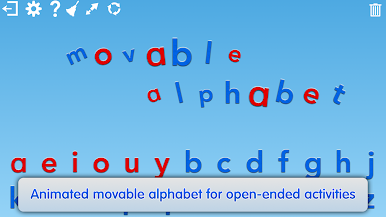
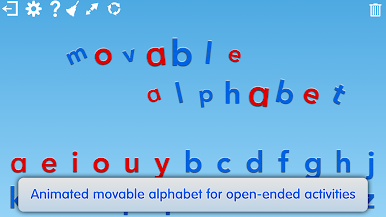
What stands out is how focused it is on phonics, not flashy rewards. Letters can be shown in capitals, lowercase, or cursive, and there is a free-play alphabet area where kids can just build and listen. Finishing a word triggers small animations and sounds, fun little touches that do not steal the show. There are hundreds of words to explore, so it does not run dry fast. On PC with BlueStacks, the bigger screen and the mouse make the drag and drop feel clean, and hearing letter sounds with a click is super clear. It looks and behaves like something a teacher would trust, steady and structured, but still friendly enough for a kid to poke around on their own or with a parent nearby.
Big screen. Bigger performance. Use BlueStacks on your PC or Mac to run your favorite apps.




Montessori Words & PhonicsをPCでプレイ
-
BlueStacksをダウンロードしてPCにインストールします。
-
GoogleにサインインしてGoogle Play ストアにアクセスします。(こちらの操作は後で行っても問題ありません)
-
右上の検索バーにMontessori Words & Phonicsを入力して検索します。
-
クリックして検索結果からMontessori Words & Phonicsをインストールします。
-
Googleサインインを完了してMontessori Words & Phonicsをインストールします。※手順2を飛ばしていた場合
-
ホーム画面にてMontessori Words & Phonicsのアイコンをクリックしてアプリを起動します。

