このページには広告が含まれます
LINE:ナンプレ

LINE:ナンプレ

アーケード | LINE (LY Corporation)

BlueStacksを使ってPCでプレイ - 5憶以上のユーザーが愛用している高機能Androidゲーミングプラットフォーム

ページ更新日: Nov 16, 2025

Play LINE:ナンプレ on PC or Mac

LINE:ナンプレ brings the Puzzle genre to life, and throws up exciting challenges for gamers. Developed by LINE (LY Corporation), this Android game is best experienced on BlueStacks, the World’s #1 app player for PC and Mac users.

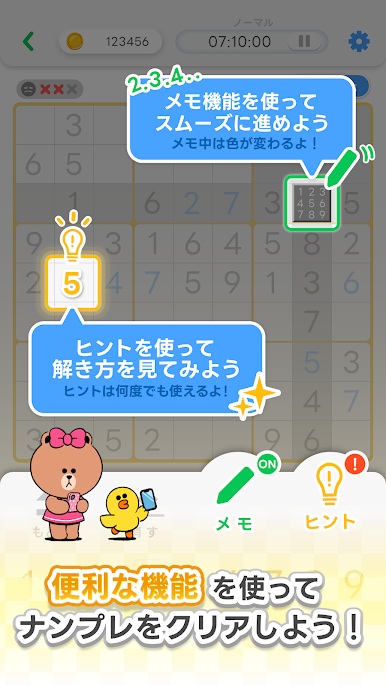
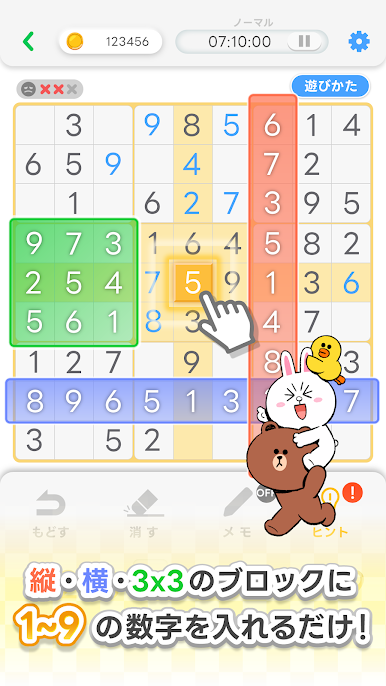
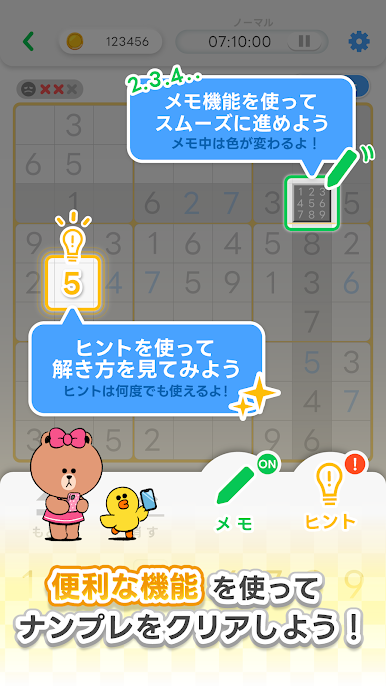
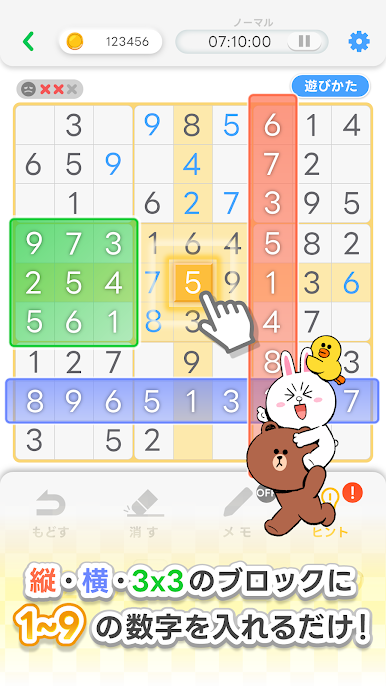
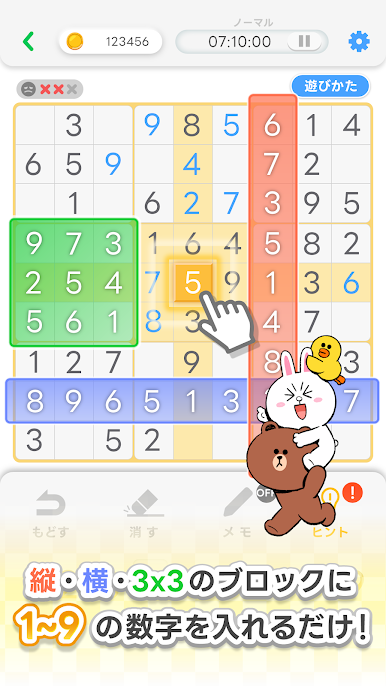
This is straight-up Sudoku dressed in LINE FRIENDS charm, so the grid feels a little friendlier thanks to Brown and the crew popping in. It sticks to the classic rules, fill 1 to 9 so each row, column, and 3×3 box has no repeats, and it keeps the controls simple. Players tap a cell, pick a number, done. The memo feature is handy when several candidates fit, quick to toggle and easy to read, so penciling in options does not feel like a chore. If a puzzle stalls, the hint button drops a single correct number so progress never totally freezes, which is nice when the brain is tired.

There is a light meta layer around the puzzles. Daily Sudoku pays extra coins, and clearing every day in a month nets a little trophy plus a bonus, which is a neat nudge to keep at it. Regular events hand out coins for finishing certain stages, and there is even a scratch ticket for extra coins, kind of a small lottery hit between games. Coins buy hints and items, so the loop makes sense without getting pushy. Difficulty lands in that comfy range from easy warm-ups to boards that actually make players slow down. On PC with BlueStacks it feels clean, bigger grid, fewer mis-taps, mouse clicks are precise and it is nice for a quick puzzle during a break. It is very pick-up-and-play, good for anyone who likes casual Sudoku with cute faces around the edges.

Get ready for a buttery smooth, high-performance gaming action only on BlueStacks.

LINE:ナンプレをPCでプレイ

  • BlueStacksをダウンロードしてPCにインストールします。

  • GoogleにサインインしてGoogle Play ストアにアクセスします。(こちらの操作は後で行っても問題ありません)

  • 右上の検索バーにLINE:ナンプレを入力して検索します。

  • クリックして検索結果からLINE:ナンプレをインストールします。

  • Googleサインインを完了してLINE:ナンプレをインストールします。※手順2を飛ばしていた場合

  • ホーム画面にてLINE:ナンプレのアイコンをクリックしてアプリを起動します。

動画の視聴