


このページには広告が含まれます
HCL Verse
ビジネス | HCL America Inc.
BlueStacksを使ってPCでプレイ - 5憶以上のユーザーが愛用している高機能Androidゲーミングプラットフォーム

Play HCL Verse on PC
Get ready for mobile email that understands you, with less clutter and more clarity, enabling you to always stay connected with your colleagues and work team. Cloud-enabled, designed for mobile devices and powered by HCL Domino, Verse helps you manage your workday more efficiently.
With HCL Verse for Android devices, you can:
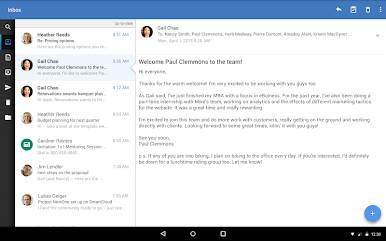
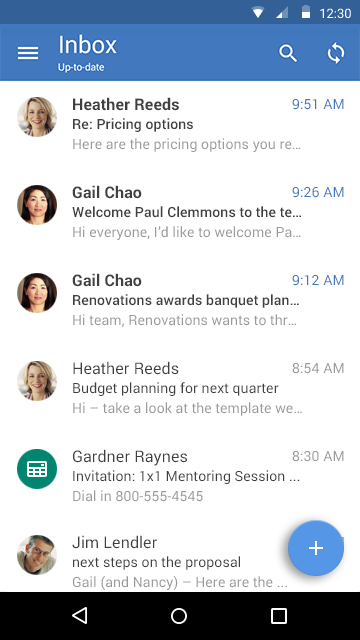
• View your inbox and easily find important messages.
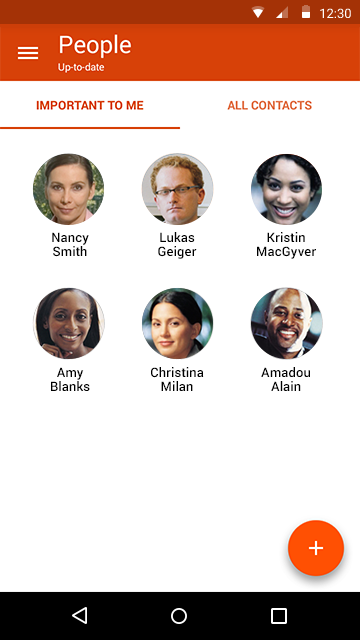
• Set colleagues you interact with often as “Important”.
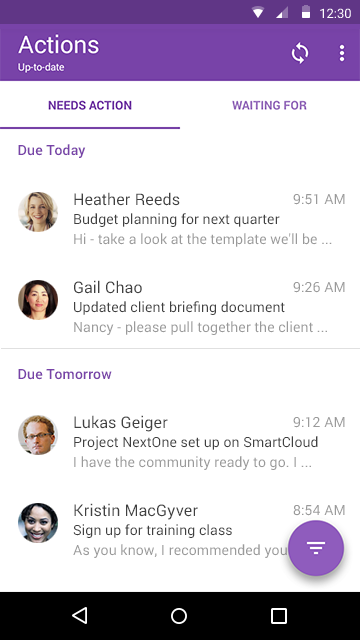
• Mark mail as “Needs Action”.
• Focus on important items that require your follow up.
• Track who owes you a response and when.
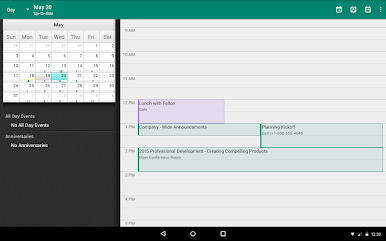
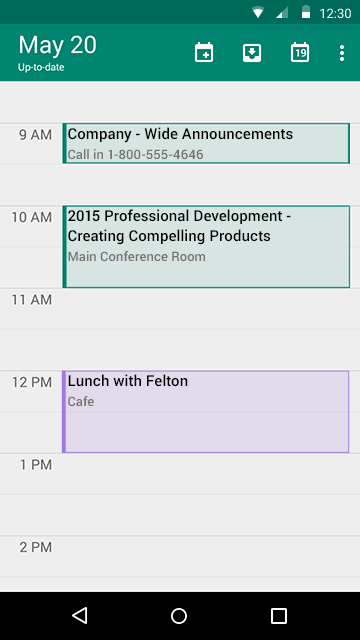
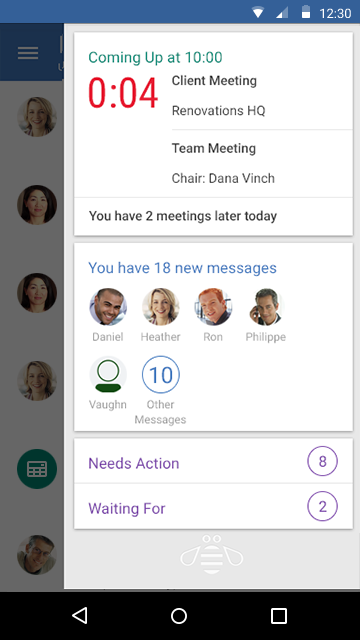
• Work seamlessly with your calendar and contacts.
• Create calendar events and invite coworkers.
• Work faster using app “swipe” actions for messages and calendar.
• Add attachments to your emails.
Our HCL Verse mobile app means you can essentially work from anywhere, at any time. It increases your efficiency by not only enabling you to view and respond to emails on-the-go, but also receive instant notifications and reminders. Set yourself free with mobile email from Verse.
If you are an end user and experiencing a problem, please contact your company IT help desk. If you are a Traveler administrator experiencing a problem, please contact HCL Customer support:
https://support.hcl-software.com/csm
For more information about HCL Verse, see:
https://hcl-software.com/verse
Master License Agreement - https://hcl-software.com/resources/master-agreements
With HCL Verse for Android devices, you can:
• View your inbox and easily find important messages.
• Set colleagues you interact with often as “Important”.
• Mark mail as “Needs Action”.
• Focus on important items that require your follow up.
• Track who owes you a response and when.
• Work seamlessly with your calendar and contacts.
• Create calendar events and invite coworkers.
• Work faster using app “swipe” actions for messages and calendar.
• Add attachments to your emails.
Our HCL Verse mobile app means you can essentially work from anywhere, at any time. It increases your efficiency by not only enabling you to view and respond to emails on-the-go, but also receive instant notifications and reminders. Set yourself free with mobile email from Verse.
If you are an end user and experiencing a problem, please contact your company IT help desk. If you are a Traveler administrator experiencing a problem, please contact HCL Customer support:
https://support.hcl-software.com/csm
For more information about HCL Verse, see:
https://hcl-software.com/verse
Master License Agreement - https://hcl-software.com/resources/master-agreements
HCL VerseをPCでプレイ
-
BlueStacksをダウンロードしてPCにインストールします。
-
GoogleにサインインしてGoogle Play ストアにアクセスします。(こちらの操作は後で行っても問題ありません)
-
右上の検索バーにHCL Verseを入力して検索します。
-
クリックして検索結果からHCL Verseをインストールします。
-
Googleサインインを完了してHCL Verseをインストールします。※手順2を飛ばしていた場合
-
ホーム画面にてHCL Verseのアイコンをクリックしてアプリを起動します。

