


IELTS Exam Preparation, Lesson
BlueStacksを使ってPCでプレイ - 5憶以上のユーザーが愛用している高機能Androidゲーミングプラットフォーム

Run IELTS Exam Preparation, Lesson on PC or Mac
Upgrade your experience. Try IELTS Exam Preparation, Lesson, the fantastic Education app from Magoosh, from the comfort of your laptop, PC, or Mac, only on BlueStacks.
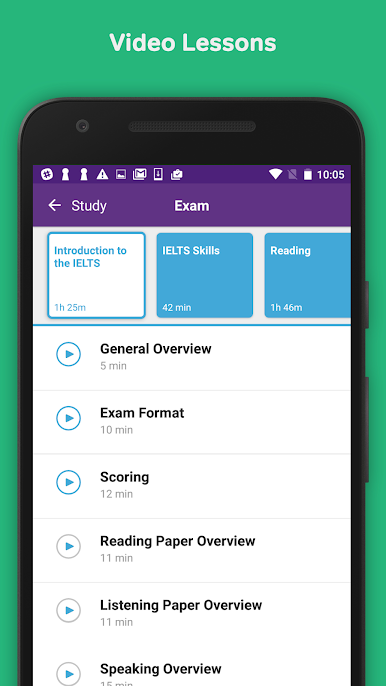
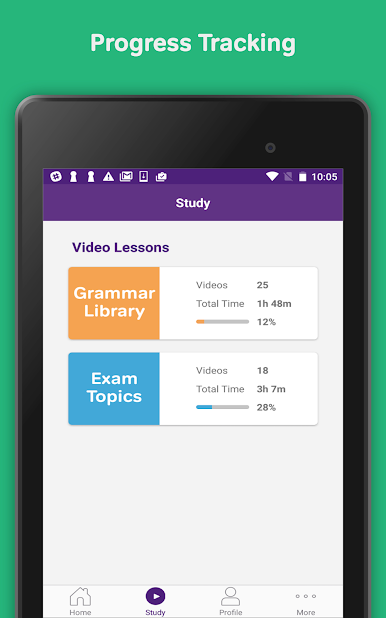
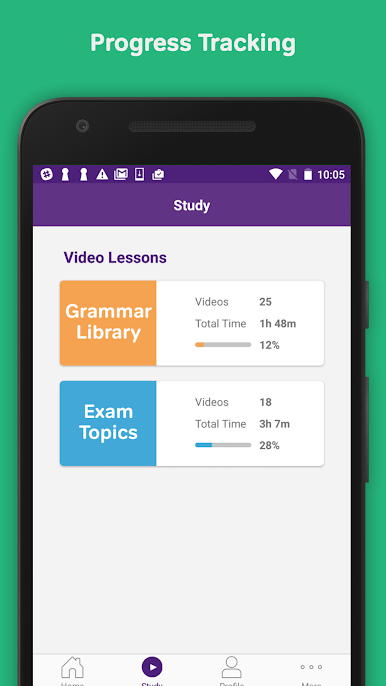
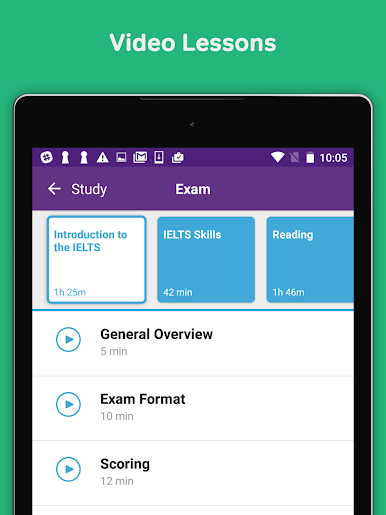
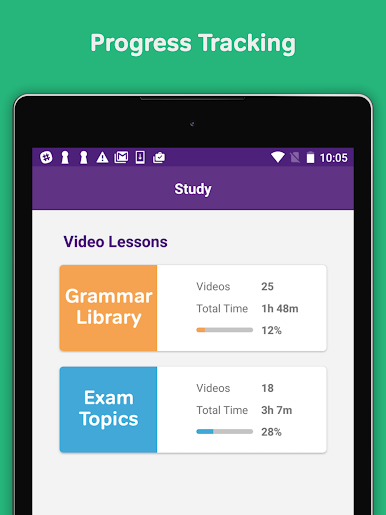
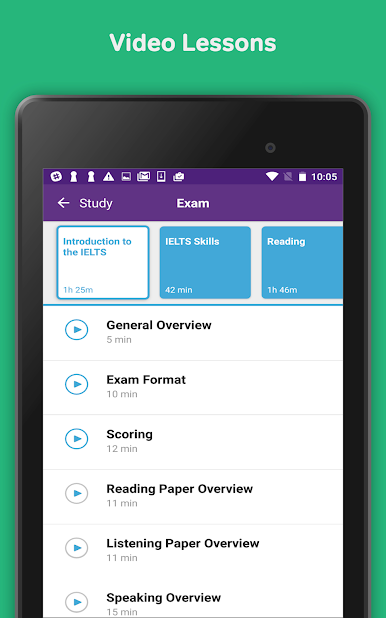
So this IELTS Exam Preparation, Lesson app is basically a huge toolkit for getting ready for the IELTS test. It’s loaded with video lessons—over 90 of them, actually—and all the content is put together by folks who really know their stuff. Some of the names pop up a lot in IELTS prep circles, so there’s a sense you’re getting info from people who’ve been doing this forever. The app covers just about every part of the test: reading, listening, writing, speaking, even grammar. Everything’s laid out so it’s easy to tell what needs work, and the progress tracking is clear.
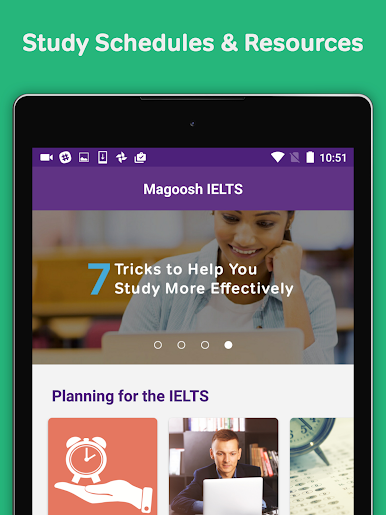
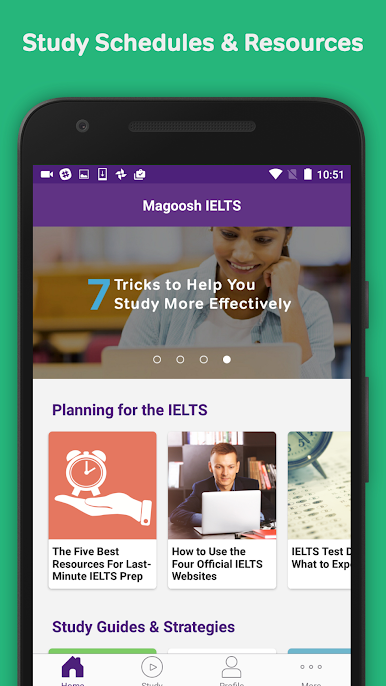
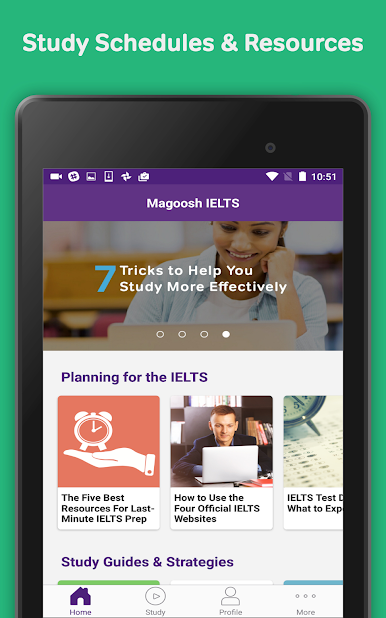
There are study guides and schedules if having some structure helps. Feels pretty organized, and the updates keep things fresh. What stands out is how polished the explanations are—like they took time making sure definitions or example sentences actually make sense if English isn’t a first language. The blog inside the app is surprisingly useful, too. Learning on PC with BlueStacks makes it less cramped than on a phone, especially for watching those longer video lessons or following along with practice questions. So whether someone is just starting or trying to sharpen a specific skill, everything for IELTS prep seems to be packed in here.
BlueStacks brings your apps to life on a bigger screen—seamless and straightforward.
IELTS Exam Preparation, LessonをPCでプレイ
-
BlueStacksをダウンロードしてPCにインストールします。
-
GoogleにサインインしてGoogle Play ストアにアクセスします。(こちらの操作は後で行っても問題ありません)
-
右上の検索バーにIELTS Exam Preparation, Lessonを入力して検索します。
-
クリックして検索結果からIELTS Exam Preparation, Lessonをインストールします。
-
Googleサインインを完了してIELTS Exam Preparation, Lessonをインストールします。※手順2を飛ばしていた場合
-
ホーム画面にてIELTS Exam Preparation, Lessonのアイコンをクリックしてアプリを起動します。

