


このページには広告が含まれます
Barcode Scanner
ライブラリとデモ | Cognex Corporation
BlueStacksを使ってPCでプレイ - 5憶以上のユーザーが愛用している高機能Androidゲーミングプラットフォーム

Play Barcode Scanner on PC
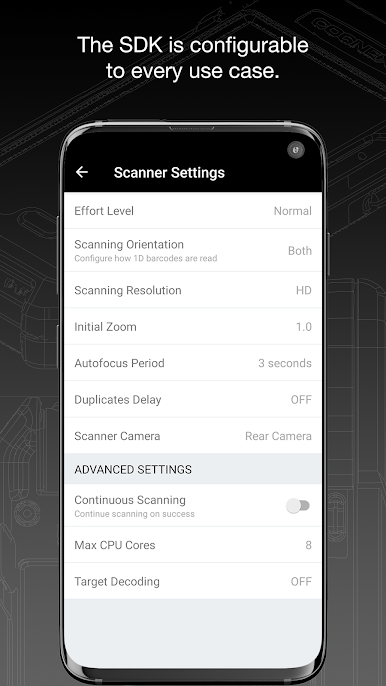
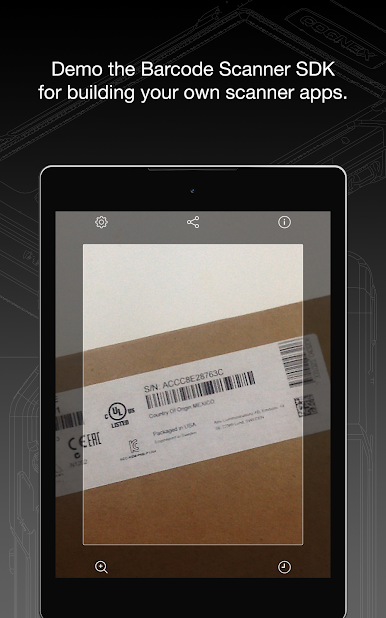
Barcode scanning made simple!
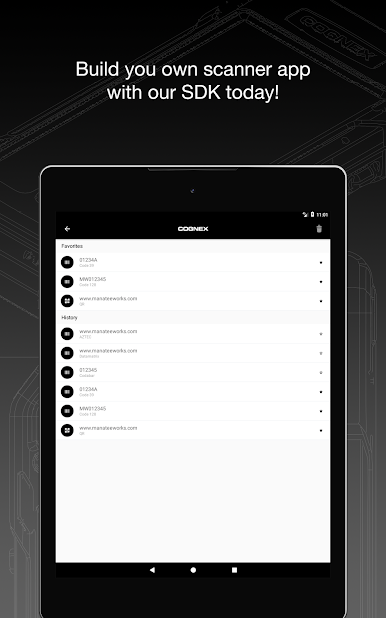
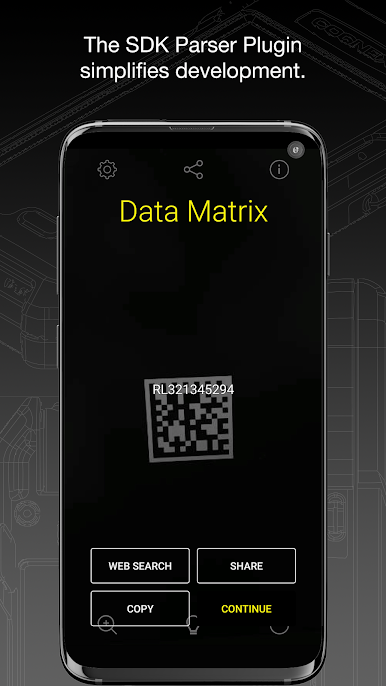
Use this powerful app to easily scan over 30 different types of barcodes, including QR, UPC, GS1, Data Matrix, PDF417, DotCode, and many others.
The Cognex Barcode Scanners application reads all major barcode symbologies, including Aztec Code, Codabar, Code 11, Code 25 (Interleaved, Industrial, COOP, Matrix and ITF-14), Code 39, Code 93, Code 128, Data Matrix, DotCode, EAN, ISBN, GS1 DataBar, MaxiCode, MSI Plessey, PDF417, Micro PDF417, Postal Codes, QR Code (Micro and Standard), TELEPEN and UPC barcode types, as well as GS1 sub-types like GS1 QR Code, GS1 Data Matrix and GS1-128.
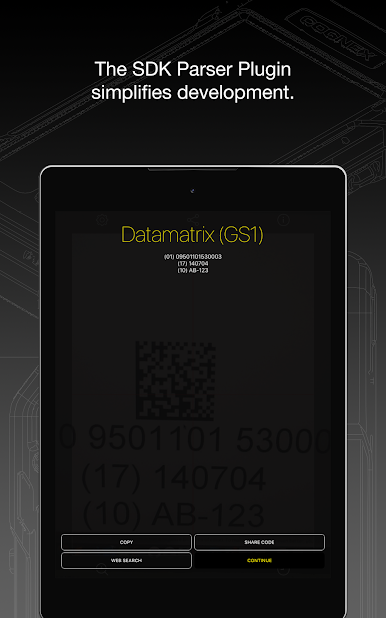
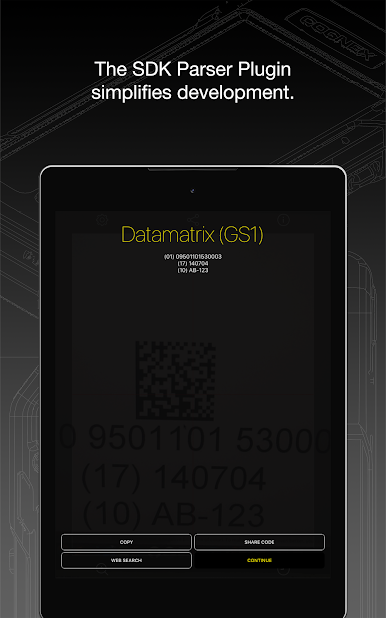
The app also provides powerful parsers to examine industry standard formatted barcodes more easily such as AAMVA (US and Canadian Driver’s Licenses), GS1, IUID, Structured Carrier Messages (MaxiCode), and more!
To learn more about Cognex's high-speed barcode scanning and computer vision solutions, visit https://www.cognex.com.
Use this powerful app to easily scan over 30 different types of barcodes, including QR, UPC, GS1, Data Matrix, PDF417, DotCode, and many others.
The Cognex Barcode Scanners application reads all major barcode symbologies, including Aztec Code, Codabar, Code 11, Code 25 (Interleaved, Industrial, COOP, Matrix and ITF-14), Code 39, Code 93, Code 128, Data Matrix, DotCode, EAN, ISBN, GS1 DataBar, MaxiCode, MSI Plessey, PDF417, Micro PDF417, Postal Codes, QR Code (Micro and Standard), TELEPEN and UPC barcode types, as well as GS1 sub-types like GS1 QR Code, GS1 Data Matrix and GS1-128.
The app also provides powerful parsers to examine industry standard formatted barcodes more easily such as AAMVA (US and Canadian Driver’s Licenses), GS1, IUID, Structured Carrier Messages (MaxiCode), and more!
To learn more about Cognex's high-speed barcode scanning and computer vision solutions, visit https://www.cognex.com.

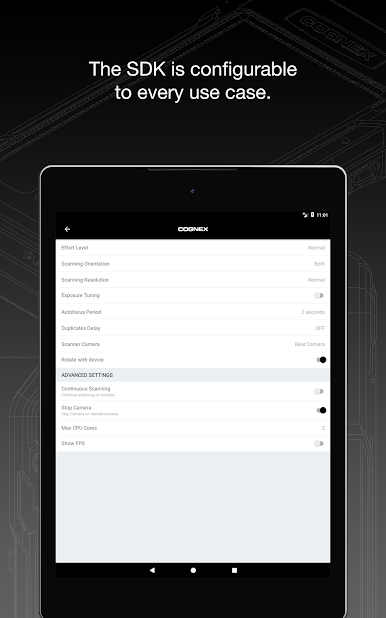
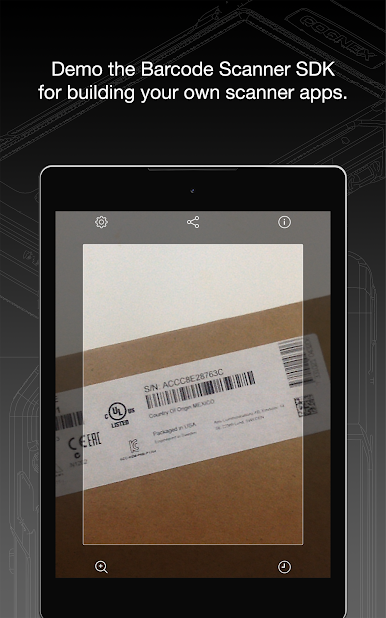
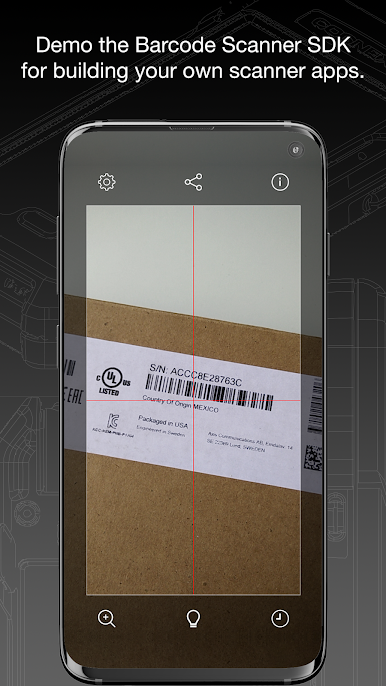
Barcode ScannerをPCでプレイ
-
BlueStacksをダウンロードしてPCにインストールします。
-
GoogleにサインインしてGoogle Play ストアにアクセスします。(こちらの操作は後で行っても問題ありません)
-
右上の検索バーにBarcode Scannerを入力して検索します。
-
クリックして検索結果からBarcode Scannerをインストールします。
-
Googleサインインを完了してBarcode Scannerをインストールします。※手順2を飛ばしていた場合
-
ホーム画面にてBarcode Scannerのアイコンをクリックしてアプリを起動します。

