

Birthdays: Reminder & calendar
BlueStacksを使ってPCでプレイ - 5憶以上のユーザーが愛用している高機能Androidゲーミングプラットフォーム

Run Birthdays for Android on PC or Mac
Let BlueStacks turn your PC, Mac, or laptop into the perfect home for Birthdays for Android, a fun Productivity app from Open Me.
About the App
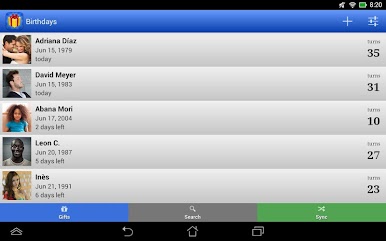
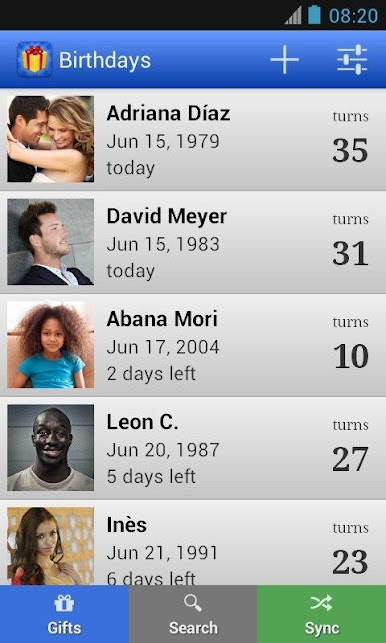
Remembering everyone’s birthday can feel like a superpower—but with Birthdays for Android from Open Me, it’s actually pretty easy. This handy productivity app keeps all your important days in one spot, so you’re never caught off guard by a forgotten birthday, anniversary, or special date. Think of it as your dedicated memory for those moments that matter, making it simple to stay connected with friends and family.
App Features
-
Effortless Reminders
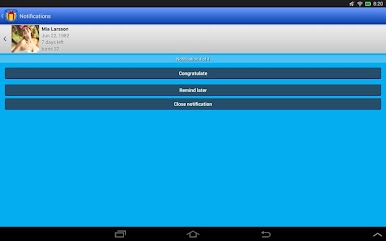
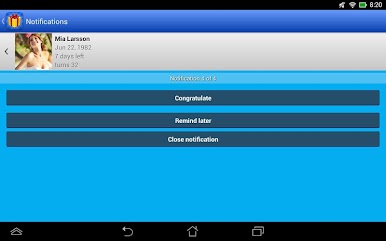
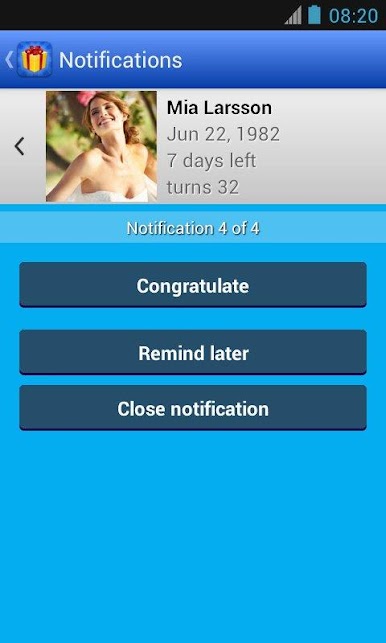
Pick whether you want a gentle nudge on the day of or a heads-up before the big event. You’re free to set reminders however works best for you. -
Easy Data Sync
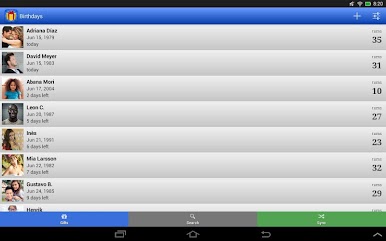
Enter birthdays yourself, or just sync up with your contacts list—no need to update everything twice. The app checks for duplicates, so you don’t have to worry about clutter. -
Home Screen Widgets
Glance at upcoming birthdays right from your home screen with four neat widget styles. No digging—just instant info. -
Quick Contacts
Want to send birthday wishes? Shoot a message or call straight from the app—it takes just one tap. -
Zodiac Goodies
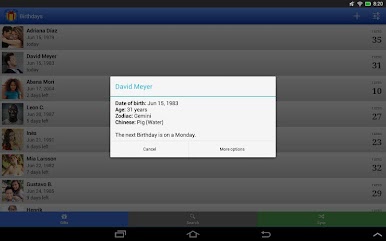
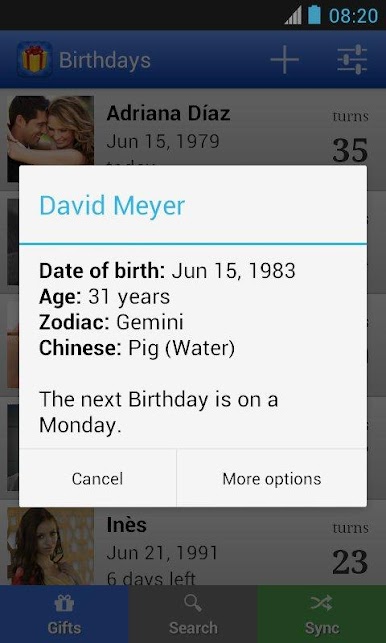
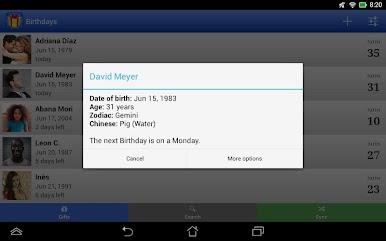
Ever wondered if your friend’s a Leo or maybe a Rabbit? Birthdays for Android shows both Western and Chinese zodiac signs for a fun twist. -
Reliable Backups
Got a new phone? No problem. Backup your special dates to your external storage and transfer them to another Android device whenever you want. -
Smart Permissions
The app only touches your contacts when it needs to—no unnecessary data grabs. You’re in control, always. -
Runs on BlueStacks Too
Prefer handling your planning on your computer? You can run Birthdays for Android using BlueStacks whenever you want a bigger screen experience.
Big screen. Bigger performance. Use BlueStacks on your PC or Mac to run your favorite apps.
Birthdays: Reminder & calendarをPCでプレイ
-
BlueStacksをダウンロードしてPCにインストールします。
-
GoogleにサインインしてGoogle Play ストアにアクセスします。(こちらの操作は後で行っても問題ありません)
-
右上の検索バーにBirthdays: Reminder & calendarを入力して検索します。
-
クリックして検索結果からBirthdays: Reminder & calendarをインストールします。
-
Googleサインインを完了してBirthdays: Reminder & calendarをインストールします。※手順2を飛ばしていた場合
-
ホーム画面にてBirthdays: Reminder & calendarのアイコンをクリックしてアプリを起動します。

