


Marketagent
BlueStacksを使ってPCでプレイ - 5憶以上のユーザーが愛用している高機能Androidゲーミングプラットフォーム

Run Marketagent on PC or Mac
Let BlueStacks turn your PC, Mac, or laptop into the perfect home for Marketagent, a fun Communication app from Marketagent.com online reSEARCH GmbH.
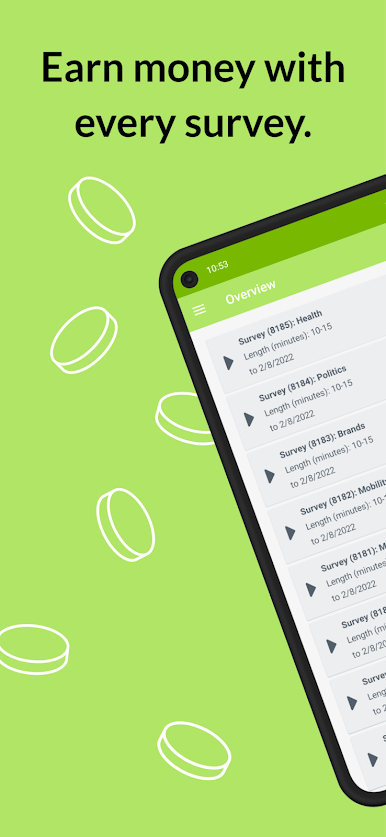
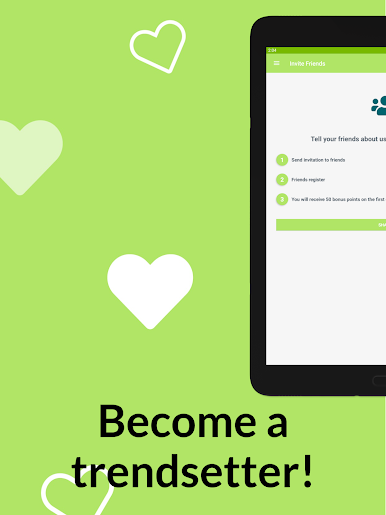
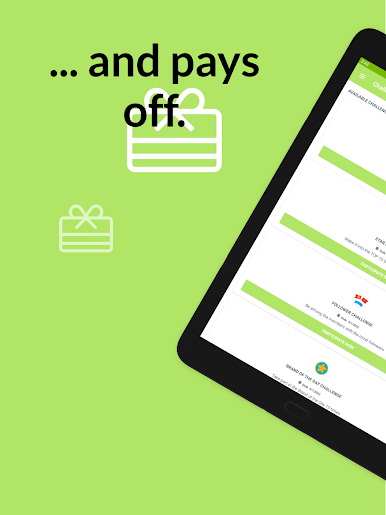
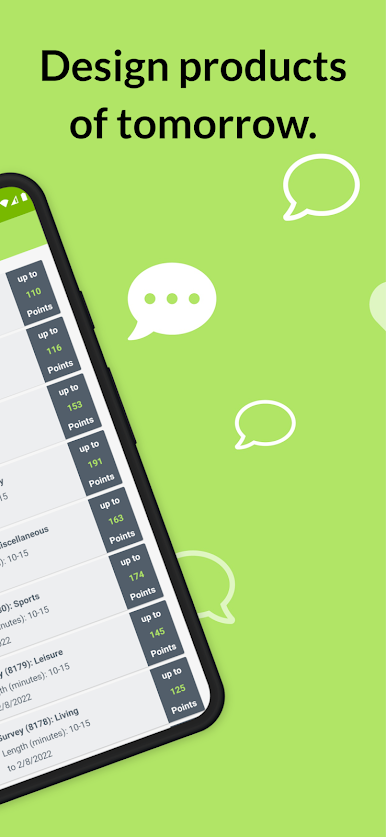
Marketagent’s one of those apps where you answer surveys for points, but it’s a bit more organized than most. After getting set up, there’s a steady flow of short questionnaires popping up – some days it’s just a few questions, sometimes a more detailed one lands in the inbox. There’s a points system for each finished survey, and those points can turn into rewards. It’s not just about racking up points, though; lots of the surveys feel relevant, hitting on current trends or stuff people actually talk about. Sometimes there’s a quick poll, other times you get invited to a longer survey out of the blue, which is usually worth a bit more.
Running it on PC through BlueStacks makes the whole thing feel less cramped than tapping answers on a phone, and there’s a dashboard where anyone can check how many points they’ve got or what rewards are in reach. Everything’s laid out cleanly – easy to see incoming invites and what’s pending, so nobody’s left wondering what to do next. There’s no pressure if someone skips a day, either. So, it’s mostly just logging in when there’s time, sharing some opinions, and slowly building up points along the way.
Big screen. Bigger performance. Use BlueStacks on your PC or Mac to run your favorite apps.








MarketagentをPCでプレイ
-
BlueStacksをダウンロードしてPCにインストールします。
-
GoogleにサインインしてGoogle Play ストアにアクセスします。(こちらの操作は後で行っても問題ありません)
-
右上の検索バーにMarketagentを入力して検索します。
-
クリックして検索結果からMarketagentをインストールします。
-
Googleサインインを完了してMarketagentをインストールします。※手順2を飛ばしていた場合
-
ホーム画面にてMarketagentのアイコンをクリックしてアプリを起動します。

